Orientação gerada a partir de informações públicas. Apenas para referência.
ScrollSnapList é um widget do Flutter projetado para habilitar rolagem suave com alinhamento automático aos itens em listas. Quando os usuários rolam, a lista automaticamente se ajusta ao item mais próximo, melhorando a navegação em interfaces semelhantes a carrosséis ou paginadas. Ele suporta todas as principais plataformas, incluindo Android, iOS, Web, macOS, Windows e Linux. O pacote simplifica a implementação de interações baseadas em rolagem onde o alinhamento preciso com itens da lista é essencial, como em sliders de imagens, telas de introdução ou conteúdo com abas. Desenvolvido com foco em desempenho e facilidade de uso, integra-se perfeitamente em projetos Flutter existentes.
Casos de uso
Telas de onboarding
Carrosséis de imagens
Navegação de conteúdo com guias
Controles deslizantes de produtos
Listas paginadas
Tutoriais interativos
Principais recursos
Auto-encaixe em itens
Transições de rolagem suave
Suporte multiplataforma
Integração simples
Comportamento de encaixe personalizável
Suporta layouts verticais e horizontais
Indicado para
Desenvolvedores construindo interfaces de lista interativas
Designers implementando navegação baseada em deslize
Aplicativos que exigem alinhamento de rolagem preciso
Projetos com necessidade de carrossel ou paginação
Iniciantes do Flutter procurando controles de rolagem intuitivos
Considerações
Pode exigir estilos adicionais para animações personalizadas
Impacto no desempenho com conjuntos de dados muito grandes
Personalização limitada de gestos embutidos
Não é ideal para rolagem contínua sem fixação
Requer um manuseio cuidadoso dos tamanhos dos itens para uma fixação consistente
README original
Snapshot do README original do repositório-fonte vinculado. Consulte o repositório para o conteúdo mais recente.
scroll_snap_list
A wrapper for ListView.builder widget that allows "snaping" event to an item at the end of user-scroll.
This widget allows unrestricted scrolling (unlike other widget that only able to "snap" to left/right neighbor at a time).
Support horizontal & vertical list
Use ListView.Builder, means no Animation
You can use this widget to achieve:
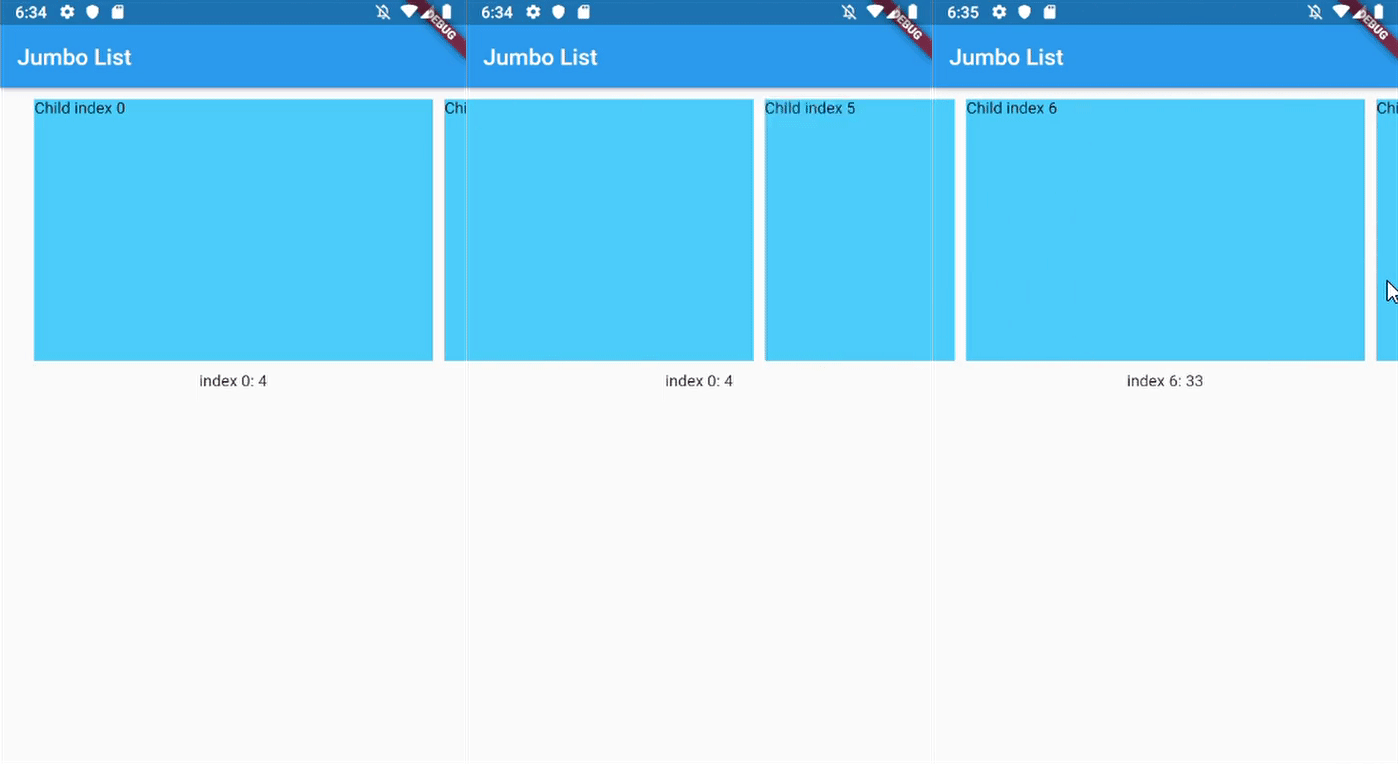
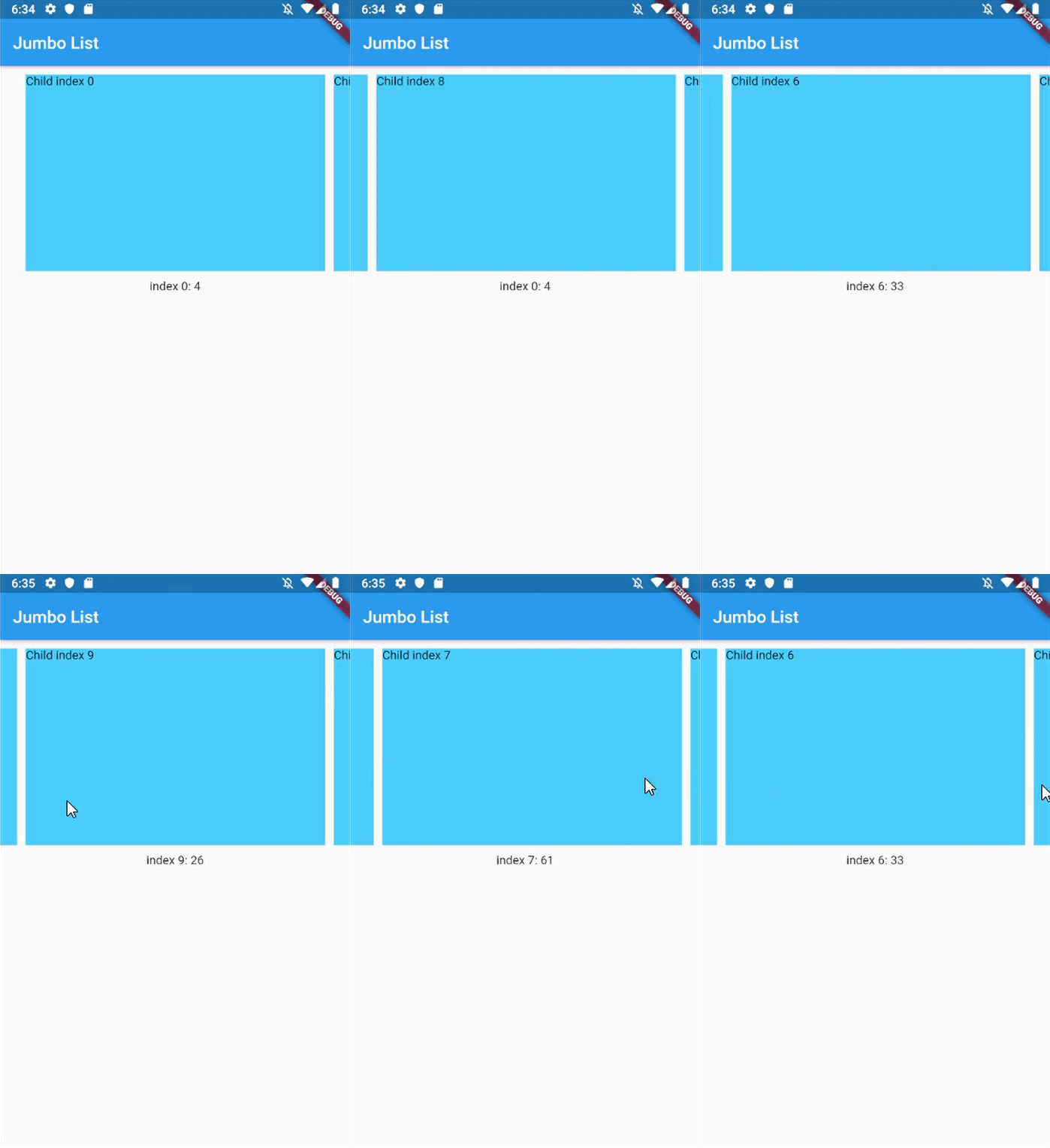
Unrestricted scrollable Jumbotron
Show daily entry for Health App and shows its detail directly below the list (reduce number of click)
Scrollable InputSelect, like datetime picker in cupertino
Horizontal Jumbotron List
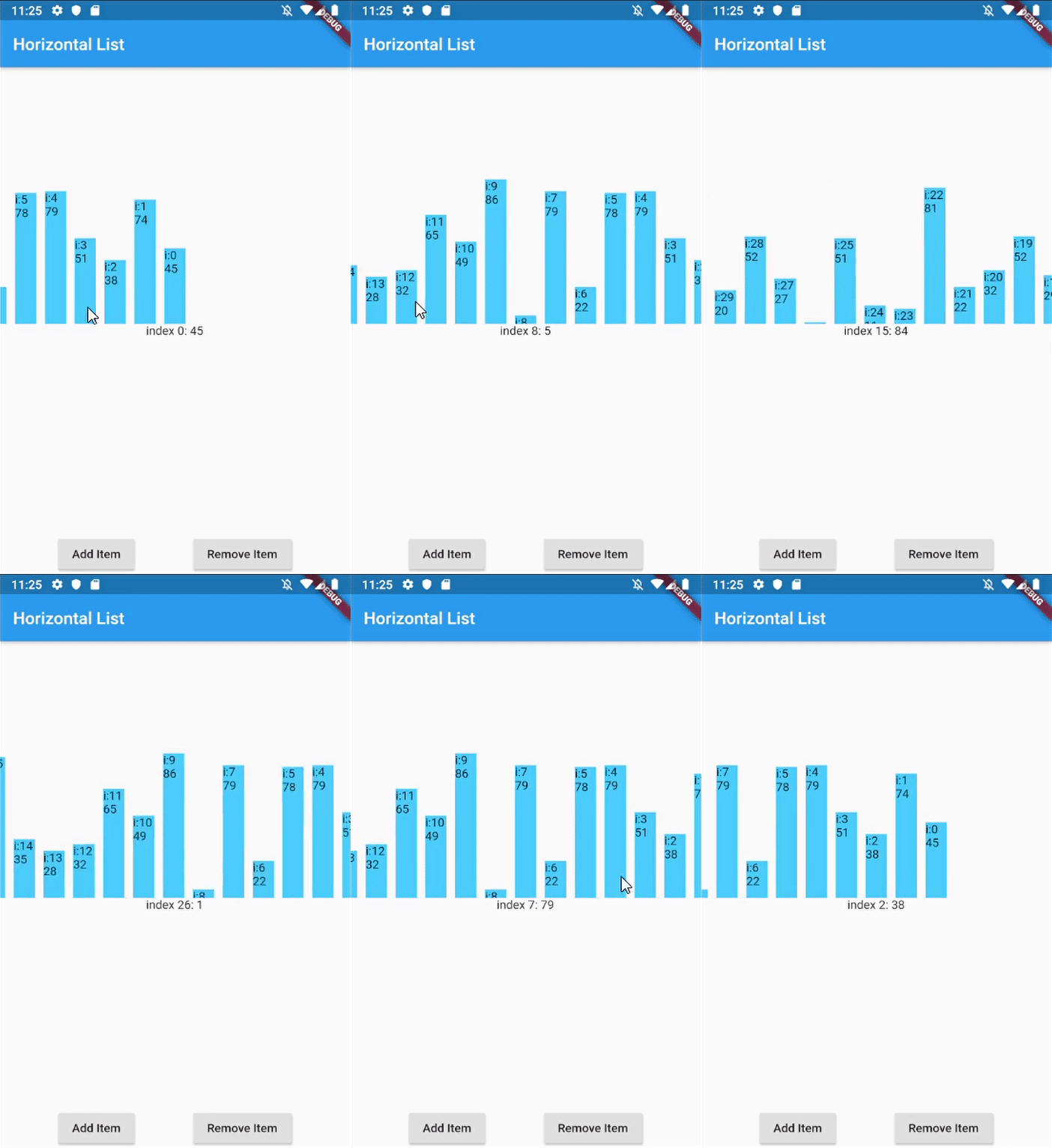
Horizontal List with infinite-loading
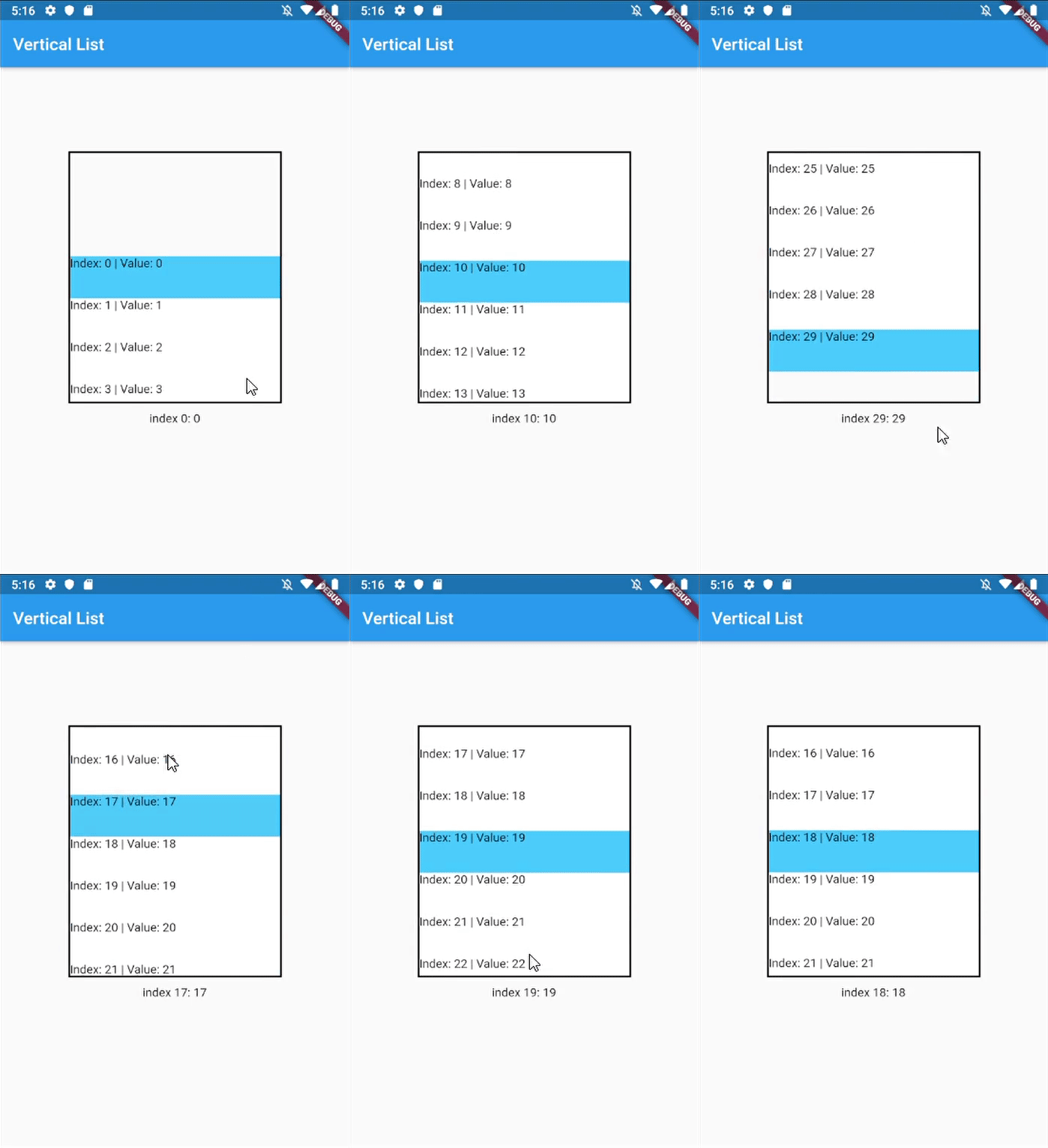
Vertical list with InkWell ListItems
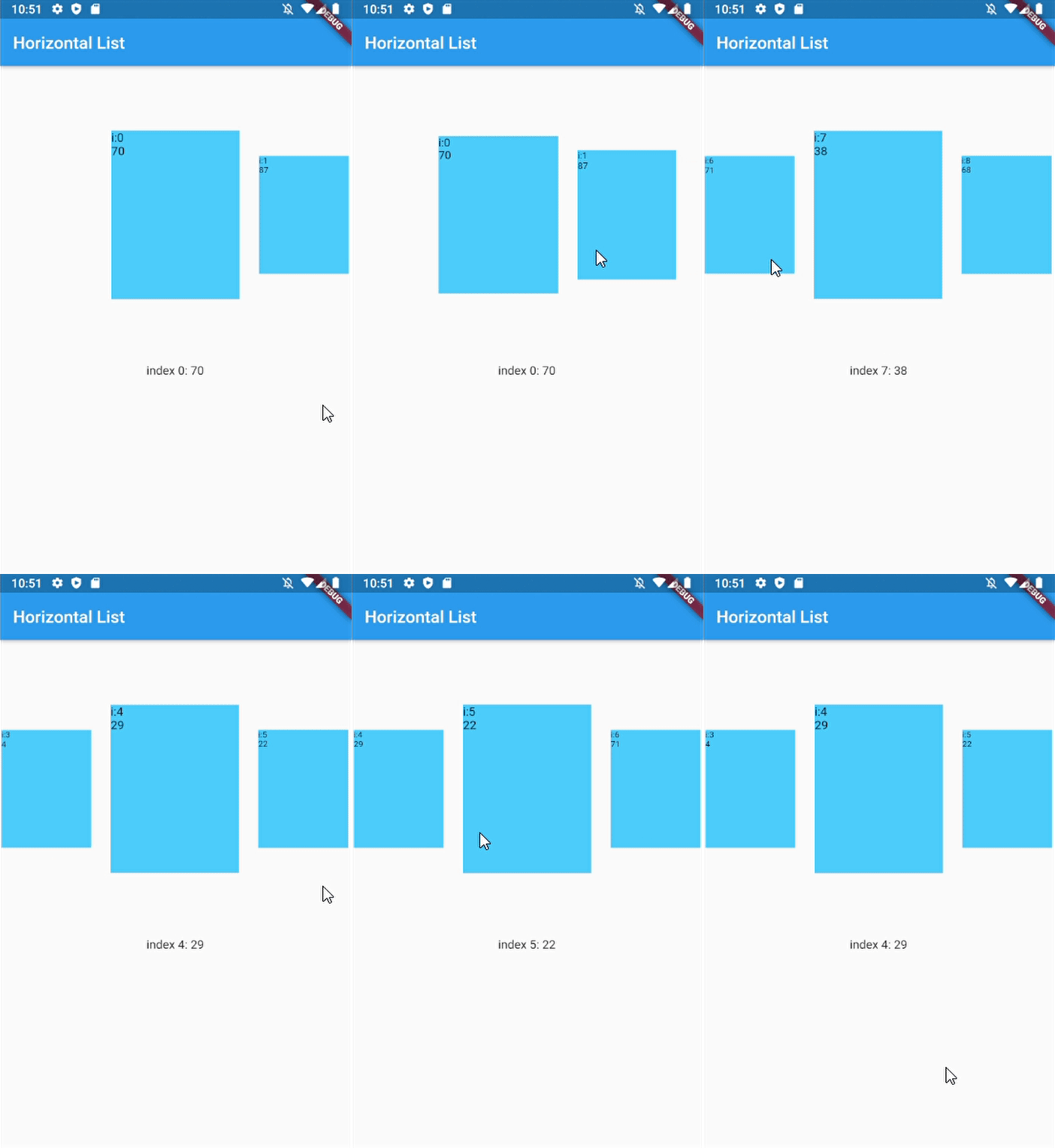
Horizontal with dynamic item size
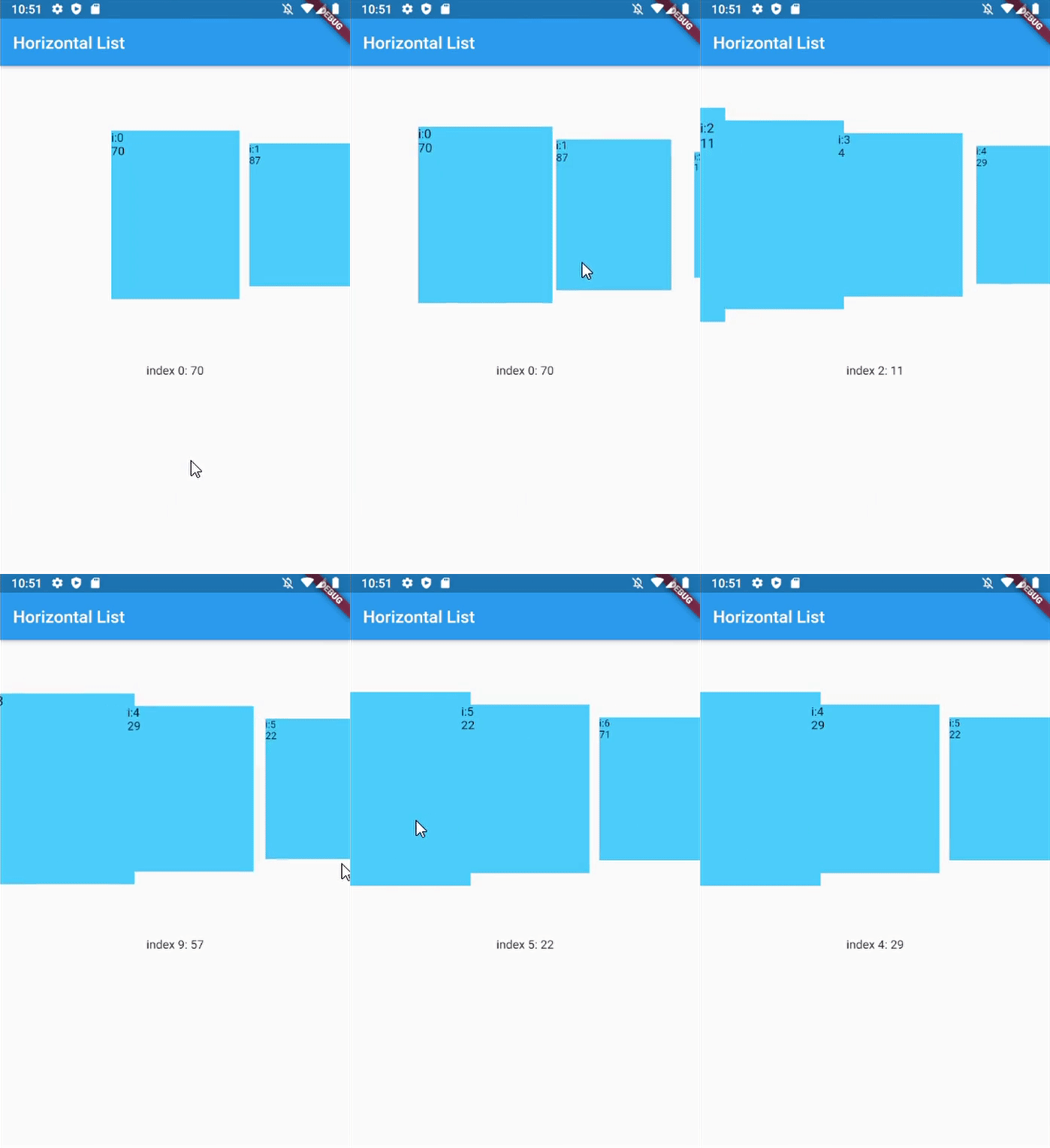
Horizontal with custom dynamic item size
Getting Started
In your flutter project pubspec.yaml add the dependency:
dependencies:...scroll_snap_list:^[version]
Usage example
This library doesn't use other library, so it should work out of the box.
Key for ScrollSnapList, used to call ScrollSnapListState
listViewKey
Key for ListView inside ScrollSnapListState, often used to preserve scroll location
itemBuilder
Same as ListView's itemBuilder
curve
Animation curve when snapping
duration
Animation duration
endOfListTolerance
Pixel tolerance to trigger onReachEnd
focusOnItemTap
Focus to an item when user tap on it. Inactive if the list-item have its own onTap detector (use state-key to help focusing instead).
focusToItem
Method to manually trigger focus to an item. Call with help of GlobalKey<ScrollSnapListState>
margin
Container's margin
itemCount
Number of item in this list
itemSize
Size used is width if scrollDirection is Axis.horizontal, height if Axis.vertical. Composed of the size of each item + its margin/padding.
onItemFocus
Callback function when list snaps/focuses to an item
onReachEnd
Callback function when user reach end of list. E.g. load more data from db
reverse
Same as ListView's reverse to reverse scrollDirection
updateOnScroll
Calls onItemFocus (if it exists) when ScrollUpdateNotification fires
initialIndex
Optional initial position which will not snap until after the first drag
scrollDirection
ListView's scrollDirection
listController
External ScrollController
dynamicItemSize
Scale item's size depending on distance to center
dynamicSizeEquation
Custom equation to determine dynamic item scaling calculation
dynamicItemOpacity
Custom opacity for offset item (single value)
selectedItemAnchor
Anchor location for selected item in the list (Start, Middle, End)
shrinkWrap
ListView's shrinkWrap
scrollPhysics
ListView's scrollPhysics
clipBehavior
ListView's clipBehavior
keyboardDismissBehavior
ListView's keyboardDismissBehavior
allowAnotherDirection
Allow List items to be scrolled using other direction
dispatchScrollNotifications
Control if ScrollNotifications should be dispatched to further ancestors. Default: false
Other Notice
By default, SnapScrollList set focusOnItemTap as true. Means any tap event on items will trigger snap/focus event to that item.
This behavior use GestureDetector, so if the list's items have their own detector (e.g. InkWell, Button), SnapScrollList unable to trigger snap event on its own. To handle this, we may use GlobalKey<ScrollSnapListState> to trigger the event manually.