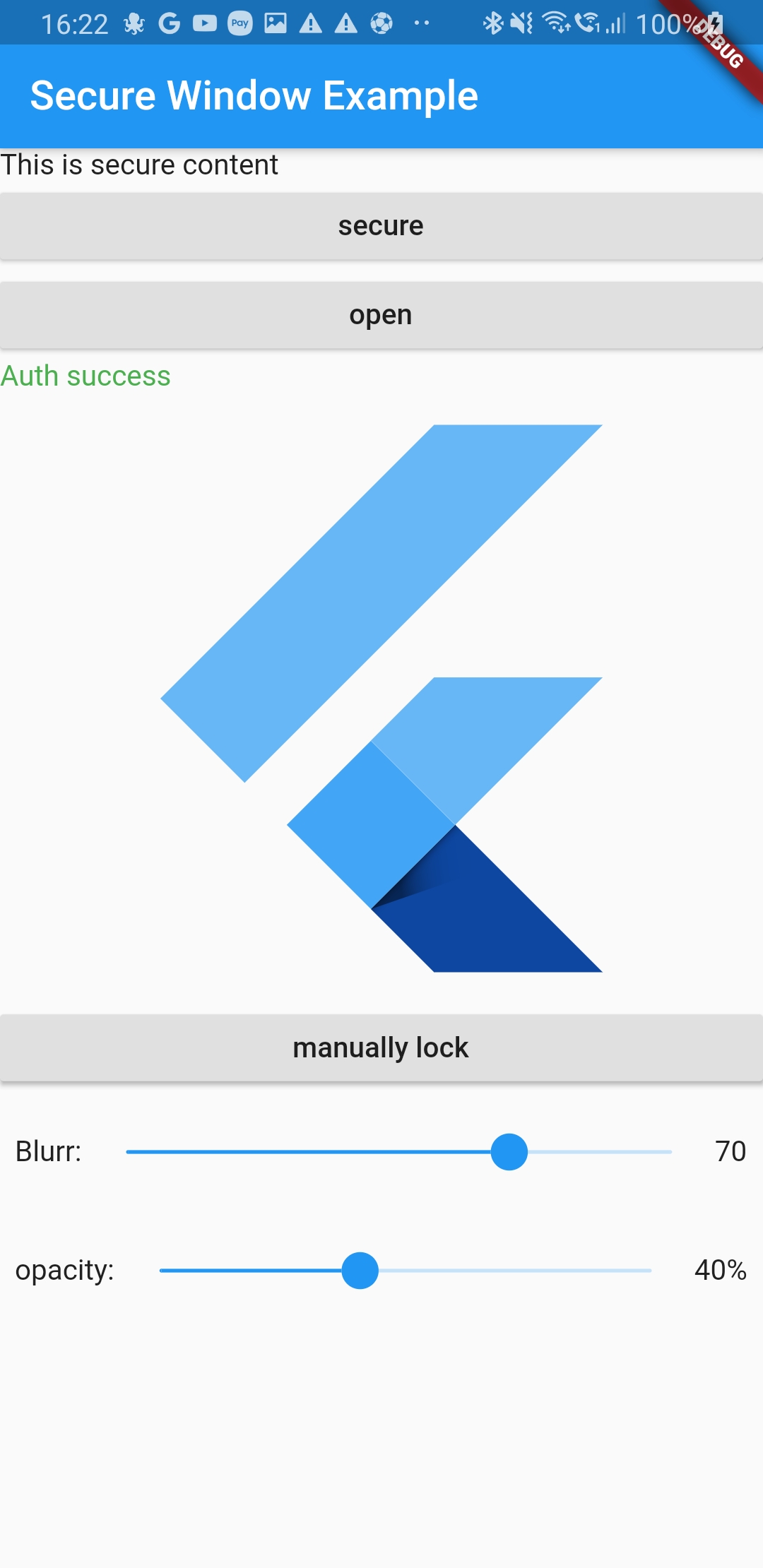
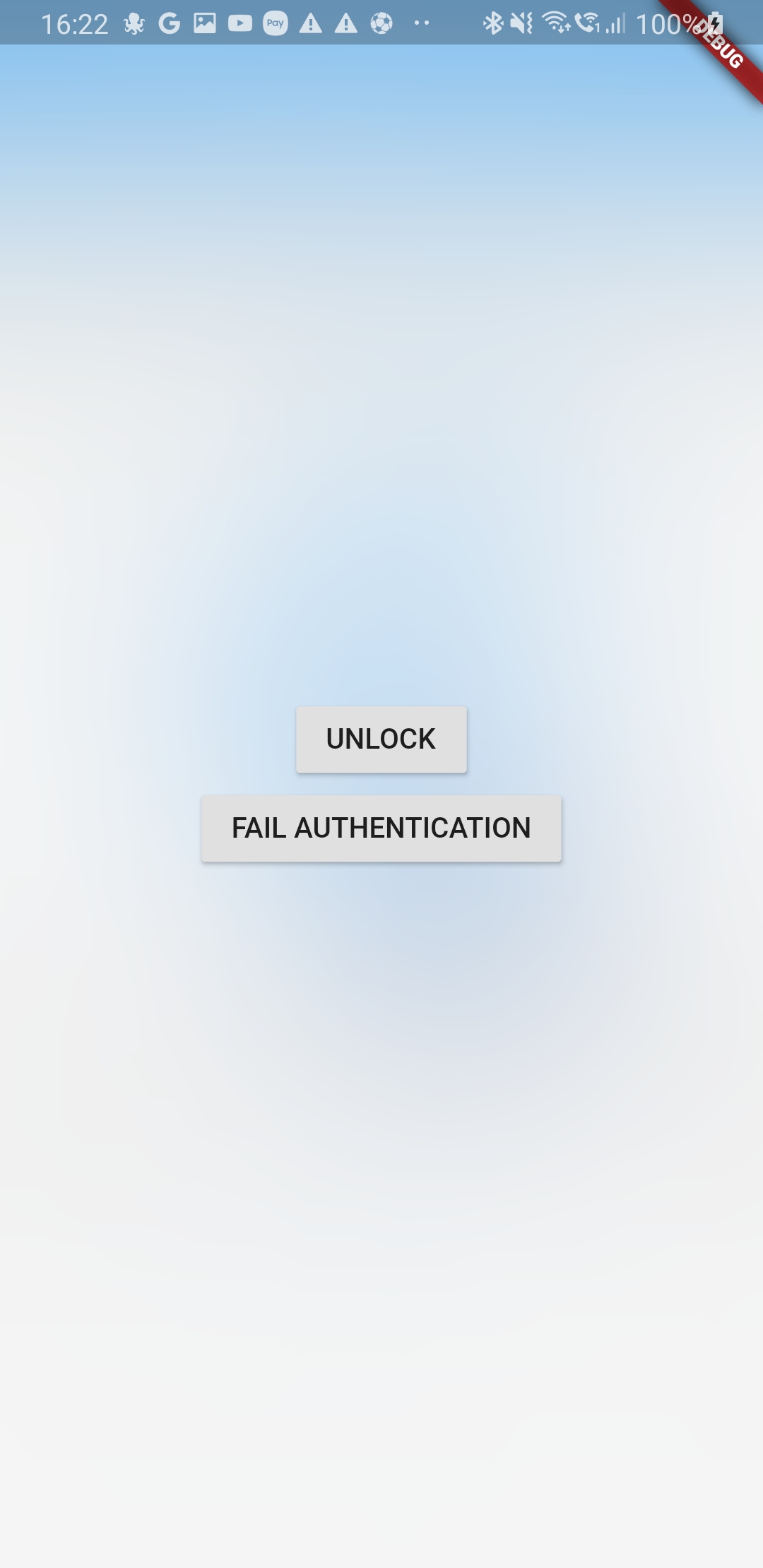
Garanta a visibilidade segura do conteúdo do aplicativo quando o usuário sair. O conteúdo será oculto no switcher de apps e aparecerá uma barreira de geada acima do conteúdo bloqueado quando o usuário retornar.
Orientação gerada a partir de informações públicas. Apenas para referência.
O pacote secure_application aumenta a segurança do aplicativo garantindo que o conteúdo sensível seja oculto quando o usuário sai do aplicativo. Ele evita que o conteúdo seja visível no switcher de aplicativos e aplica uma sobreposição de barreira de geada sobre o conteúdo bloqueado ao retornar, protegendo a privacidade. Projetado para Android, iOS, Web e Windows, integra-se perfeitamente em aplicativos Flutter para proteger os dados do usuário durante as transições em segundo plano. O pacote utiliza recursos específicos da plataforma para manter a segurança sem comprometer a usabilidade.
Casos de uso
Protegendo elementos de interface sensíveis durante a troca de aplicativos
Protegendo dados pessoais ou confidenciais em aplicativos
Evitando vazamentos de capturas de tela em ambientes multiusuário
Garantir a privacidade em aplicações de saúde ou finanças
Manter a conformidade com os padrões de proteção de dados
Principais recursos
Oculta o conteúdo do aplicativo no switcher de aplicativos
Aplica uma sobreposição de barreira de geada na volta
SecureApplication(
        onNeedUnlock: (secure) => print(
            'need unlock maybe use biometric to confirm and then use sercure.unlock()'),
        child: MyAppContent(),
)
Put the content you want to protect in a SecureGate (could be the whole app)
Secure application is in MaterialApp/Builder so just above your app naviagator
I wrap the route i want to protect in onGenerateRoute with a SecureGate but you could put it anywhare you want if you only want to protect part of your page
Ask validation will display a dialog above everything to ask is you want to unlock app or not
if the user switch app or leave app the content will not be visible in the app switcher
and when it goes back to the app it will lock it
locked
the child of the SecureGates will be hidden bellow the blurry barrier
paused
even if secured SecureGates will not activate when user comes back to the app
authenticated
last authentication status. To help you manage visibility of some elements of your UI
depending on auth status
secureApplicationController.authFailed() will set it to false
secureApplicationController.authLogout() will set it to false
secureApplicationController.authSuccess() will set it to true
You could use the authenticationEvents for the same purpose as it is a BehaviorSubject stream
Streams
There is two different BehaviorStream (emit last value when you subscribe):
authenticationEvents: When there is a successful or unsucessful authentification (you can use it for example to clean your app if authentification is not successful)
lockEvents: Will be called when the application lock or unlock. Usefull for example to pause media when the app lock
Example
Look at example app to see a use case
Authentication
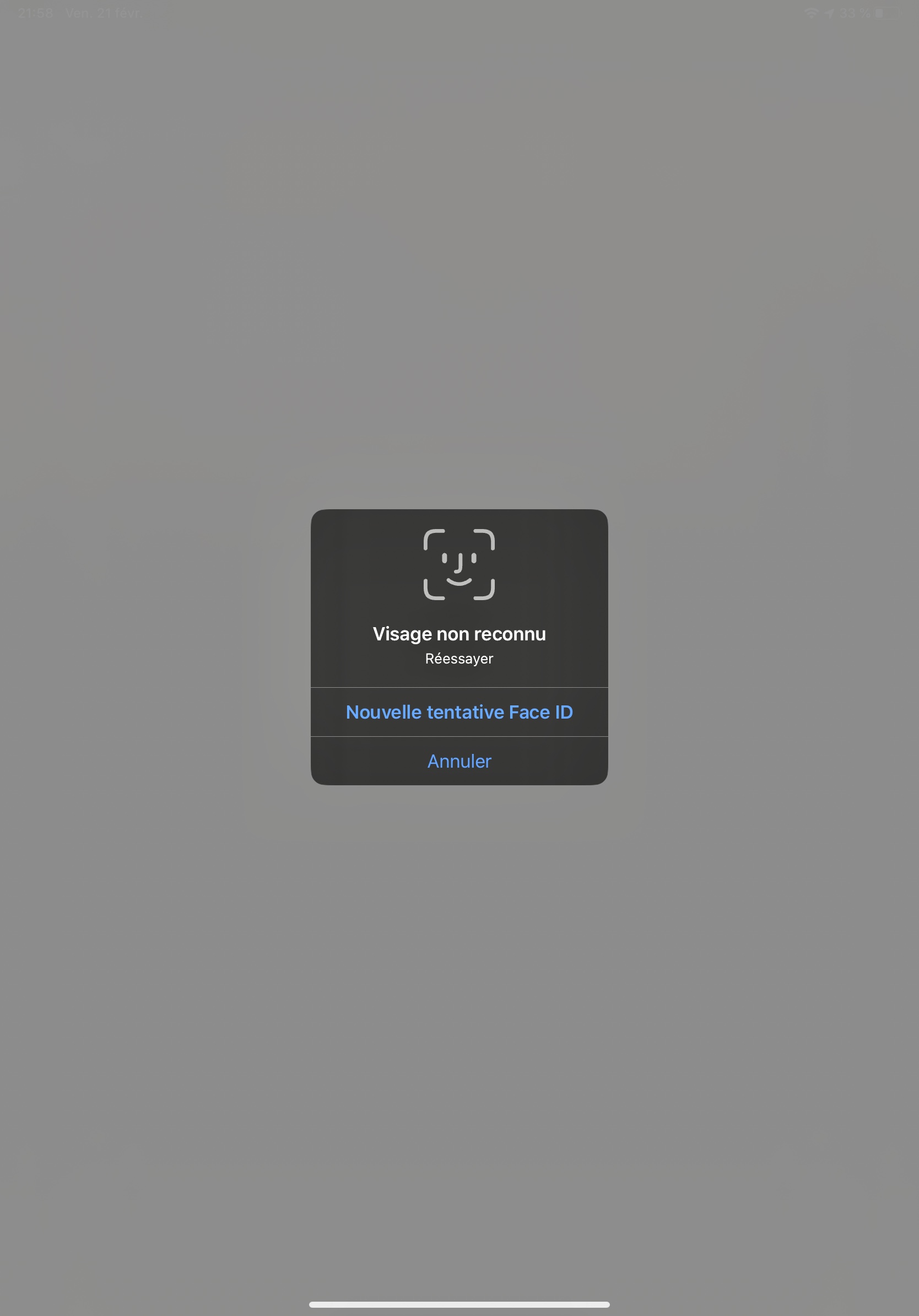
This tool does not impose a way to authenticate the user to give them back access to their content
You are free to use your own Widget/Workflow to allow user to see their content once locked (cf SecureApplication widget argument onNeedUnlock)
On Android as soon as you secure the application the user will not be able to capture the screen in the app (even if unlocked)
We might give an option to allow screenshot as an option if need arise
iOS
Contrary to Android we create a native frosted view over your app content so that content is not visible in the app switcher.
When the user gets back to the app we wait for ~500ms to remove this view to allow time for the app to woke and flutter gate to draw
Widgets
SecureApplication
Api Doc
this widget is required and need to be a parent of any Gate
it provides to its descendant a SecureApplicationProvider that allow you to secure or open the application
You can pass you own initialized SecureApplicationController if you want to set default values
SecureGate
Api Doc
The child of this widget will be below a blurry barrier (control the amount of blurr and opacity with its arguments)
if the provided SecureApplicationController is locked
When app will become inactive we add a top view with a blurr filter
We remove this app 500ms after the app become active to avoid your content form being breifly visible