Buscar pacotes, repositórios e categorias de apps

Detalhes do pacotev1.0.8

smooth_scroll_multiplatform

Um invólucro para widgets roláveis que habilita rolagem suave com mouse em todos os plataformas.

AndroidiOSWebmacOSWindowsLinux
Downloads em 30 dias
1,3 mil
Curtidas
30
Pontos Pub
130

Instalar pacote

flutter pub add smooth_scroll_multiplatform

Visão geral do pacote

Orientação gerada a partir de informações públicas. Apenas para referência.

Um pacote Flutter que aprimora widgets escalonáveis com rolagem suave e controlada por mouse em todas as plataformas. Ele envolve componentes escalonáveis existentes — como ListView ou ScrollViewController — para fornecer uma experiência de rolagem fluida e contínua ao usar um mouse, melhorando a usabilidade em desktop e web. O pacote garante comportamento consistente independentemente da plataforma de destino, tornando-o ideal para aplicações que exigem navegação precisa. Ele aproveita o tratamento nativo de entrada para oferecer movimentos de rolagem responsivos e naturais.

Casos de uso

  • Navegação de aplicativo desktop
  • Rolagem suave em aplicativos web
  • Consistência da interface do usuário multiplataforma
  • Experiência do usuário aprimorada com entrada de mouse
  • Rolagem em interfaces com grande quantidade de dados

Principais recursos

  • rolagem suave independente de plataforma
  • Otimização de rolagem centrada no mouse
  • Integração contínua com rolagens existentes
  • Suporta todas as principais plataformas
  • Configuração mínima necessária

Indicado para

  • Desenvolvedores direcionados a múltiplas plataformas
  • Aplicativos com conteúdo extensivo rolagem
  • Projetos Flutter voltados para desktop e web
  • design de interface centrado em UX
  • Projetos que precisam de comportamento de rolagem refinado

Considerações

  • Pode não afetar o rolagem baseada em toque
  • Requer entrada de mouse para efeito completo
  • Impacto limitado em plataformas móveis
  • Mais adequado para casos de uso não móveis
  • Sobrecarga potencial de desempenho em listas grandes
README original

Snapshot do README original do repositório-fonte vinculado. Consulte o repositório para o conteúdo mais recente.

Multiplatform Smooth Scroll

A fork of the dyn_mouse_scroll package, including Wizzel1's fixes and my own fixes; Provides wrapper for scrollable widgets that enables smooth scrolling with a mouse wheel, trackpad or touch screen on all platforms; This fork fixes all issues regarding trackpad, mouse/trackpad switching and animations, fixing the slippery effect when changing scroll direction; The fork also changes the default mouse scroll animation to look smoother; Additionally, it allows to change the scroll speed, on top of the duration and animation curve.

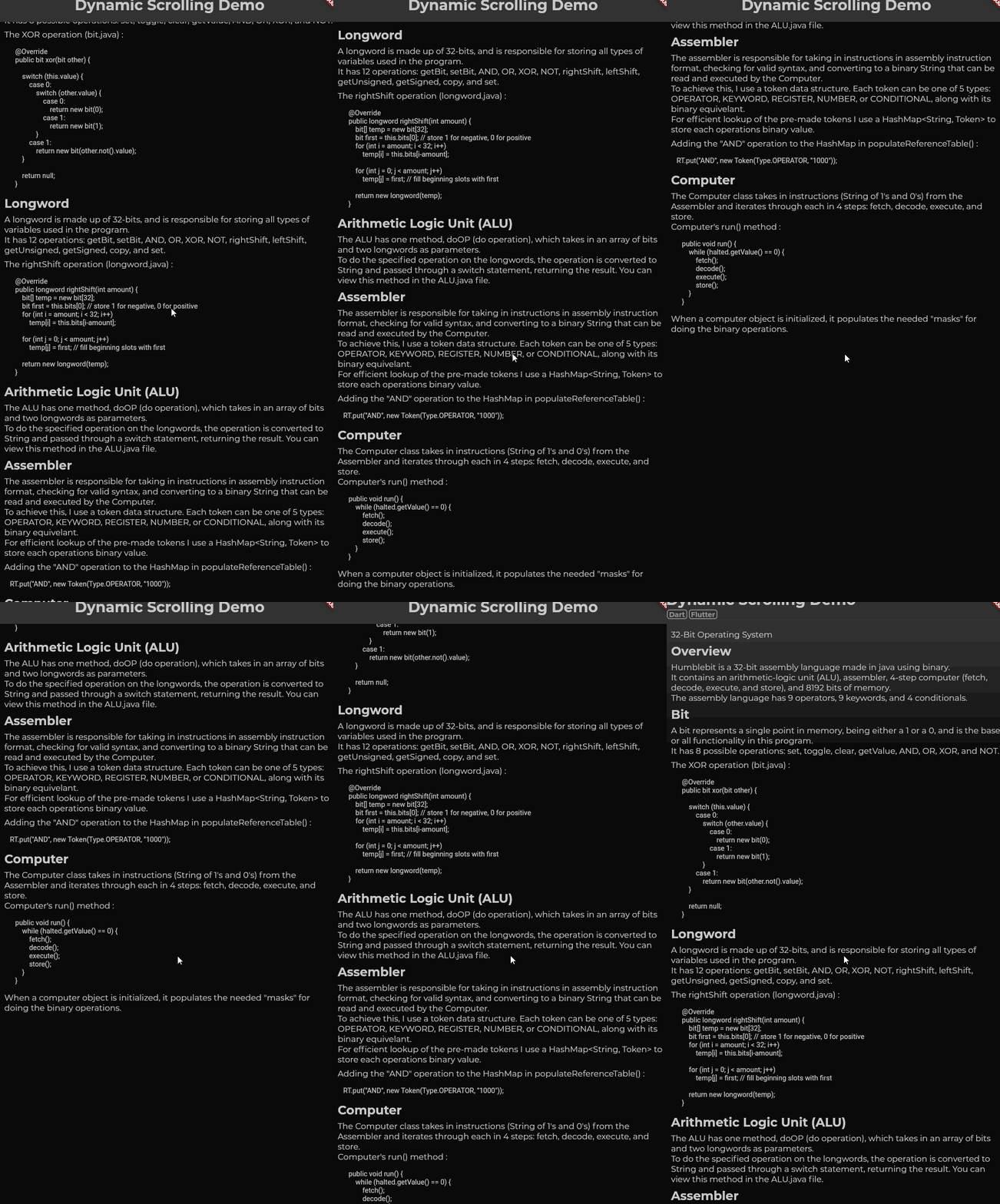
First gif: Scrolling slowly.
Second gif: Scrolling quickly (flick scroll).
Third gif: Mobile drag scroll detected, physics change.

Features

  • Animate smooth scroll based on speed of user's scroll.
  • Automatically detect if the wrong ScrollPhysics is being used and update using provider.
  • Adjust the duration of your scroll events.
  • Choose what mobile physics you would like to use.

Basic Usage

DynMouseScroll(
  builder: (context, controller, physics) => ListView(
    controller: controller,
    physics: physics,
    children: ...
    )
)

With additional settings:

DynMouseScroll(
  durationMS: 500,
  scrollSpeed: 4.4,
  animationCurve: Curves.easeOutQuart,
  builder: (context, controller, physics) => ListView(
    controller: controller,
    physics: physics,
    children: ...
    )
)

Problem:

Flutter does not animate smooth scrolls for pointers, causing choppy experiences for the end user. One package, web_smooth_scroll, attempts to fix this problem by disabling default scrolling entirely (mobile can't drag now) and listening for pointer events to animate the scroll controller that can only move at one speed.

Solution:

To allow mobile default scrolling to still be accessible I detect the user's platform and automatically update if the detection was wrong. When the user scrolls, the 'futurePosition' variable is updated and the animation is started I set the mobile scroll physics as the default one, switching to desktop scroll physics as the mouse wheel scroll is initiated and only starting the animation after the widget is rebuilt; the desktop scroll physics then takes priority over mobile physics, switching back to mobile physics only after the last scroll animation has ended, only if no new scroll wheel action had been initiated in the meantime.

Categorias

Dependências

Lista de dependências 1 itens

Repositório-fonte

Projetos que usam este pacote