Buscar pacotes, repositórios e categorias de apps

Capa de solid_bottom_sheet
Detalhes do pacotev0.1.13

solid_bottom_sheet

Uma folha inferior totalmente personalizável, fácil de implementar. Basta colocá-la na propriedade bottomSheet do seu widget Scaffold e veja a mágica acontecer. Para mais detalhes, consulte o README.md.

AndroidiOSWebmacOSWindowsLinux
Downloads em 30 dias
3 mil
Curtidas
210
Pontos Pub
120

Instalar pacote

flutter pub add solid_bottom_sheet

Visão geral do pacote

Orientação gerada a partir de informações públicas. Apenas para referência.

SolidBottomSheet é um widget de painel inferior altamente personalizável para Flutter, projetado para integração perfeita na propriedade bottomSheet do Scaffold. Oferece animações suaves, controle total sobre aparência e comportamento, e suporta todas as principais plataformas, incluindo móvel, web e desktop. Com configuração mínima, os desenvolvedores podem implementar rapidamente painéis inferiores responsivos e visualmente atraentes adaptados ao design do seu aplicativo. O pacote enfatiza facilidade de uso sem sacrificar flexibilidade.

Casos de uso

  • Implementando painéis de conteúdo colapsáveis
  • Criando modais interativos com gestos de arrasto
  • Criar formulários ou filtros dinâmicos
  • Projetando painéis de navegação personalizados
  • Adicionar cartões de informações expansíveis

Principais recursos

  • Aparência totalmente personalizável
  • Animações suaves de arrastar para expandir
  • Suporte multiplataforma
  • Integração simples com Scaffold
  • Altura e pontos de fixação configuráveis
  • Suporta rolagem aninhada

Indicado para

  • Desenvolvedores procurando implementação rápida de sheet inferior
  • Aplicativos que exigem uma experiência de usuário de sheet inferior consistente entre plataformas
  • Designers que desejam controle granular sobre o estilo da planilha
  • Projetos com interações complexas de painel inferior

Considerações

  • Pode exigir estilos adicionais para layouts complexos
  • Impacto no desempenho com conteúdo pesado
  • Opções limitadas de tema embutido
  • Não ideal para áreas de conteúdo muito grandes ou densas

README original

Snapshot do README original do repositório-fonte vinculado. Consulte o repositório para o conteúdo mais recente.

Solid bottom sheet

Pub

A full customizable bottom sheet easy to implement. Just put it on your bottomSheet property on your Scaffold widget and see the magic. For more details see the README.md. Feel free to contribute. This package is open to recieve pull request on github. Enjoy! :D

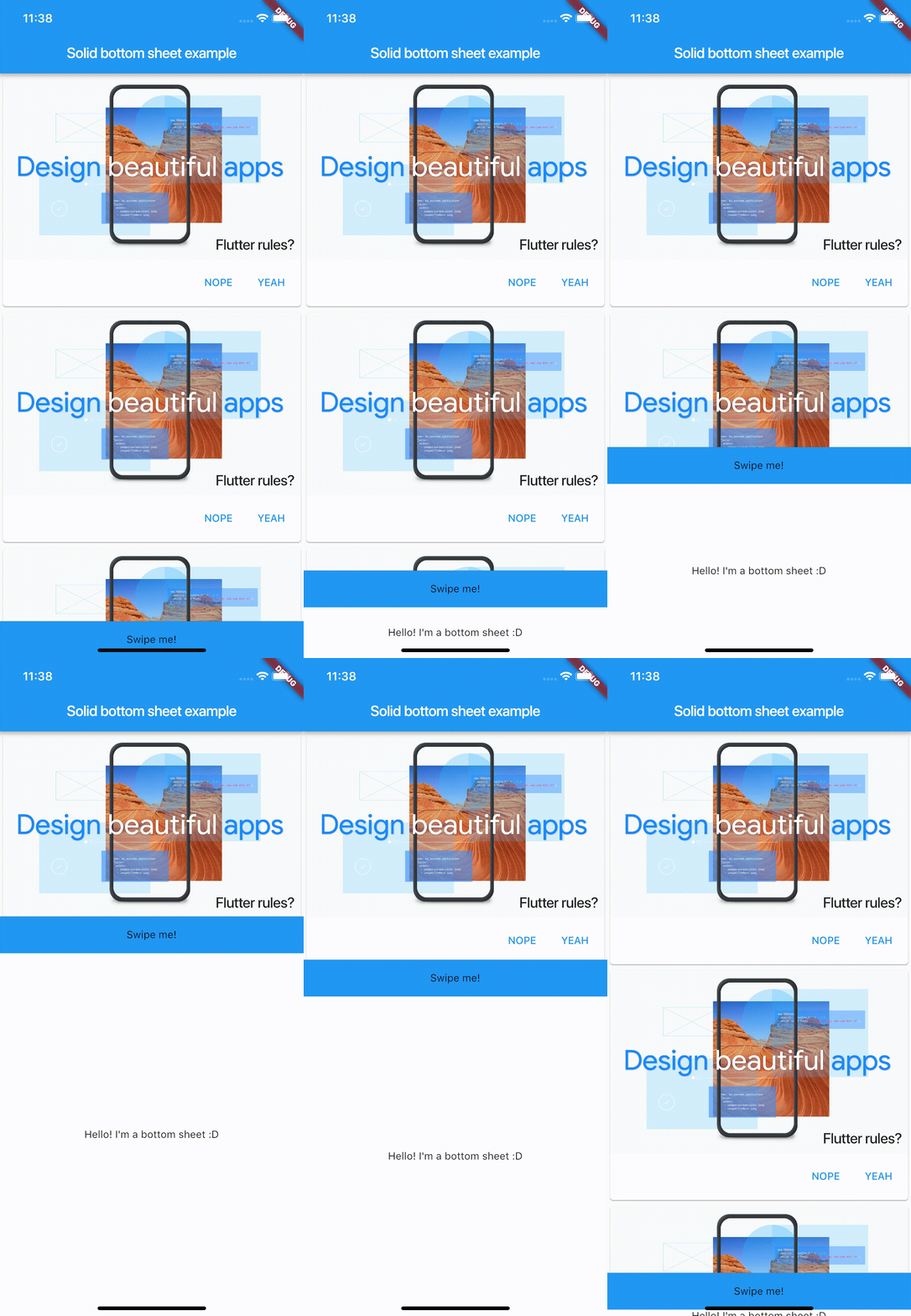
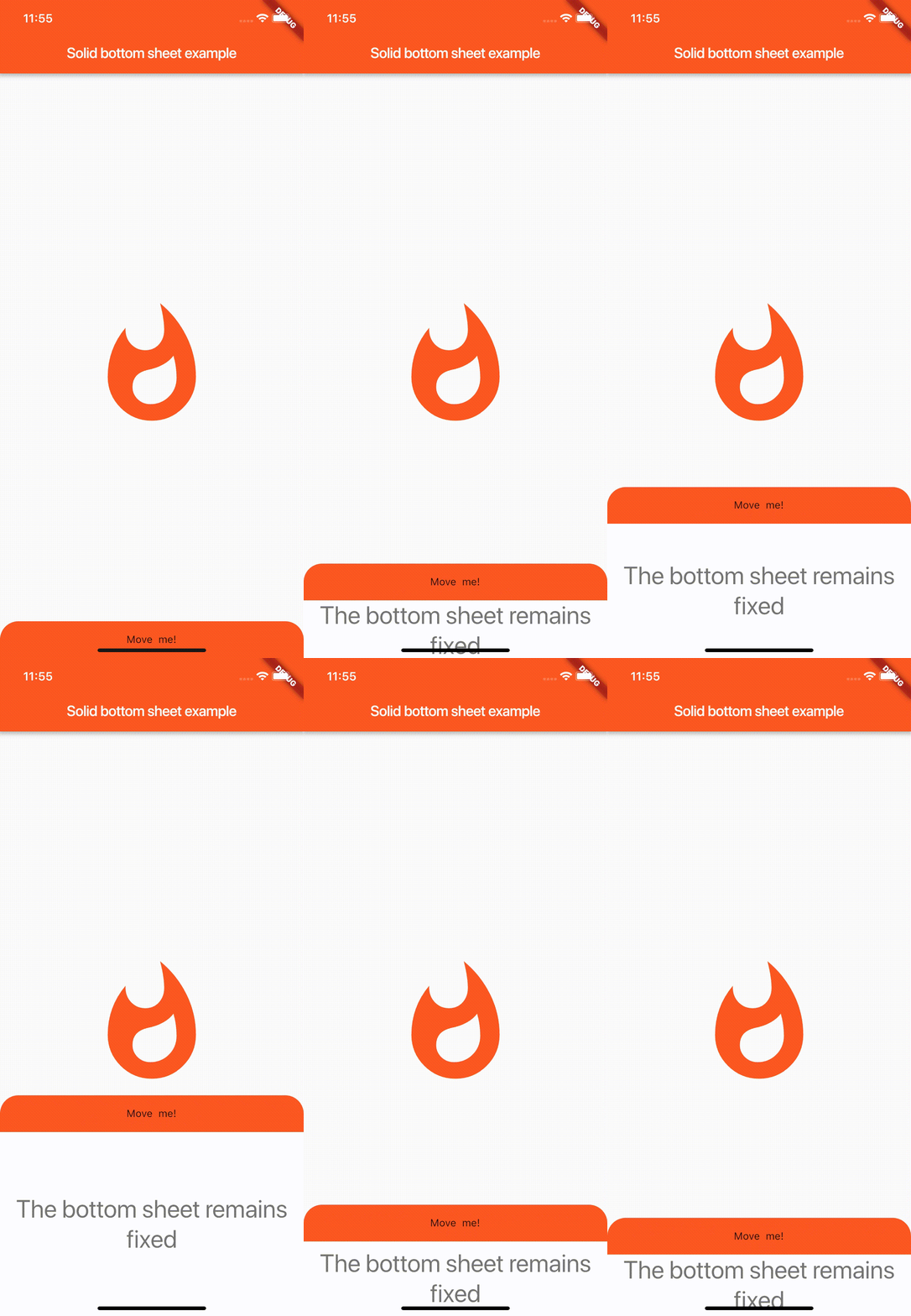
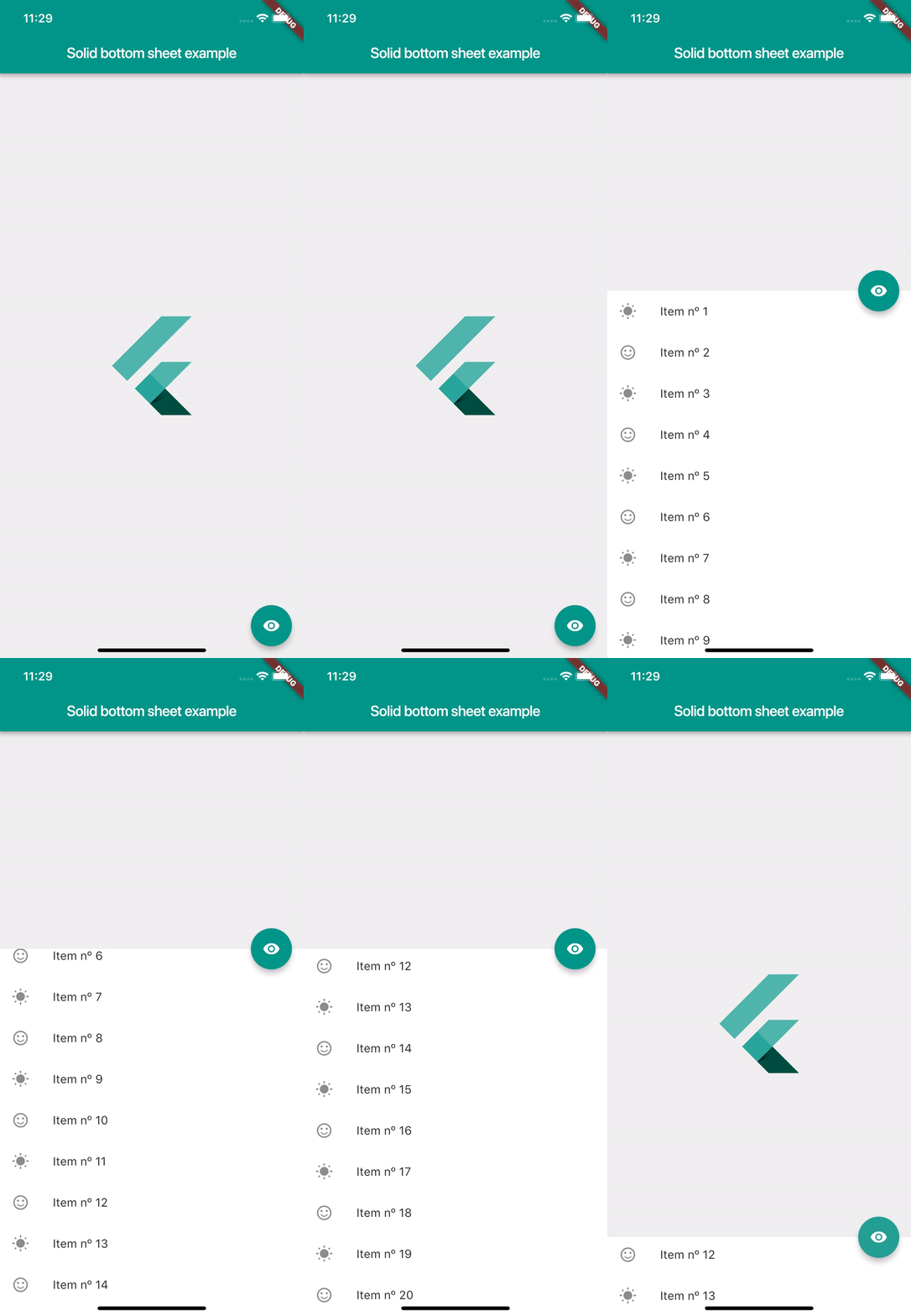
Screenshots

Usage

SolidBottomSheet(
        headerBar: Container(), // Your header here
        body: Container(), // Your body here
      ),

Properties

  // This controls the minimum height of the body. Must be greater or equal of 0.
  // By default is 0
  final double minHeight;

  // This controls the minimum height of the body. By default is 500
  final double maxHeight;

  // This is the content that will be hided of your bottomSheet. You can fit any
  // widget. This parameter is required
  final Widget body;

  // This is the header of your bottomSheet. This widget is the swipeable area
  // where user will interact. This parameter is required
  final Widget headerBar;

  // This flag is used to enable the automatic swipe of the bar. If it's true
  // the bottomSheet will automatically appear or disappear when user stops
  // swiping, but if it's false, it will stay at the last user finger position.
  // By default is true
  final bool autoSwiped;

  // This flag enable that the user can toggle the visibility with just tapping on
  // the header bar. By default is false
  final bool toggleVisibilityOnTap;

  // This flag enable that users can swipe the body and hide or show the
  // solid bottom sheet. Turn on false if you don't want to let the user
  // interact with the solid bottom sheet. By default is false.
  final bool draggableBody;
  
  // This flag enable that users can swipe the header and hide or show the 
  // solid bottom sheet. Turn on false if you don't want to let the user 
  // interact with the solid bottom sheet. By default is true. 
  final bool canUserSwipe;

  // This property defines how 'smooth' or fast will be the animation. Low is
  // the slowest velocity and high is the fastest. By default is medium.
  final Smoothness smoothness;

  // This property is the elevation of the bottomSheet. Must be greater or equal
  // to 0. By default is 0.
  final double elevation;

  // This flag controls if the body is shown to the user by default. If it's
  // true, the body will be shown. If it's false the body will be hided. By
  // default it's false.
  final bool showOnAppear;

  // This object used to control behavior internally
  // from the app and don't depend of user's interaction.
  // can hide and show  methods plus have isOpened variable
  // to check widget visibility on a screen
  final SolidController controller;

  // This method will be executed when the solid bottom sheet is completely
  // opened.
  final Function onShow;

  // This method will be executed when the solid bottom sheet is completely
  // closed.
  final Function onHide;

Controller

  // This is the current smoothness of the bottomSheet
  Smoothness smoothness;

  // Returns the value of the height as stream
  Stream<double> heightStream;

  // Returns the value of the visibility as stream
  Stream<bool> isOpenStream;

  // Returns the value of the height
  double height;

  //  Returns if the solid bottom sheet is opened or not
  bool isOpened;

  // This method sets the value of the height using streams
  void height(double value);

  // Updates the visibility value to false
  void hide();

  // Updates the visibility value to true
  void show();

Example

import 'package:flutter/material.dart';
import 'package:solid_bottom_sheet/solid_bottom_sheet.dart';

void main() => runApp(MyApp());

class MyApp extends StatelessWidget {
  @override
  Widget build(BuildContext context) {
    return MaterialApp(
      title: 'Flutter Demo',
      theme: ThemeData(
        primarySwatch: Colors.blue,
      ),
      home: MyHomePage(),
    );
  }
}

class MyHomePage extends StatefulWidget {
  @override
  _MyHomePageState createState() => _MyHomePageState();
}

class _MyHomePageState extends State<MyHomePage> {
  @override
  Widget build(BuildContext context) {
    return Scaffold(
      appBar: AppBar(
        title: Text("Solid bottom sheet example"),
      ),
      body: Center(
      child: FlutterLogo(),
      ),
      bottomSheet: SolidBottomSheet(
        headerBar: Container(
          color: Theme.of(context).primaryColor,
          height: 50,
          child: Center(
            child: Text("Swipe me!"),
          ),
        ),
        body: Container(
          color: Colors.white,
          height: 30,
          child: Center(
            child: Text(
              "Hello! I'm a bottom sheet :D",
              style: Theme.of(context).textTheme.display1,
            ),
          ),
        ),
      ),
    );
  }
}

Contribute

Feel free to fork and make pull request to enhance the package.

Github here.

Special Thanks

Viktor Goltstein - Github Nicolei Esperida - Github

Posible incoming features

  • A Shadow that covers the back of the bottom sheet to feel more native.
  • Full view option that displays the bottom sheet like a new navigated page.
  • Controller callbacks to execute when show() and hide() methods are invoked.

Categorias

Repositório-fonte

Projetos que usam este pacote

Ainda não há dados.