Buscar pacotes, repositórios e categorias de apps

Capa de syncfusion_flutter_datagrid
Detalhes do pacotev35.1.42

syncfusion_flutter_datagrid

O Syncfusion Flutter DataGrid é usado para exibir e manipular dados em uma visualização tabular. Seu conjunto rico de recursos inclui diferentes tipos de colunas, seleções, dimensionamento de colunas, entre outros.

AndroidiOSWebmacOSWindowsLinux
Downloads em 30 dias
115 mil
Curtidas
874
Pontos Pub
150

Instalar pacote

flutter pub add syncfusion_flutter_datagrid

Visão geral do pacote

Orientação gerada a partir de informações públicas. Apenas para referência.

O Syncfusion Flutter DataGrid é um widget poderoso para exibir e interagir com dados tabulares em aplicativos Flutter. Ele oferece suporte a vários tipos de colunas, modos avançados de seleção, dimensionamento dinâmico de colunas, classificação, filtragem e edição. Projetado para desempenho e escalabilidade, permite que desenvolvedores criem interfaces ricas e intensivas em dados em plataformas como Android, iOS, Web, macOS, Windows e Linux. O pacote se integra sem problemas em projetos Flutter existentes com configuração mínima.

Casos de uso

  • Exibindo grandes conjuntos de dados
  • Edição de dados e formulários de entrada
  • Painéis de relatórios e análise
  • Inventário e sistemas de gerenciamento de estoque
  • Interfaces de gerenciamento de dados do usuário

Principais recursos

  • Múltiplos tipos de coluna
  • Classificação e filtragem embutidas
  • Seleção de célula e linha
  • Redimensionamento e reordenamento de colunas
  • Suporte para rolagem virtual
  • Estilos e temas personalizáveis

Indicado para

  • Aplicações de nível empresarial
  • UIs pesadas em dados
  • Aplicativos de desktop e móveis multiplataforma
  • Fluxos complexos de manipulação de dados
  • Desenvolvedores que precisam de componentes de tabela de nível corporativo

Considerações

  • Requer licença para uso comercial
  • Uso maior de memória com conjuntos de dados muito grandes
  • Curva de aprendizado mais acentuada devido às extensas funcionalidades
  • Suporte da comunidade limitado em comparação com alternativas de código aberto
  • Possível aumento no tamanho do aplicativo devido aos widgets incluídos

README original

Snapshot do README original do repositório-fonte vinculado. Consulte o repositório para o conteúdo mais recente.
Syncfusion Flutter Widgets

Syncfusion Flutter widgets libraries include high-quality UI widgets and file-format packages to help you create rich, high-quality applications for iOS, Android, and web from a single code base. Please find the supported platforms for our Flutter widgets.

Disclaimer: This is a commercial package. To use our packages, you need to have either the Syncfusion Commercial License or Syncfusion Community license. For more details, please check the LICENSE file.
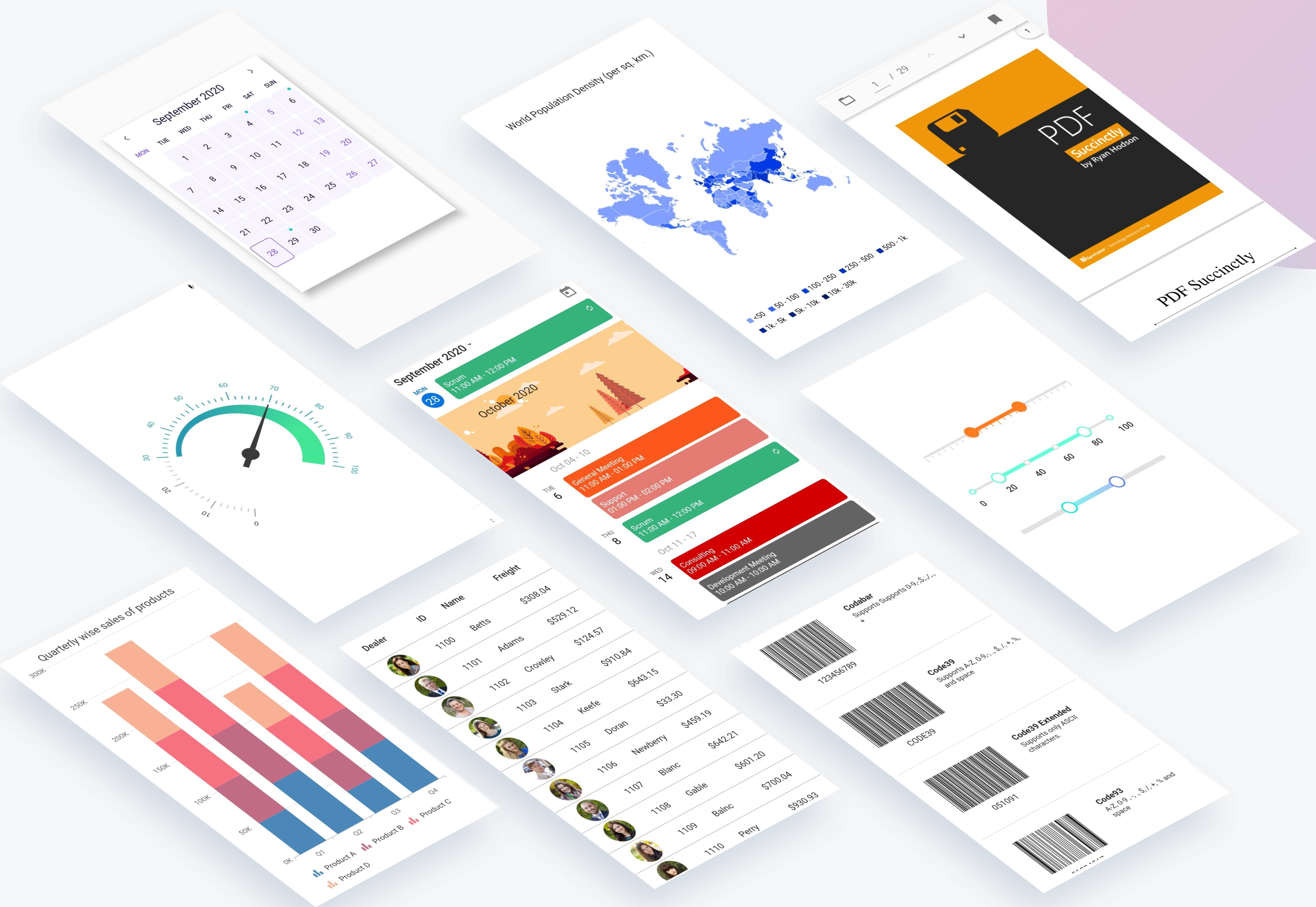
Table of contents

Repository structure

This repository holds the source code of all the Syncfusion Flutter widgets and libraries. Source code of the widget, a working example, read me, changelog, etc., files are available in the packages directory.

Also, you can view the samples code from this repository.

Packages

Package/Plugin Available widgets/libraries Pub Points Popularity Likes
syncfusion_flutter_chat
  • SfChat
pub package pub points popularity likes
syncfusion_flutter_charts
  • SfCartesianChart
  • SfCircularChart
  • SfPyramidChart
  • SfFunnelChart
pub package pub points popularity likes
syncfusion_flutter_calendar
  • SfCalendar
pub package pub points popularity likes
syncfusion_flutter_datagrid
  • SfDataGrid
pub package pub points popularity likes
syncfusion_flutter_pdfviewer
  • SfPdfViewer
pub package pub points popularity likes
syncfusion_flutter_pdf
  • PDF library
pub package pub points popularity likes
syncfusion_flutter_xlsio
  • XlsIO library
pub package pub points popularity likes
syncfusion_flutter_datepicker
  • SfDateRangePicker
pub package pub points popularity likes
syncfusion_flutter_maps
  • SfMaps
pub package pub points popularity likes
syncfusion_flutter_gauges
  • SfRadialGauge
pub package pub points popularity likes
syncfusion_flutter_sliders
  • SfSlider
  • SfRangeSlider
  • SfRangeSelector
pub package pub points popularity likes
syncfusion_flutter_signaturepad
  • SfSignaturePad
pub package pub points popularity likes
syncfusion_flutter_barcodes
  • SfBarcodeGenerator
pub package pub points popularity likes
syncfusion_officechart
  • Office chart library
pub package pub points popularity likes
syncfusion_officecore This package is a dependecy package for Office chart library. pub package pub points popularity likes
syncfusion_flutter_core This package is a dependecy package for all the Syncfusion Flutter widgets and libraries. pub package pub points popularity likes
syncfusion_localizations This package contains localized text for 77 cultures for all the applicable Syncfusion Flutter Widgets. pub package pub points popularity likes

How to use

Referring packages source in your application

All the packages available in the packages folder can be referred in your application by following the below steps.

Step 1

Clone the flutter-widgets repository into your machine.

Step 2

Refer the required package in your application's pubspec.yaml file by mentioning its local path. For example, here we have referred the charts package.

syncfusion_flutter_charts:
    path: D:/flutter-widgets/packages/syncfusion_flutter_charts

Step 3

Run the following command to get the required packages.

$ flutter pub get

Step 4

Run your application using the following commands:

Windows & Linux

Run code: Ctrl + F5

Run with debugging: F5 or Run > Start Debugging

Stop debugging: Shift + F5

Restart debugging: Ctrl + Shift + F5

MacOS

Run code: Cmd + F5

Run with debugging: F5 or Run > Start Debugging

Stop debugging: Shift + Cmd + F5

Restart debugging: Cmd + Shift + F5

Web (VS Code in the Browser)

Run code: Ctrl + F5

Run with debugging: F5 or Run > Start Debugging

Running the available example

All the packages available in the packages folder has an example and it can be run by following the below steps.

Step 1

Clone the flutter-widgets repository into your machine.

Step 2

Open the example folder available in packages in an IDE. The below path is for reference.

..\flutter-widgets\packages\syncfusion_flutter_charts\example

Step 3

Run the following command to get the required packages.

$ flutter pub get

Note: In the example, packages are referred from the local folder which is available in this repository. If you wish, you can also refer the packages from pub.

Step 4

Run your application either using F5 or Run > Start Debugging.

Get the demo application

Explore the full capabilities of our Flutter widgets on your device by installing our sample browser applications from the below app stores, and view samples code in GitHub.


Useful links

Take a look at the following to learn more about Syncfusion Flutter widgets:

Support and feedback

  • For any other queries, reach our Syncfusion support team or post the queries through the Community forums and submit a feature request or a bug through our Feedback portal.
  • To renew the subscription, click renew or contact our sales team at salessupport@syncfusion.com | Toll Free: 1-888-9 DOTNET.

About Syncfusion

Founded in 2001 and headquartered in Research Triangle Park, N.C., Syncfusion has more than 20,000 customers and more than 1 million users, including large financial institutions, Fortune 500 companies, and global IT consultancies.

Today we provide 1,000+ controls and frameworks for web (ASP.NET Core, ASP.NET MVC, ASP.NET WebForms, JavaScript, Angular, React, Vue, and Blazor, mobile (Xamarin, Flutter, UWP, and JavaScript), and desktop development (WinForms, WPF, and UWP). We provide ready-to deploy enterprise software for dashboards, reports, data integration, and big data processing. Many customers have saved millions in licensing fees by deploying our software.

Categorias

Dependências

Lista de dependências 3 itens

Repositório-fonte

Projetos que usam este pacote