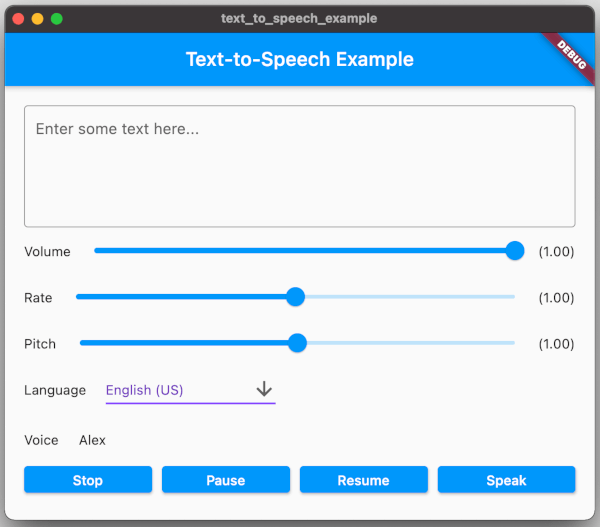
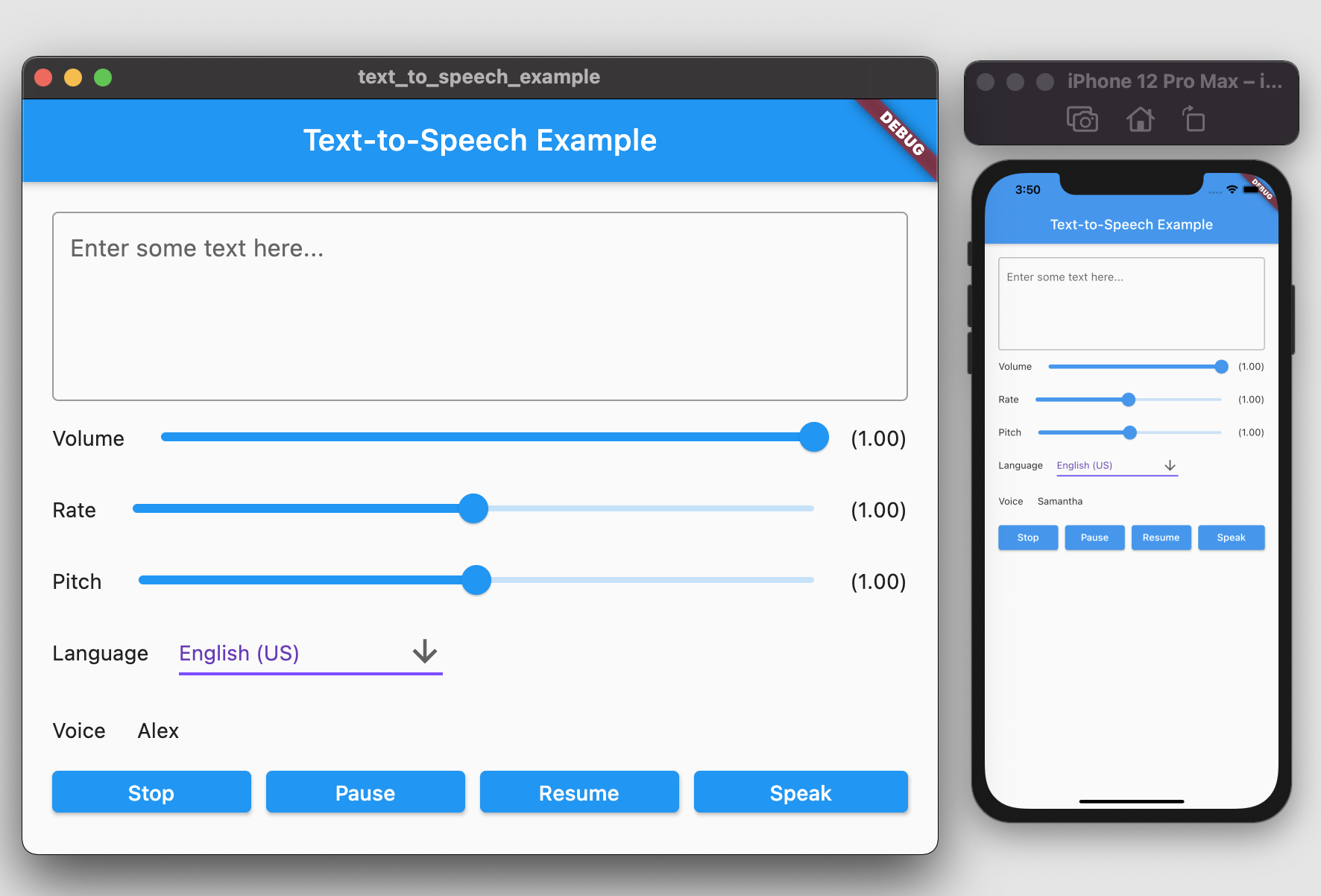
Orientação gerada a partir de informações públicas. Apenas para referência.
Um plugin Flutter que habilita a funcionalidade de Texto para Fala (TTS) em Android, iOS, Web e macOS. Permite que aplicativos convertam texto em fala natural, com suporte a reprodução de voz com configurações personalizáveis, como idioma, tom e taxa. Ideal para recursos de acessibilidade, assistentes de voz e aplicativos interativos de aprendizado. O plugin se integra perfeitamente ao ecossistema do Flutter e é mantido no GitHub para contribuições da comunidade.
Casos de uso
Recursos de acessibilidade
Navegação com orientação por voz
Aplicativos de aprendizagem interativa
Feedback de áudio em aplicativos
Ferramentas de auxílio à leitura
Principais recursos
Suporte multiplataforma
Parâmetros de fala personalizáveis
Integração simples da API
Suporta vários idiomas
Conversão de texto em tempo real
Indicado para
Desenvolvedores de aplicativos acessíveis
Criadores de aplicativos educacionais
Integrações de assistente de voz
Aplicativos que exigem feedback de áudio
Considerações
Requer permissões específicas da plataforma
Seleção limitada de vozes em algumas plataformas
O suporte da Web pode variar conforme o navegador
O desempenho depende do engine TTS do dispositivo
A disponibilidade de idiomas depende do sistema operacional
README original
Snapshot do README original do repositório-fonte vinculado. Consulte o repositório para o conteúdo mais recente.
Text To Speech
A Flutter plugin provides TTS (Text-To-Speech) Service. This plugin aims to offer the most of TTS API feature from iOS, Android, web, and macOS.
Getting Started
To use this plugin, add text_to_speech as a dependency in your pubspec.yaml file:
dependencies:text_to_speech:^0.2.3
Installation
Android
Minimum SDK version: 21
Applications targeting SDK 30 (Android 11) need to declare TextToSpeech.Engine.INTENT_ACTION_TTS_SERVICE in the queries elements of Android Manifest (See Android documentation).
String text = "Hello, Good Morning!";
tts.speak(text);
Set Volume
Volume range: 0-1 where 0 is silence, and 1 is the maximum volume (the default behavior).
double volume = 1.0;
tts.setVolume(volume);
Set Rate
Rate range: 0-2.
1.0 is the normal and default speech rate. Lower values slow down the speech (0.5 is half the normal speech rate). Greater values accelerate it (2.0 is twice the normal speech rate).
double rate = 1.0;
tts.setRate(rate);
Set Pitch
Pitch range: 0-2.
1.0 is the normal pitch, lower values lower the tone of the synthesized voice, greater values increase it.
double pitch = 1.0;
tts.setPitch(pitch);
Set Language
Accepting locale tag name of specific language, e.g. 'en-US'. You can retrieve list of supported language using getLanguage function.
String language = 'en-US';
tts.setLanguage(language);
Get Languages
Provide list of supported language codes in locale tag name format, e.g. 'en-US'. You can get display name for specific language code
String language = 'en-US';
tts.setLanguage(language);
Get Voice
We can get all available voices or get voices of specific language. This function will returns particular voice name.