Buscar pacotes, repositórios e categorias de apps

Capa de thanos_snap_effect
Detalhes do pacotev0.0.9

thanos_snap_effect

Efeito 'Thanos Snap' de alto desempenho, altamente personalizável e fácil de usar para Flutter.

AndroidiOSWebmacOSWindowsLinux
Downloads em 30 dias
2,4 mil
Curtidas
54
Pontos Pub
160

Instalar pacote

flutter pub add thanos_snap_effect

Visão geral do pacote

Orientação gerada a partir de informações públicas. Apenas para referência.

O pacote thanos_snap_effect oferece uma animação personalizável e de alto desempenho do efeito 'Thanos Snap' para aplicativos Flutter. Permite que desenvolvedores implementem facilmente o icônico efeito de estalido — onde elementos desaparecem de forma dramática — em múltiplas plataformas, incluindo Android, iOS, Web, macOS, Windows e Linux. Com transições suaves e opções extensivas de personalização, ele aumenta o engajamento do usuário em jogos, interfaces interativas ou recursos divertidos de aplicativos. O pacote é leve, bem documentado e projetado para simplicidade sem sacrificar flexibilidade.

Casos de uso

  • efeitos da interface do jogo
  • animações de aplicativos interativas
  • Interfaces de usuário lúdicas
  • Contação digital de histórias
  • sequências de onboarding do aplicativo

Principais recursos

  • Renderização de alto desempenho
  • Suporte multiplataforma
  • Velocidade de animação personalizável
  • Efeitos de desvanecimento e escala configuráveis
  • Integração fácil com widgets existentes
  • Suporte para múltiplos tamanhos de tela

Indicado para

  • Desenvolvedores Flutter procurando animações divertidas
  • Aplicativos voltados para públicos mais jovens
  • Aplicações gamificadas
  • Designers de UI/UX explorando efeitos dinâmicos

Considerações

  • Pode não ser adequado para estilos de design minimalista
  • Requer um tempo cuidadoso para a melhor experiência do usuário
  • Não ideal para interfaces críticas de acessibilidade
  • O desempenho pode variar em dispositivos de baixa gama
README original

Snapshot do README original do repositório-fonte vinculado. Consulte o repositório para o conteúdo mais recente.

High-performance, high-customizable, and easy-to-use "Thanos Snap" effect for Flutter.

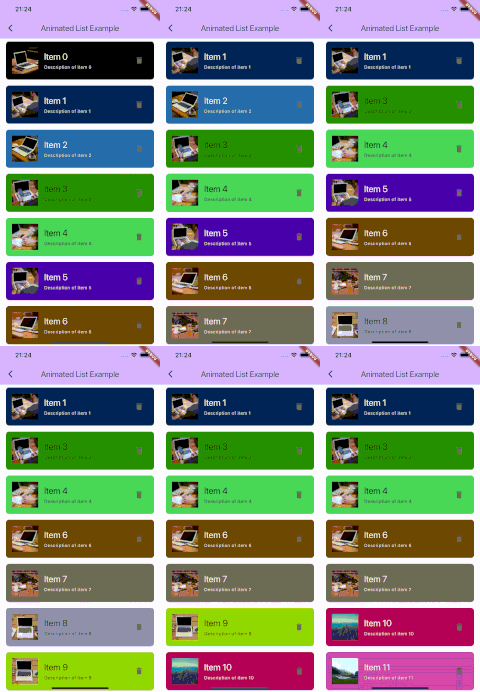
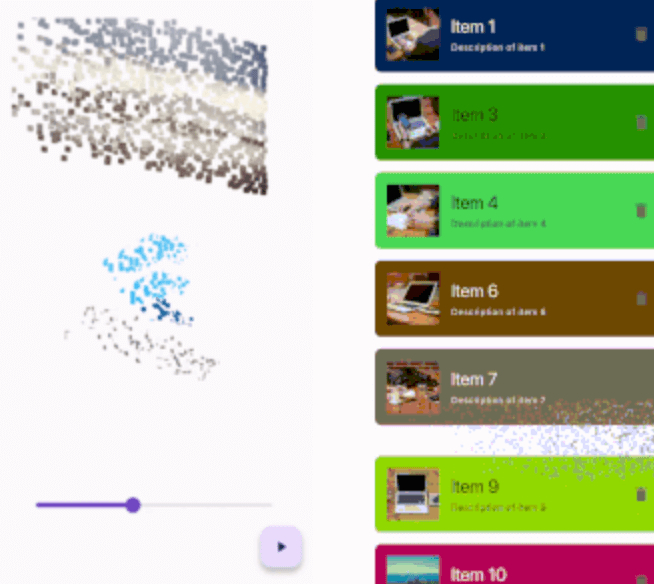
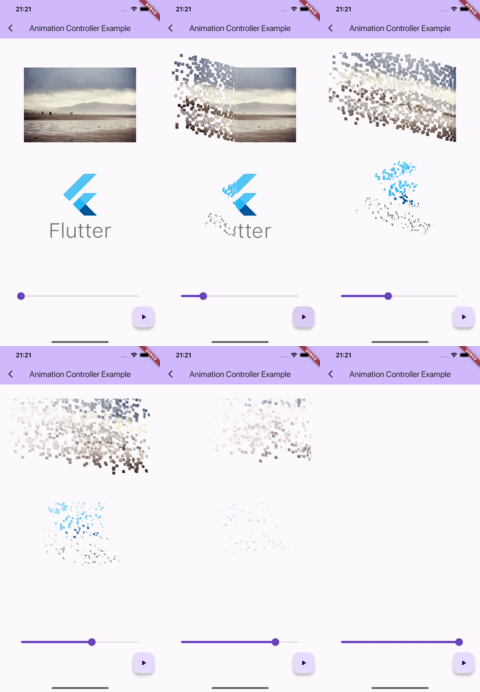
Simple controller example      Animated list example

Getting started

IMPORTANT: This package uses the custom fragment shader, so you should include the shader file in your pubspec.yaml file.

flutter:
  shaders:
    - packages/thanos_snap_effect/shader/thanos_snap_effect.glsl

Usage

This package provides a 'Snappable' widget. The principle of using this widget is similar to "Transition" widgets, like "FadeTransition", "ScaleTransition", etc.

Just wrap your widget with the Snappable widget and pass the AnimationController (or any Animation descendant) object to the "animation" property. Then just start the animation and see the magic!

Snappable(
  animation: animationController, // AnimationController object, or any other animation object with double tween from 0.0 to 1.0
  child: MyWidget(), // Your widget that you want to animate
);

Check the example for more complex examples.

Customization

You can customize the effect by passing the "outerPadding" or "style" properties to the Snappable widget.

Snappable(
  animation: _animationController,
  child: MyWidget(),
  outerPadding: const EdgeInsets.all(40.0), // The padding around the widget where particles can appear. Default value is EdgeInsets.all(40.0) 
  style: SnappableStyle(
    particleLifetime: 0.6, // Lifetime of particle before it disappears. Default value is 0.6. Must be between 0.0 and 1.0
    fadeOutDuration: 0.3, // Duration of fade out animation of particle. Fade out effect starts in particleLifetime - fadeOutDuration and ends when particleLifetime ends. Default value is 0.3. Must be between 0.0 and particleLifetime
    particleSpeed: 1.0, // Speed of particles. Default value is 1.0
    particleSize: const SnappableParticleSize.squareFromRelativeWidth(0.01), // Size of 1 particle
  ),
);
Mastering the particleSize property

There are 2 ways to define the size of particles:

Relative to the size of the widget

SnappableParticleSize.relative(width: 0.01, height: 0.02) // 1% of the width and 2% of the height of the widget
SnappableParticleSize.squareFromRelativeWidth(0.01) // 1% of the width of the widget. The height will be calculated to keep the square shape
SnappableParticleSize.squareFromRelativeHeight(0.01) // 1% of the height of the widget. The width will be calculated to keep the square shape

Absolute size (in dp)

SnappableParticleSize.absoluteDp(width: 16, height: 8) // 16dp width and 8dp height

Categorias

Repositório-fonte

Projetos que usam este pacote