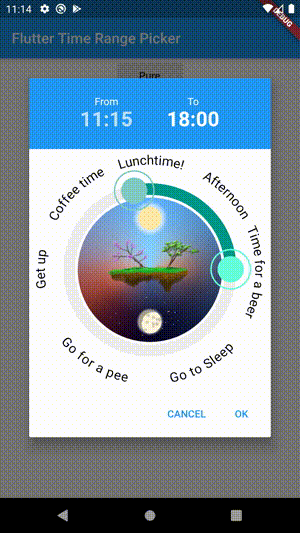
Snapshot do README original do repositório-fonte vinculado. Consulte o repositório para o conteúdo mais recente.
Time Range Picker
A time range picker for flutter.
Getting Started
Installation
Add
time_range_picker : any
to your pubspec.yaml, and run
flutter packages get
in your project's root directory.
Basic Usage
import 'package:flutter/material.dart';

import 'package:time_range_picker/time_range_picker.dart';

void main() => runApp(MyApp());

class MyApp extends StatelessWidget {
  @override
  Widget build(BuildContext context) {
    return MaterialApp(
      theme: ThemeData(
        primarySwatch: Colors.blue,
      ),
      home: MyHomePage(),
    );
  }
}

class MyHomePage extends StatelessWidget {
  @override
  Widget build(BuildContext context) {
    return Scaffold(
        backgroundColor: Colors.blueGrey,
        body: Center(
          child: RaisedButton(
            onPressed: () async {
              TimeRange result = await showTimeRangePicker(
                context: context,
              );
              print("result " + result.toString());
            },
            child: Text("Pure"),
          ),
        ));
  }
}
Examples
Simple
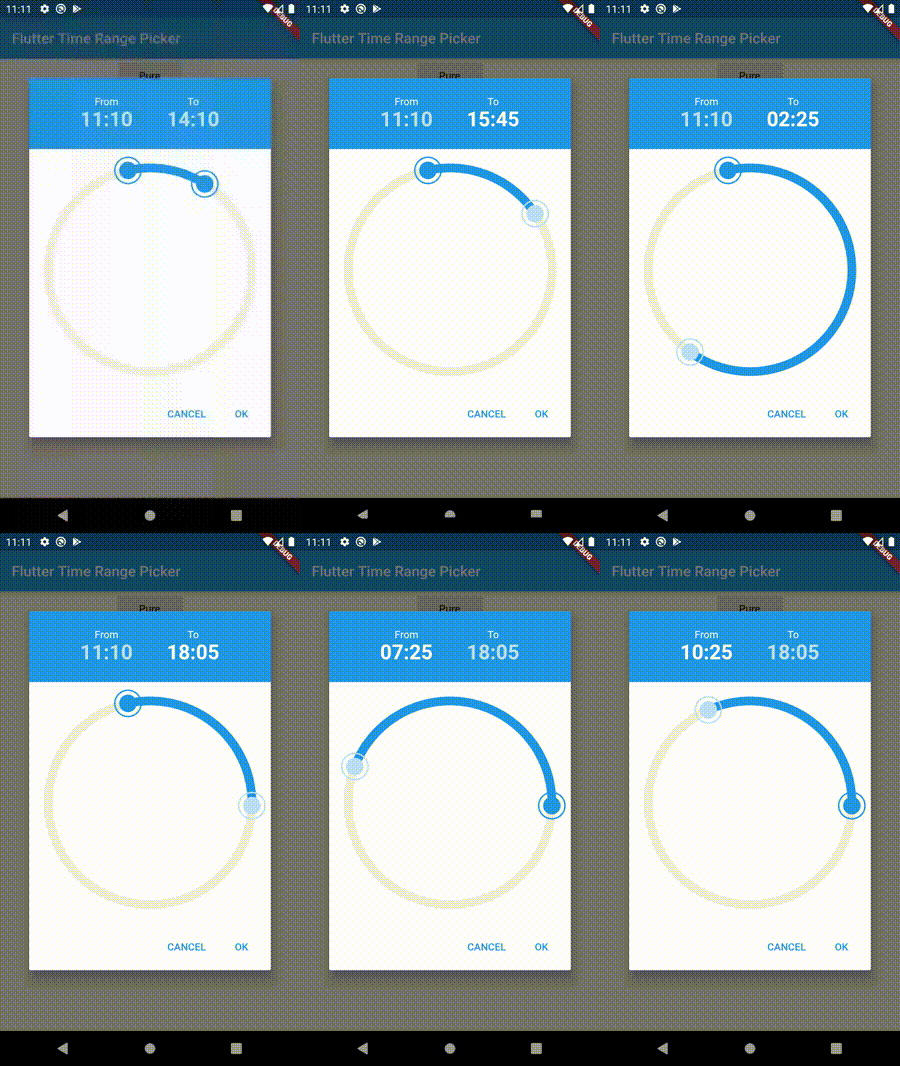
Interval
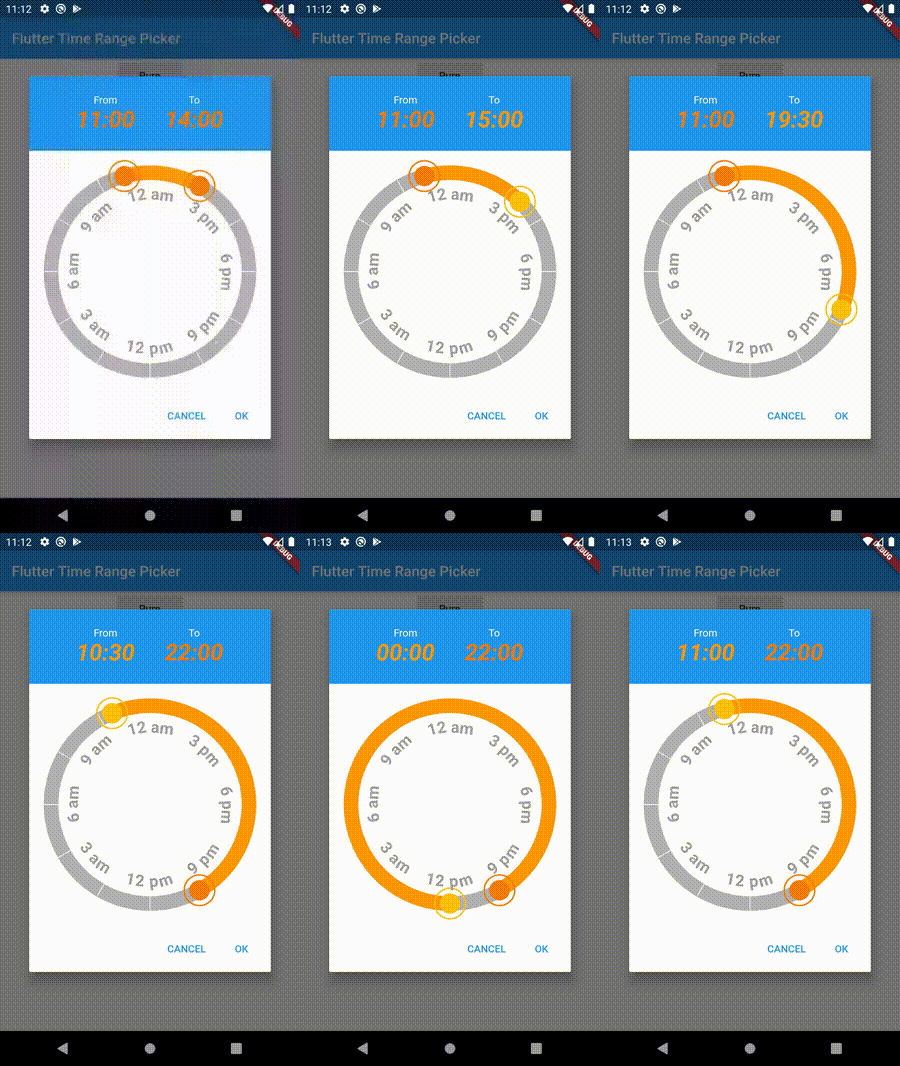
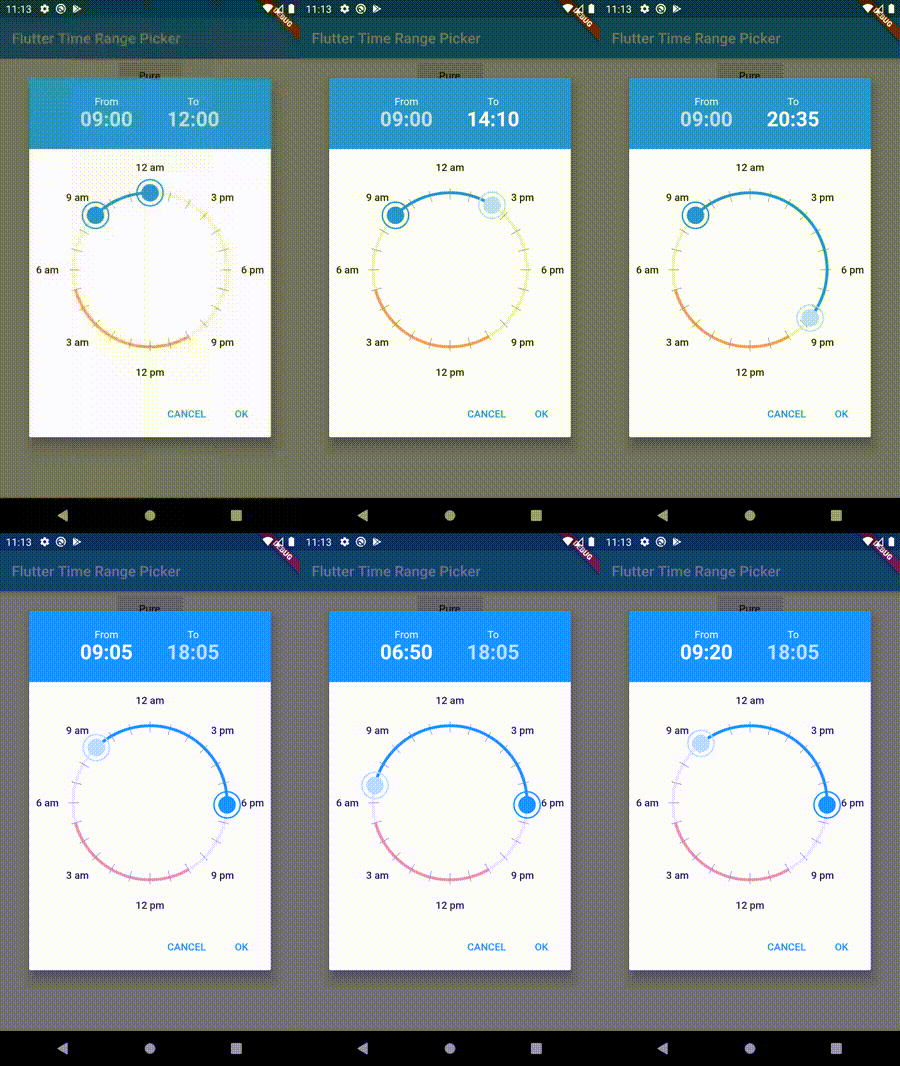
Filled Style
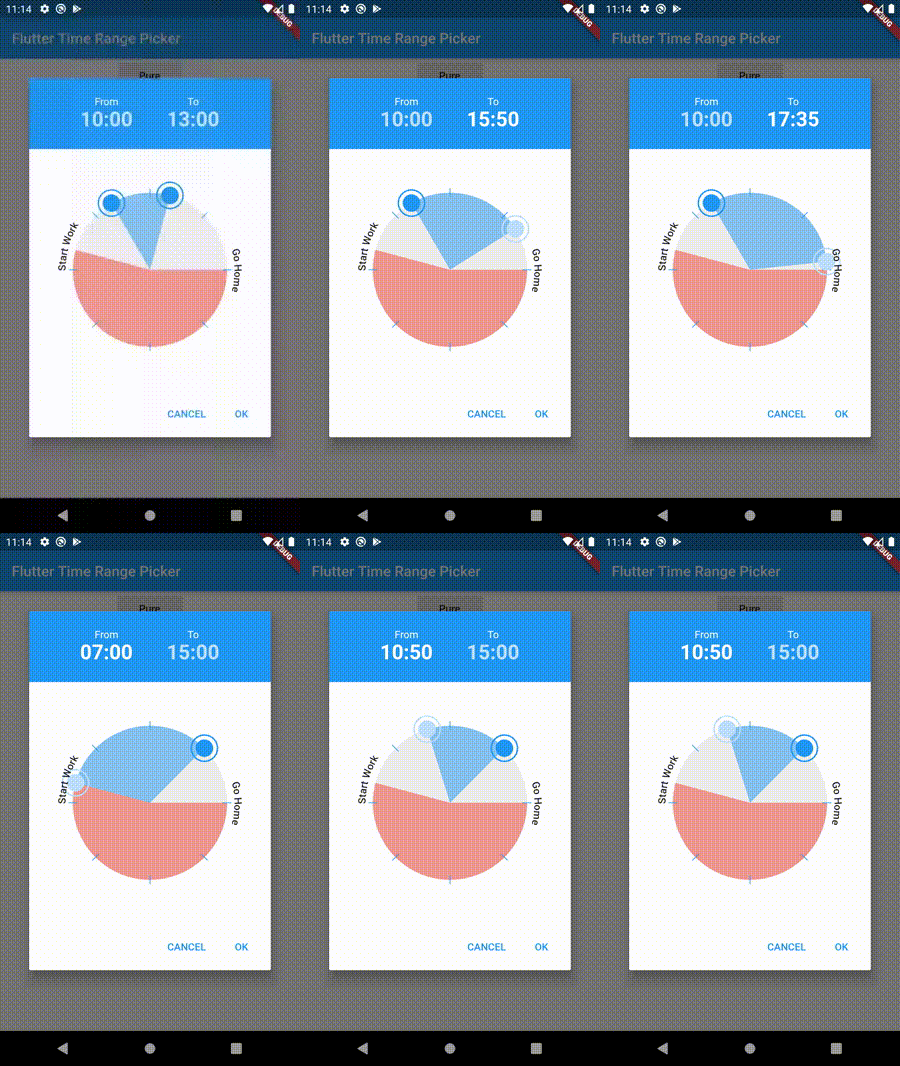
Disabled Timeframe
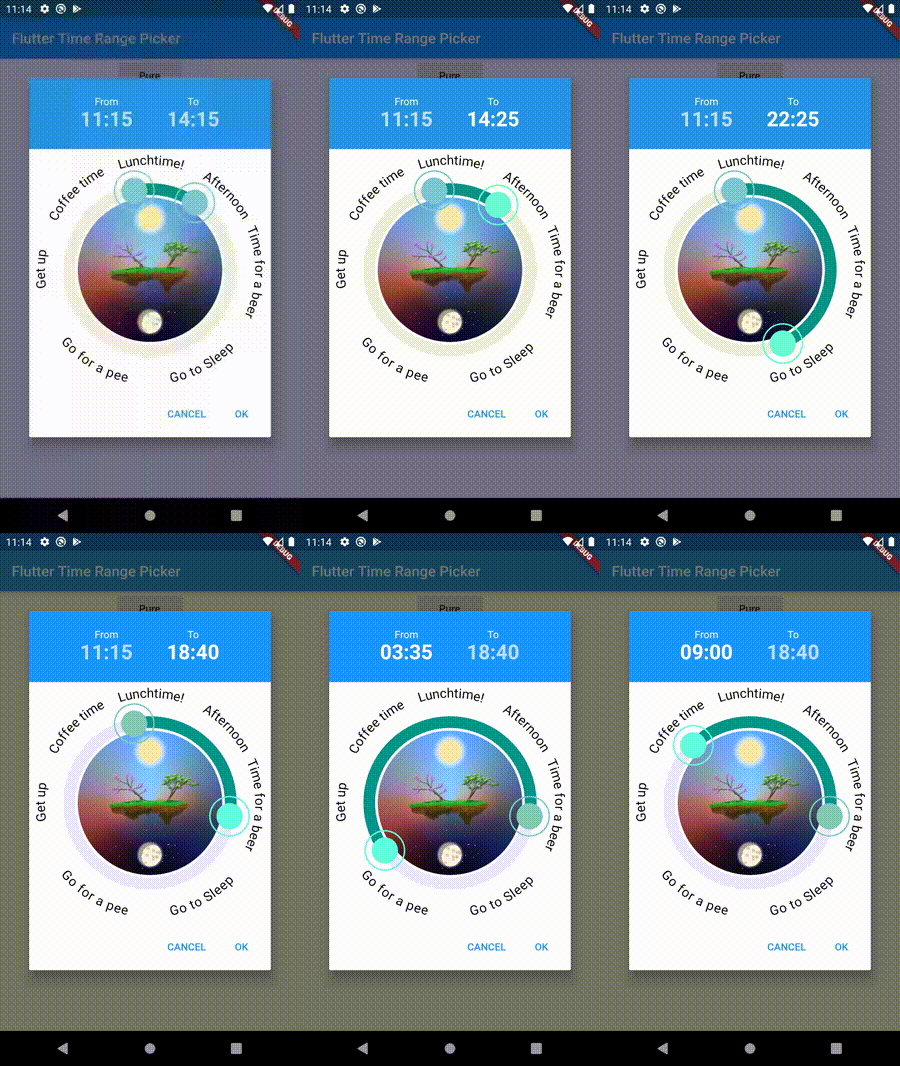
Background Widget
Rotated Clock
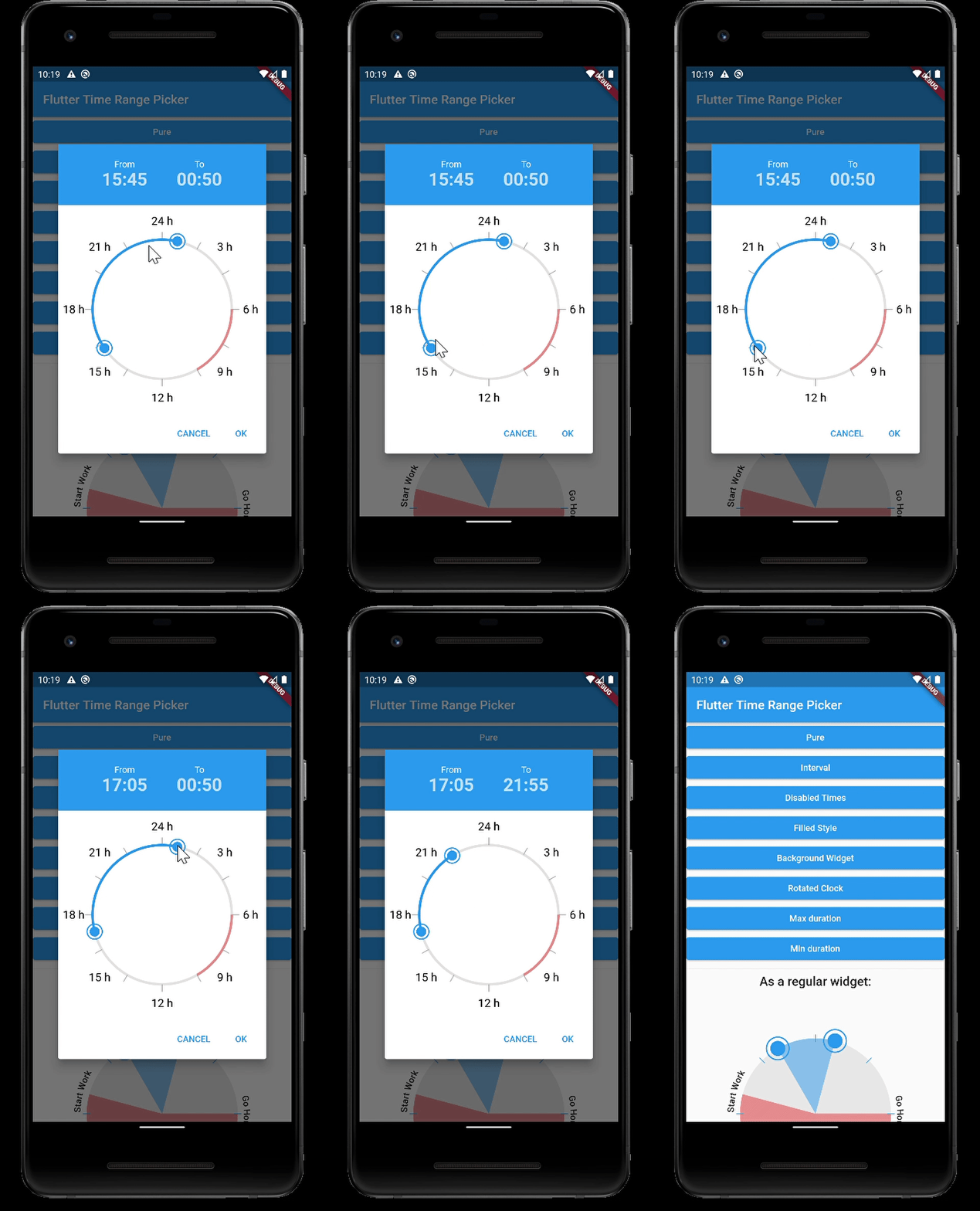
Max Duration
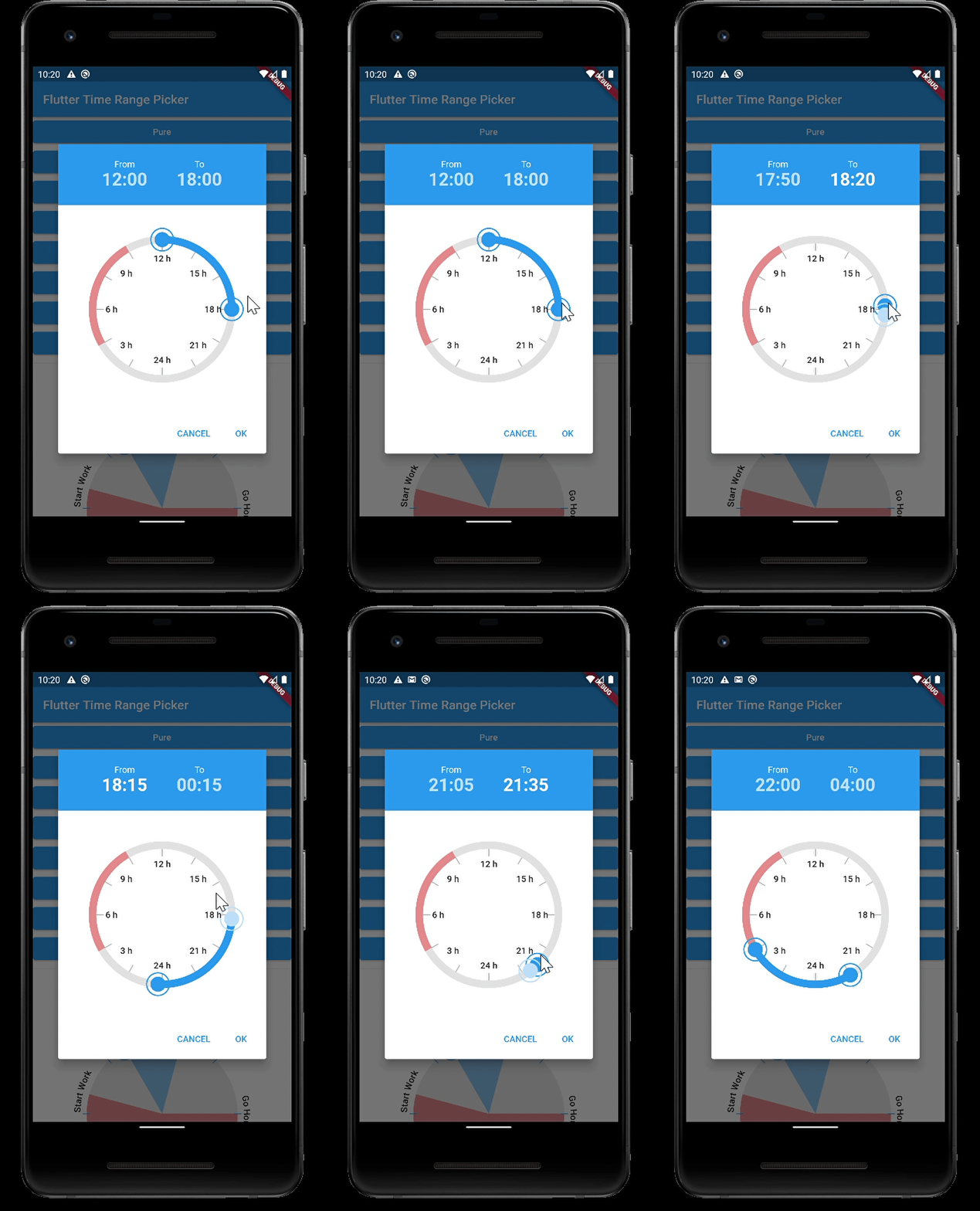
Min Duration
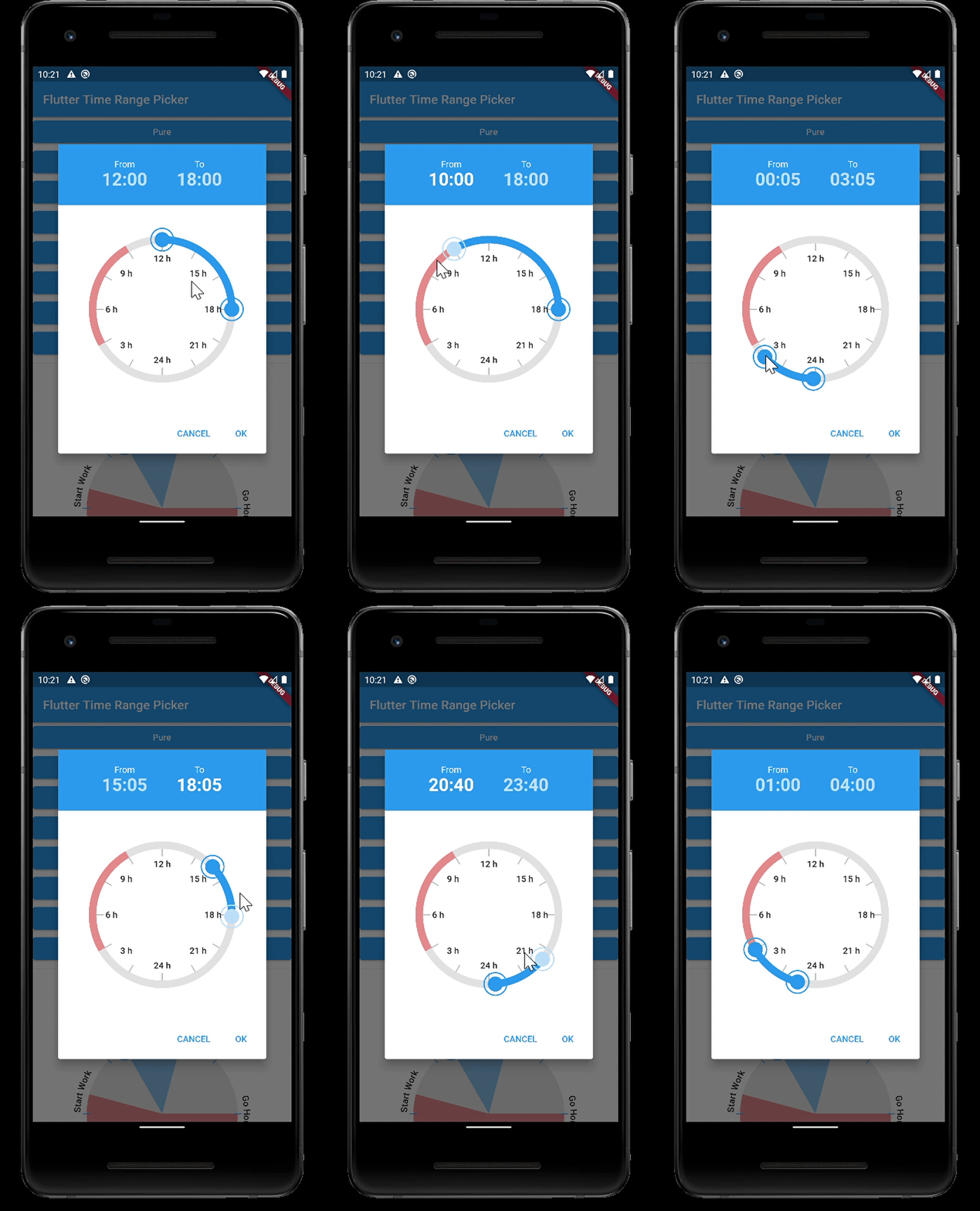
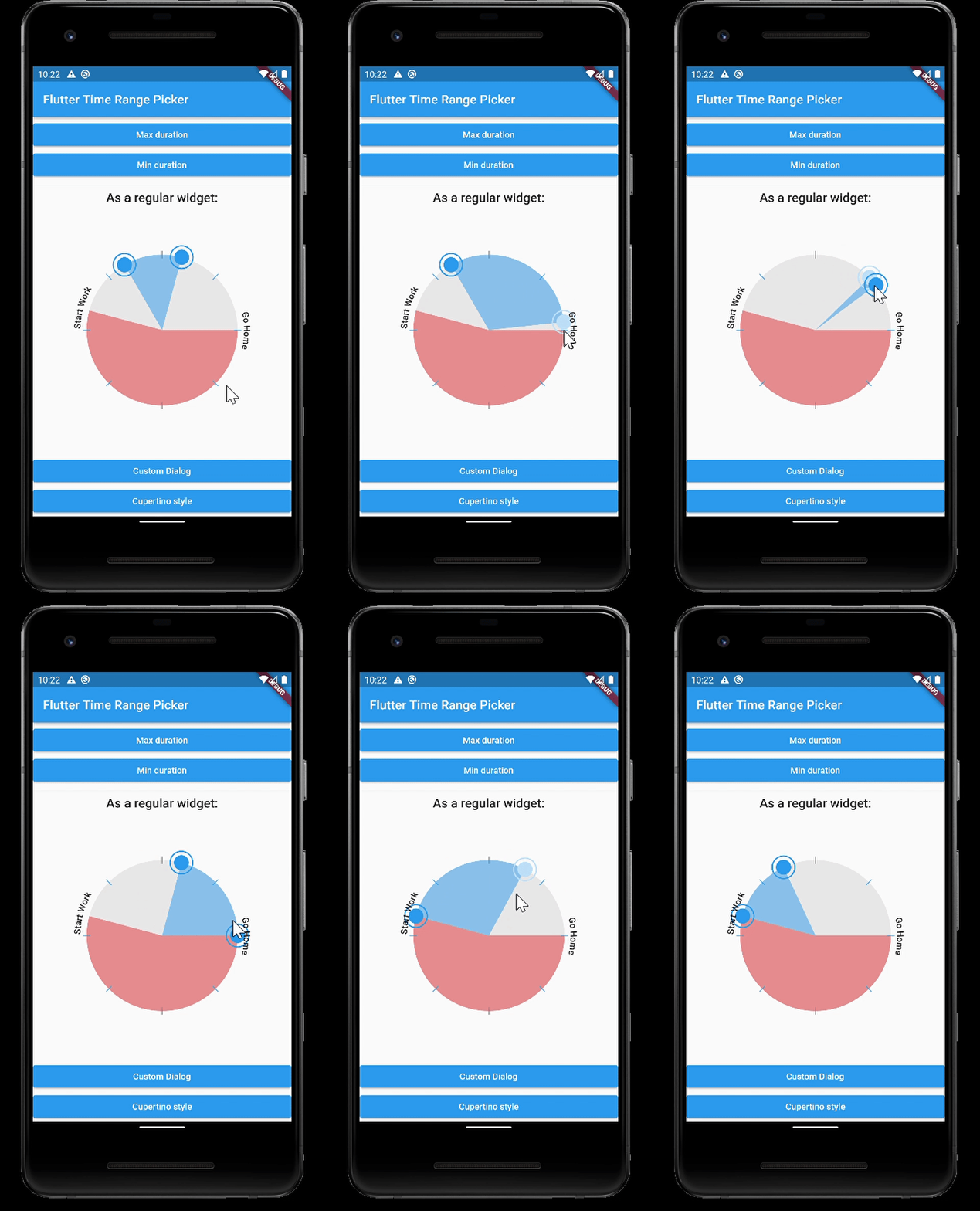
Default Widget
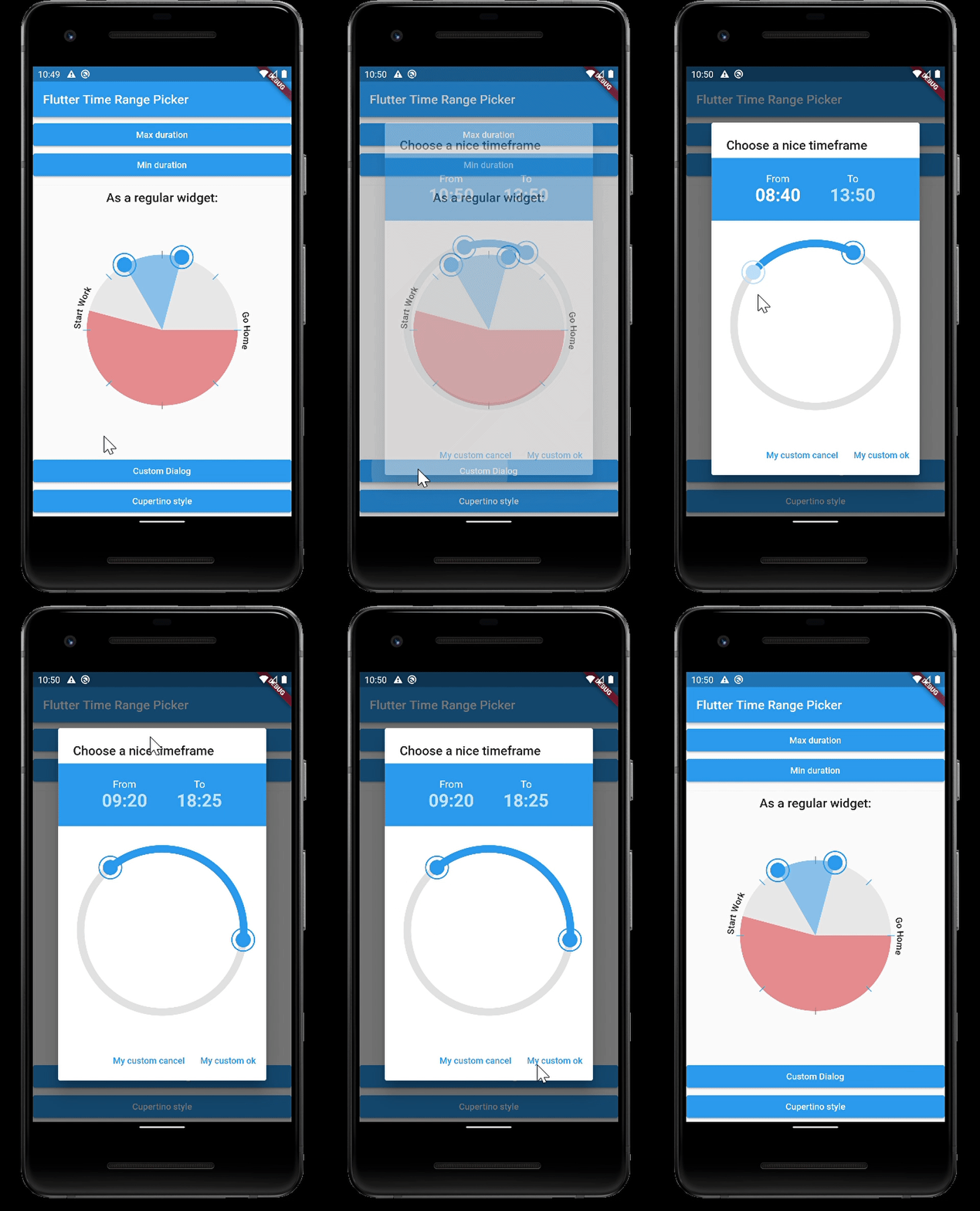
Custom Dialog
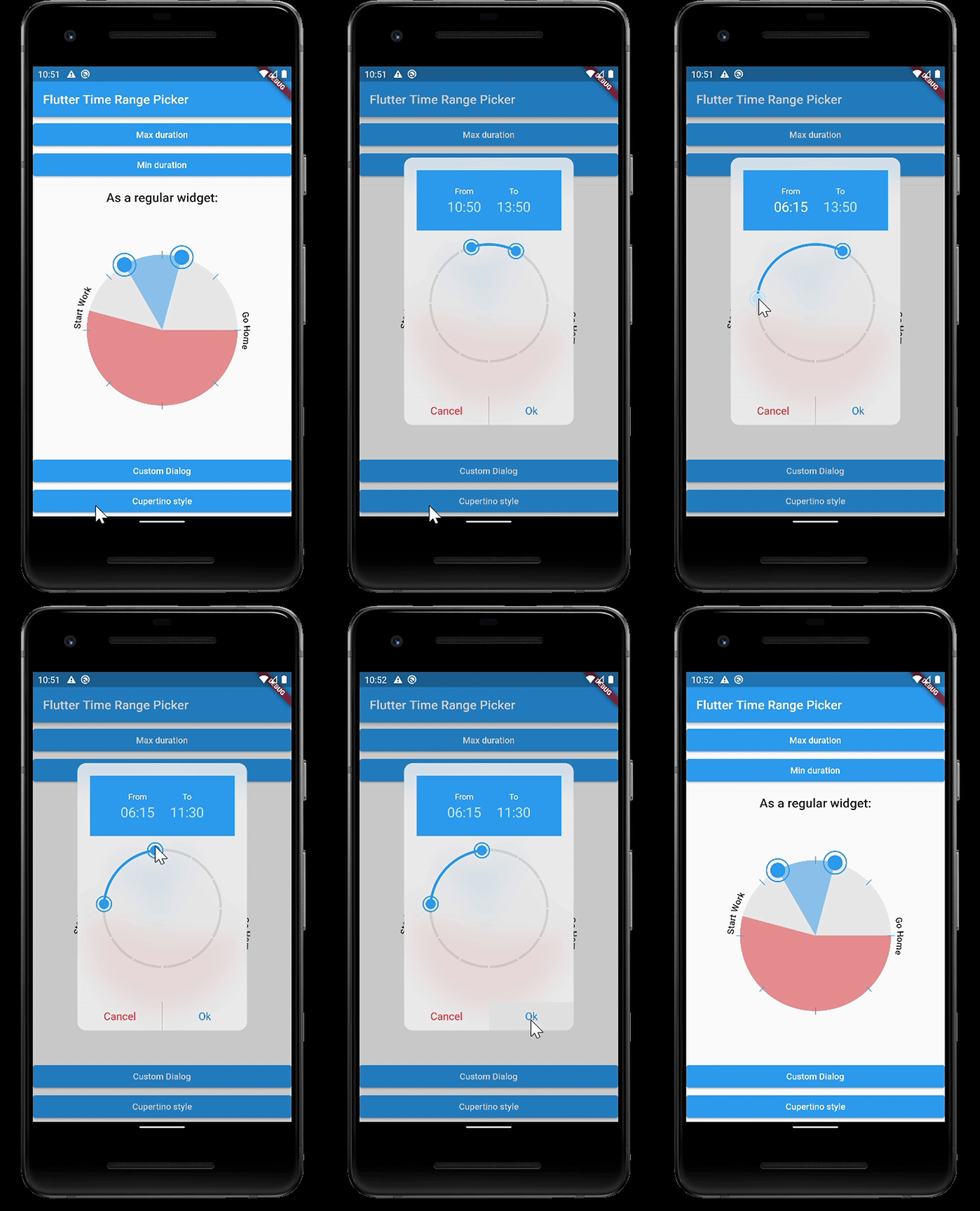
Custom Dialog iOS Style
Parameters
| type |
param |
default |
description |
|
| TimeOfDay |
start |
TimeOfDay.now() |
preselected start time |
|
| TimeOfDay |
end |
now + 3h |
preselected end time |
|
| TimeRange |
disabledTime |
|
disabled time range (this time cannot be selected) |
|
| Color |
disabledColor |
Colors.red.withOpacity(0.5) |
the color for the disabled section |
|
| PaintingStyle |
paintingStyle |
PaintingStyle.stroke |
Style of the arc (filled or stroke) |
|
| Function(TimeOfDay) |
onStartChange |
|
|
|
| Function(TimeOfDay) |
onEndChange |
|
|
|
| Duration |
interval |
Duration(minutes: 5) |
Minimum time steps that can be selected |
|
| String |
fromText |
"From" |
label for start time |
|
| String |
toText |
"To" |
label for end time |
|
| bool |
use24HourFormat |
true |
use 24 hours or am / pm |
|
| double |
padding |
36 |
the padding of the ring |
|
| double |
strokeWidth |
12 |
the thickness of the ring |
|
| Color |
strokeColor |
primaryColor |
the color of the active arc from start time to end time |
|
| double |
handlerRadius |
12 |
the radius of the handler to drag the arc |
|
| Color |
handlerColor |
primaryColor |
the color of a handler |
|
| Color |
selectedColor |
primaryColorLight |
the color of a selected handler |
|
| Color |
backgroundColor |
Colors.grey[200] |
the color of the circle outline |
|
| Widget |
backgroundWidget |
|
a widget displayed in the background, use e.g. an image |
|
| int |
ticks |
|
number of ticks displayed |
|
| double |
ticksOffset |
0 |
the offset for ticks |
|
| double |
ticksLength |
strokeWidth |
ticks length |
|
| double |
ticksWidth |
1 |
ticks thickness |
|
| Color |
ticksColor |
Colors.white |
Color of ticks |
|
| bool |
snap |
false |
Snap time bar to interval |
|
| List |
labels |
|
Show labels around the circle (start at 0 hours) |
|
| double |
labelOffset |
20 |
Offset of the labels |
|
| bool |
rotateLabels |
true |
rotate labels |
|
| bool |
autoAdjustLabels |
true |
flip labels if the angle woulb be upside down (only if rotate labels is active) |
|
| TextStyle |
labelStyle |
|
Style of the labels |
|
| TextStyle |
timeTextStyle |
|
TextStyle of the time texts |
|
| TextStyle |
activeTimeTextStyle |
|
TextStyle of the currently moving time text |
|
| bool |
hideTimes |
false |
hide the time texts |
|
| double |
clockRotation |
0 |
rotate the clock around angle |
|
| Duration |
maxDuration |
null |
maximum Duration that can be picked |
|
| Duration |
minDuration |
Duration(minutes: 30) |
minimum Duration that can be picked |
|
| bool |
barrierDismissible |
true |
barrierDismissible false = user must tap button to close time range picker |
|