Orientação gerada a partir de informações públicas. Apenas para referência.
Um pacote Flutter da Very Good Ventures que simplifica a implementação de listas paginadas, ideal para interfaces de rolagem infinita como feeds de notícias ou fluxos de atividades. Ele gerencia estados de carregamento, recuperação de erros e gatilhos automáticos de paginação com pouca quantidade de código repetitivo. Desenvolvido com foco em desempenho e experiência do desenvolvedor, integra-se perfeitamente em aplicativos que exigem dados carregados lentamente.
Casos de uso
Alimentação de rolagem infinita
Listagens de notícias e blogs
Linhas de tempo de atividades
fluxos de conteúdo gerado pelo usuário
Grade de produtos de comércio eletrônico
Principais recursos
Gerenciamento automático de paginação
Estados de carregamento e erro embutidos
API simples com configuração mínima
Suporta recarregamento por puxar
Otimizado para desempenho
Indicado para
Desenvolvedores de aplicativos baseados em feed
Equipes que priorizam o desenvolvimento rápido de UI
Projetos que exigem rolagem infinita suave
Aplicativos com grandes conjuntos de dados
Iniciantes do Flutter procurando paginação confiável
Considerações
Requer uma fonte de dados com busca baseada em páginas
Personalização limitada para comportamentos de rolagem complexos
Não projetado para widgets de rolagem não listados
Depende de gerenciamento externo de estado
Pode ser necessário lógica adicional para filtrar ou ordenar
README original
Snapshot do README original do repositório-fonte vinculado. Consulte o repositório para o conteúdo mais recente.
[!NOTE]
There is an active proposal to integrate this package's functionality directly
into the Flutter framework. Follow the conversation and share your feedback in
flutter/flutter#177451.
A library for easily displaying paginated data, created by Very Good Ventures.
InfiniteList comes in handy when building features like activity feeds, news feeds, or anywhere else where you need to lazily fetch and render content for users to consume.
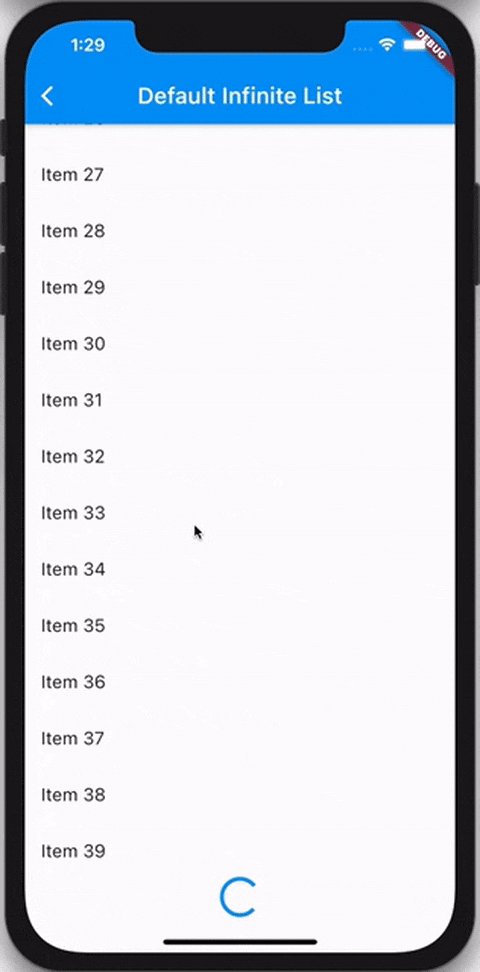
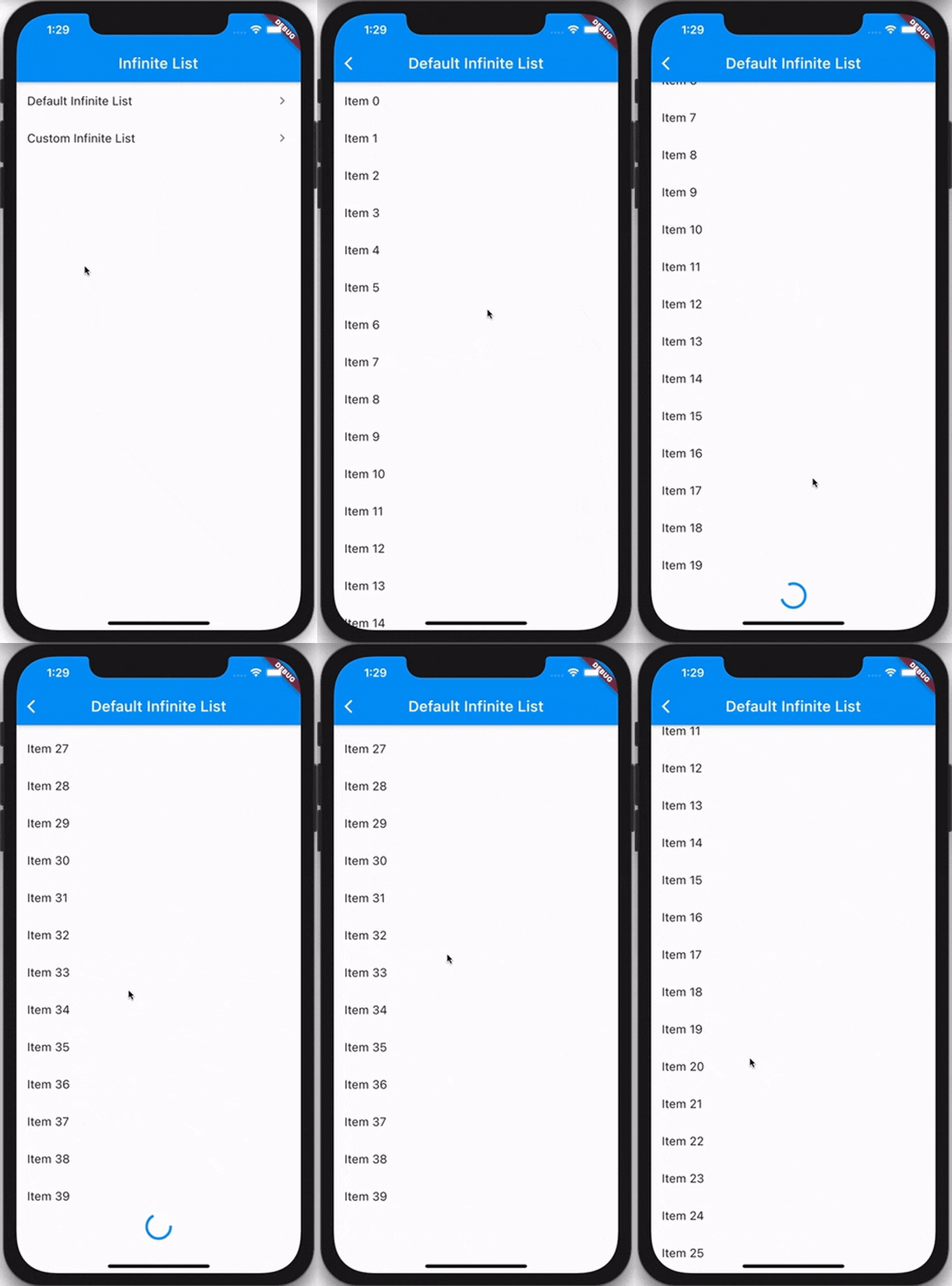
Example
Usage
The InfiniteList API is very similar to that of ListView.builder. A basic implementation requires four parameters:
An itemCount that represents the amount of items that should be rendered using the itemBuilder.
An itemBuilder that is responsible for returning a widget for every index of the itemCount.
A hasReachedMax flag that indicates if any more data is available.
An onFetchData callback that's triggered whenever new data should be fetched.
InfiniteList has multiple optional parameters which allow you to customize the loading and error behavior.
InfiniteList<String>(
itemCount: 3,
hasReachedMax: false,
onFetchData: () => _fetchData(),
itemBuilder: (context, index) => ListTile(title: Text('$index')),
// An optional [ScrollController] this [InfiniteList] will attach to.// It's used to detect when the list has scrolled to the appropriate position// to call [onFetchData].//// Is optional and mostly used only for testing. If set to `null`, an// internal [ScrollController] is used instead.
scrollController: _scrollController,
// Indicates if new items are currently being loaded.//// While set to `true`, the [onFetchData] callback will not be triggered// and the [loadingBuilder] will be rendered.//// Is set to `false` by default.
isLoading: false,
// Indicates if an error has occurred.//// While set to `true`, the [onFetchData] callback will not be triggered// and the [errorBuilder] will be rendered.//// Is set to `false` by default.
hasError: false,
// Indicates if the list should be reversed.//// If set to `true`, the list of items, [loadingBuilder] and [errorBuilder]// will be rendered from bottom to top.//// Is set to `false` by default.
reverse: false,
// Indicates if the extent of the ScrollView in the scrollDirection// should be determined by the contents being viewed.//// Is set to `false` by default.
shrinkWrap: false,
// The duration with which calls to [onFetchData] will be debounced.//// Is set to a duration of 100 milliseconds by default.
debounceDuration: constDuration(milliseconds: 100),
// The offset, in pixels, that the internal [ScrollView] must be scrolled over// to trigger [onFetchData].// // Defaults to the same as [RenderAbstractViewport.defaultCacheExtent], which is 250.
cacheExtent: 250.0,
// The amount of space by which to inset the list of items.//// Is optional and can be `null`.
padding: constEdgeInsets.all(16.0),
// An optional builder that's shown when the list of items is empty.//// If `null`, nothing is shown.
emptyBuilder: (context) => constCenter(child: Text('No items.')),
// Flag used to center the empty builder, it is optional and defaults to false
centerEmpty: true,
// An optional builder that's shown at the end of the list when [isLoading]// is `true`.//// If `null`, a default builder is used that renders a centered// [CircularProgressIndicator].
loadingBuilder: (context) => constCenter(child: CircularProgressIndicator()),
// Flag used to center the loading builder, it is optional and defaults to false
centerLoading: true,
// An optional builder that's shown when [hasError] is not `null`.//// If `null`, a default builder is used that renders the text `"Error"`.
errorBuilder: (context) => constCenter(child: Text('Error')),
// Flag used to center the error builder, it is optional and defaults to false
centerError: true,
// An optional builder that, when provided, is used to show a widget in// between every pair of items.//// If the [itemBuilder] returns a [ListTile], this is commonly used to render// a [Divider] between every tile.//// Is optional and can be `null`.
separatorBuilder: (context, index) => constDivider(),
// An optional [Axis] to be used by the internal [ScrollView] that defines// the axis of scroll. //// Is set to `Axis.vertical` by default.
scrollDirection: Axis.vertical,
// An optional [ScrollPhysics] to be used by the internal [ScrollView].//// Default to tha same as [ScrollView].
physics: constAlwaysScrollableScrollPhysics(),
);
Refer to the example to see both basic and complex usage of InfiniteList.