Orientação gerada a partir de informações públicas. Apenas para referência.
Vitality é um pacote Flutter que permite aos desenvolvedores adicionar facilmente animações ao vivo envolventes aos seus aplicativos. Com suporte a efeitos de fundo dinâmicos, gradientes e shaders, ele melhora as interfaces do usuário com visuais fluidos e envolventes em múltiplas plataformas. O pacote se integra perfeitamente aos projetos Flutter usando um simples comando, tornando-o acessível tanto para iniciantes quanto para desenvolvedores experientes. Seu design leve garante desempenho suave sem comprometer a velocidade do aplicativo. Vitality traz vida a designs estáticos por meio de animações personalizáveis em tempo real que respondem a interações do usuário ou gatilhos baseados no tempo.
Casos de uso
Melhorando telas de boas-vindas do aplicativo
Criando telas de inicialização dinâmicas
Adicionando fundos animados aos painéis
Melhorando o engajamento do usuário com feedback visual
Animando elementos da interface em jogos ou aplicativos interativos
Principais recursos
animações ao vivo em tempo real
Suporte para gradientes e shaders
Compatibilidade multiplataforma
Integração simples por meio do pub add
Parâmetros de animação personalizáveis
Leve e eficiente
Indicado para
Designers de UI procurando visuais dinâmicos
Desenvolvedores de aplicativos interativos
Equipes focadas na experiência do usuário
Projetos que exigem fundos animados
Iniciantes do Flutter explorando efeitos avançados
Considerações
Pode afetar o desempenho em dispositivos de baixa gama
Requer conhecimento dos princípios de animação
Documentação limitada além dos exemplos básicos
Mais adequado para componentes de interface não críticos
Não ideal para sequências de animação altamente complexas
README original
Snapshot do README original do repositório-fonte vinculado. Consulte o repositório para o conteúdo mais recente.
vitality
Welcome to Vitality, a dynamic Flutter package designed to effortlessly infuse your app with captivating live animations in the background. With just 10 lines of code, you can breathe life into your UI by adding randomly moving icons, circles, rectangles, images, and more. Let's explore how you can enhance your app's visual appeal with ease.
Examples:
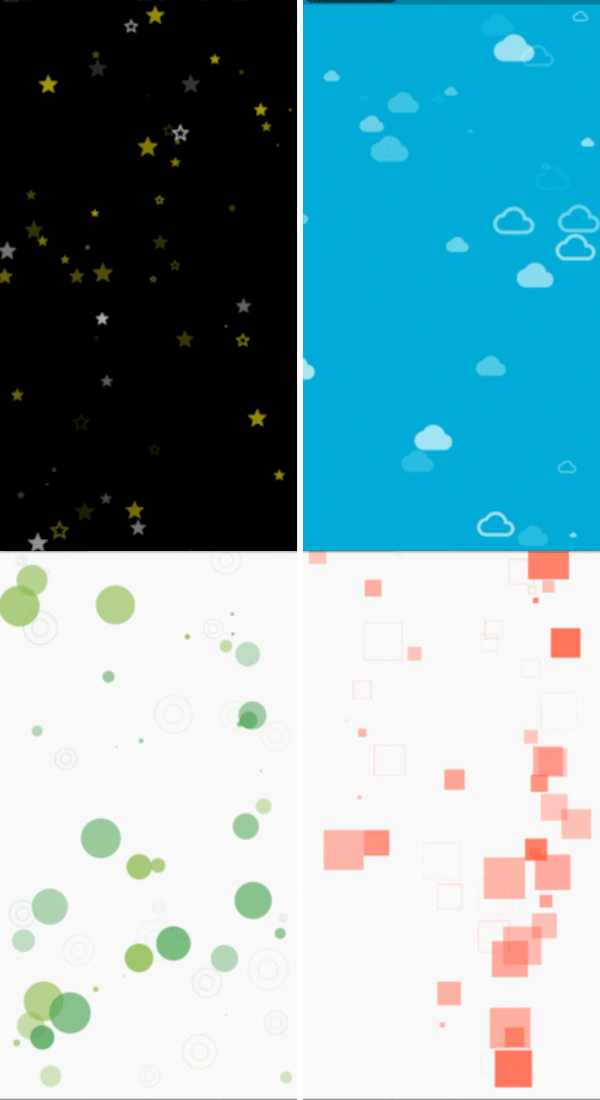
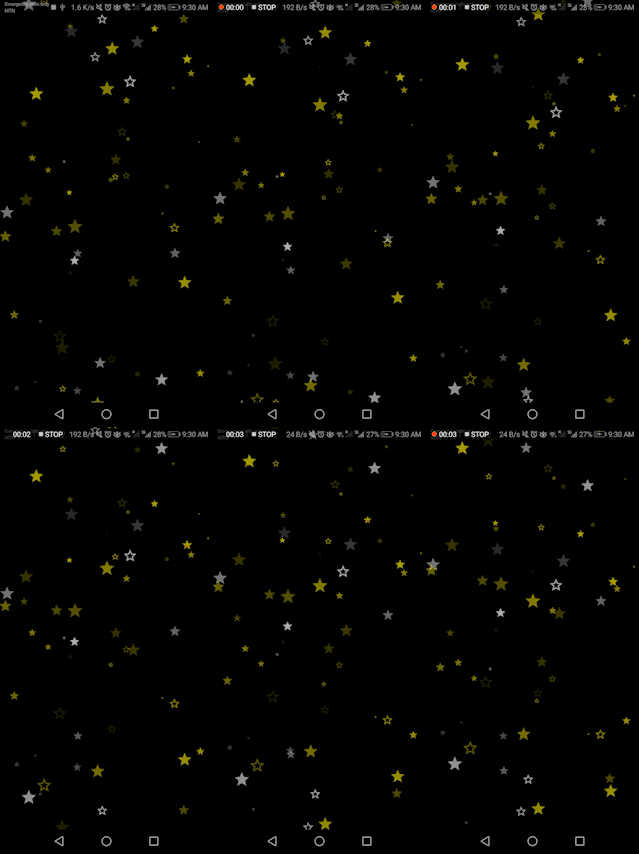
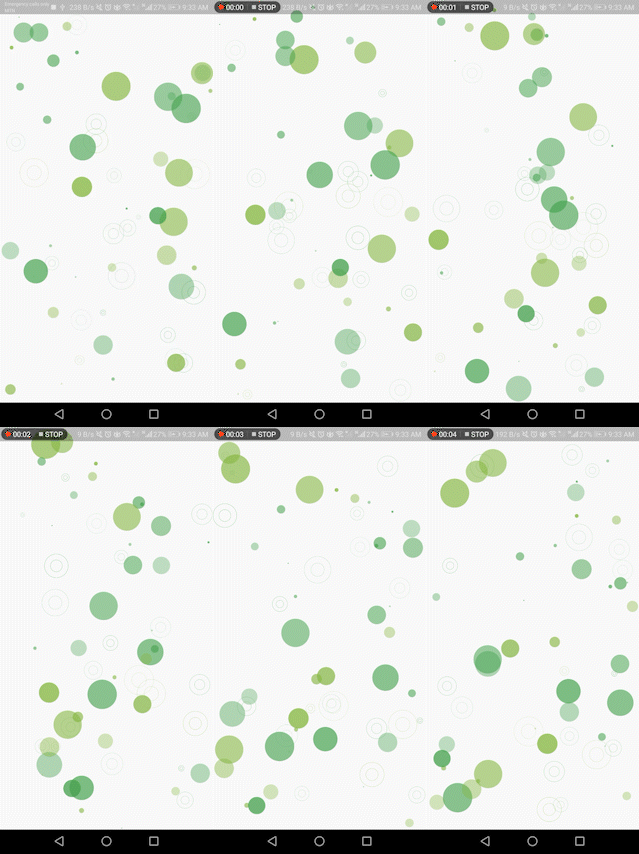
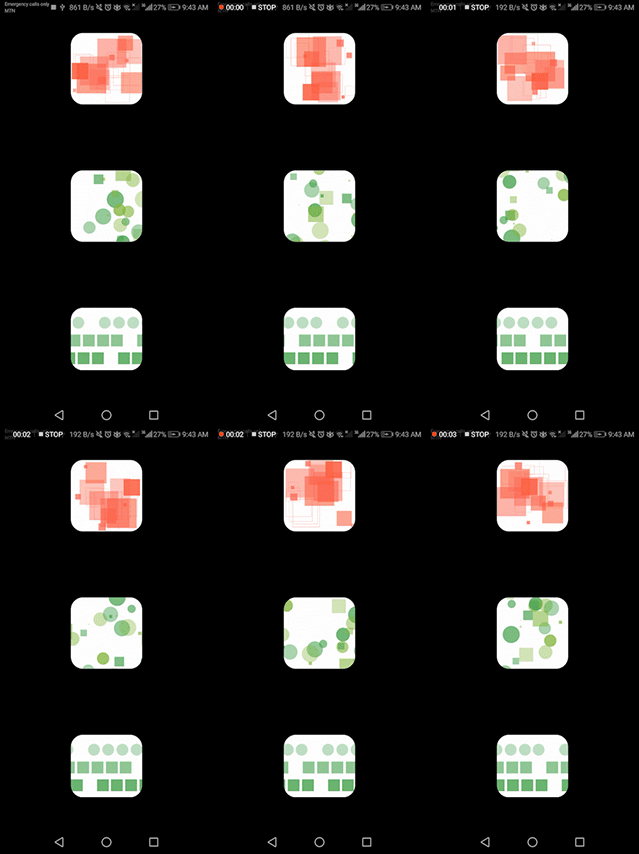
Check out these examples showcasing the versatility of the Vitality library:
Usage:
The Vitality package is designed with simplicity in mind, making integration a breeze. Take a look at the example below to quickly grasp how to use it:
whenOutOfScreenMode Determines how a shape behaves at the screen edge, values are:
none: It does nothing and continues its movements out the screen.
Reflect: It bounces and returns in the oppisite direction.
Teleport: It continues its movements to the other side of the screen.
randomItemsBehaviours Defines the shapes that the library can generate. Choose from the ShapeType enum (FilledCircle, StrokeCicle, FilledSquare, Icon, Image, etc.) :
If you desire even more customization in your animations, Vitality provides a custom mode that is straightforward to use. In this mode, you can specify the exact shapes, icons, or images you want to animate using the shapes parameter. Additionally, you can control the background with the background parameter.
Customizing Individual Shapes:
To customize individual shapes, you can pass a list of Shape objects as the shapes parameter. Each Shape object includes the following properties:
pos: Initial position of the shape [Offset].
dx: Speed on the X-axis [double].
dy: Speed on the Y-axis [double].
size: Size of the shape [double].
color: Color of the shape [Color].
whenOutOfScreenMode: Behavior of the shape at the screen edge [WhenOutOfScreenMode].
behaviour: Structure of the shape [ItemBehaviour].
For more dynamic combinations, you can use the ShapesGenerator class. This class allows you to generate shapes with specific properties,
resulting in an easier way to seamlessly combine multiple shapes, allowing you to effortlessly craft a beautiful background. The parameters include:
minWidth, minHeight: Minimum width and height for random generation [double].
maxWidth, maxHeigh: Maximum width and height for random generation [double].
enableXMovements, enableYMovements: Whether or not the shapes will move on the X and Y axes [bool].
minSize, maxSize: Minimum and maximum size values for shapes [double].
minOpacity, maxOpacity: Minimum and maximum opacity values for shapes (values between 0 and 1) [double].
minSpeed, maxSpeed: Minimum and maximum speed values for shapes [double].
behaviours: List of ItemBehaviour for random selection.
colors: List of Color for random selection.
whenOutOfScreenMode: What will happen when shapes reach the screen edge [WhenOutOfScreenMode].