Orientação gerada a partir de informações públicas. Apenas para referência.
yoyo_player é um pacote de player de vídeo Flutter projetado para reprodução de HLS (Streaming ao Vivo HTTP) com seleção dinâmica de qualidade. Permite que os usuários alternem entre diferentes níveis de qualidade de vídeo durante a reprodução, melhorando a experiência de streaming com base nas condições da rede. Construído para simplicidade e desempenho, integra-se perfeitamente em aplicativos Flutter. O pacote suporta streaming adaptativo e oferece uma API limpa para gerenciar controles de reprodução e configurações de qualidade. Ideal para aplicações ricas em mídia que exigem entrega flexível de vídeo.
Casos de uso
Vídeo em streaming com alternância de qualidade
Reprodução adaptativa de vídeo em aplicativos Flutter
Transmissão ao vivo de vídeo com HLS
Vídeo sob demanda com múltiplas resoluções
Construindo players de mídia com controle de qualidade do usuário
Principais recursos
Suporte a streaming HLS
Seleção dinâmica de qualidade
Integração simples com o Flutter
Tratamento de taxa de bits adaptativa
Design de API limpo e minimalista
Indicado para
Aplicações de mídia
Plataformas de vídeo sob demanda
aplicativos de transmissão ao vivo
Entrega de conteúdo educacional
Aplicativos que exigem reprodução de vídeo responsiva
Considerações
Requer fontes de vídeo compatíveis com HLS
Limitado a iOS e Android (sem suporte a web/desktop)
Nenhum componente de interface integrado
Depende da disponibilidade de fluxo HLS externo
Pode exigir configuração adicional para lógica de reprodução personalizada
README original
Snapshot do README original do repositório-fonte vinculado. Consulte o repositório para o conteúdo mais recente.
YoYo Video Player
YoYo Video Player is a HLS(.m3u8) video player for flutter.
The video_player is a video player that allows you to select HLS video streaming by selecting the quality. YoYo Player wraps video_player under the hood and provides base architecture for developers to create their own set of UI and functionalities.
Features
You can select multiple quality and open
On video tap play/pause, mute/unmute, or perform any action on video.
Auto hide controls.
(.m3u8) HLS Video Streaming Support
Install & Set up
Add dependency, open the root directory pubspec.yamlFile independencies:Add the following code below
yoyo_player:#latest
Installation dependencies (please ignore if it has been installed automatically)
The data in the source url (m3u8) is regex checked and the child m3u8 files are created and saved according to the respective rules.
It starts creating child m3u8 files as soon as the video starts playing
Each time a video is completed or the main url changes, child m3u8 files are checked and deleted.
The child m3u8 files are created as follows:
If viedo quality
yoyo[vido-quality].m3u8
If video quality & audio quality
yoyo[video-quality][audio-quality].m3u8
Support M3U8
#EXT-X-MEDIA
#EXT-X-STREAM-INF(not for ios)
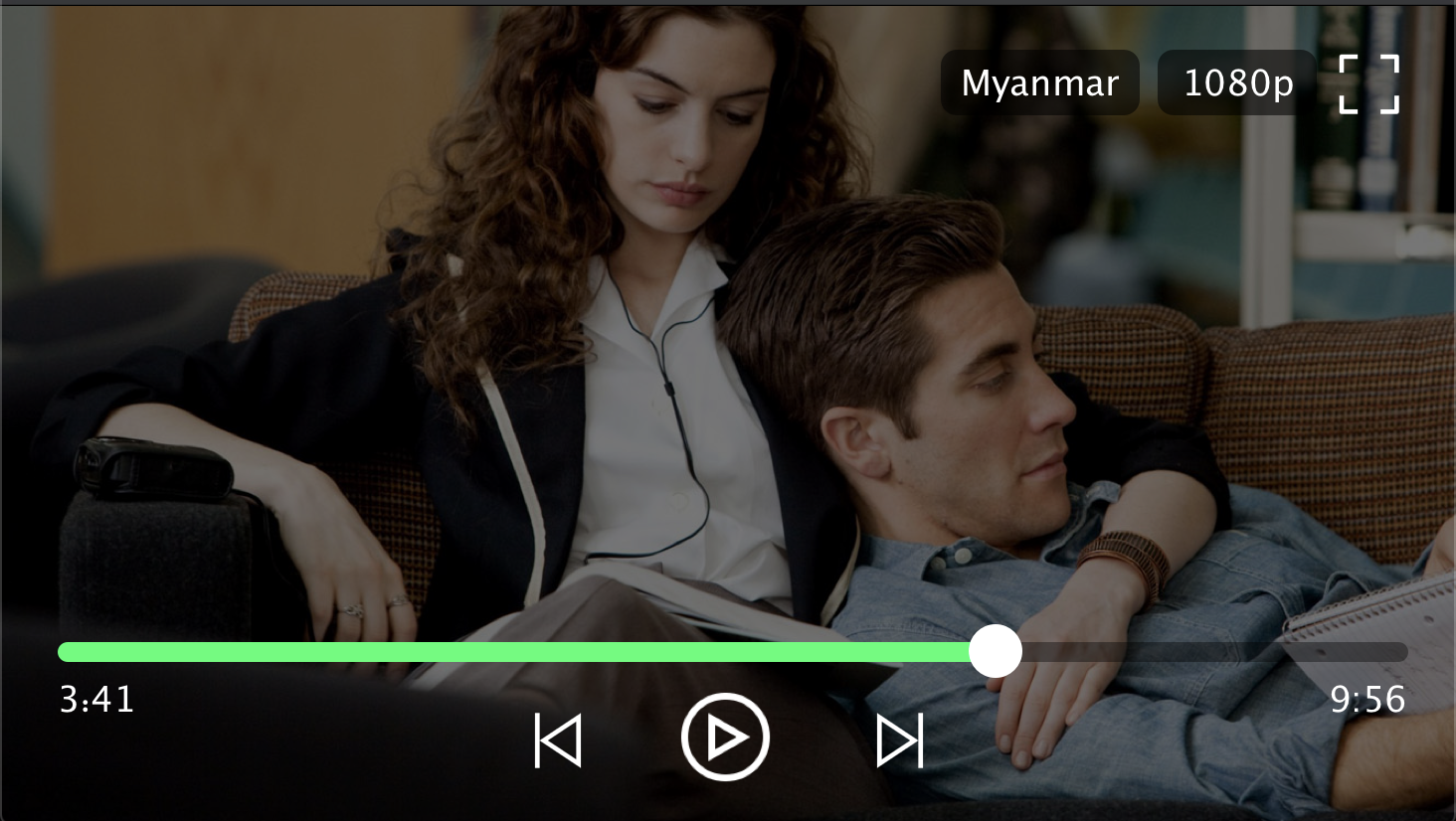
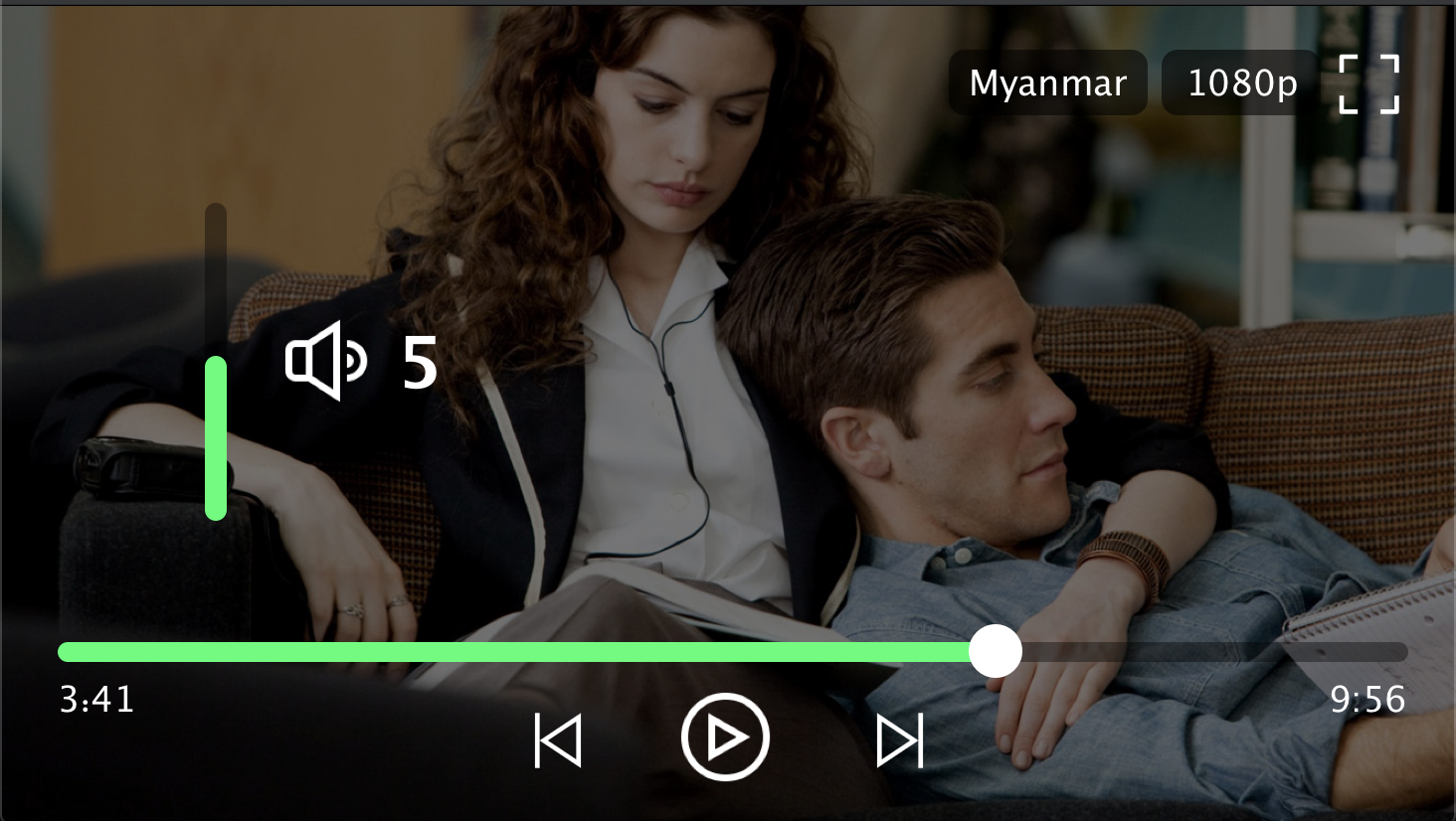
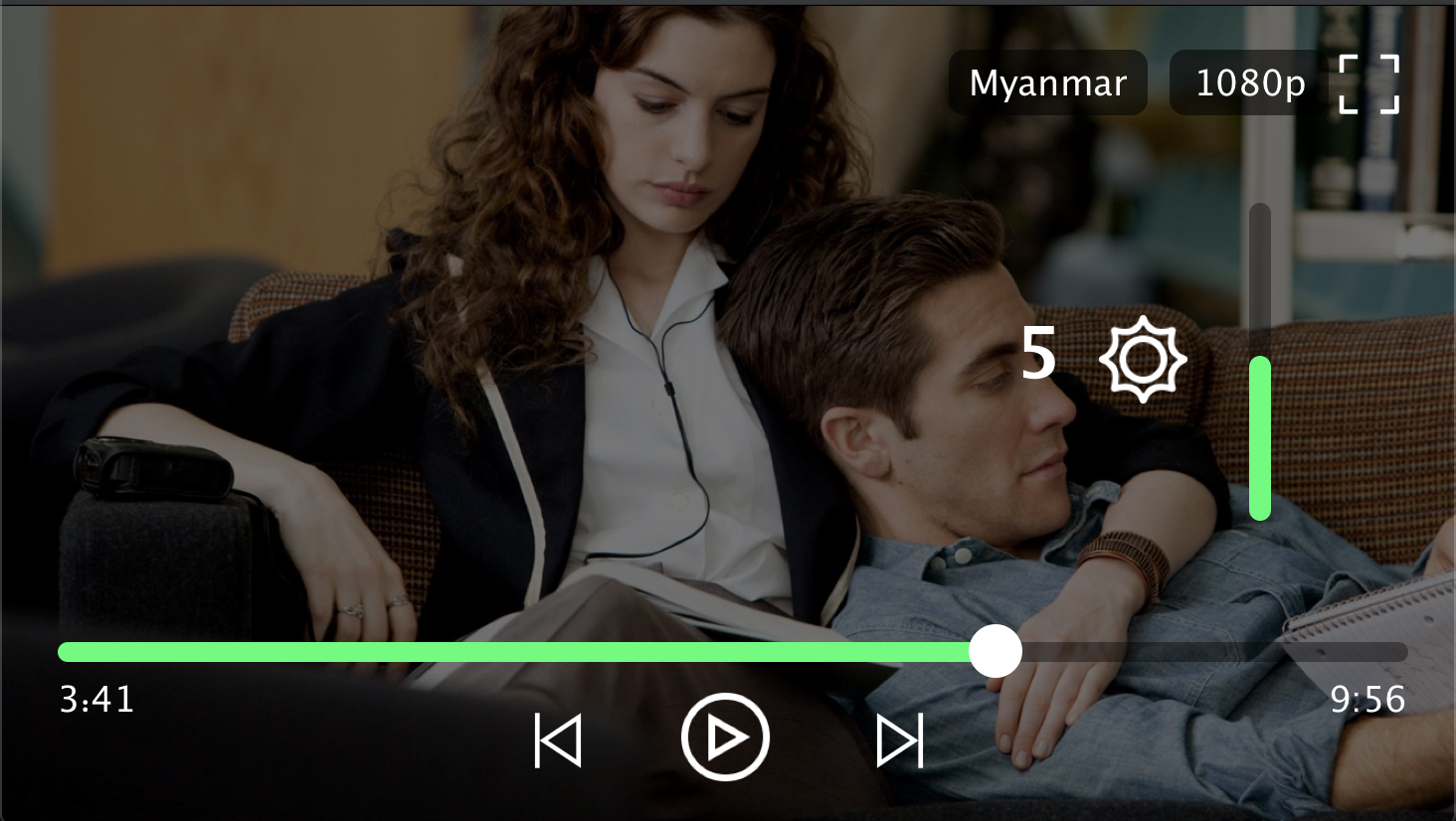
Player Screenshot
Contributors
Min Si Thu
Ko Htut
MIT License
Copyright (c) 2020 Ko Htut (Ko Min Than Htut)
Permission is hereby granted, free of charge, to any person obtaining a copy
of this software and associated documentation files (the "Software"), to deal
in the Software without restriction, including without limitation the rights
to use, copy, modify, merge, publish, distribute, sublicense, and/or sell
copies of the Software, and to permit persons to whom the Software is
furnished to do so, subject to the following conditions:
The above copyright notice and this permission notice shall be included in all
copies or substantial portions of the Software.
THE SOFTWARE IS PROVIDED "AS IS", WITHOUT WARRANTY OF ANY KIND, EXPRESS OR
IMPLIED, INCLUDING BUT NOT LIMITED TO THE WARRANTIES OF MERCHANTABILITY,
FITNESS FOR A PARTICULAR PURPOSE AND NONINFRINGEMENT. IN NO EVENT SHALL THE
AUTHORS OR COPYRIGHT HOLDERS BE LIABLE FOR ANY CLAIM, DAMAGES OR OTHER
LIABILITY, WHETHER IN AN ACTION OF CONTRACT, TORT OR OTHERWISE, ARISING FROM,
OUT OF OR IN CONNECTION WITH THE SOFTWARE OR THE USE OR OTHER DEALINGS IN THE
SOFTWARE.