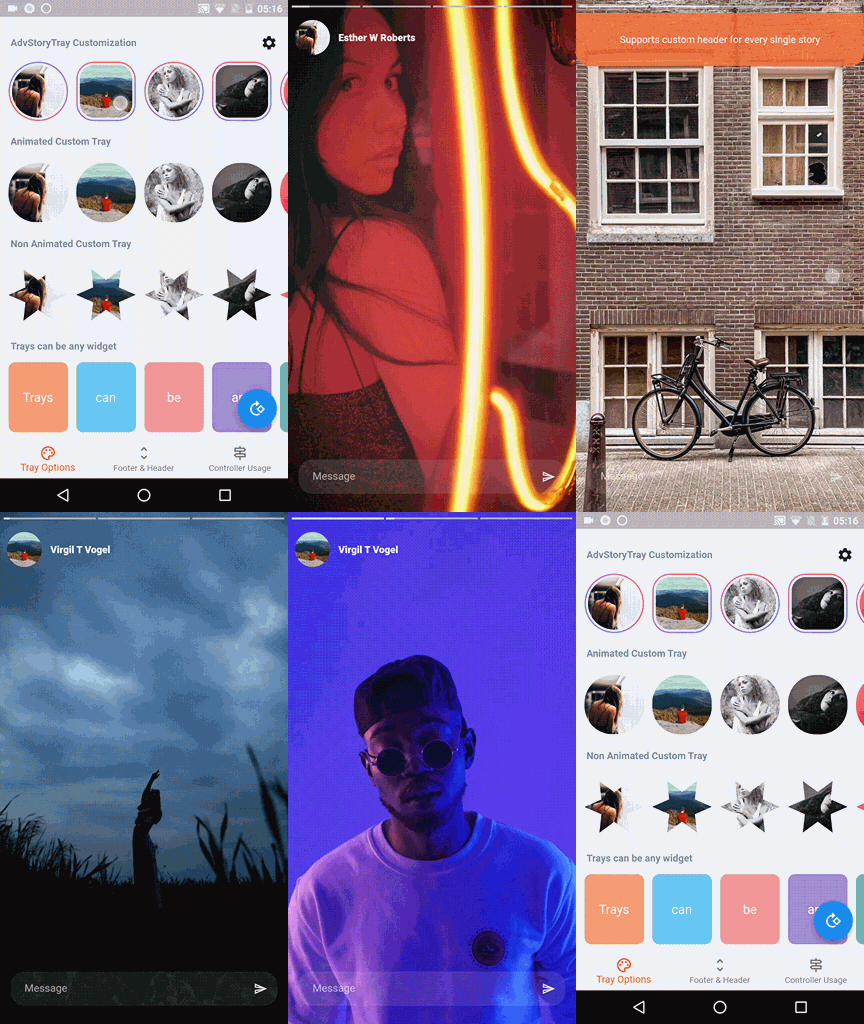
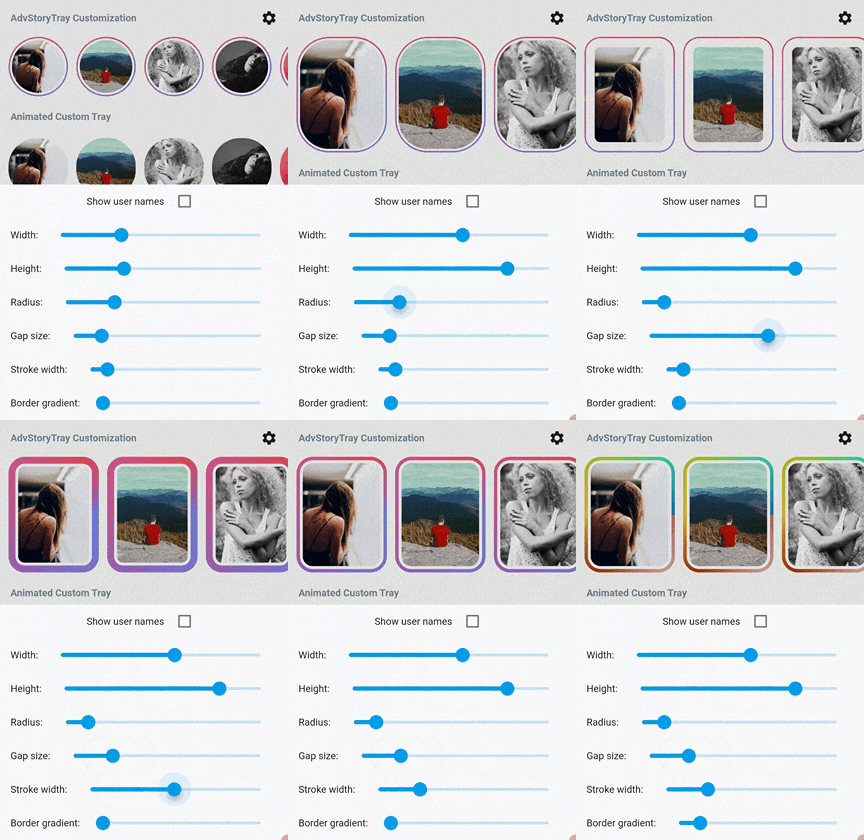
🚀 Advanced Story viewer for Flutter. Create and customize slideshow presentations similar to Instagram, TikTok and Snapchat stories. Supports image, video and custom story contents. Full control over stories for developer and smooth experience for users.
Features
➡️ High performance, minimum delays, preload and cache enabled. Works using builders, provides flexibility and lazy loading.
➡️ Story view can be in any shape, size and position or full-screen.
➡️ Predefined story types for images, videos and simple contents. But not limited to these types, allows you to use base class of predefined widgets. This literally makes the options endless.
➡️ Gestures for skip story, skip content, pause, resume and close.
➡️ Interceptors that block events and manipulate the story flow without being noticed by the app user.
➡️ A functional controller for listening interactions and skip stories/contents, pause, play and more...
➡️ Predefined highly customizable story tray. But you are not limited to that, you can create your own non-animated or animated trays, AdvStory handles animation.
➡️ Header and footer areas for predefined stories with customization option specific to a predefined story content.
➡️ Object based, you can create as many story views as you want within the same application.
➡️ Well documented, go to docs:
What can I do using AdvStory?
Quite simple: when you don't need much customization, a fully functional story view is just 8 lines of code.
create stories asynchronously in storyBuilder, send some requests to your server!
create different story trays and tray animations for each story, trays can be any widget you want.
create different footer & header areas for each story contents.
create contents with different skip durations.
create your own contents, AdvStory provides ways to you for caching media and handling story logic.
disable gestures, jump to a position, hide and show header/footer areas, pause and resume story via controller.
block events and call your own callbacks instead default story flow actions via interceptor.
create story view using AdvStory.player to define opening animations, custom shape, size...
customize tray list, story progress indicator, loading screen.
If you find AdvStory useful, you can hit the like button and give a star to project on Github to motivate me or treat me with coffee to help me take time to develop this package.