搜尋套件、儲存庫與 APP 分類

animated_bottom_navigation_bar 封面
套件詳情v1.4.1

animated_bottom_navigation_bar

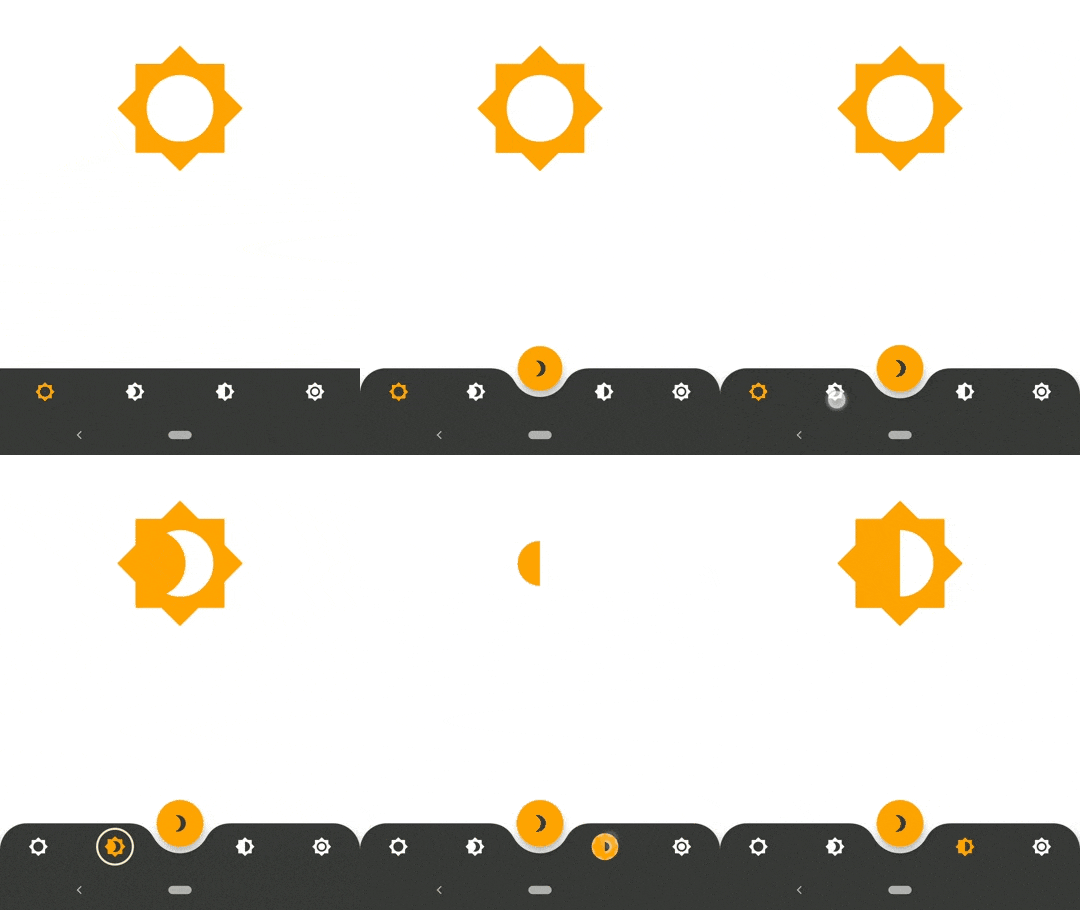
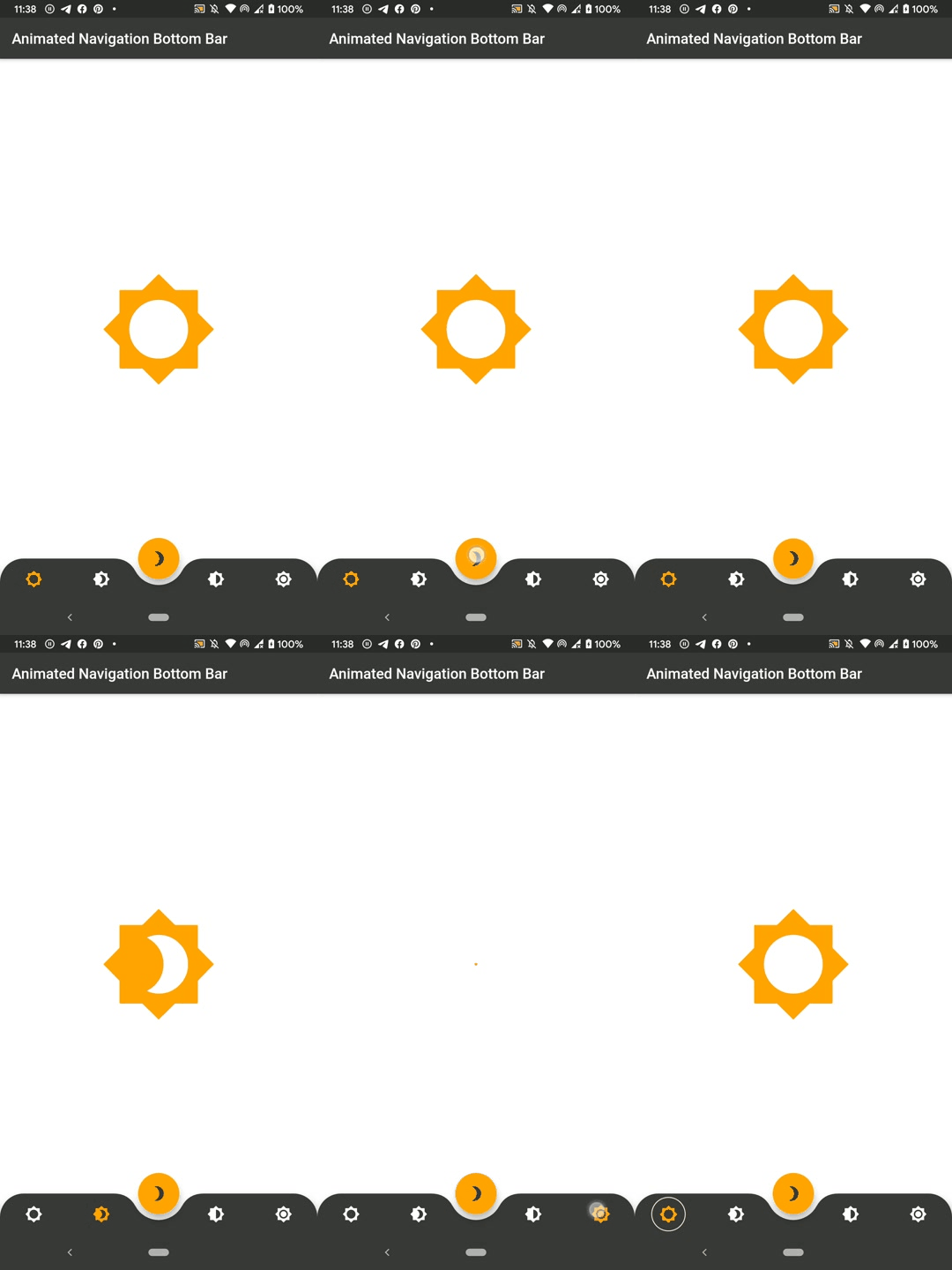
受 https://dribbble.com/shots/7134849-Simple-Tab-Bar-Animation 啟發的動畫底部導航欄小部件實作

AndroidiOSWebmacOSWindowsLinux
近 30 天下載
1.9萬
喜歡數
1450
Pub 分數
150

安裝套件

flutter pub add animated_bottom_navigation_bar

套件介紹

根據套件公開資料產生的選型評估,僅供參考。

一個 Flutter 套件,提供一個動畫底部導覽列元件,靈感來自 Dribbble 設計。它在選項卡之間提供流暢且視覺上吸引人的過渡效果,支援自訂動畫、顏色和圖示。該元件輕量且易於整合到任何 Flutter 應用中,支援多個平台,包括 Android、iOS、Web、macOS、Windows 和 Linux。非常適合透過動態導航介面提升使用者體驗。

適用情境

  • 行動應用程式導航
  • Web 應用程式儀表板
  • 跨平台 UI 增強
  • 互動式標籤切換
  • 現代應用設計

主要特色

  • 平滑的動畫過渡
  • 可自定義的顏色和圖示
  • 跨平台響應式設計
  • 與現有 Flutter 專案的輕鬆整合
  • 對多個平台目標的支援

適合對象

  • 尋求現代 UI 組件的開發人員
  • 注重設計的 Flutter 應用程式
  • 需要引人入勝的導航體驗的應用程式
  • 跨平台移動和網頁應用
  • UI/UX 設計師實現互動元素

使用建議

  • 可能需要額外的樣式來實現複雜佈局
  • 應在低階設備上測試動畫效能
  • 超出基本屬性的自訂功能有限
  • 最適合包含3-5個導航項目之應用程式
  • 不建議用於高度複雜的導航結構

原始 README

以下為關聯原始碼儲存庫的 README 原文快照,最新內容請造訪原始碼儲存庫。

SWUbanner

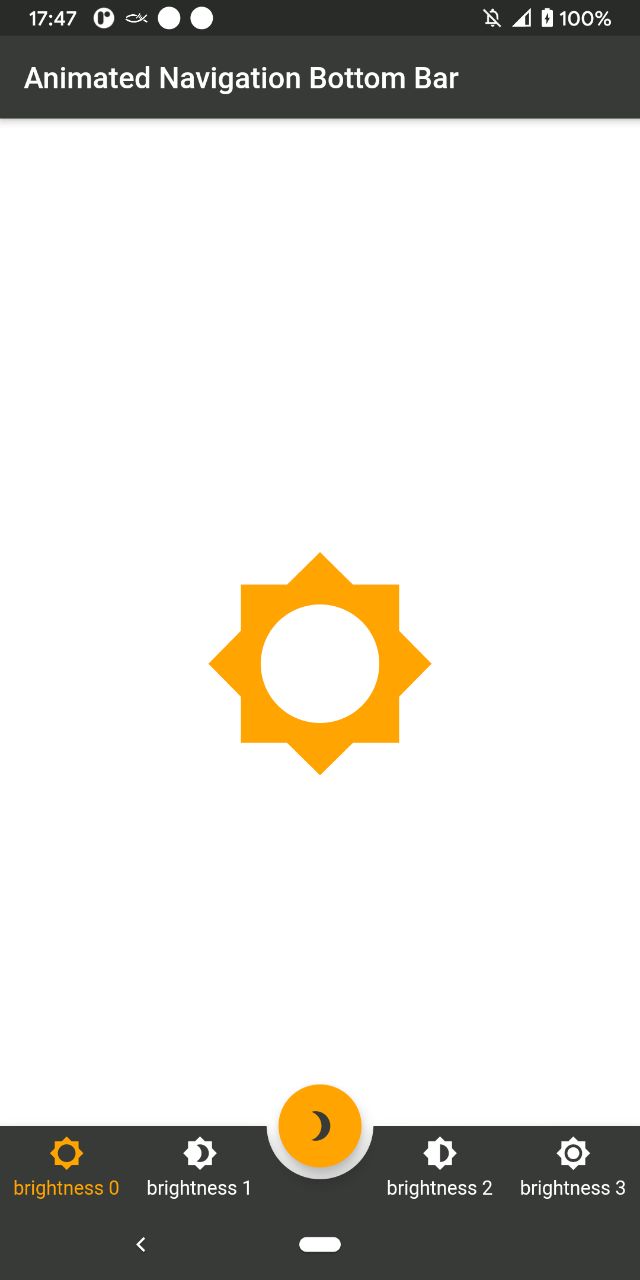
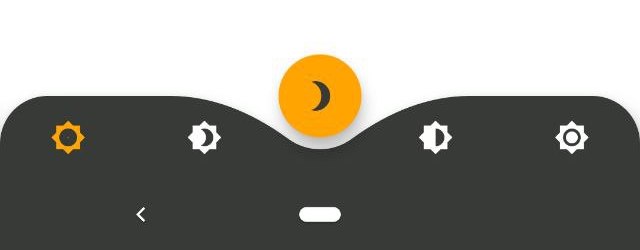
AnimatedBottomNavigationBar is a customizable widget inspired by dribble shot.

pub package

"Buy Me A Coffee"

With AnimatedBottomNavigationBar.builder you are able to customize tab view however you need. In this case you are responsible to handle an active(inactive) state of tabs.

Getting Started

To get started, place your AnimatedBottomNavigationBar or AnimatedBottomNavigationBar.builder in the bottomNavigationBar slot of a Scaffold. The AnimatedBottomNavigationBar respects FloatingActionButton location. For example:

Scaffold(
   body: Container(), //destination screen
   floatingActionButton: FloatingActionButton(
      //params
   ),
   floatingActionButtonLocation: FloatingActionButtonLocation.centerDocked,
   bottomNavigationBar: AnimatedBottomNavigationBar(
      icons: iconList,
      activeIndex: _bottomNavIndex,
      gapLocation: GapLocation.center,
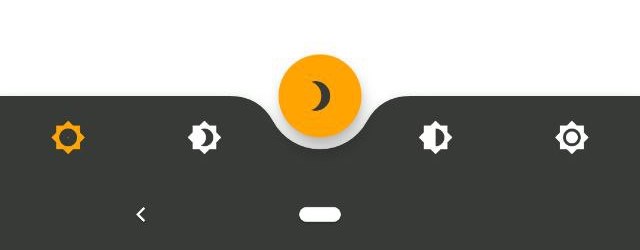
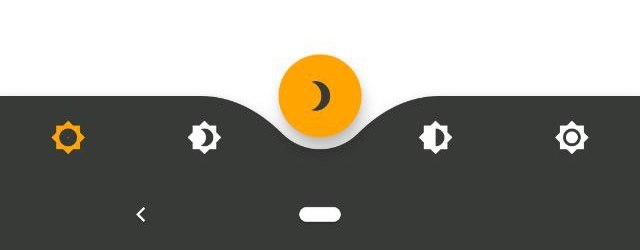
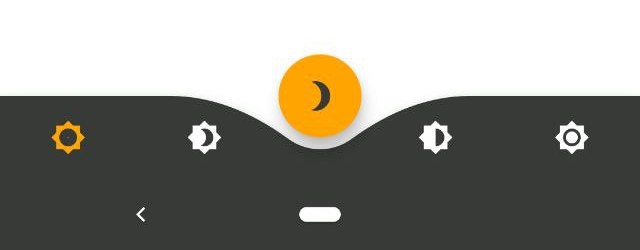
      notchSmoothness: NotchSmoothness.verySmoothEdge,
      leftCornerRadius: 32,
      rightCornerRadius: 32,
      onTap: (index) => setState(() => _bottomNavIndex = index),
      //other params
   ),
);

There is also a more flexible way to build bottomNavigationBar with Builder (see example for more insights):

Scaffold(
   body: Container(), //destination screen
   floatingActionButton: FloatingActionButton(
      //params
   ),
   floatingActionButtonLocation: FloatingActionButtonLocation.centerDocked,
   bottomNavigationBar: AnimatedBottomNavigationBar.builder(
      itemCount: iconList.length,
      tabBuilder: (int index, bool isActive) {
        return Icon(
          iconList[index],
          size: 24,
          color: isActive ? colors.activeNavigationBarColor : colors.notActiveNavigationBarColor,
        );
      activeIndex: _bottomNavIndex,
      gapLocation: GapLocation.center,
      notchSmoothness: NotchSmoothness.verySmoothEdge,
      leftCornerRadius: 32,
      rightCornerRadius: 32,
      onTap: (index) => setState(() => _bottomNavIndex = index),
      //other params
   ),
);

Customization

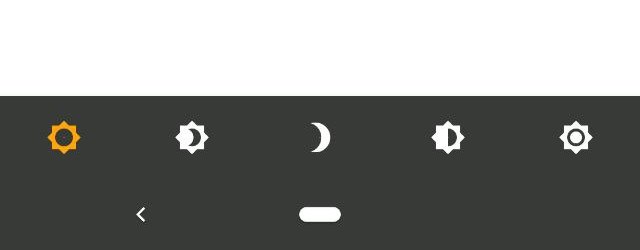
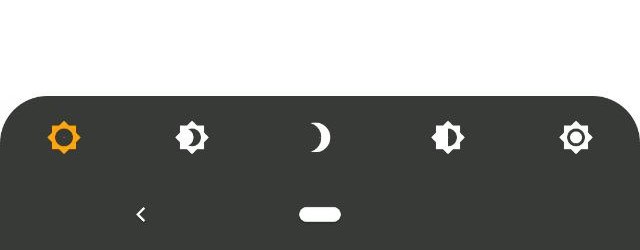
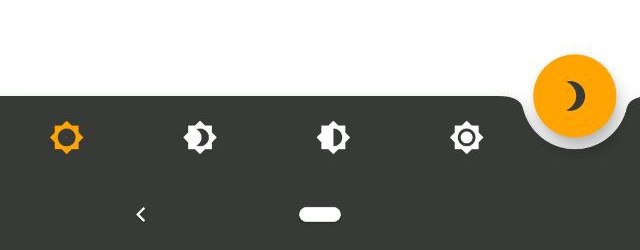
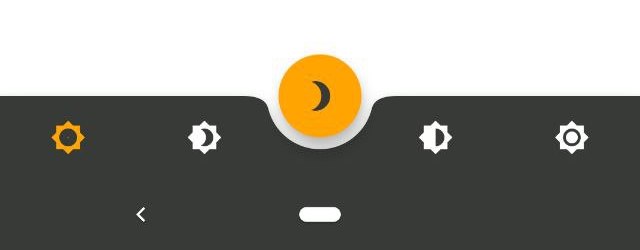
AnimatedBottomNavigationBar is customizable and works with 2, 3, 4, or 5 navigation elements.

Scaffold(
   bottomNavigationBar: AnimatedBottomNavigationBar(
      icons: iconList,
      activeIndex: _bottomNavIndex,
      onTap: (index) => setState(() => _bottomNavIndex = index),
      //other params
   ),
);
Scaffold(
   bottomNavigationBar: AnimatedBottomNavigationBar(
      icons: iconList,
      activeIndex: _bottomNavIndex,
      leftCornerRadius: 32,
      rightCornerRadius: 32,
      onTap: (index) => setState(() => _bottomNavIndex = index),
      //other params
   ),
);
Scaffold(
   floatingActionButton: FloatingActionButton(
      //params
   ),
   floatingActionButtonLocation: FloatingActionButtonLocation.endDocked,
   bottomNavigationBar: AnimatedBottomNavigationBar(
      icons: iconList,
      activeIndex: _bottomNavIndex,
      gapLocation: GapLocation.end,
      notchSmoothness: NotchSmoothness.defaultEdge,
      onTap: (index) => setState(() => _bottomNavIndex = index),
      //other params
   ),
);
Scaffold(
   floatingActionButton: FloatingActionButton(
      //params
   ),
   floatingActionButtonLocation: FloatingActionButtonLocation.centerDocked,
   bottomNavigationBar: AnimatedBottomNavigationBar(
      icons: iconList,
      activeIndex: _bottomNavIndex,
      gapLocation: GapLocation.center,
      notchSmoothness: NotchSmoothness.defaultEdge,
      onTap: (index) => setState(() => _bottomNavIndex = index),
      //other params
   ),
);
Scaffold(
   floatingActionButton: FloatingActionButton(
      //params
   ),
   floatingActionButtonLocation: FloatingActionButtonLocation.centerDocked,
   bottomNavigationBar: AnimatedBottomNavigationBar(
      icons: iconList,
      activeIndex: _bottomNavIndex,
      gapLocation: GapLocation.center,
      notchSmoothness: NotchSmoothness.softEdge,
      onTap: (index) => setState(() => _bottomNavIndex = index),
      //other params
   ),
);
Scaffold(
   floatingActionButton: FloatingActionButton(
      //params
   ),
   floatingActionButtonLocation: FloatingActionButtonLocation.centerDocked,
   bottomNavigationBar: AnimatedBottomNavigationBar(
      icons: iconList,
      activeIndex: _bottomNavIndex,
      gapLocation: GapLocation.center,
      notchSmoothness: NotchSmoothness.smoothEdge,
      onTap: (index) => setState(() => _bottomNavIndex = index),
      //other params
   ),
);
Scaffold(
   floatingActionButton: FloatingActionButton(
      //params
   ),
   floatingActionButtonLocation: FloatingActionButtonLocation.centerDocked,
   bottomNavigationBar: AnimatedBottomNavigationBar(
      icons: iconList,
      activeIndex: _bottomNavIndex,
      gapLocation: GapLocation.center,
      notchSmoothness: NotchSmoothness.verySmoothEdge,
      onTap: (index) => setState(() => _bottomNavIndex = index),
      //other params
   ),
);

Driving Navigation Bar Changes

You have to change the active navigation bar tab programmatically by passing a new activeIndex to the AnimatedBottomNavigationBar widget.

class _MyAppState extends State<MyApp> {
  int activeIndex;

  /// Handler for when you want to programmatically change
  /// the active index. Calling `setState()` here causes
  /// Flutter to re-render the tree, which `AnimatedBottomNavigationBar`
  /// responds to by running its normal animation.
  void _onTap(int index) {
    setState((){
      activeIndex = index;
    });
  }

  Widget build(BuildContext context) {
    return AnimatedBottomNavigationBar(
      activeIndex: activeIndex,
      onTap: _onTap,
      //other params
    );
  }
}

所屬分類

原始碼儲存庫

使用此套件的專案