搜尋套件、儲存庫與 APP 分類

bot_toast 封面
套件詳情v4.1.3

bot_toast

一個非常容易使用的 Flutter 吐司庫。簡單易用且功能豐富。

AndroidiOSWebmacOSWindowsLinux
近 30 天下載
24.8萬
喜歡數
1000
Pub 分數
160

安裝套件

flutter pub add bot_toast

套件介紹

根據套件公開資料產生的選型評估,僅供參考。

BotToast 是一個簡單且功能豐富的 Flutter 吐司庫,專為輕鬆整合與自訂而設計。它提供乾淨直覺的 API,可在 Android、iOS、Web、macOS、Windows 和 Linux 等多個平台顯示吐司訊息。支援多種吐司類型、動畫與定位選項,無需複雜操作即可增強應用中的使用者回饋。此套件輕量且開發者友善,非常適合快速通知與狀態更新。

適用情境

  • 顯示使用者簡要回饋
  • 顯示成功或錯誤訊息
  • 透過細微的通知增強使用者介面
  • 提供即時狀態更新
  • 自定義吐司外觀和行為

主要特色

  • 易於使用的 API
  • 多種吐司類型
  • 跨平台支援
  • 可自定義動畫
  • 靈活定位
  • 支援全域設定

適合對象

  • 簡單通知需求
  • 需要輕量級提示的應用程式
  • 尋求快速實施的開發者
  • 針對多個平台的專案
  • 需要一致反饋的 UI

使用建議

  • 僅限基本吐司功能
  • 可能需要額外的樣式才能實現複雜的設計
  • 不適用於持續通知
  • 依賴外部依賴管理
  • 無內建的本地化支援

原始 README

以下為關聯原始碼儲存庫的 README 原文快照,最新內容請造訪原始碼儲存庫。

BotToast 🤖

A really easy to use flutter toast library!

Language: English | 中文简体
Overview
  • In the true sense of Toast, you can call it whenever you need it, without any restrictions!

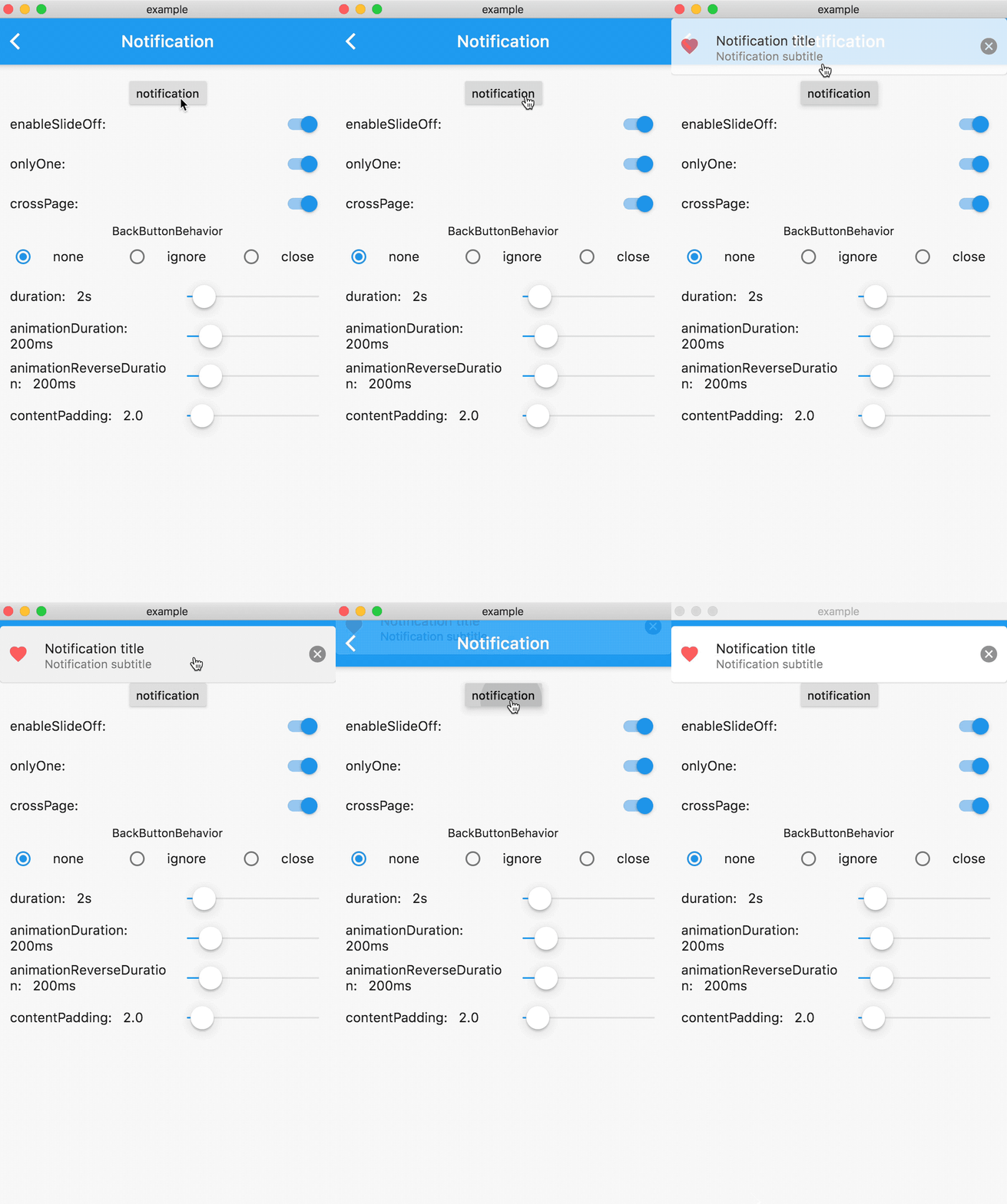
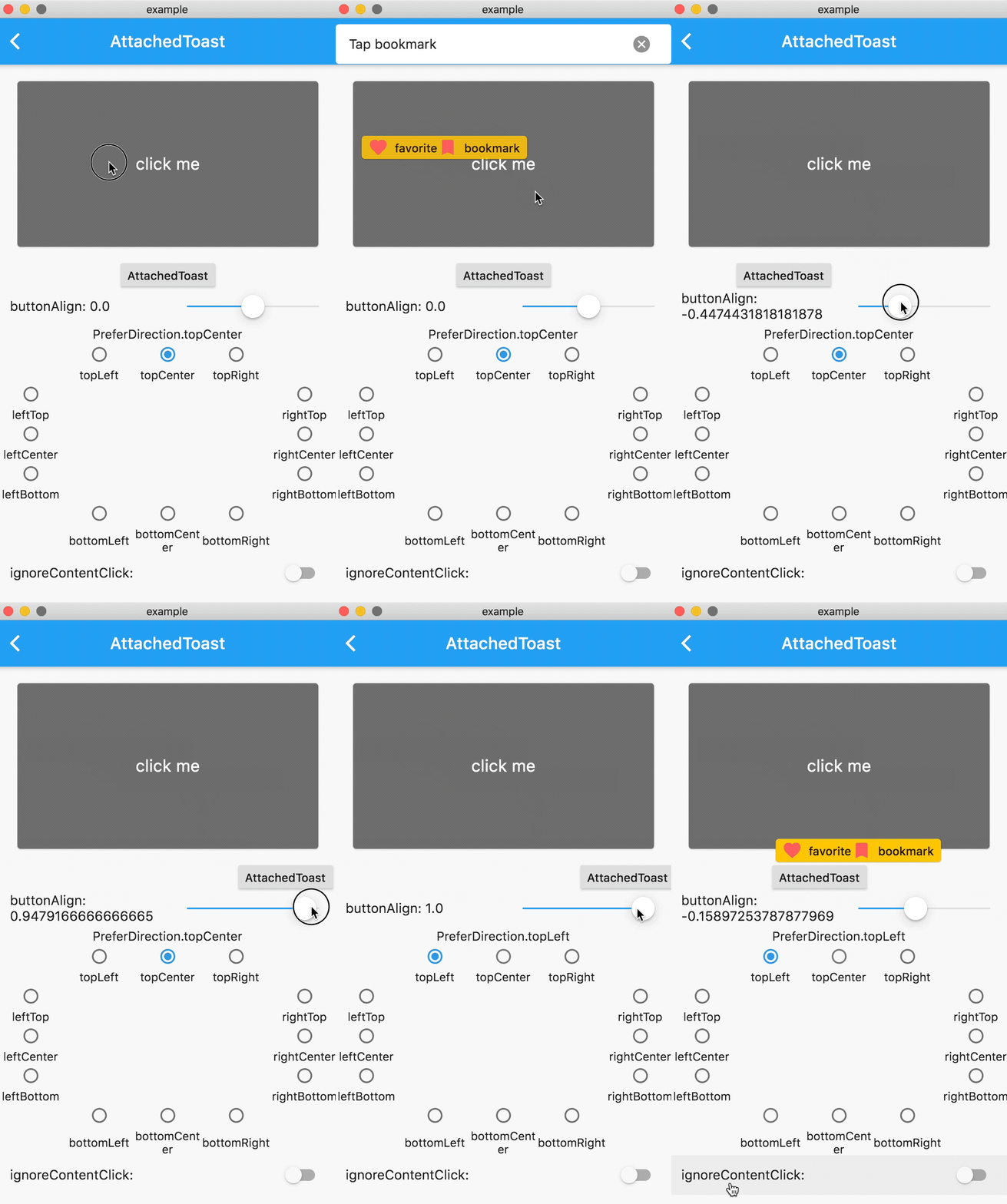
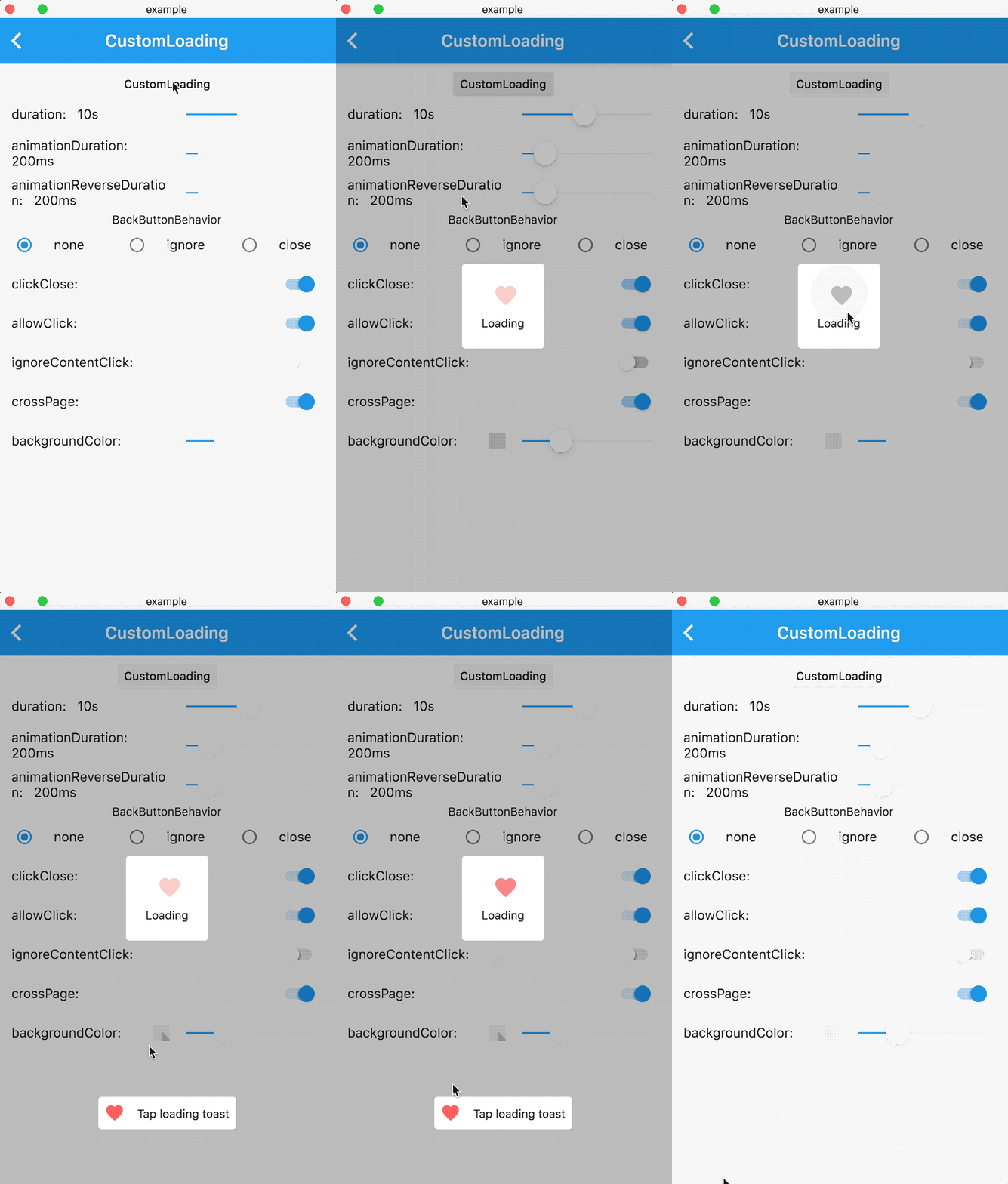
  • Feature-rich, support for displaying notifications, text, loading, attachments, etc. Toast

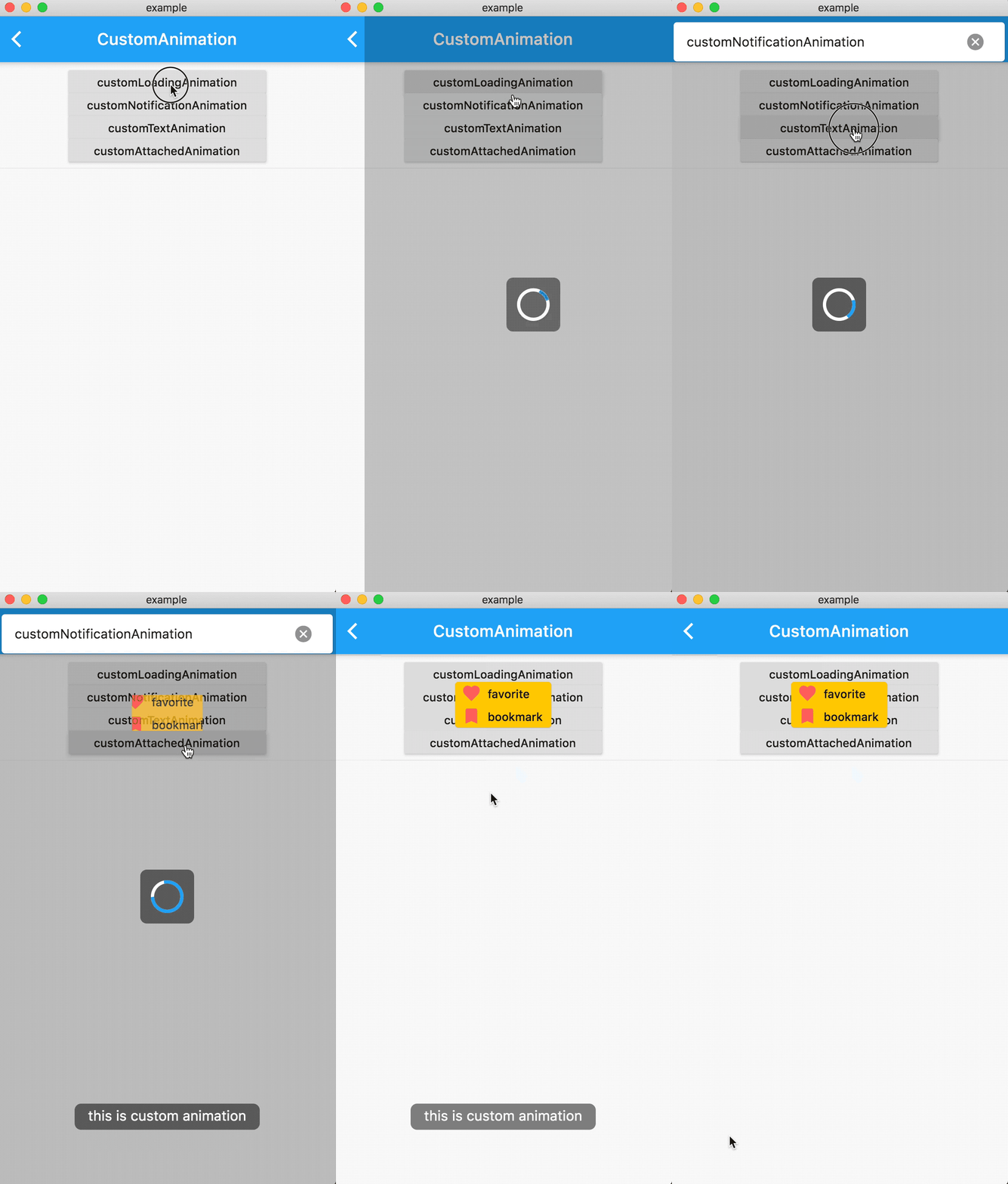
  • Support for popping up various custom Toasts, or you can pop up any Widget as long as it meets the requirements of the flutter code.

  • API is simple and easy to use

  • Pure flutter implementation

  • Supports global configuration

Online Demo

Online demo (Web effects may be biased, the actual effect is subject to the mobile phone)

Example

Sample project

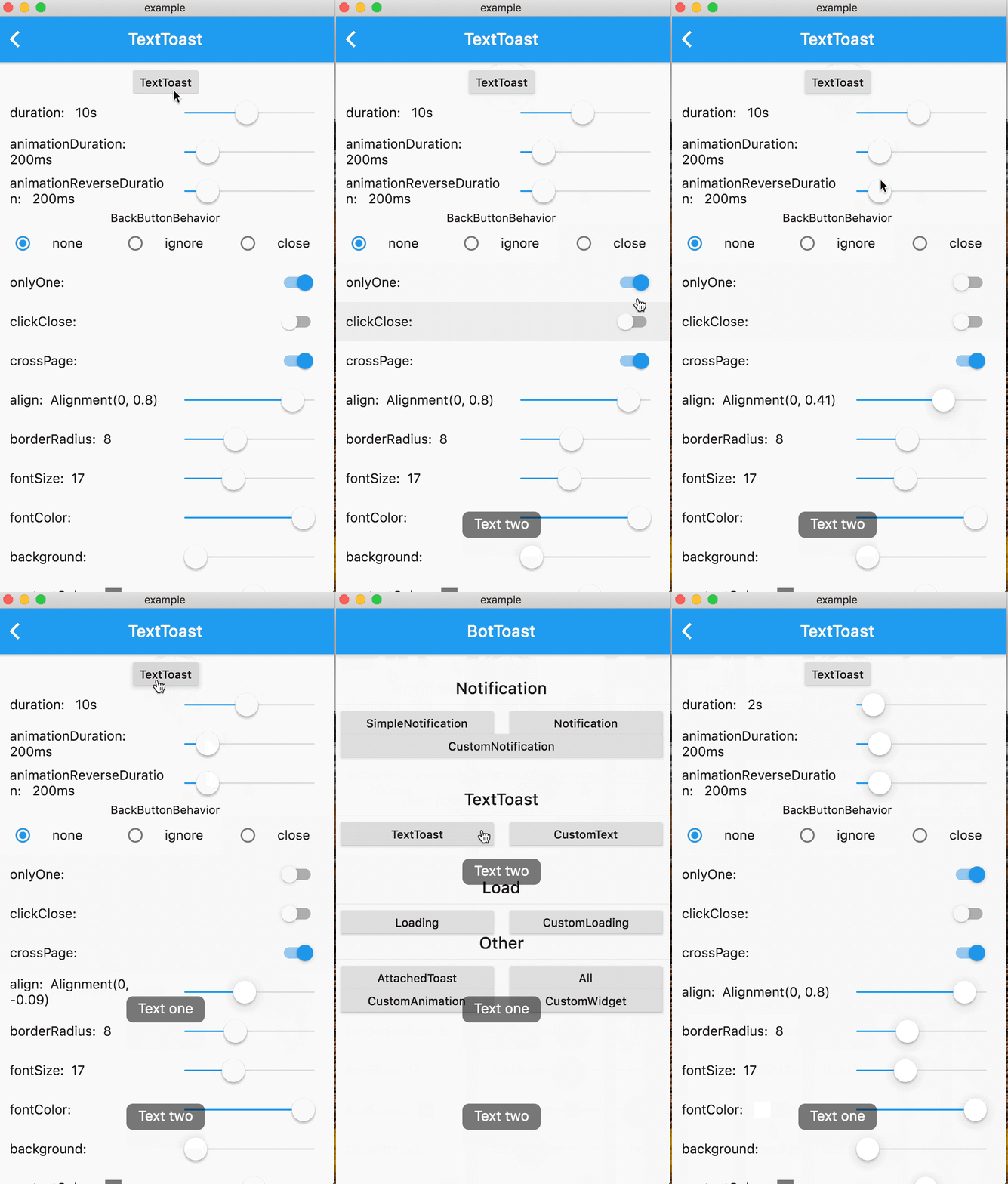
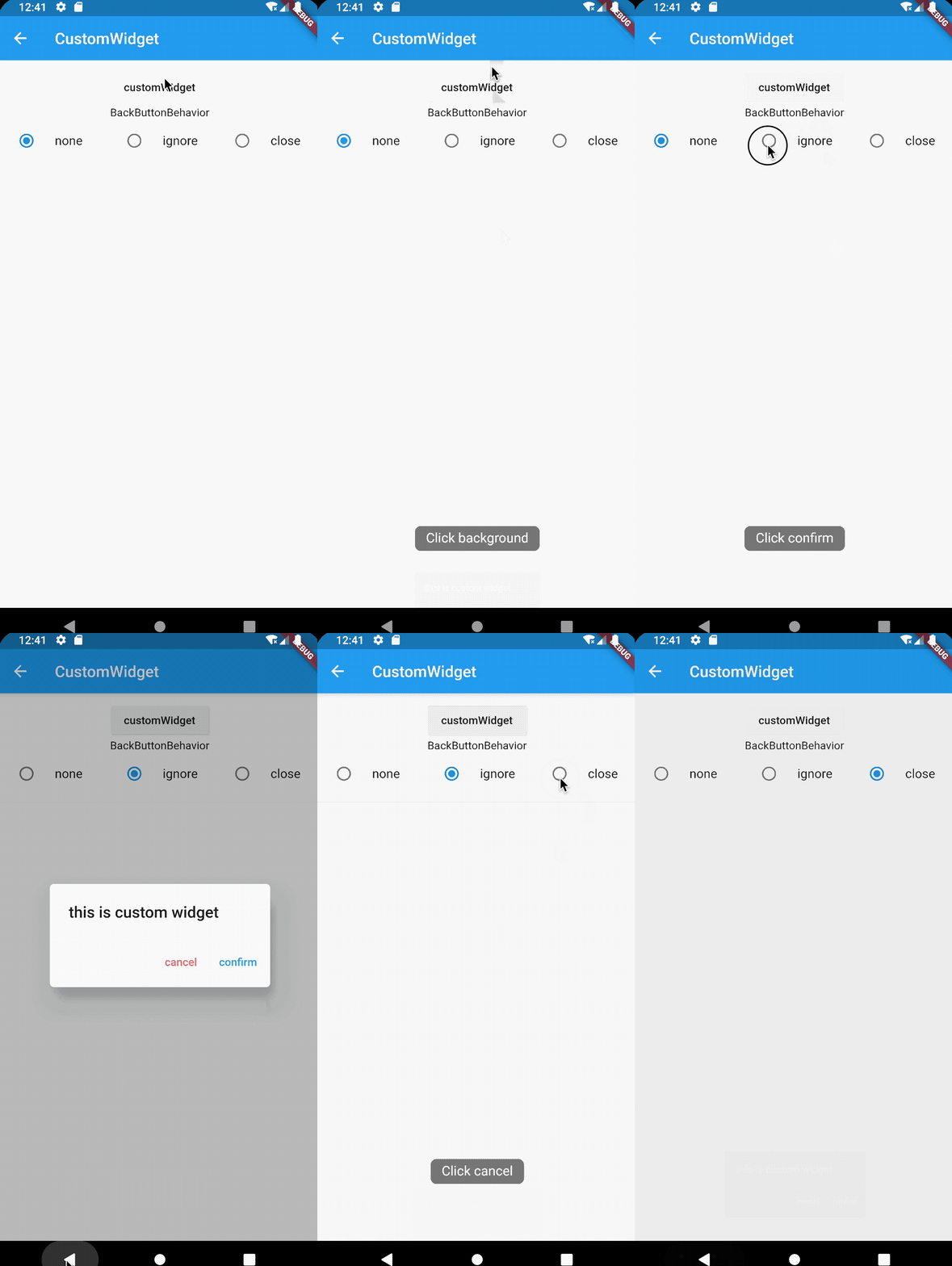
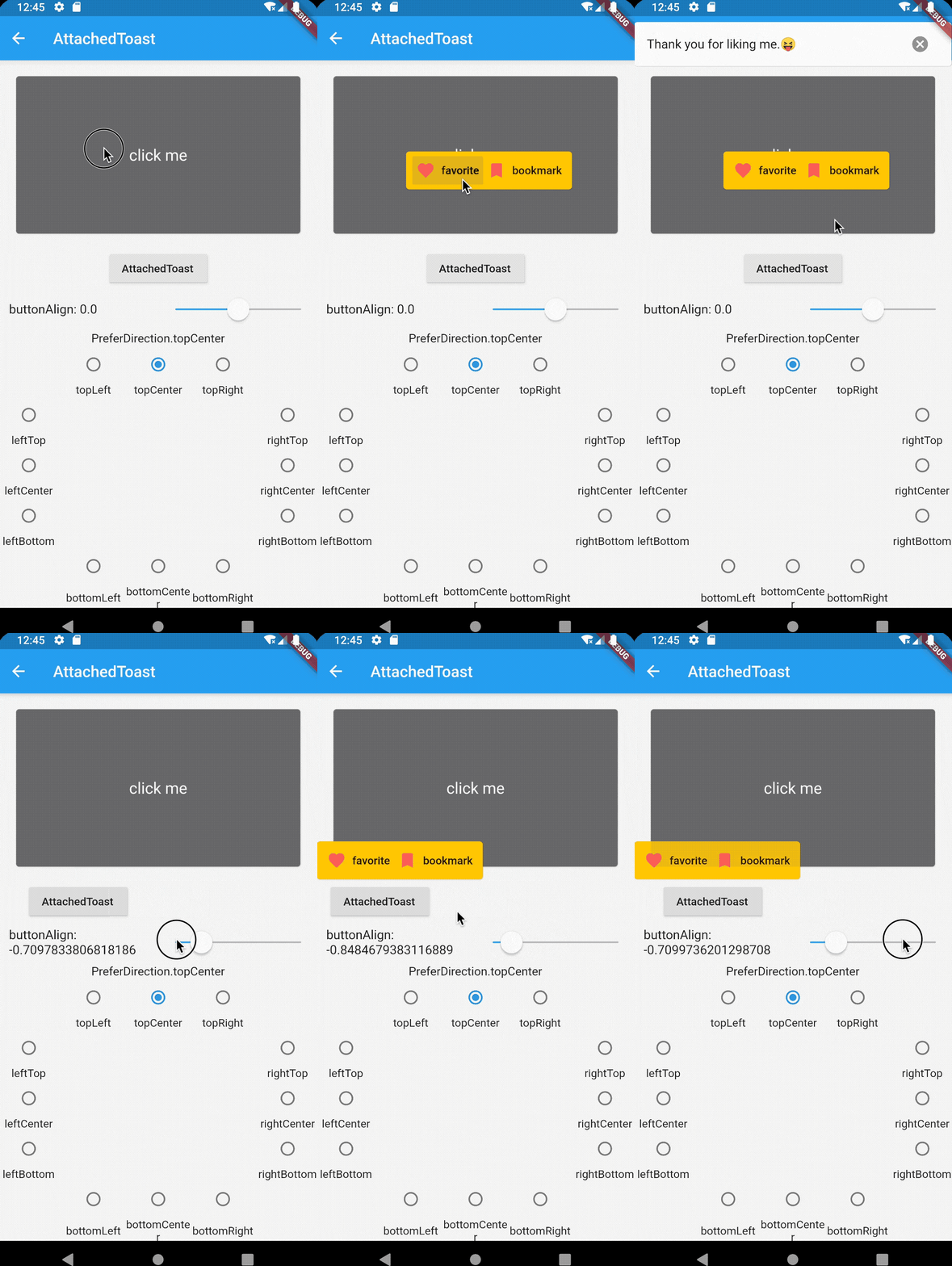
Renderings
Notification Attached CustomAnimation
Loading Text CustomWidget
Getting started
1. Add dependencies into you project pubspec.yaml file
dependencies:
   bot_toast: ^4.1.0 #null safety
2. Import BotToast Lib
import 'package:bot_toast/bot_toast.dart';
3. Initialization BotToast
MaterialApp(
      title: 'BotToast Demo',
      builder: BotToastInit(), //1. call BotToastInit
      navigatorObservers: [BotToastNavigatorObserver()], //2. registered route observer
      home: XxxxPage(),
  )

or

//Warning: Don't arbitrarily adjust the position of calling the BotToastInit function 
final botToastBuilder = BotToastInit();  //1. call BotToastInit 
MaterialApp(
      title: 'BotToast Demo',
      builder: (context, child) {
        child = myBuilder(context,child);  //do something
        child = botToastBuilder(context,child); 
        return child;
      }, 
      navigatorObservers: [BotToastNavigatorObserver()], //2. registered route observer
      home: XxxxPage(),
  )
4. Use BotToast
var cancel = BotToast.showText(text:"xxxx");  //popup a text toast;
...
cancel();  //close
var cancel = BotToast.showSimpleNotification(title: "init"); // popup a notification toast;
...
cancel();  //close
var cancel = BotToast.showLoading(); //popup a loading toast
...
cancel();  //close
//popup a attachments toast
var cancel = BotToast.showAttachedWidget(
    attachedBuilder: (_) => Card(
          child: Padding(
            padding: const EdgeInsets.all(8.0),
            child: Icon(
              Icons.favorite,
              color: Colors.redAccent,
            ),
          ),
        ),
    duration: Duration(seconds: 2),
    target: Offset(520, 520));
...
cancel();  //close
//custom api
var cancel = BotToast.showCustomNotification(...)
var cancel = BotToast.showCustomText(...)
var cancel = BotToast.showCustomLoading(...)
var cancel = BotToast.showAnimationWidget(...)
...
cancel();  //close
5. Modify Global Configuration
/// For example: Globally change the animation duration for standard notifications to 1 second.
BotToast.defaultOption.notification.animationDuration = const Duration(seconds: 1);

/// For more default options, refer to the following configurations:
/// [BotToast.defaultOption.simpleNotification] corresponds to the default values of [showSimpleNotification].
/// [BotToast.defaultOption.notification] corresponds to the default values of [showNotification].
/// [BotToast.defaultOption.customNotification] corresponds to the default values of [showCustomNotification].
/// [BotToast.defaultOption.text] corresponds to the default values of [showText].
/// [BotToast.defaultOption.customText] corresponds to the default values of [showCustomText].
/// [BotToast.defaultOption.loading] corresponds to the default values of [showLoading].
/// [BotToast.defaultOption.customLoading] corresponds to the default values of [showCustomLoading].
/// [BotToast.defaultOption.attached] corresponds to the default values of [showAttachedWidget].
/// [BotToast.defaultOption.animation] corresponds to the default values of [showAnimationWidget].
/// [BotToast.defaultOption.enhanced] corresponds to the default values of [showEnhancedWidget].
3.0 version
Major changes:
  • Reimplemented the underlying initialization logic, the code is simpler and more general, and no longer depends on Navigator

  • Modify the initialization method

2.x version upgrade to 3.x version

change:

//2.x.x version initialization method
BotToastInit(
  child:MaterialApp(
      title: 'BotToast Demo',
      navigatorObservers: [BotToastNavigatorObserver()],
      home: XxxxPage(),
  )
);

to:

//3.x.x version initialization method
MaterialApp(
      title: 'BotToast Demo',
      builder: BotToastInit(), 
      navigatorObservers: [BotToastNavigatorObserver()],
      home: XxxxPage(),
  )

Documentation

API Documentation

所屬分類

原始碼儲存庫

使用此套件的專案

所在榜單