
v5.11.1
dio
一個強大的 HTTP 網路請求套件,支援攔截器、中止與取消請求、自訂適配器、轉換器等。
8360喜歡 443萬近 30 天下載160Pub 分數
AndroidiOSWebmacOSWindowsLinux
一個整合主流大型語言模型與圖像生成模型的APP,以Flutter建構,程式碼完全開源。

一個強大的 HTTP 網路請求套件,支援攔截器、中止與取消請求、自訂適配器、轉換器等。
Flutter 小部件,可輕鬆實作 BLoC(業務邏輯元件)設計模式。專為與 bloc 狀態管理套件搭配使用而打造。
一個包裝 InheritedWidget 的工具,讓它們更容易使用且更具可重複使用性。
 v3.0.0
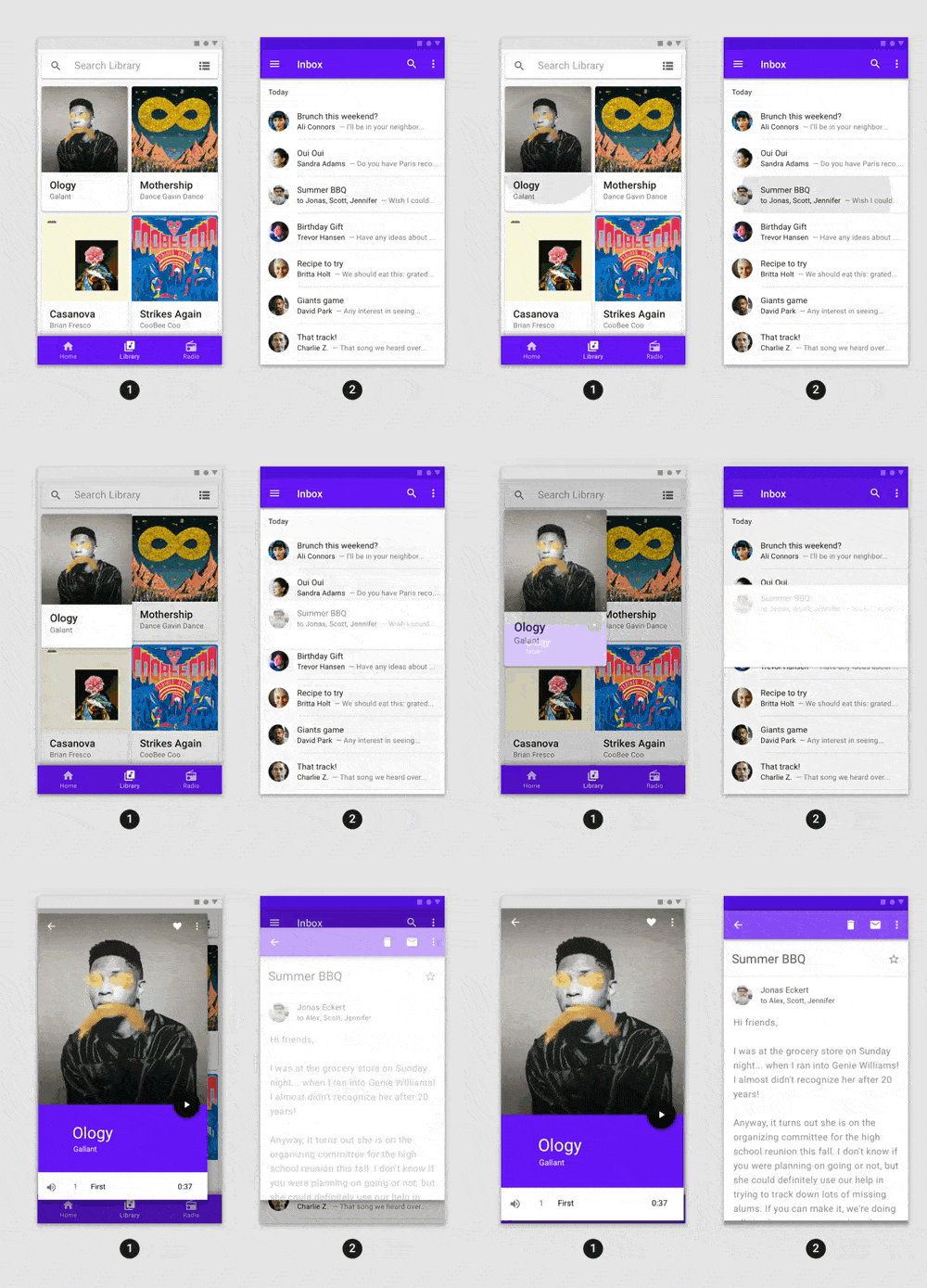
功能豐富的預建動畫,可輕鬆整合至任何 Flutter 應用程式中。
一個用於控制相機的 Flutter 外掛程式。支援預覽相機畫面、拍攝照片和影片,並將影像緩衝區串流傳輸至 Dart。
 v2.0.0
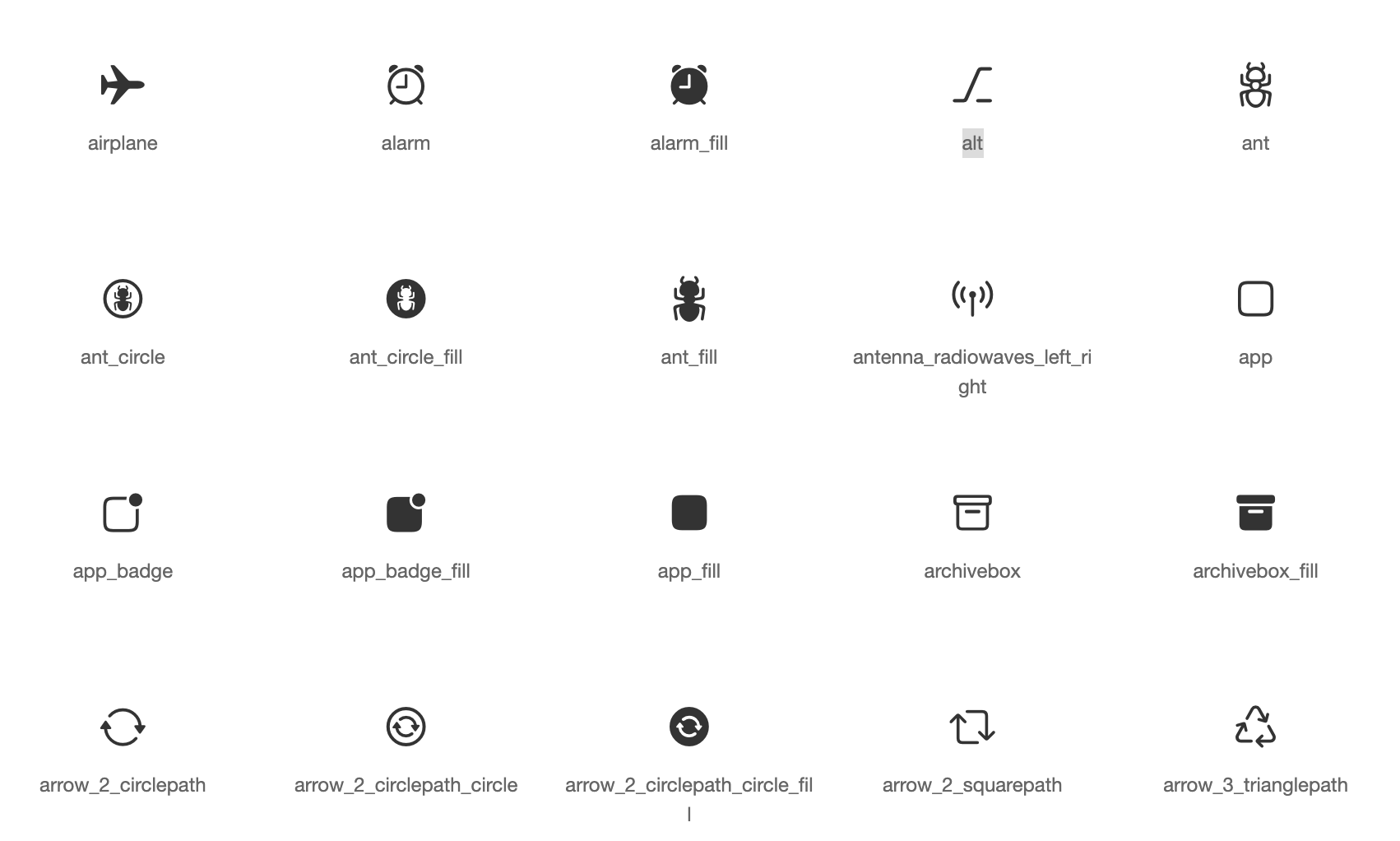
基於蘋果風格圖標的Cupertino元件預設圖示資源
推薦用於 Flutter 應用程式、套件和外掛的程式碼檢查規則,以促進良好的程式設計習慣。
 v18.0.2
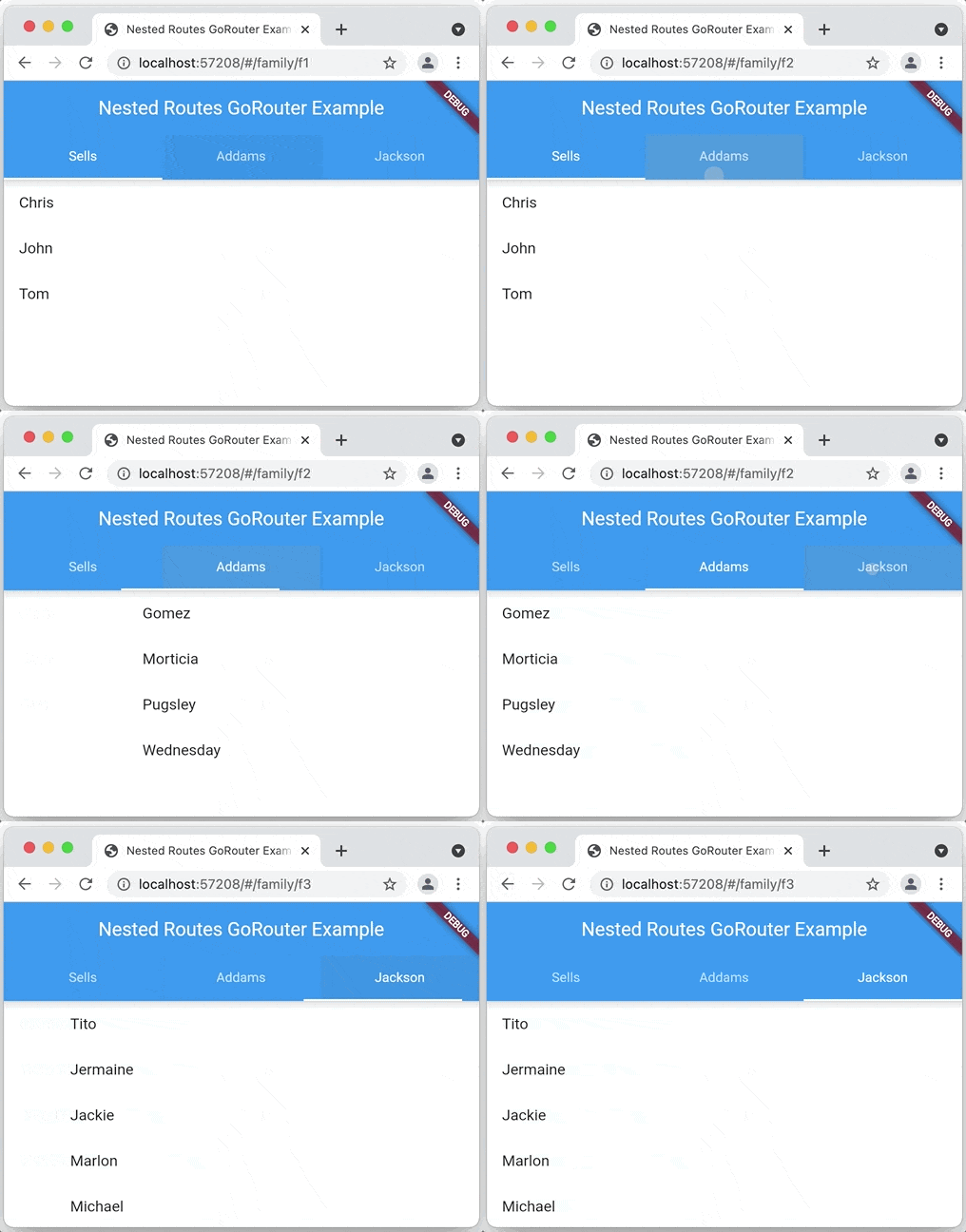
一個基於 Navigation 2 的 Flutter 聲明式路由器,支援深度連結、資料驅動路由等
一個用於應用內購買的 Flutter 外掛程式。透過 App Store 和 Google Play 暴露應用內購買的 API。
Flutter 插件,用於取得主機平台檔案系統中常見使用的目錄位置,例如暫存與應用程式資料目錄。
用於啟動 URL 的 Flutter 插件。支援網頁、電話、簡訊和電子郵件協定。
在Flutter中實現微信SDK的功能。透過Fluwx,開發者可以輕鬆使用微信SDK,例如分享、付款、啟動小程式等。
{"sdk":"flutter"}^1.0.2^0.19.0^0.7.0^8.1.2^2.0.14{"git":{"url":"https://github.com/mylxsw/openai.git"}}^4.4.2^2.0.2^0.1.3^4.0.3^1.2.0+4^0.7.0^3.0.1^6.0.5{"git":{"url":"https://github.com/mylxsw/FlutterIconPicker","ref":"hotfix"}}^7.2.1^8.2.0^2.2.6^5.2.8^1.1.0^3.2.3^0.14.0^2.3.0{"git":{"url":"https://github.com/mylxsw/isolate_flutter","ref":"customized","path":"isolate_image_compress"}}4.2.0^3.3.0{"git":{"url":"https://github.com/mylxsw/file_saver","ref":"customized"}}^2.0.3^1.0.3^1.0.3^0.0.2^6.1.10^3.0.2^5.5.0^6.0.0^0.6.0^4.3.0^5.0.4^2.0.7^4.2.2^0.1.11^0.0.8^3.1.7^3.13.1{"git":{"url":"https://github.com/mylxsw/QuickAlert.git","ref":"customized"}}^3.2.0^1.0.0^0.2.3^2.0.15{"git":{"url":"https://github.com/Bungeefan/logger.git"}}{"git":{"url":"https://github.com/mylxsw/before_after.git"}}^2.2.19^0.4.4+2^5.0.3^2.4.2^0.6.5^5.0.0^3.7.0^0.0.2^1.7.5^2.2.5^0.4.0^0.7.6+2^7.3.01.0.1^2.4.0^3.0.0+1^2.3.1^0.7.3^1.1.10^1.2.4^1.0.4^1.8.3^1.0.2^11.0.0^6.0.0^6.0.0^4.1.0^1.1.1^3.5.0^0.11.0+2^2.1.0^3.0.0^0.5.2^3.2.0^0.1.6{"sdk":"flutter"}^2.0.0^0.14.2^2.3.3^3.9.1以下為英文專案原文快照,最新內容請造訪 GitHub。
English | 中文
FOSSA Status GitHub release (by tag) GitHub
An APP that integrates mainstream large language models and image generation models, built with Flutter, with fully open-source code.
Download & Try:
https://aidea.aicode.cc
Open Source Repositories:
The default branch main is the v2 version, currently under active development. If you need to self-host, please switch to the v1.x branch.
git checkout v1.x
To set up a development environment for compiling and packaging the APP, you can refer to the following articles (more articles will be added over time):
Some users encounter build failures, which can be very frustrating. This is not a bug -- it is a known characteristic of Flutter. Build failures are common as the Flutter version changes. To be safe, you can refer to my local environment configuration:
Local Environment Configuration
If you do not want to use the managed cloud service, you can deploy the server yourself. See deployment instructions here.
If you prefer not to set it up yourself, you can contact me for assisted deployment. See VIP Deployment Service for details.
WeChat Tech Group: Add WeChat ID x-prometheus as a friend for an invitation to the group.
WeChat Official Account:
https://github.com/mylxsw/aidea-server/assets/2330911/376a3b9f-eacd-45c6-9630-39eb720ba097Mobile
Mobile
MacOS
MacOS
Windows
Windows
MIT
Copyright (c) 2025, mylxsw