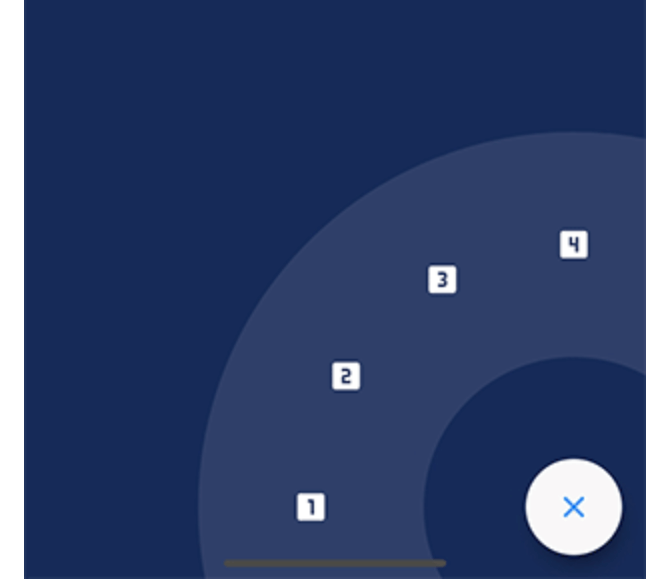
一個 Flutter 套件,可實現以浮動操作按鈕(FAB)為中心的優雅圓形選單。它提供流暢的動畫和可自訂的選單項目選項,非常適合增強行動與網頁應用中的使用者互動體驗。此套件支援 Android、iOS、Web、macOS、Windows 與 Linux 多個平台,確保在不同裝置上行為一致。透過直覺的設定與響應式設計,簡化基於 FAB 的互動導航實作。
適用情境
在移動應用中新增互動式浮動操作按鈕選單
透過動畫圓形操作面板增強使用者介面
建立情境相關的快速操作介面
在網頁應用中實現手勢驅動的導航
設計可存取的觸控友善控制項
主要特色
菜單展開的平滑圓形動畫
可自定義的選單項目佈局和樣式
對多個平台目標的支援
與現有 FAB 組件輕鬆整合
可設定的觸發手勢和時間
適合對象
開發功能豐富的移動UI的開發者
尋求動態 FAB 互動的設計師
針對跨平台一致性的團隊
需要直覺式手勢導航的應用程式
強調視覺美感和使用者參與度的專案
使用建議
在低階設備上可能需要效能調校
對複雜選單行為的自訂功能有限
依賴於 Flutter 手勢系統的穩定性
不適合密集的選單結構
最適合中等數量的選單項目(4-8 個)
原始 README
以下為關聯原始碼儲存庫的 README 原文快照,最新內容請造訪原始碼儲存庫。
FAB Circular Menu
A Flutter package to create a nice circular menu using a Floating Action Button.
Sets the FAB color while the menu is open. This property takes precedence over fabColor
-
fabCloseColor
Sets the FAB color while the menu is closed. This property takes precedence over fabColor
-
fabChild
Sets the child inside the FAB. This property takes precedence over fabOpenicon and fabCloseIcon
-
fabOpenIcon
Sets the FAB icon while the menu is open
Icon(Icons.menu)
fabCloseIcon
Sets the FAB icon while the menu is closed
Icon(Icons.close)
fabMargin
Sets the widget margin
EdgeInsets.all(16.0)
animationDuration
Changes the animation duration
Duration(milliseconds: 800)
animationCurve
Allows you to modify the animation curve
Curves.easeInOutCirc
onDisplayChange
This callback is called every time the menu is opened or closed, passing the current state as a parameter.
-
Handling the menu programmatically
It is possible to handle the menu programmatically by using a key.
Just create a key and set it in the key property of the FabCircularMenuPlus, then use the key to get the current state and open, close or check the status of the menu.