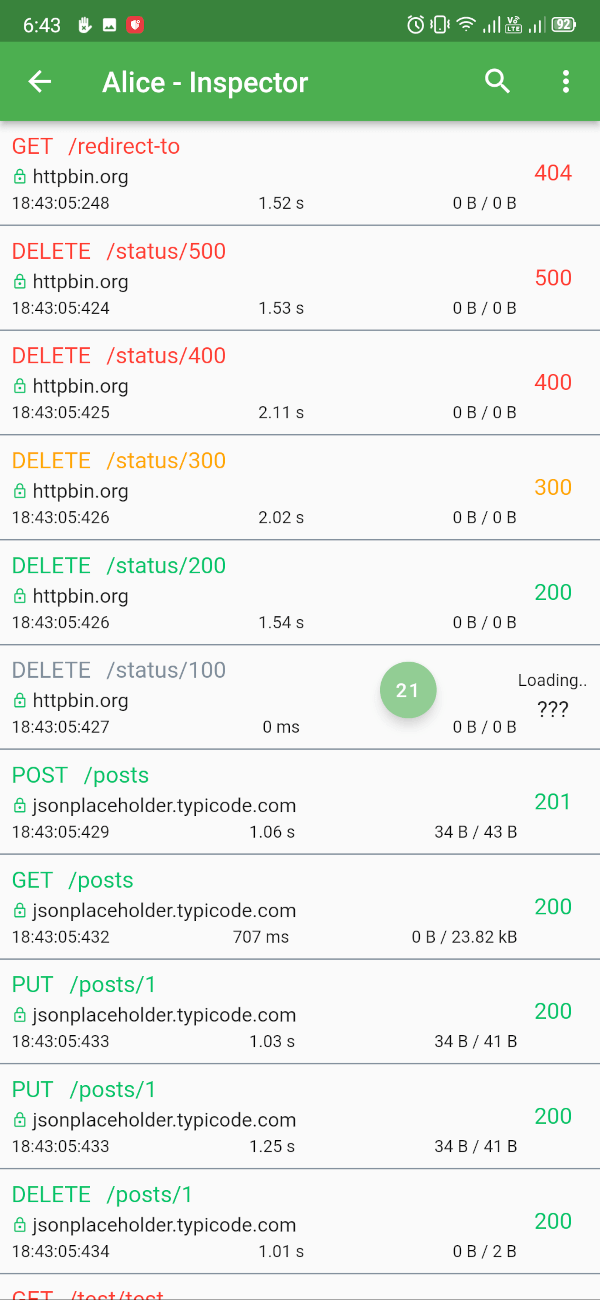
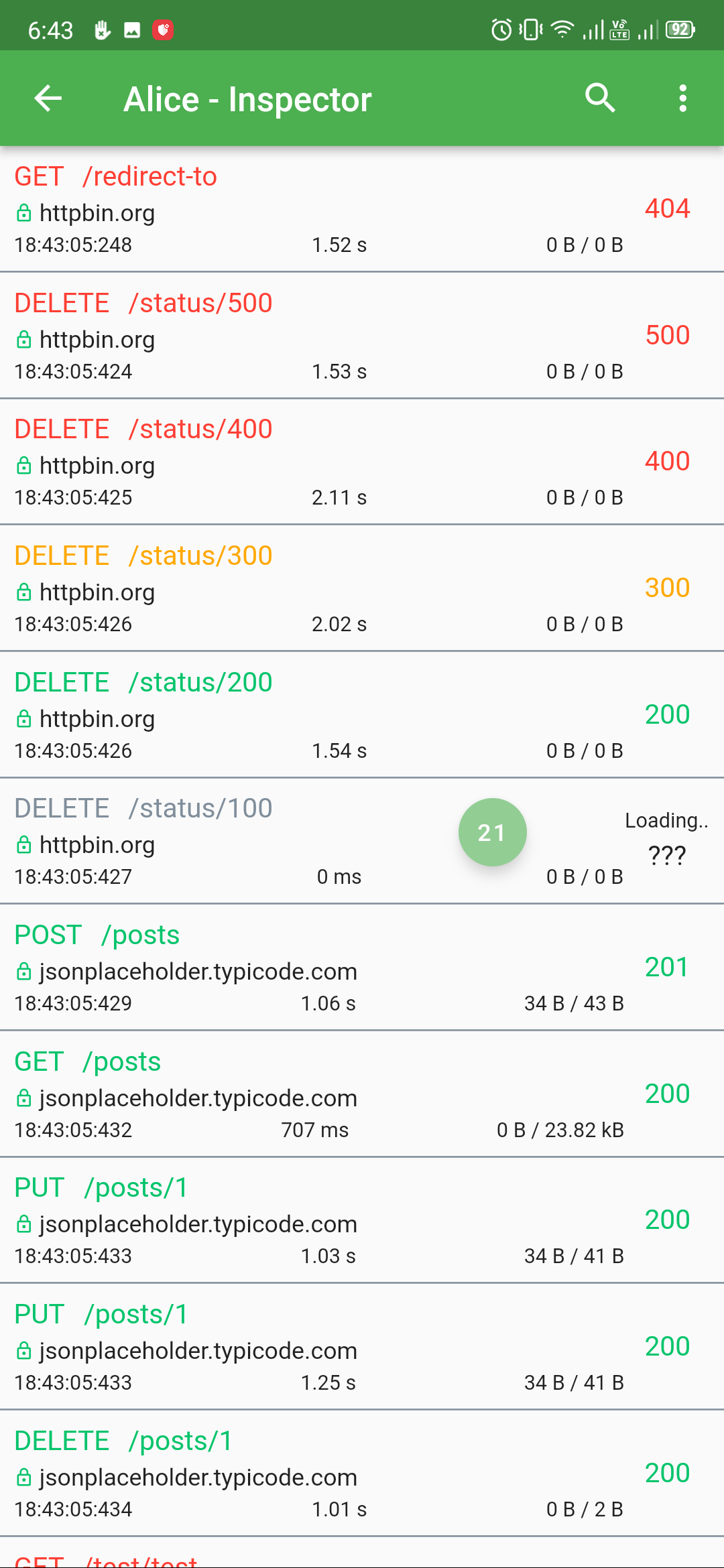
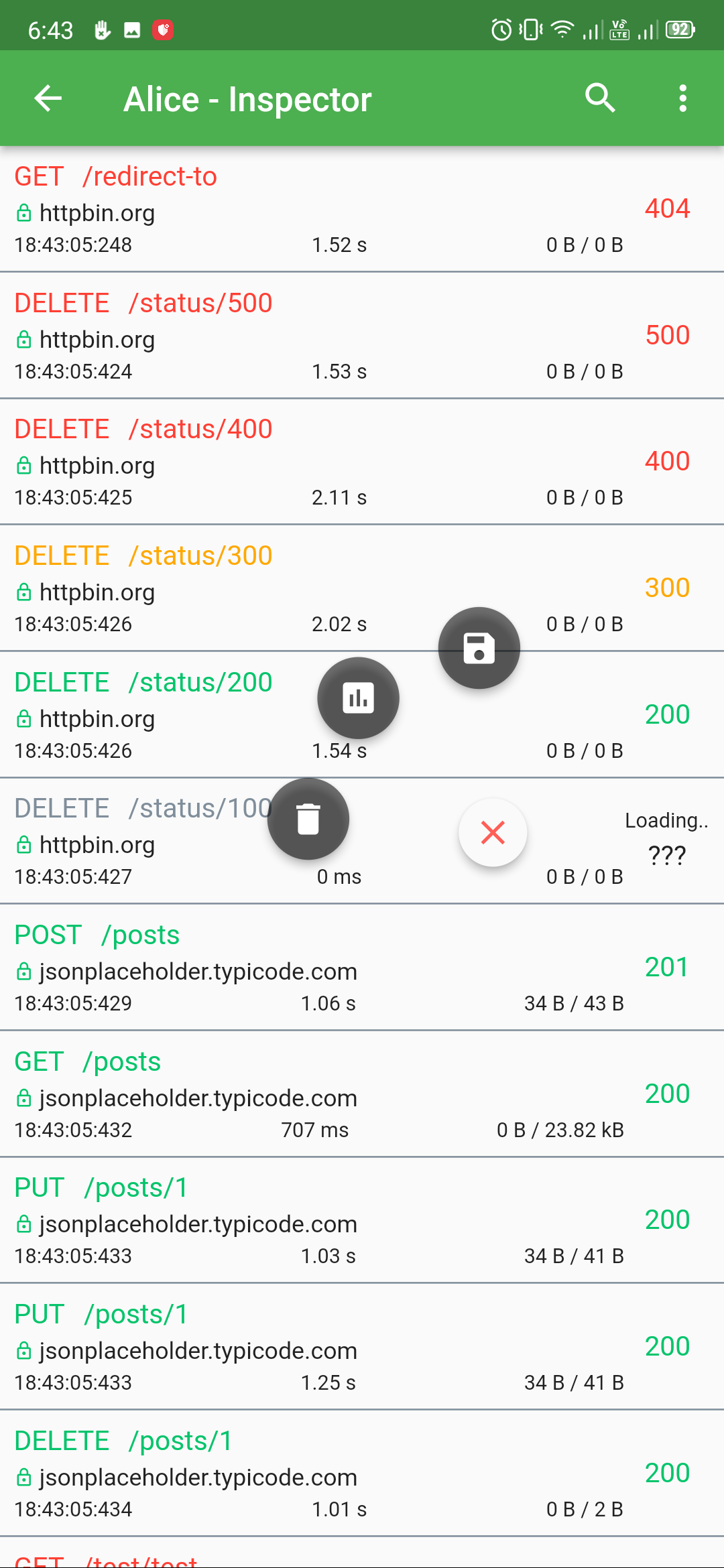
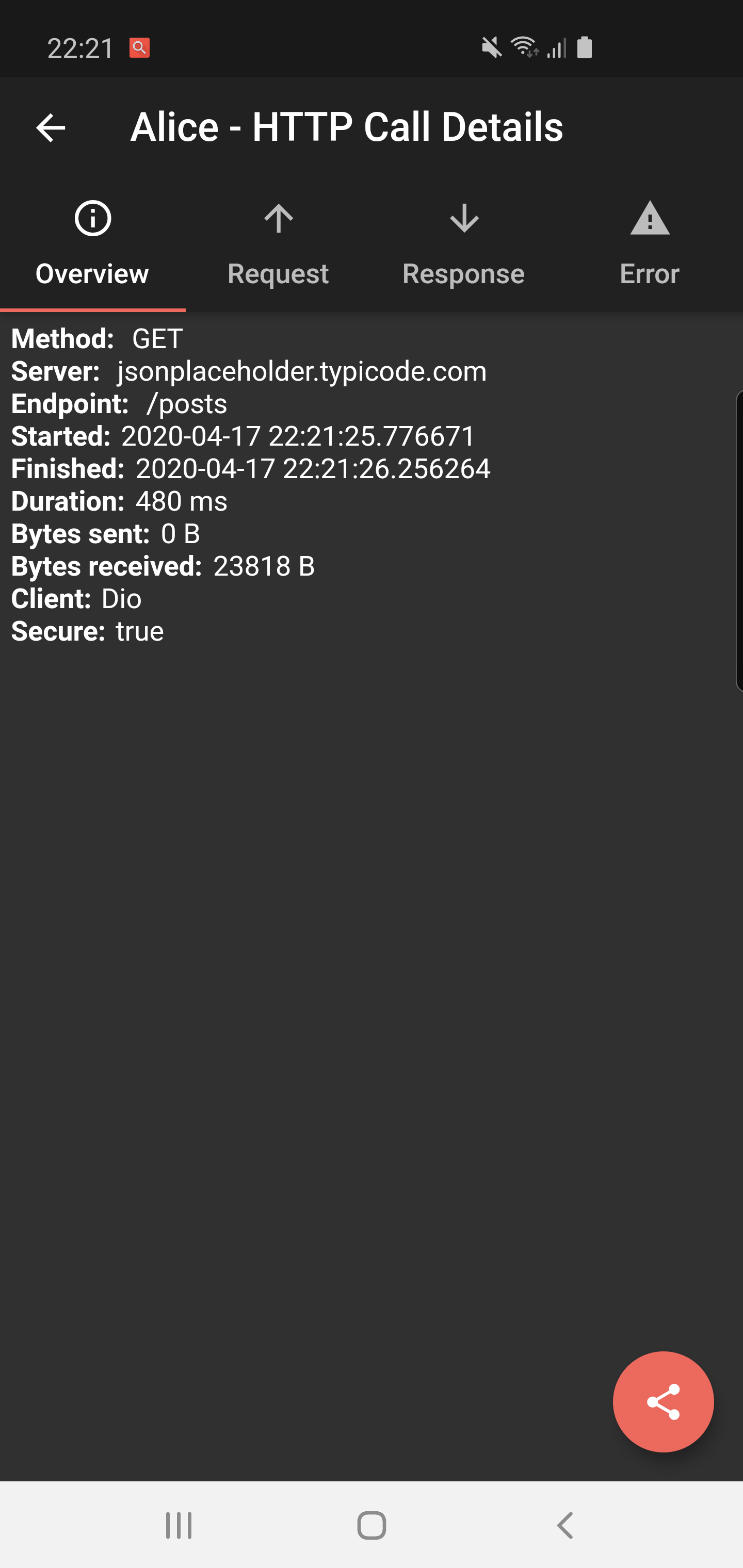
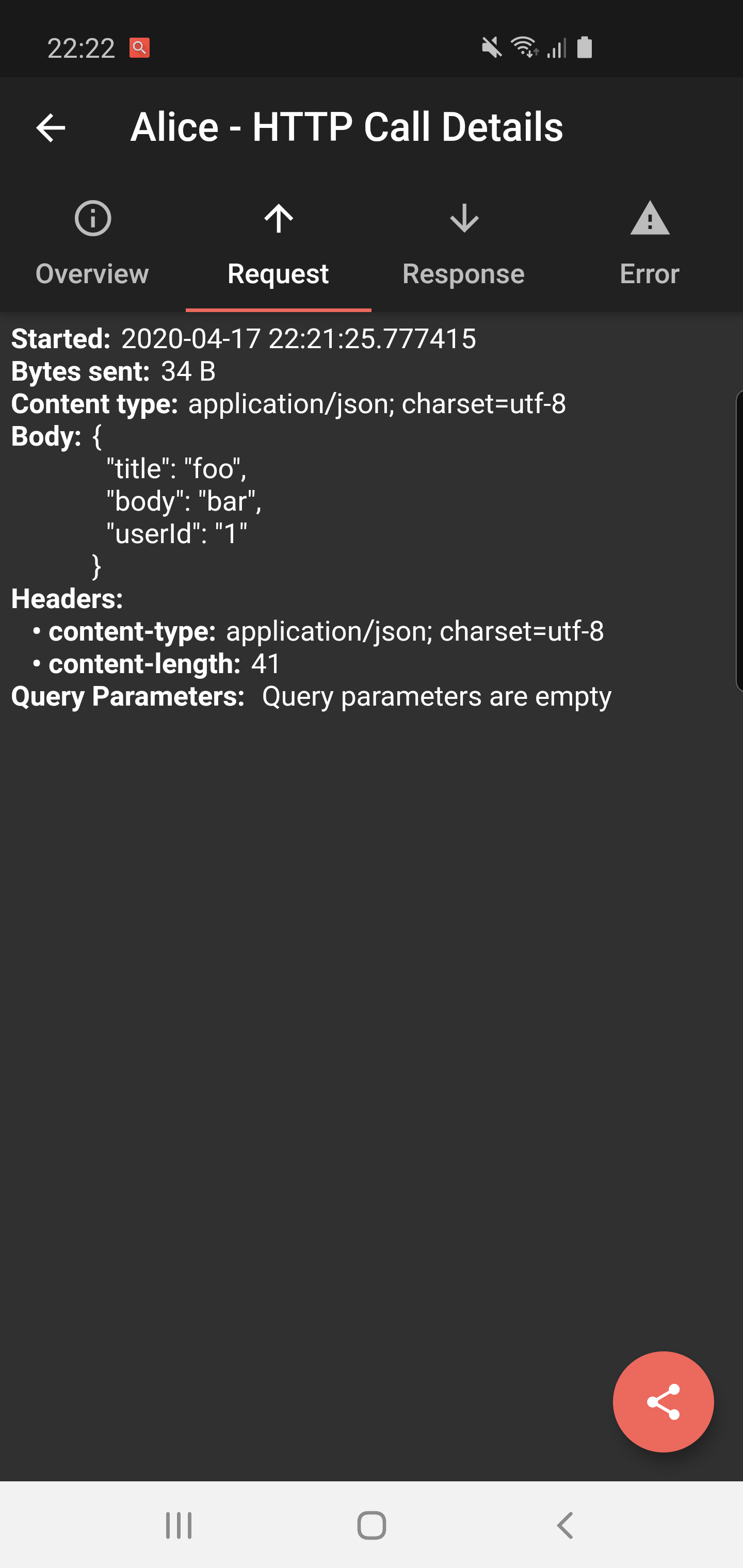
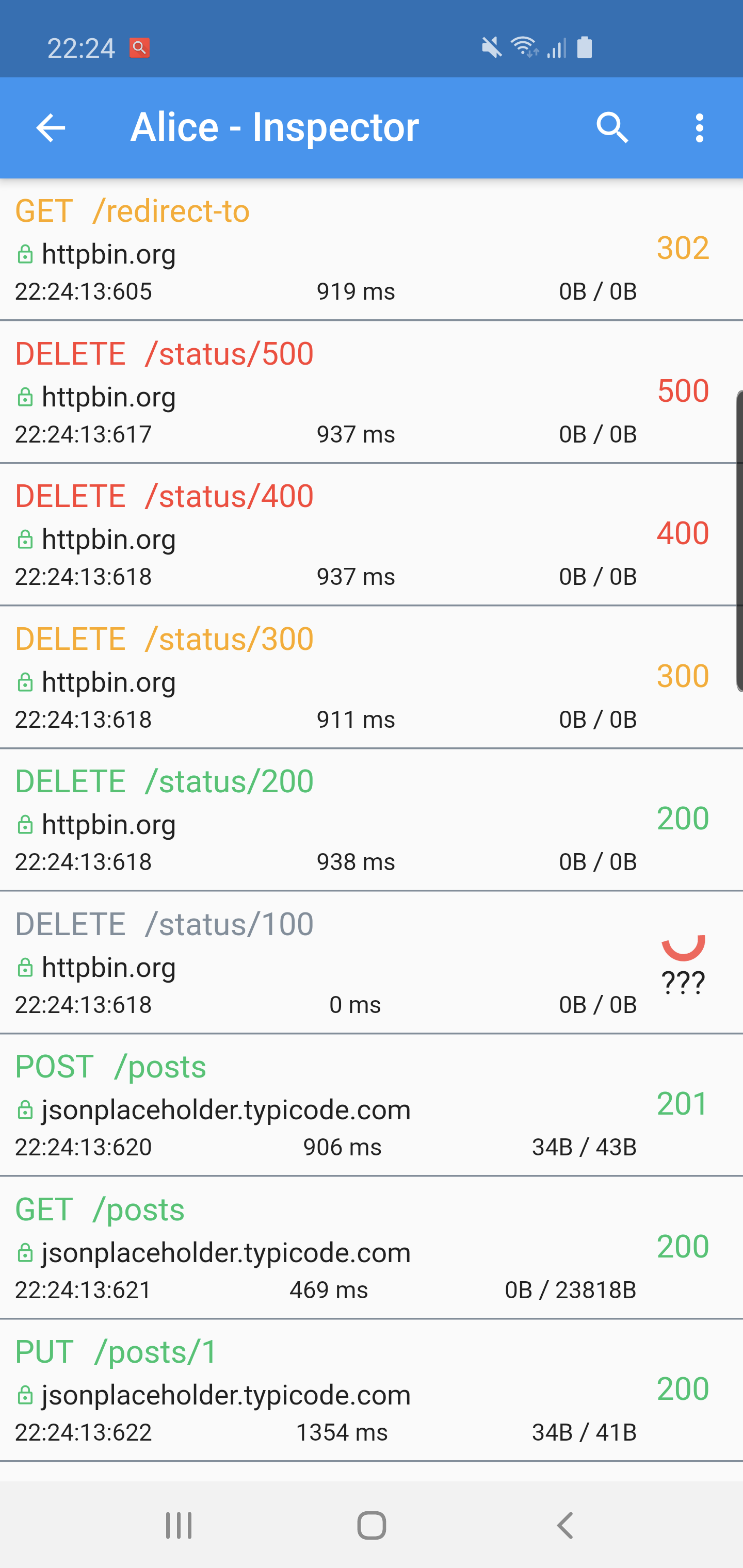
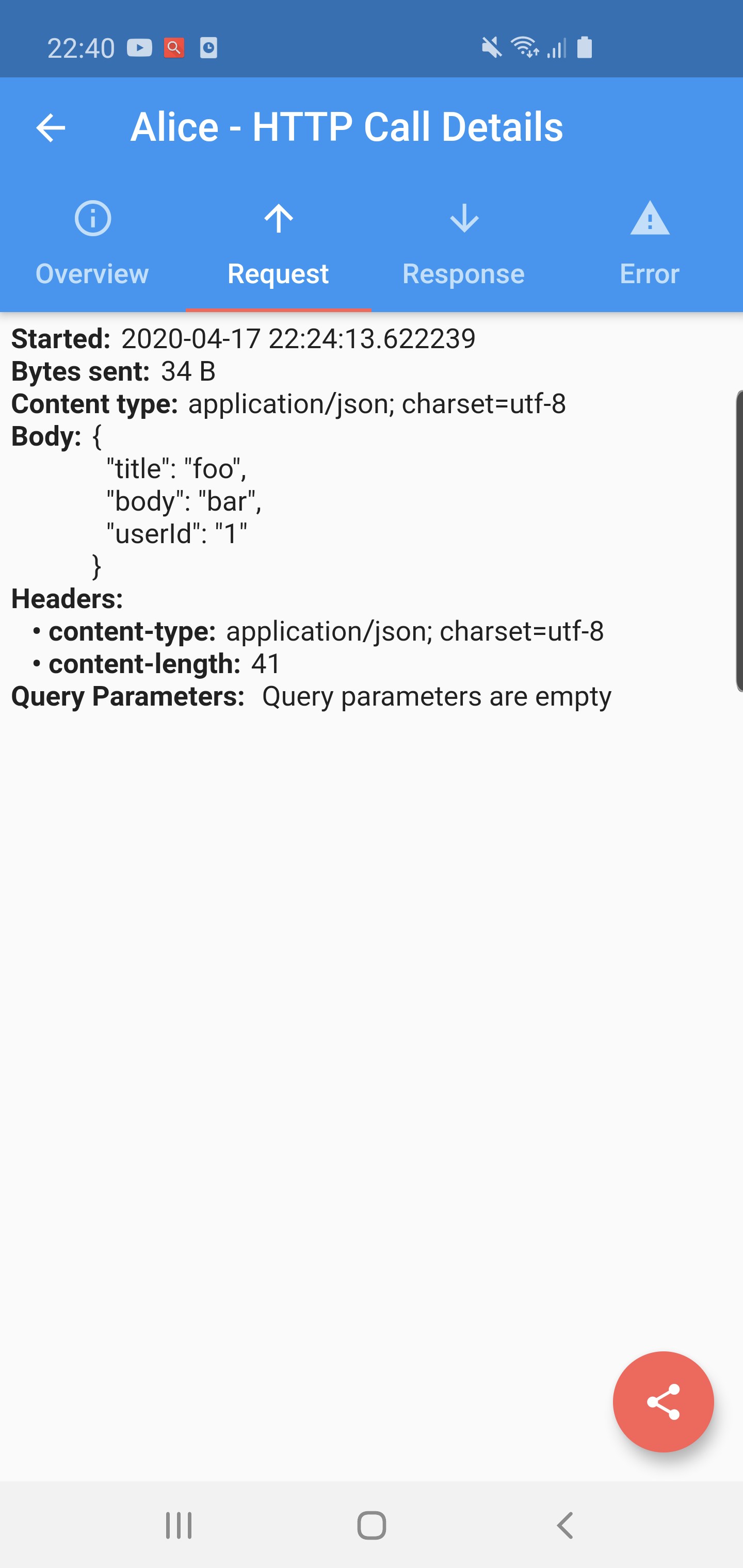
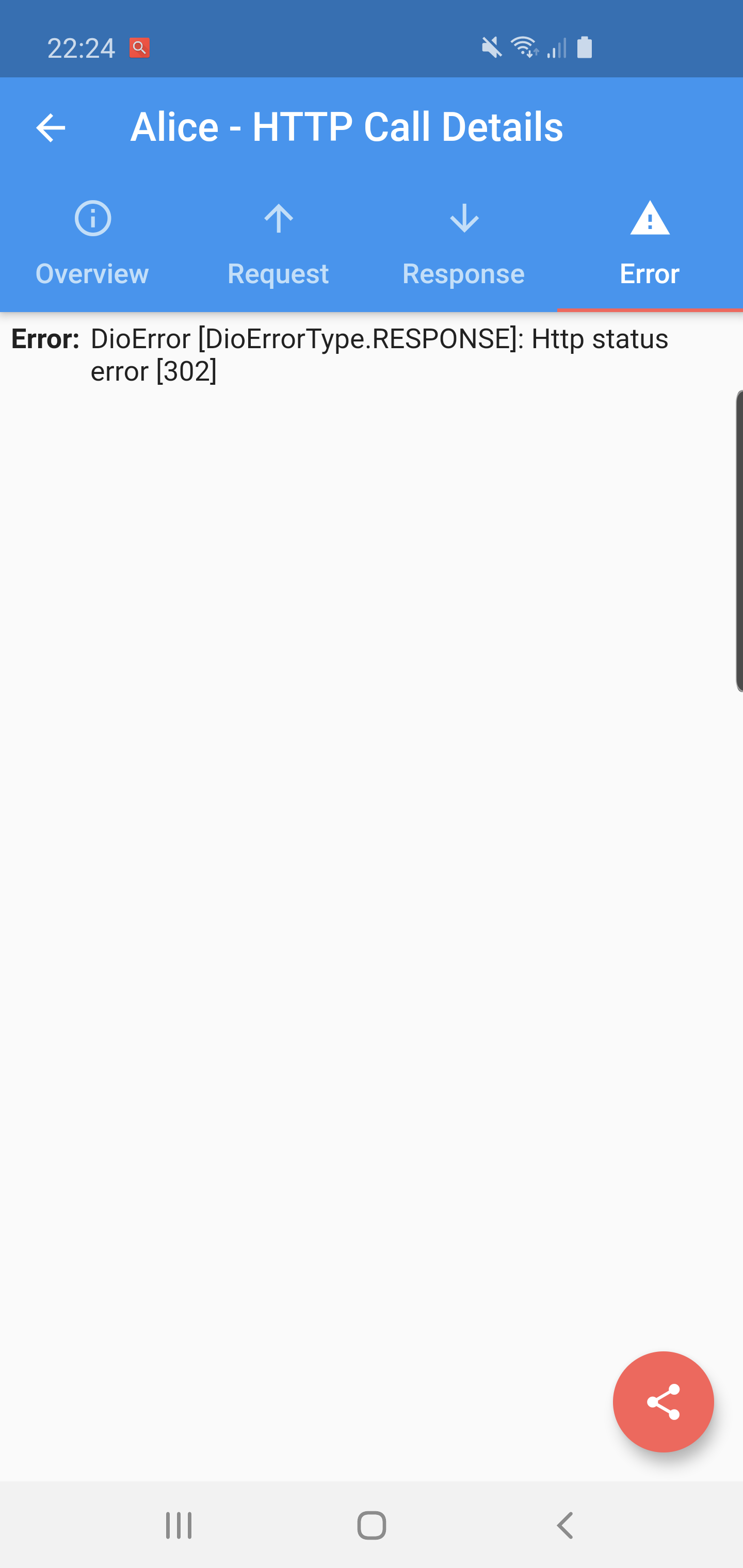
Flutter Alice 是一個用於 HTTP 請求的除錯工具,可捕捉並儲存所有送出的請求及其回應。它提供一個簡單直覺的使用者介面,用以檢視每個請求與回應的完整細節,包含標頭、主體、狀態碼與時間。非常適合開發者在應用程式開發與測試期間使用,能快速識別 API 通訊中的問題。此工具可無縫整合至 Flutter 應用程式中,並支援多個平台,讓 Android、iOS、macOS、Windows 及 Linux 都能輕鬆使用。其開源性質確保了透明度與社群貢獻。
適用情境
開發過程中調試 API 呼叫
檢查請求/回應標頭和正文
監控網路效能
測試 RESTful 服務
排查失敗的 HTTP 請求
主要特色
即時 HTTP 請求記錄
基於網絡的互動式檢查使用者介面
支援所有主要平台
透過 pub.dev 實現輕鬆整合
開源且可自訂
適合對象
Flutter 開發者
API 測試人員
移動應用調試器
前端工程師
團隊協作解決網路問題
使用建議
不建議用於生產建構
需要在開發模式下手動啟用
使用者介面可能不適合複雜的資料結構
僅限HTTP流量
在高負載使用期間可能輕微影響效能
原始 README
以下為關聯原始碼儲存庫的 README 原文快照,最新內容請造訪原始碼儲存庫。
A ⭐ star on GitHub repo is the greatest motivation for me
to keep improving this project! 💖
Alice
Alice is an HTTP Inspector tool for Flutter which helps debugging http requests.
It catches and stores http requests and responses, which can be viewed via simple UI.
It is inspired from Chuck (https://github.com/jgilfelt/chuck) and Chucker (https://github.com/ChuckerTeam/chucker).
Overlay bubble version of Alice: https://github.com/jhomlala/alice
Supported Dart http client plugins:
Dio
HttpClient from dart:io package
Http from http/http package
Generic HTTP client
Features:
✔️ Detailed logs for each HTTP calls (HTTP Request, HTTP Response)
✔️ Inspector UI for viewing HTTP calls
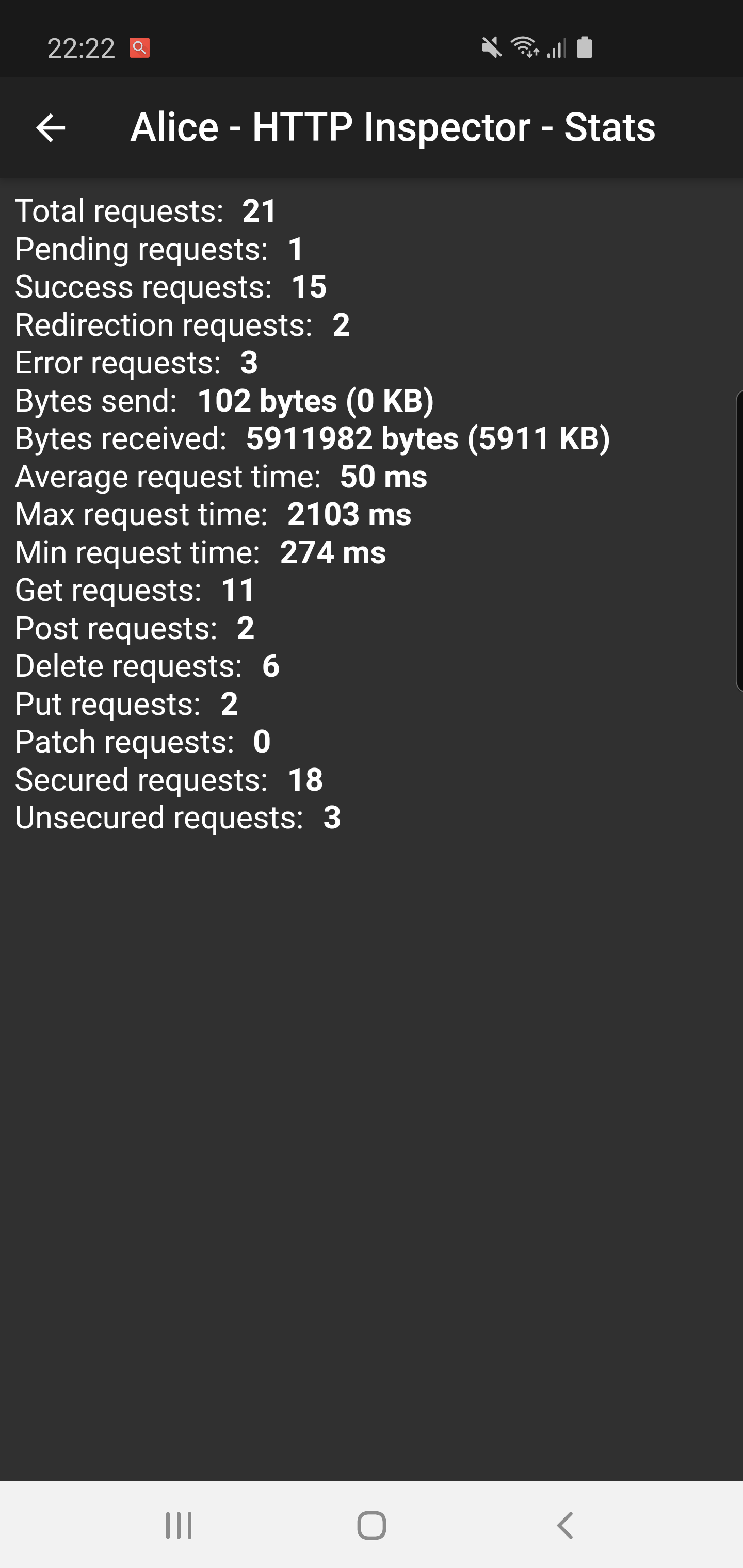
✔️ Statistics
✔️ Support for top used HTTP clients in Dart
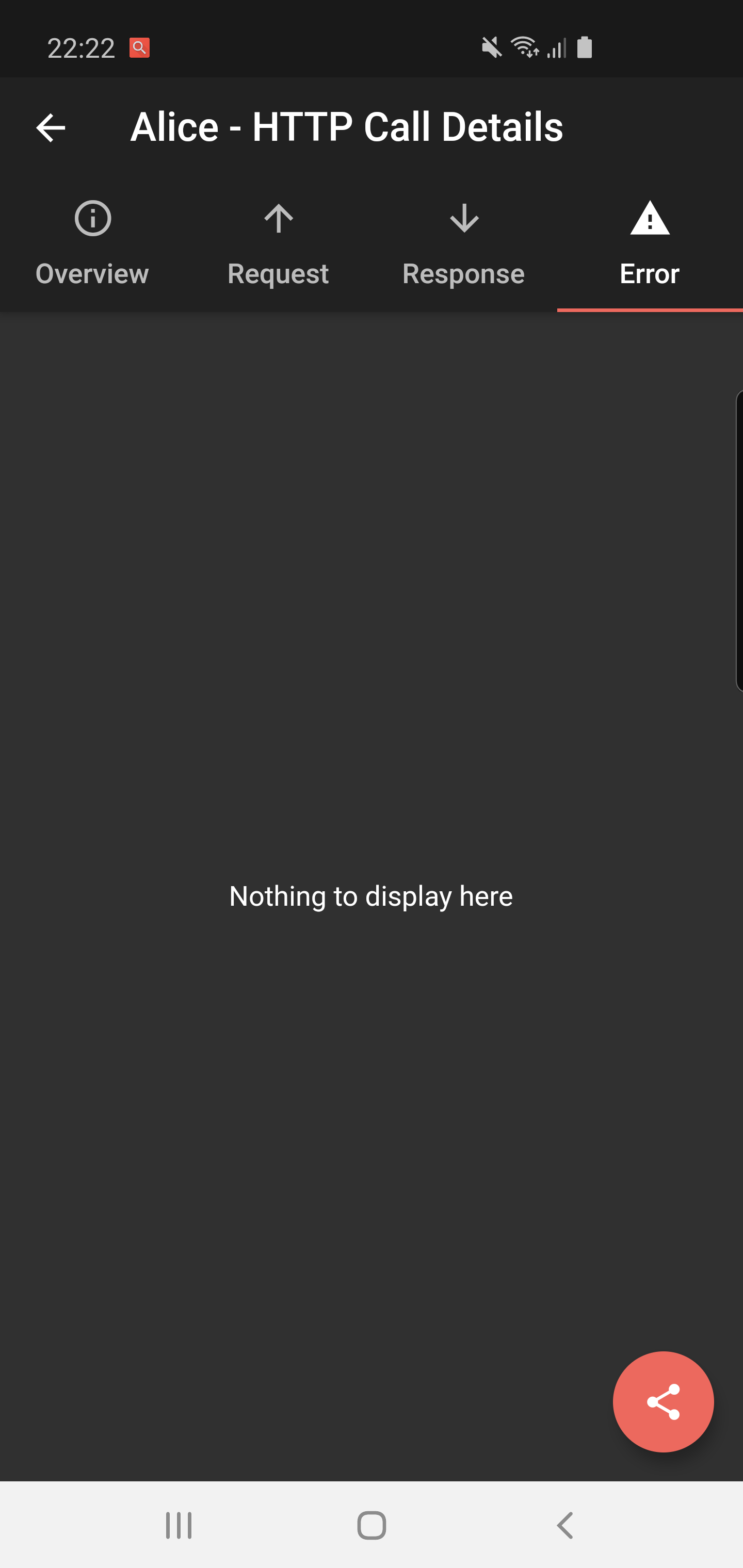
✔️ Error handling
✔️ HTTP calls search
✔️ Bubble overlay entry
Install
Add this to your pubspec.yaml file:
dependencies:flutter_alice:^1.0.1
Install it
$ flutter pub get
Import it
import'package:flutter_alice/alice.dart';
Usage
Alice configuration
Create Alice instance:
// Define a navigator keyfinal navigatorKey = GlobalKey<NavigatorState>();
// Create Alice with the navigator keyfinal alice = Alice(navigatorKey: navigatorKey);
final dio = Dio();
dio.interceptors.add(alice.getDioInterceptor());
For HTTP package
You can use extension methods for cleaner code:
// Import extensionsimport'package:flutter_alice/core/alice_http_extensions.dart';
// Use extension methods
http
.get(Uri.parse('https://jsonplaceholder.typicode.com/posts'))
.interceptWithAlice(alice);
// For POST requests with body
http
.post(Uri.parse('https://jsonplaceholder.typicode.com/posts'), body: body)
.interceptWithAlice(alice, body: body);
Or use the standard approach:
http.get(Uri.parse('https://jsonplaceholder.typicode.com/posts')).then((response) {
  alice.onHttpResponse(response);
});

// For POST requests with body
http.post(Uri.parse('https://jsonplaceholder.typicode.com/posts'), body: body).then((response) {
  alice.onHttpResponse(response, body: body);
});
For HttpClient from dart:io
You can use extension methods:
// Import extensionsimport'package:flutter_alice/core/alice_http_client_extensions.dart';
// Use extension methods
httpClient
.getUrl(Uri.parse("https://jsonplaceholder.typicode.com/posts"))
.interceptWithAlice(alice);
// For POST requests with body
httpClient
.postUrl(Uri.parse("https://jsonplaceholder.typicode.com/posts"))
.interceptWithAlice(alice, body: body, headers: Map());
### Opening the InspectorYou can open the inspector UI in different ways:
```dart
// Open directlyElevatedButton(
child: Text("Open Inspector"),
onPressed: alice.showInspector,
)
// Or call from anywhere in your code
alice.showInspector();