搜尋套件、儲存庫與 APP 分類

flutter_map_animations 封面
套件詳情v0.11.0

flutter_map_animations

flutter_map 套件中標記和控制項的動畫工具。

AndroidiOSWebmacOSWindowsLinux
近 30 天下載
4.7萬
喜歡數
120
Pub 分數
160

安裝套件

flutter pub add flutter_map_animations

套件介紹

根據套件公開資料產生的選型評估,僅供參考。

一個 Flutter 套件,為 flutter_map 套件中的標記和控制項提供動畫工具。它能實現地圖元素的平滑過渡與動態視覺效果,透過回應式互動提升使用者體驗。專為與 flutter_map 無縫整合而設計,支援常見的動畫模式,例如位置變更、縮放調整與可見性過渡。適用於需要跨多個平台實現動畫地圖標記或互動式控制行為的應用程式。

適用情境

  • 動畫地圖標記
  • 互動式地圖控制
  • 即時位置追蹤
  • 基於地圖的儀表板
  • 使用者介面增強
  • 動態地圖疊加

主要特色

  • 平滑標記動畫
  • 控制元素過渡
  • 與 flutter_map 的無縫整合
  • 跨平台支援
  • 可自訂的動畫曲線
  • 輕量化且模組化設計

適合對象

  • 帶有動態資料的地圖
  • 互動式地理定位應用
  • 地圖上的資料視覺化
  • UI密集型映射介面
  • 使用 flutter_map 的開發者

使用建議

  • 需要 flutter_map 依賴
  • 僅限標記和控制動畫
  • 大量動畫元素帶來的效能影響
  • 可能需要為複雜動畫進行調優
  • 不適用於非地圖UI元件

原始 README

以下為關聯原始碼儲存庫的 README 原文快照,最新內容請造訪原始碼儲存庫。

Flutter Map Animations

Pub Version (including pre-releases)

Animation utility for the flutter_map package.

Try the example app

Table of Contents

Documentation

AnimatedMapController

Just create an AnimatedMapController and you're good to go:

class _MyWidgetState extends State<MyWidget> with TickerProviderStateMixin {
    late final _animatedMapController = AnimatedMapController(vsync: this);

    // ...
}

You can specify globally the animation's duration, curve and if previous animations should be stopped with cancelPreviousAnimations:

AnimatedMapController(
    vsync: this,
    duration: const Duration(milliseconds: 500),
    curve: Curves.easeInOut,
    cancelPreviousAnimations: true, // Default to false
);

And add it to your FlutterMap widget:

FlutterMap(
    mapController: _animatedMapController.mapController,
    // ...
)
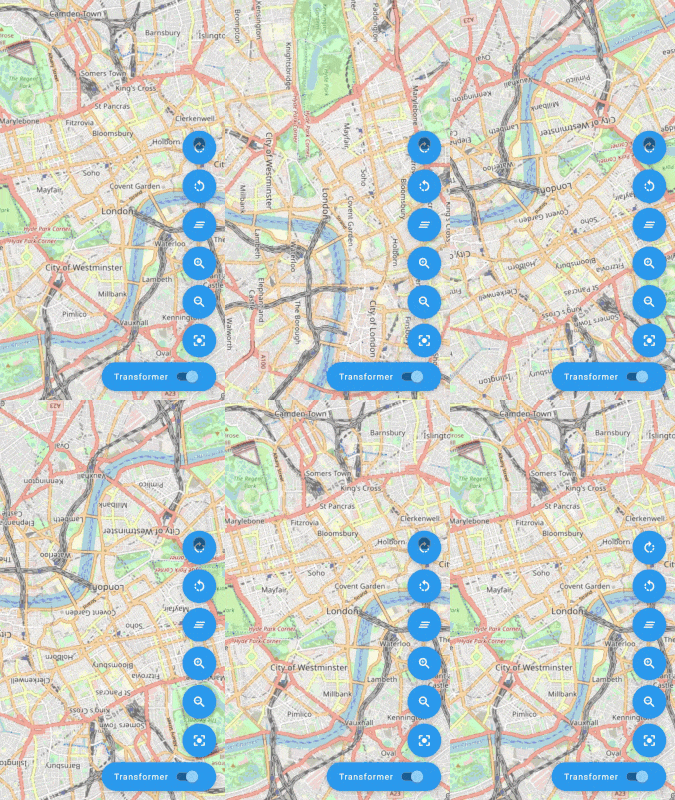
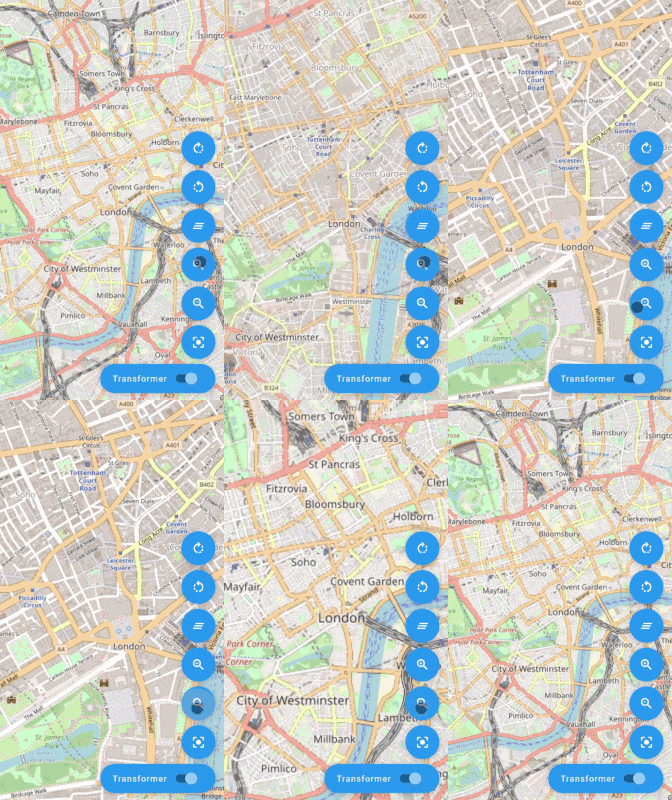
Animated Movement
Rotation Zoom Center on point

Check the AnimatedMapController API for more!

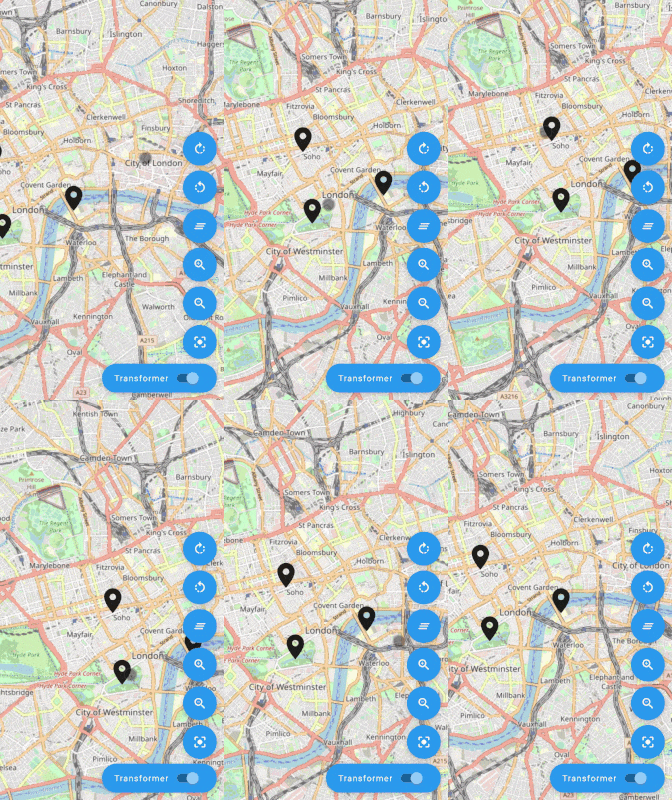
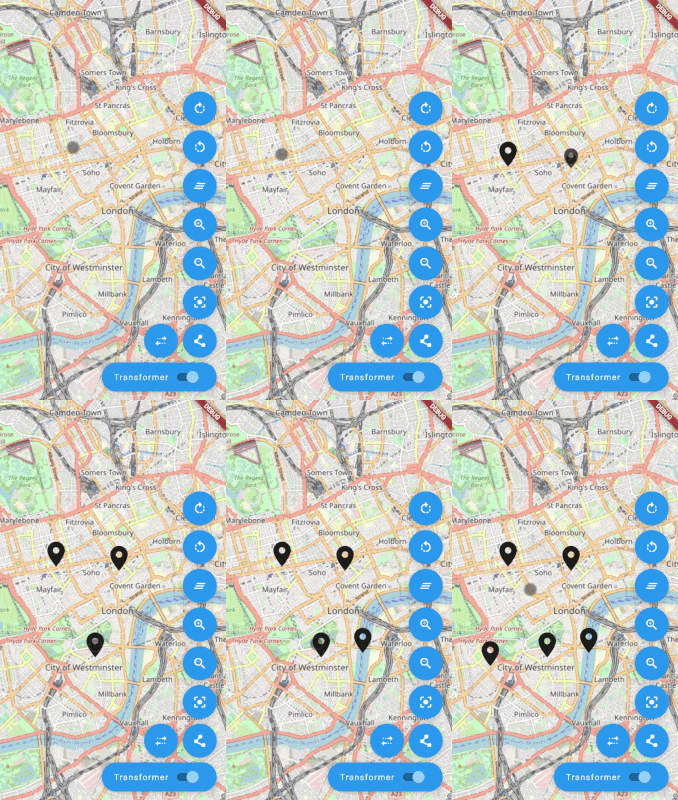
AnimatedMarkerLayer & AnimatedMarker

AnimatedMarker
FlutterMap(
    mapController: _animatedMapController.mapController,
    children: [
        TileLayer(
            urlTemplate: 'https://tile.openstreetmap.org/{z}/{x}/{y}.png',
            userAgentPackageName: 'com.example.app',
        ),
        AnimatedMarkerLayer(
            markers: [
                AnimatedMarker(
                    point: LatLng(51.509364, -0.128928),
                    builder: (_, animation) {
                        final size = 50.0 * animation.value;
                        return Icon(
                            Icons.location_on,
                            size: size,
                        );
                    },
                ),
            ],
        ),
    ],
)

Migration Guide

v0.5.0

With flutter_map v6 some parameters have been removed or renamed:

  • AnimatedMarker.rotateOrigin, AnimatedMarker.anchorPos have been removed
  • AnimatedMarker.rotateAlignment has been renamed to AnimatedMarker.alignment
  • AnimatedMarkerLayer.rotateOrigin, AnimatedMarkerLayer.anchorPos have been removed
  • AnimatedMarkerLayer.rotateAlignment has been renamed to AnimatedMarkerLayer.alignment

v0.4.0

  • With flutter_map v5 it's not possible anymore to extend MapControllerImpl which was used to use the AnimatedMapController directly as a MapController in the FlutterMap widget. Now an instance of MapController is created internally or can be passed as a parameter to the AnimatedMapController constructor. You can access it with the mapController getter:
late final _animatedMapController = AnimatedMapController(vsync: this);

@override
Widget build(BuildContext context) {
    return FlutterMap(
        mapController: _animatedMapController.mapController,
        // ...
    );
}

Contributors

TesteurManiak
Guillaume Roux
JaffaKetchup
Luka S
rorystephenson
Rory Stephenson
ReinisSprogis
Reinis Sprogis

所屬分類

依賴

依賴清單 2 項

原始碼儲存庫

使用此套件的專案