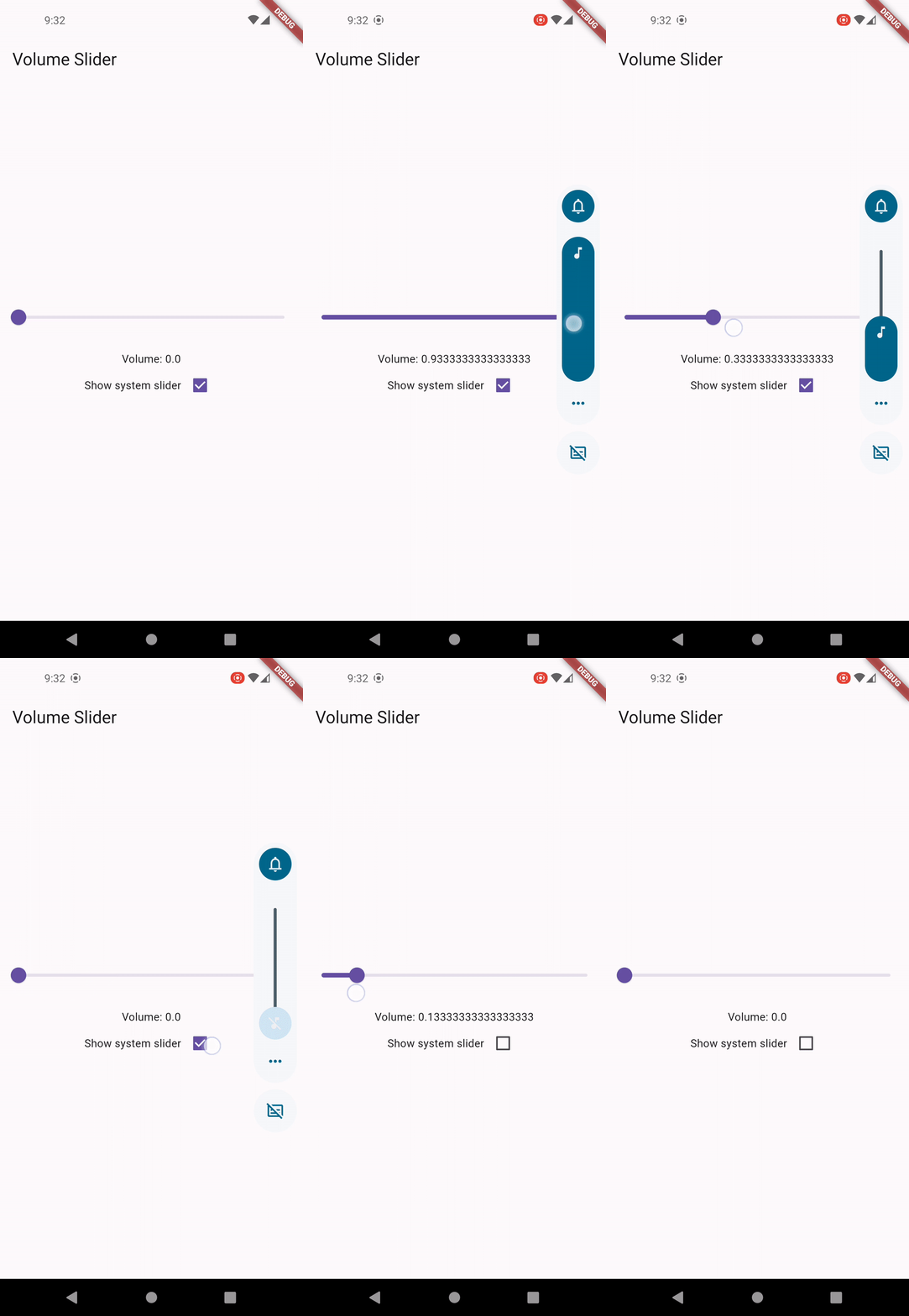
一個 Flutter 插件,可於 Android、iOS、macOS、Windows 和 Linux 上控制系統音量並即時監聽音量變更。它提供一致的 API 來調整音量等級,並回應使用者操作或系統觸發的音量調整。非常適合媒體應用程式、音訊播放器或任何需要精確音量管理的應用程式。此外,該插件抽象了平台特定的實作,確保跨平台相容性且設定簡單。
適用情境
媒體播放器音量控制
即時音量監控
音頻應用整合
系統級音量調整
跨平台音頻應用
主要特色
跨平台音量控制
音量變更事件監聽器
平台無關的 API
支援 Android、iOS、macOS、Windows 與 Linux
透過 pub add 的簡單整合
適合對象
音訊和媒體應用
需要系統音量存取權限的應用
針對多平台的開發者
互動式音訊體驗
需要音量反饋的應用程式
使用建議
某些作業系統需要特定平台的權限
僅限系統音量(非應用特定)
行為在不同平台之間可能略有差異
不適合低階音訊處理
可能需要在桌面平台上進行額外設定
原始 README
以下為關聯原始碼儲存庫的 README 原文快照,最新內容請造訪原始碼儲存庫。
Flutter Volume Controller
A Flutter plugin to control system volume and listen for volume changes on different platforms.
Features
Control system and media volumes.
Listen for volume changes.
Platform Support
✅ Android
✅ iOS
✅ macOS
✅ Windows
✅ Linux
✅ ohos
Swift Package Manager Support
This plugin supports Swift Package Manager (SPM) on Apple platforms:
On iOS, volume control uses MPVolumeView internally which does not works on simulator. Please uses physical
device for testing.
Fine-grained volume control
Due to platform and device difference, it's normal that volume level could not be controlled
precisely.
For example, Android supports only 15 volume steps by default, the volume after being set would be
a rounded off value.
Audio devices without volume control
On desktop platforms like Windows and Linux, you may encounter PlatformException if the default
audio device doesn't support volume control, like an external monitor.
Controlling Android volume slider UI
Currently there is no trivial way to control the volume slider invoked by physical buttons on
Android in plugin level. You may override FlutterActivity::onKeyDown to customize the buttons action.