google_speech 包是一個 Flutter 插件,可實現與 Google Cloud GRPC 語音轉文字 API 的整合,使 Flutter 應用程式能夠實時語音轉錄。它支援串流音訊輸入,並在多個平台提供精確的語音辨識。專為開發語音功能的開發者設計,透過最少的設定即可輕鬆存取 Google 強大的自動語音辨識(ASR)功能。該插件透過 Google Cloud 憑證處理驗證,並提供事件驅動的回應以實現連續轉錄。適用於語音助理、語音輸入工具和輔助功能。
適用情境
語音助手
即時轉錄
語音輸入應用
無障礙工具
音頻記錄
主要特色
即時串流
Google Cloud 結合
跨平台支援
事件驅動API
透過 Google Cloud 進行身分驗證
適合對象
開發語音功能應用的開發者
需要高精度語音識別的應用程式
使用 Google Cloud 服務的項目
行動和桌面語音應用
使用建議
需要 Google Cloud 專案和 API 密鑰
計費適用於使用情況
需要網絡連接
低頻寬連接下的更高延遲
原生依賴項的平台特定設定
原始 README
以下為關聯原始碼儲存庫的 README 原文快照,最新內容請造訪原始碼儲存庫。
Google Speech
This package allows the use of Google Speech Api with grpc as a pure
Dart implementation. With the support of grpc it is also possible to use the streaming transcription
of the Google Speech Api with this package.
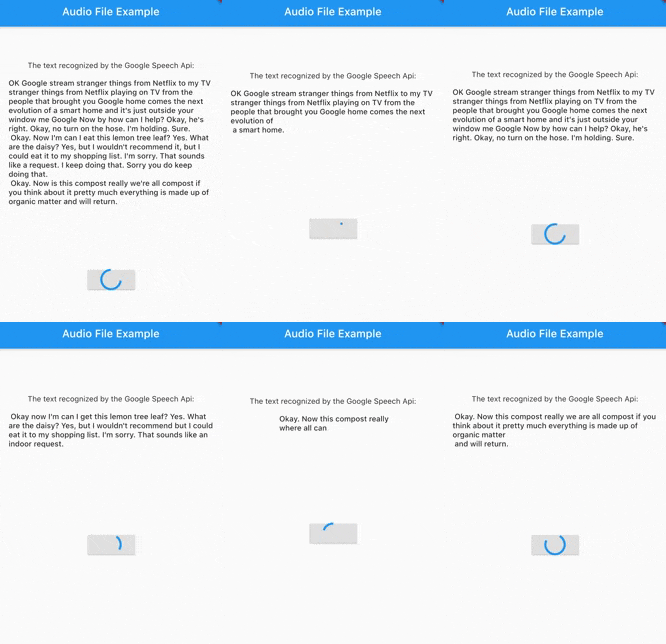
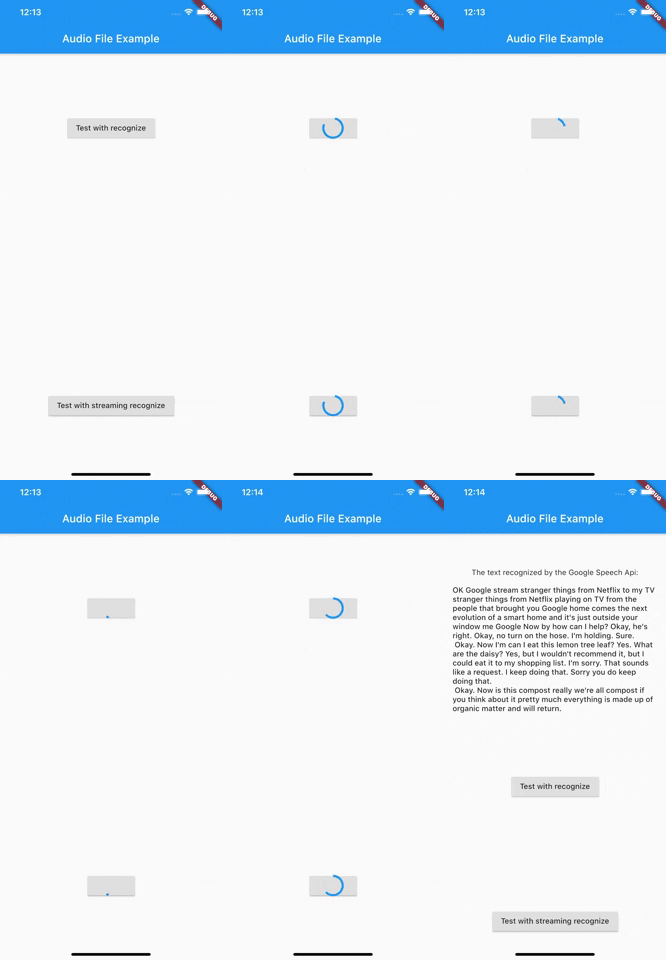
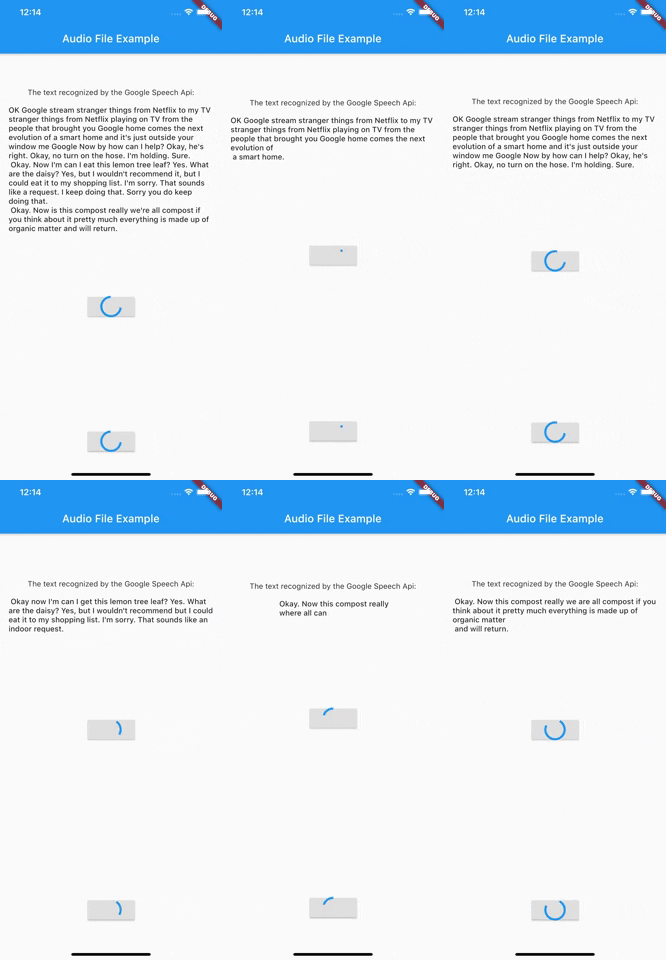
Demo recognize
Demo Streaming
Before we get started
To use the Google Speech Api it is first of all important to create a Google Cloud account and activate the Speech Api.
The best way to do this is to follow the first point of this documentation.
After you have created a service account and downloaded the Json file with the necessary access data, you can start
using this package.
At this time this package only supports authentication via service account. It is therefore necessary to create a service account and have the necessary Json data ready.
Getting Started
Authentication
As of version 3.0.0 there are now 3 different ways to authenticate. In addition to the old way viaServiceAccount, there is now also the possibility to authenticate via token or ThirdPartyAuthenticator.
Authentication via ThirdParty Authenticator [> Version 3.0.0]
final speechToText = SpeechToText.viaThirdPartyAuthenticator(
ThirdPartyAuthenticator(
obtainCredentialsFromThirdParty: () async {
// request api to get tokenfinal json = awaitrequestCredentialFromMyApi();
returnAccessCredentials.fromJson(json);
},
),
);
Authentication via Token [> Version 3.0.0]
Creates a SpeechToText interface using a token.
You are responsible for updating the token when it expires.
    final speechToText = SpeechToText.viaToken(
    'Bearer',
    '<token-here>',
    );
Authentication via a service account
There are two ways to log in using a service account. Option number one is the direct transfer of the Json file.
Make sure that the file really exists in the path you passed and that the file has a .json extension.
import'package:google_speech/speech_client_authenticator.dart';
final serviceAccount = ServiceAccount.fromFile(File('PATH_TO_FILE'));
final speechToText = SpeechToText.viaServiceAccount(serviceAccount);
Option number two is to pass the Json data directly as a string.
This could be used for example to load the data from an external service first and not
have to keep it directly in the app.
final serviceAccount = ServiceAccount.fromString(r'''{YOUR_JSON_STRING}''');
/// OR load the data from assetsfinal serviceAccount = ServiceAccount.fromString(
'${(await rootBundle.loadString('assets/test_service_account.json'))}');
final speechToText = SpeechToText.viaServiceAccount(serviceAccount);
After you have successfully connected the ServiceAccount, you can already start using the Api.
Since version 1.1.0 google_speech also supports the use of features available in the Google Speech Beta Api. For this you just have to use SpeechToTextBeta instead of SpeechToText.
Use Google Speech Version 2
Since version 4.0.0 google_speech also supports the use of features available in the Google Speech V2. For this you just have to use SpeechToTextV2 instead of SpeechToText.
An Example could be found in audio_file_example_v2
Endless stream support
Since version 5.0.0 google_speech also supports endless stream.
For this you just have to use EndlessStreamingService instead of SpeechToText.
final serviceAccount = ServiceAccount.fromString(r'''{YOUR_JSON_STRING}''');
/// OR load the data from assetsfinal serviceAccount = ServiceAccount.fromString(
'${(await rootBundle.loadString('assets/test_service_account.json'))}');
final speechToText = EndlessStreamingService.viaServiceAccount(serviceAccount);
final responseStream = speechToText.endlessStream;
speechToText.endlessStreamingRecognize(
StreamingRecognitionConfig(config: config, interimResults: true),
_audioStream!);
responseStream.listen((data) {...});