搜尋套件、儲存庫與 APP 分類

icon_picker 封面
套件詳情v2.1.0

icon_picker

一個 Flutter 小工具,用於顯示包含圖示集合的對話框,可供選擇一個圖示並回傳 jason iconData。

近 30 天下載
61
喜歡數
18
Pub 分數
60

安裝套件

flutter pub add icon_picker

套件介紹

根據套件公開資料產生的選型評估,僅供參考。

Icon Picker 是一個 Flutter 套件,提供了一個對話框小部件,用於輕鬆顯示圖示集合以便選擇。它允許使用者挑選一個圖示,並以 JSON 格式回傳所選圖示的資料。設計簡單且易於整合,支援自訂圖示集,非常適合需要在表單或設定中進行圖示選擇的應用程式。此套件輕巧且專注於使用性,讓 UI 工作流程中的實作變得簡單明確。

適用情境

  • 在應用設定中選擇圖示
  • 向使用者產生的內容添加圖示
  • 使用圖示自定義UI元素
  • 配置主題選項
  • 使用圖示輸入建構表單產生器
  • 將圖標選擇整合到儀表板中

主要特色

  • 顯示可捲動的圖示集合
  • 以 JSON 數據形式返回所選圖示
  • 簡單的基於對話框的介面
  • 支援自定義圖標集
  • 輕量且易於整合
  • 所需的設定最少

適合對象

  • 開發UI密集型應用的開發者
  • 需要自定圖示的應用
  • 帶有視覺元素的表單建構器
  • 設計師整合圖示選擇
  • 依賴最少的專案
  • 原型圖示選擇功能

使用建議

  • 需要手動處理圖示資料解析
  • 僅限預定義圖示集合,除非自訂
  • 無內建搜尋或篩選
  • 未針對非常大的圖示集進行優化
  • 依賴外部圖示集定義
  • 可能需要額外的樣式以保持外觀一致

原始 README

以下為關聯原始碼儲存庫的 README 原文快照,最新內容請造訪原始碼儲存庫。

icon_picker

pub package

Buy Me A Beer

A Flutter widget to show an icon collection to pick.
This widget extend TextField and has a similar behavior as TextFormField

Usage

In the pubspec.yaml of your flutter project, add the following dependency:

dependencies:
  ...
  icon_picker: "^2.1.0"

In your library add the following import:

import 'package:icon_picker/icon_picker.dart';

For help getting started with Flutter, view the online documentation.

Example

IconPicker use an internal MaterialIcon collection by default, but you can set your own icon collection.
You just need to pass in iconCollection param a Map<String, IconData>.

final Map<String, IconData> myIconCollection = {
  'favorite': Icons.favorite,
  'home': Icons.home,
  'android': Icons.android,
  'album': Icons.album,
  'ac_unit': Icons.ac_unit,
  ...
}
IconPicker(
  initialValue: 'favorite',
  icon: Icon(Icons.apps),
  labelText: "Icon",
  title: "Select an icon",
  cancelBtn: "CANCEL",
  enableSearch: true,
  searchHint: 'Search icon',
  iconCollection: myIconCollection,
  onChanged: (val) => print(val),
  onSaved: (val) => print(val),
);

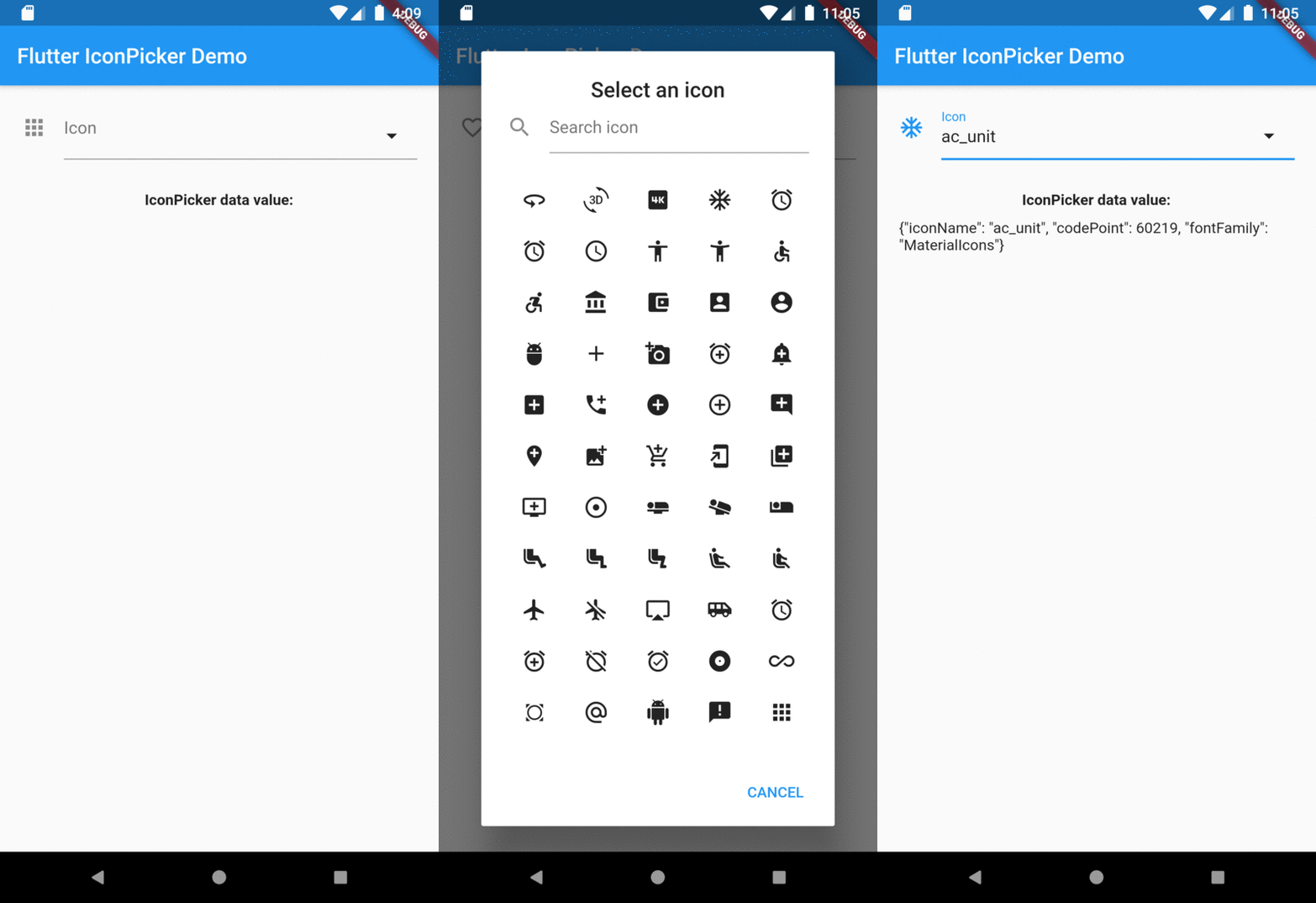
The result of val in onChanged, validator and onSaved will be a json String.
So, if you tap the icon ac_unit in the dialog window, the result value will be:

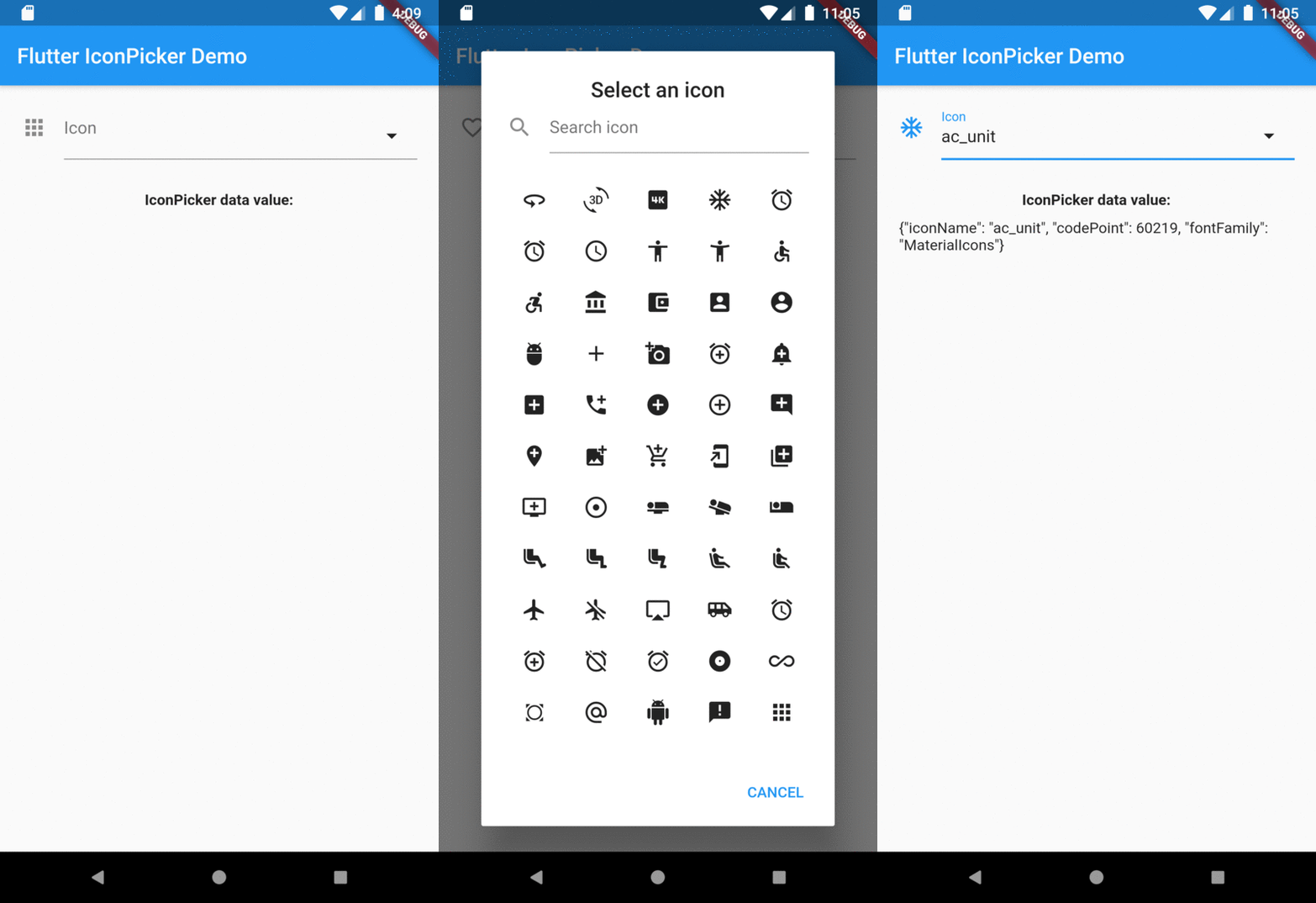
'{"iconName": "ac_unit", "codePoint": 60219, "fontFamily": "MaterialIcons"}'

Transforming the String result of IconPicker in an IconData:

String value = '{"iconName": "ac_unit", "codePoint": 60219, "fontFamily": "MaterialIcons"}'
var iconDataJson = jsonDecode(value);
IconData icon = IconData(iconDataJson['codePoint'], fontFamily: iconDataJson['fontFamily']);
Icon(icon);

Preview

Overview

所屬分類

原始碼儲存庫

使用此套件的專案

暫無相關資料。