搜尋套件、儲存庫與 APP 分類

套件詳情v1.0.4

international_phone_input

適用於 Flutter 的國際電話號碼輸入。此套件使用 libphonenumber 套件驗證電話號碼輸入值。

近 30 天下載
84
喜歡數
43
Pub 分數
40

安裝套件

flutter pub add international_phone_input

套件介紹

根據套件公開資料產生的選型評估,僅供參考。

一個用於處理國際電話號碼輸入的 Flutter 套件,使用 libphonenumber 庫進行內建驗證。它提供了一個使用者友善的介面,根據國家特定標準輸入和格式化電話號碼,確保在全球使用者中準確收集資料。該套件可自動根據輸入或選定的預設值檢測國家,應用正確的格式,並即時驗證輸入的號碼。

適用情境

  • 全球用戶註冊
  • 國際聯繫表單
  • 電話號碼驗證工作流程
  • 多區域移動應用
  • 電子商務結帳流程

主要特色

  • 即時手機號碼驗證
  • 自動國家代碼檢測
  • 帶遮罩的格式化輸入
  • 支援所有主要國家
  • 與 libphonenumber 的整合

適合對象

  • 面向國際受眾的應用程式
  • 需要有效電話號碼的表單
  • 需要強大輸入驗證的開發人員
  • 使用國際化功能的項目
  • 具有合規性需求的應用程式

使用建議

  • 需要網路以進行完整的國家資料庫查詢
  • 由於 libphonenumber 依賴項,可能會增加應用大小
  • UI 元件的自訂功能有限
  • 不支援離線驗證
  • 依賴外部程式庫更新

原始 README

以下為關聯原始碼儲存庫的 README 原文快照,最新內容請造訪原始碼儲存庫。

international_phone_input

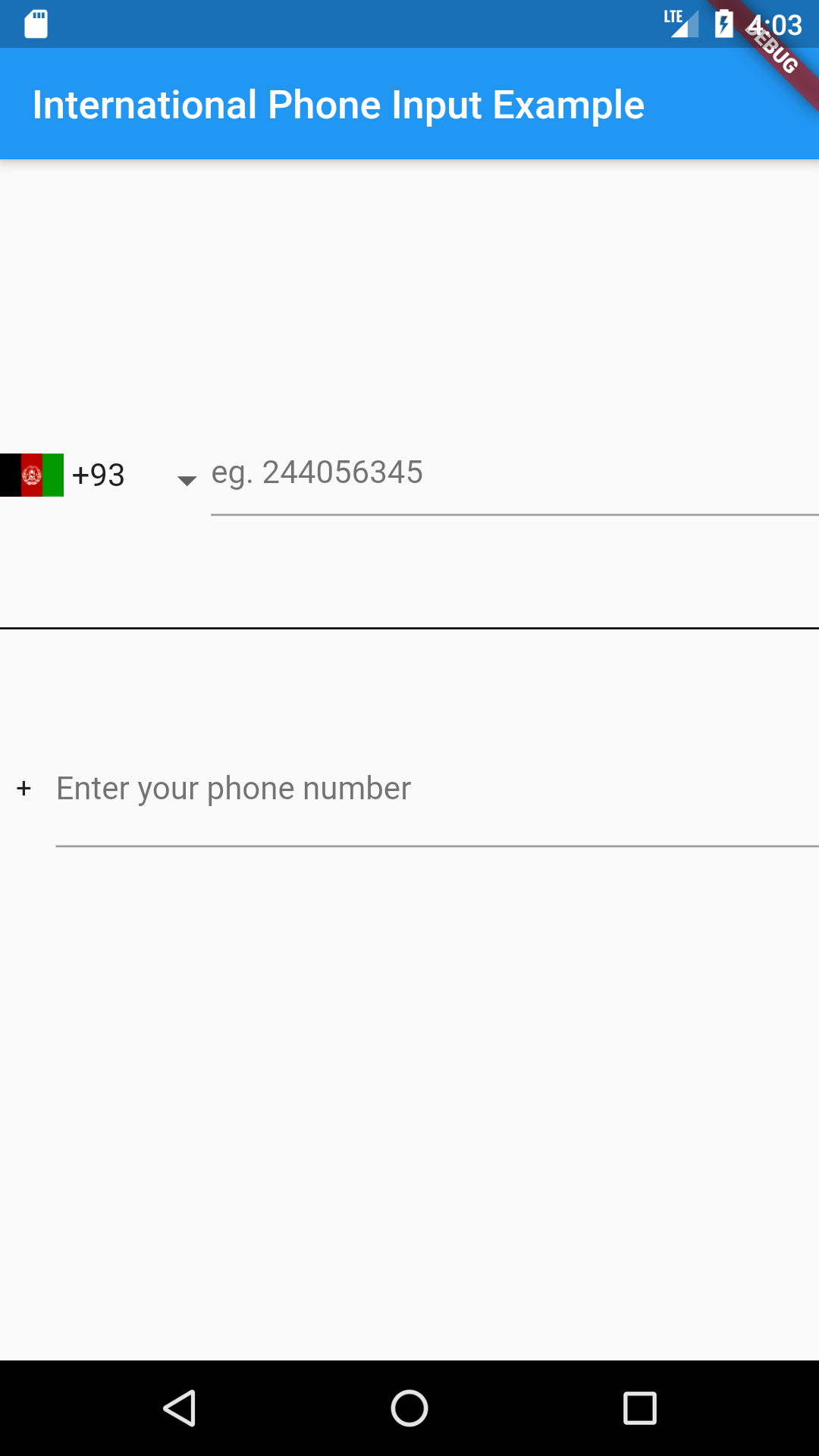
International Phone Number Input For Flutter

Usage

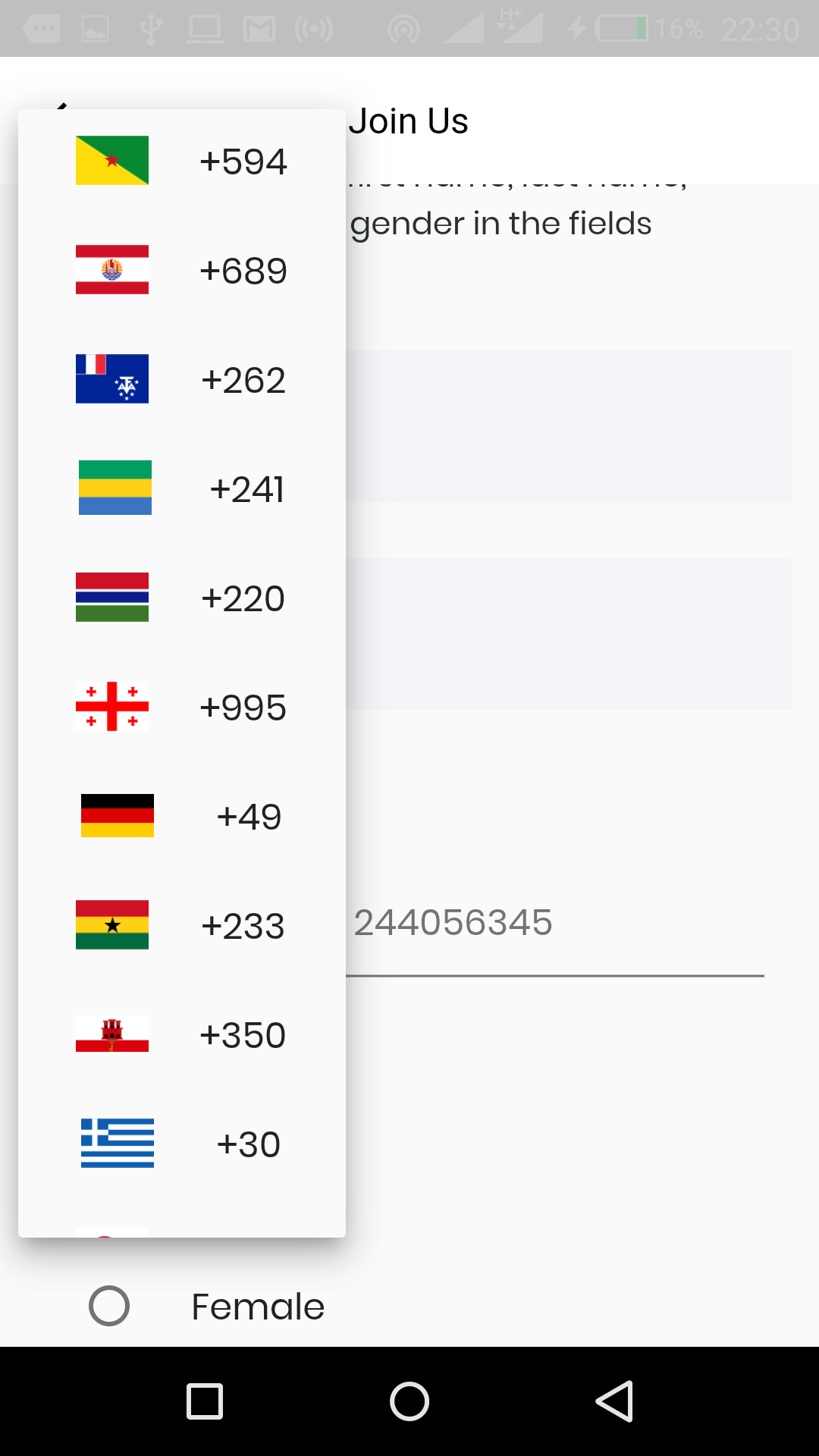
Just put the component in your application.

import 'package:international_phone_input/international_phone_input.dart';

String phoneNumber;
String phoneIsoCode;

void onPhoneNumberChange(String number, String internationalizedPhoneNumber, String isoCode) {
    setState(() {
       phoneNumber = number;
       phoneIsoCode = isoCode;
    });
}

// Default Widget with dropdown list
@override
 Widget build(BuildContext context) => Scaffold(
     body: Center(
       child: InternationalPhoneInput(
          onPhoneNumberChange: onPhoneNumberChange, 
          initialPhoneNumber: phoneNumber,
          initialSelection: phoneIsoCode,
          enabledCountries: ['+233', '+1']
       ),
     ),
 );

// Widget with text input only

 onValidPhoneNumber(
      String number, String internationalizedPhoneNumber, String isoCode) {
    setState(() {
      confirmedNumber = internationalizedPhoneNumber;
    });
  }

@override
 Widget build(BuildContext context) => Scaffold(
     body: Center(
       child:  InternationalPhoneInputText(
         onValidPhoneNumber: onValidPhoneNumber,
        ),
     ),
 );

// Widget with decoration
// Using decoration overwrites other styles such as hintStyle, hintText, etc.

@override
 Widget build(BuildContext context) => Scaffold(
     body: Center(
       child: InternationalPhoneInput(
          decoration: InputDecoration.collapsed(hintText: '(416) 123-4567'),
          onPhoneNumberChange: onPhoneNumberChange, 
          initialPhoneNumber: phoneNumber,
          initialSelection: phoneIsoCode,
          enabledCountries: ['+233', '+1'],
          showCountryCodes: false
       ),
     ),
 );

Customization

Here is a list of properties available to customize the widget:

Name Type Description
initialPhoneNumber String used to set initial phone number
initialSelection String used to set initial country code
errorText String use this to set an error message
hintText String sets hint
labelText String sets label
errorStyle TextStyle style applied to error message
hintStyle TextStyle style applied to hint
labelStyle TextStyle style applied to label
errorMaxLines int the maximum number of lines user can type
enabledCountries List the list of enabled countries to display
decoration InputDecoration decoration applied to the TextField widget
showCountryCodes bool shows the country code (default true)
showCountryFlags bool shows. the country flags (default true)
dropdownIcon Widget use this to customize dropdown icon

Contributions

Contributions of any kind are more than welcome! Feel free to fork and improve international_phone_input in any way you want, make a pull request, or open an issue.

所屬分類

依賴

依賴清單 1 項

原始碼儲存庫

使用此套件的專案