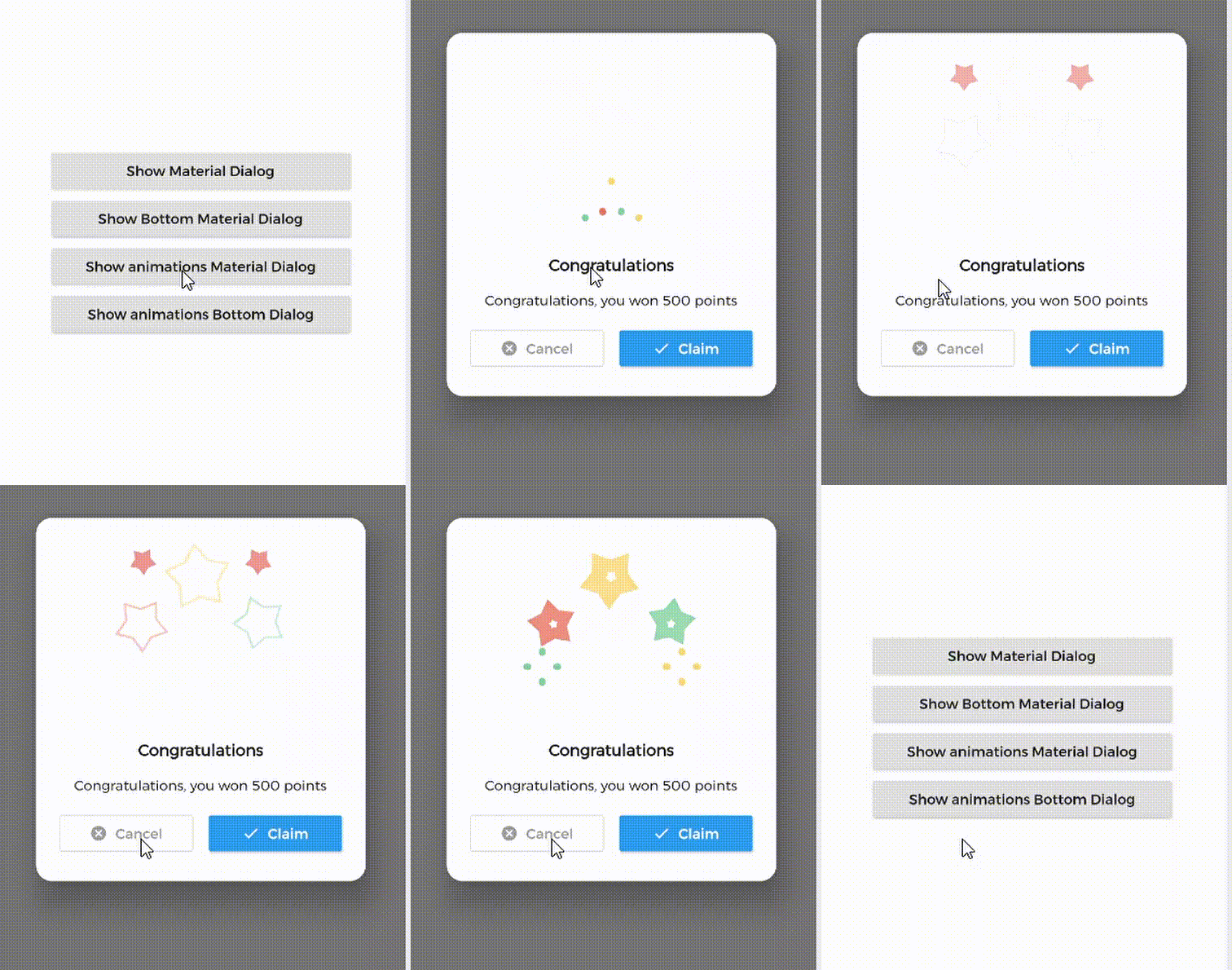
Material Dialogs 是一個 Flutter 套件,旨在簡化動畫、時尚且可自訂的 Material Design 對話方塊的建立。它提供了一個易於使用的 API,用於建立符合所有平台 Material 指南的現代對話方塊介面。該套件支援多種對話方塊類型,包括警示、確認和自訂對話方塊,具備流暢的動畫和響應式版面。非常適合在針對 Android、iOS、Web、macOS、Windows 和 Linux 的應用中,透過視覺吸引力強的彈出視窗增強使用者互動。
MaterialDialog This Plugin will be useful to create simple, animated, and beautiful dialogs in your next Flutter app.
This library implements Airbnb's Lottie library to render After Effects animation in app.
Types of Dialog
MaterialDialog library provides two types of dialog i.e.
1. Material Dialog
2. Bottom Sheet Material Dialog
A normal material dialog which can have one or two buttons.
A Bottom Sheet material dialog which can have one or two buttons, is showed from bottom of device.
Implementation
Implementation of Material Dialog library is so easy. You can check /example directory for demo. Let's have look talk in details about it.
IconsOutlineButton and IconsButton are both buttons widgets provided by the plugin to make things easier for you read more, you can use any other buttons if you want.
ii. Bottom Sheet Material Dialog
Dialogs class will be used to create your dialog, use bottomMaterialDialog. Below is an example to show your dialog in the app.
it's better to make your animation to have the same background color as your dialog's background color, please use lottie editor to remove the background layer of your animation or make it same as your dialog background color before using it in the plugin.
Contribute
Let's develop with collaborations. We would love to have contributions by raising issues and opening PRs. Filing an issue before PR is must.
Credits
This library is built using following open-source libraries.