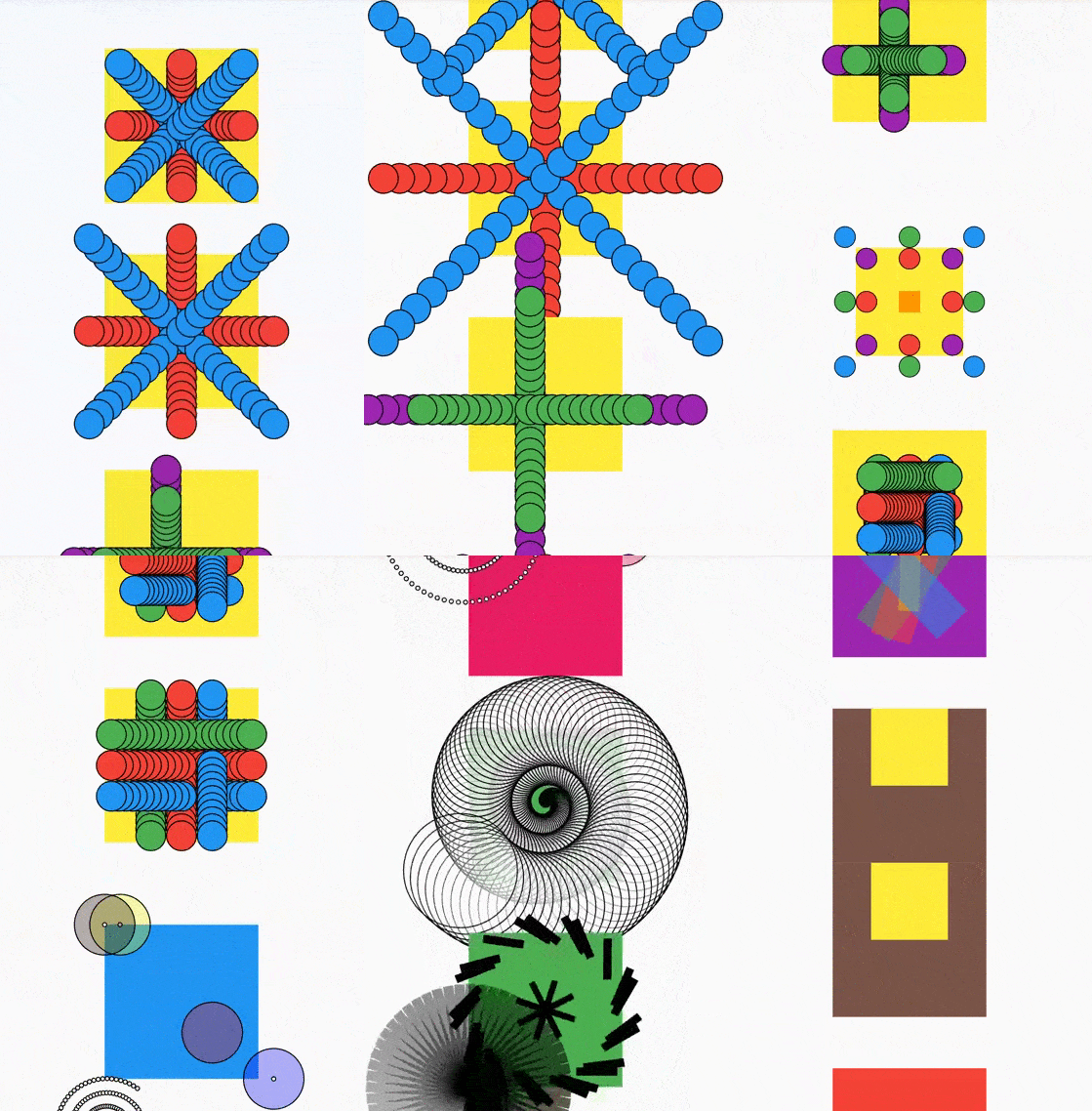
matrix4_transform
Have you noticed the transform parameter in the Container and Transform widgets,
which lets you move, rotate, resize, and flip?
This package provides a helper math class that makes it easy to create Matrix4
transformations.
Example:
// Rotates the Container 45 degrees and then
// translates 25 pixels to the right.
Container(
   transform:
     Matrix4Transform()
       .rotateDegrees(45, origin: Offset(25, 25))
       .translate(x: 25)
       .matrix4,
   child: ...
);
To see it in action, run the example in
the example tab .
How to use it
Matrix4Transform is immutable (in contrast, Matrix4 is mutable).
First create a Matrix4Transform:
Matrix4Transform();
Then call the methods to transform it. For example:
Matrix4Transform()
   .scale(1.5)
   .upRight(35)
   .rotate(pi/2);
In the end, call matrix4:
Matrix4 myMatrix
   = Matrix4Transform()
     .scale(1.5)
     .upRight(35)
     .rotate(pi/2)
     .matrix4;
Note: The transformations will be applied in order, and their order may change the end
result.
If you already have a matrix4 and want to further transform it, you can use the from
constructor:
Matrix4 myMatrix = ...;

var myTransform = Matrix4Transform.from(myMatrix);
Methods you can use
rotate(double angleRadians, {Offset origin})rotateDegrees(double angleDegrees, {Offset origin})rotateByCenterDegrees(double angleDegrees, Size size)rotateByCenter(_toRadians(angleDegrees), size)translate({double x = 0, double y = 0})translateOriginalCoordinates({double x = 0, double y = 0})scale(double factor, {Offset origin})scaleBy({double x = 1, double y = 1, Offset origin})scaleHorizontally(double factor)scaleVertically(double factor)translateOffset(Offset offset)up(double distance)down(double distance)right(double distance)left(double distance)direction(double directionRadians, double distance)directionDegrees(double directionDegrees, double distance)upRight(double distance)upLeft(double distance)downRight(double distance)downLeft(double distance)flipDiagonally({Offset origin})flipHorizontally({Offset origin})flipVertically({Offset origin})
And, of course:
Tween
A Matrix4TransformTween is provided in this package, and can be used in animations.
Animate it
A Matrix4Transform can be used to animate:
AlignPositioned or AnimatedAlignPositioned widgets from
the AlignPositioned package,
that accept a Matrix4Transform directly. The center of rotation/scale can be defined
by their alignment parameter.
Any widget that accepts a Matrix4 transformation parameter, like Container,
or AnimatedContainer. Note: Since Matrix4Tween will not animate linearly as you'd
expect, it's possible that the intermediary transformations will be "strange", although
the start and end should be correct.
Special thanks to Martin Kamleithner and Simon Lightfoot.
By Marcelo Glasberg
glasberg.dev github.com/marcglasberg linkedin.com/in/marcglasberg/ twitter.com/glasbergmarcelo
stackoverflow.com/users/3411681/marcg
medium.com/@marcglasberg
My article in the official Flutter documentation :
The Flutter packages I've authored:
My Medium Articles: