搜尋套件、儲存庫與 APP 分類

parent_child_checkbox 封面
套件詳情v0.0.5

parent_child_checkbox

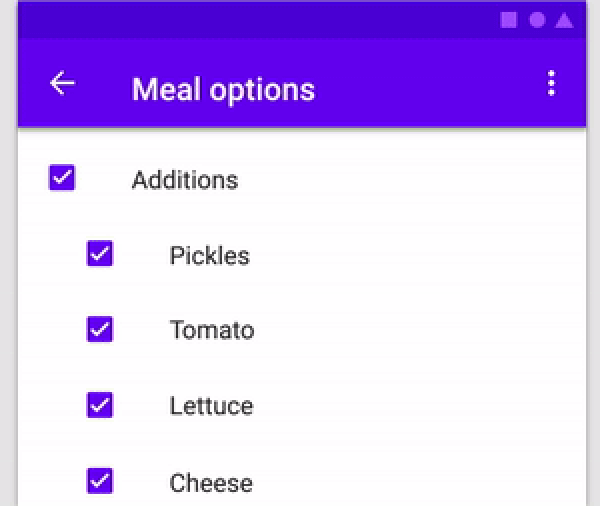
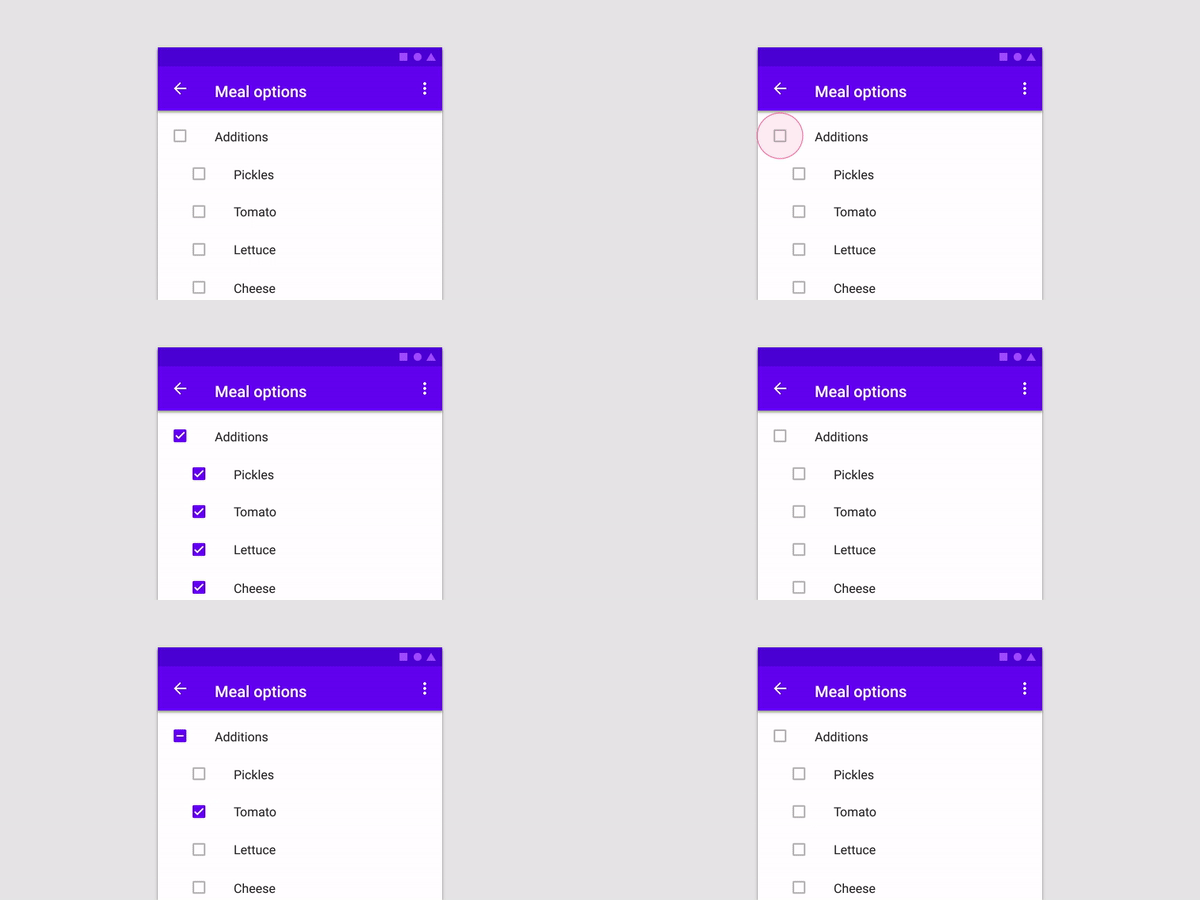
父子複選框是一種可以建立複選框層級關係的複選框類型

AndroidiOSWebmacOSWindowsLinux
近 30 天下載
49
喜歡數
41
Pub 分數
150

安裝套件

flutter pub add parent_child_checkbox

套件介紹

根據套件公開資料產生的選型評估,僅供參考。

Parent Child Checkbox 是一個 Flutter 套件,可實現階層式複選方塊結構,允許使用者建立巢狀的核取清單,其中父層複選方塊可控制其子層複選方塊的狀態。它支援跨層級的直覺選擇與取消選擇,非常適合用於表單、待辦事項清單或具有群組選項的設定。此套件輕量且易於整合,並可在所有主要平台(包含 Android、iOS、Web、macOS、Windows 與 Linux)上運作。

適用情境

  • 任務管理系統
  • 帶有分組選項的表單輸入
  • 具有巢狀類別的設定
  • 分層數據選擇
  • 用戶偏好設定

主要特色

  • 嵌套複選框層級
  • 自動子狀態傳播
  • 跨平台相容性
  • 簡單的 API 結合
  • 支援部分選取狀態

適合對象

  • 開發複雜表單的開發者
  • 需要結構化清單的UI設計師
  • 需要群組選擇的應用
  • 針對多個平台的專案
  • 尋求層級複選框最小化設定的使用者

使用建議

  • 可能需要自訂樣式以滿足進階UI需求
  • 有限的內建驗證
  • 不適用於非層級複選框使用案例
  • 在大型樹狀結構中,狀態管理可能需要外部處理
  • 文件可擴充以涵蓋邊緣情況

原始 README

以下為關聯原始碼儲存庫的 README 原文快照,最新內容請造訪原始碼儲存庫。

parent_child_checkbox

Parent Child Checkbox is a type of checkbox where we can establish hierarchy in Checkboxes.

You can create a Parent Checkbox which has multiple checkboxes as their children! The value of parent checkbox depends on the value of children checkboxes and vice-versa.
If we clicked on Parent Checkbox, all children checkboxes will be selected too.

alt text

Properties available:

Parameter Name Parameter Type Description
parent Text Text Widget to specify the Parent checkbox
children List<Text> List<Text> Widgets to specify the Children checkboxes
parentCheckboxColor Color Color of Parent CheckBox
Defaults to [ThemeData.toggleableActiveColor]
childrenCheckboxColor Text Widget Text Widget to specify the Parent checkbox
parentCheckboxScale double Scale of the Parent CheckBox. Defaults to [1.0]
childrenCheckboxScale double Scale of the Children CheckBox. Defaults to [1.0]
gap double Gap between the Parent and Children CheckBox. Defaults to [10.0]
onCheckedChild void Function(int index)? Function that will be executed if a child will be selected
onCheckedParent void Function()? Function that will be executed if the parent will be selected
isParentSelected Getter Getter to get whether particular parent is selected or not.

Example: {'Parent 1' : true, 'Parent 2' : false} where Parent 1 and Parent 2 will be 2 separate parents if you are using multiple ParentChildCheckbox in your code.

Default value will be false for all specified parents
selectedChildrens Getter Getter to get which childrens are selected for a particular parent.

Example: {'Parent 1' : ['Children 1.1','Children 1.2'], 'Parent 2' : []} where Parent 1 and Parent 2 will be 2 separate parents if you are using multiple ParentChildCheckbox in your code.

Default value is {'Parent 1' : [], 'Parent 2' : []}

Example:


import 'dart:developer';
import 'package:flutter/material.dart';
import 'package:parent_child_checkbox/parent_child_checkbox.dart';

void main() => runApp(MyApp());

class MyApp extends StatelessWidget {
  @override
  Widget build(BuildContext context) {
    return MaterialApp(
      title: 'Material App',
      home: Scaffold(
        appBar: AppBar(title: Text('Parent Child Checkox')),
        body: Column(
          children: [
            ParentChildCheckbox(
              parent: Text('Parent 1'),
              children: [
                Text('Children 1.1'),
                Text('Children 1.2'),
                Text('Children 1.3'),
                Text('Children 1.4'),
              ],
              parentCheckboxColor: Colors.orange,
              childrenCheckboxColor: Colors.red,
            ),
            ParentChildCheckbox(
              parent: Text('Parent 2'),
              children: [
                Text('Children 2.1'),
                Text('Children 2.2'),
                Text('Children 2.3'),
                Text('Children 2.4'),
              ],
            ),
            ElevatedButton(
              child: Text('Get Data'),
              onPressed: () {
                log(ParentChildCheckbox.isParentSelected.toString());
                log(ParentChildCheckbox.selectedChildrens.toString());
              },
            ),
          ],
        ),
      ),
    );
  }
}


所屬分類

原始碼儲存庫

使用此套件的專案

暫無相關資料。