PlutoGrid for flutter - v8.1.0
PlutoGrid is a DataGrid that can be operated with the keyboard in various situations such as
moving cells.
You can try out various functions and usage methods right away.
Check out how to install from the official distribution site.
The documentation has more details.
Please note the changes when changing the version of PlutoGrid you are using.
Report any questions or errors.
Packages
PlutoGridExport
Screenshots
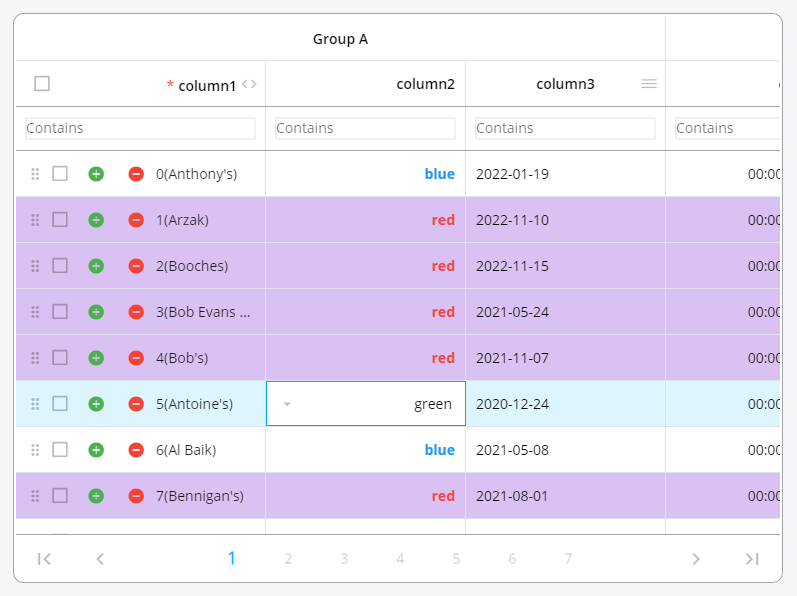
Change the color of the rows or make the cells look the way you want them.
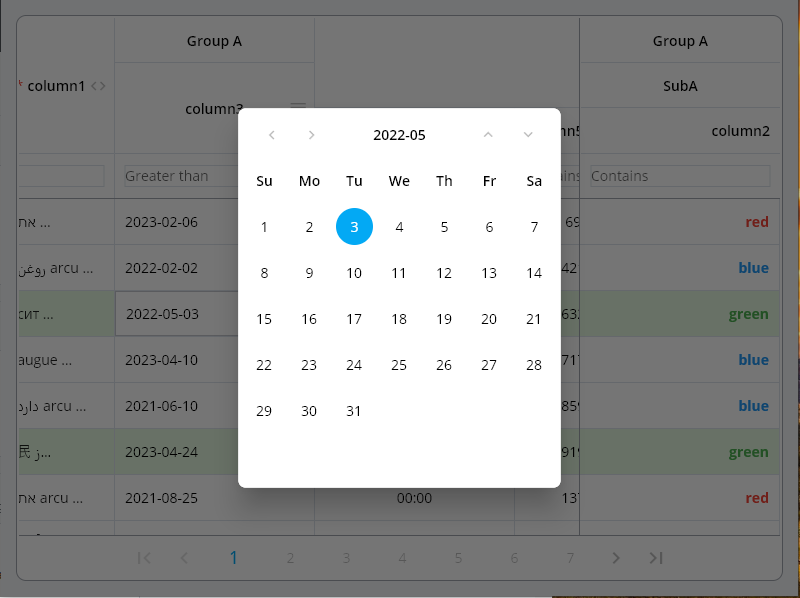
Date type input can be easily selected by pop-up and keyboard.
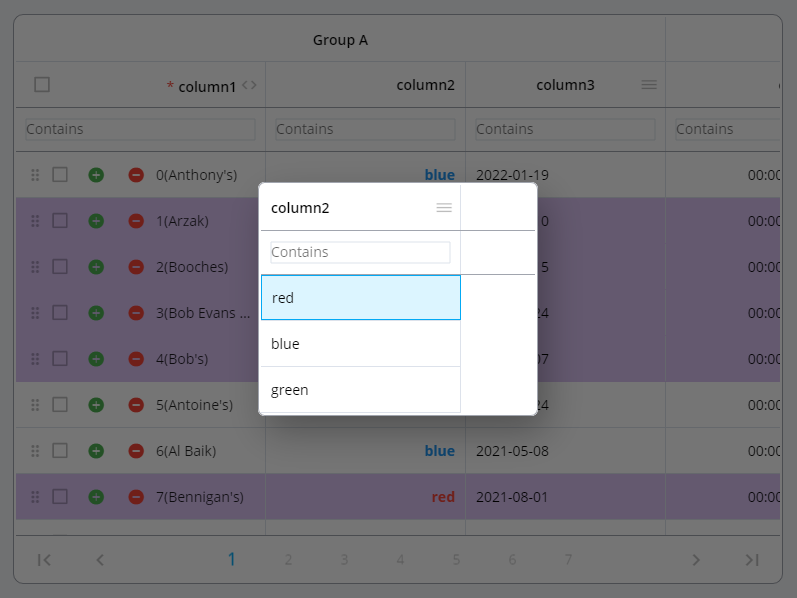
The selection type column can be easily selected using a pop-up and keyboard.
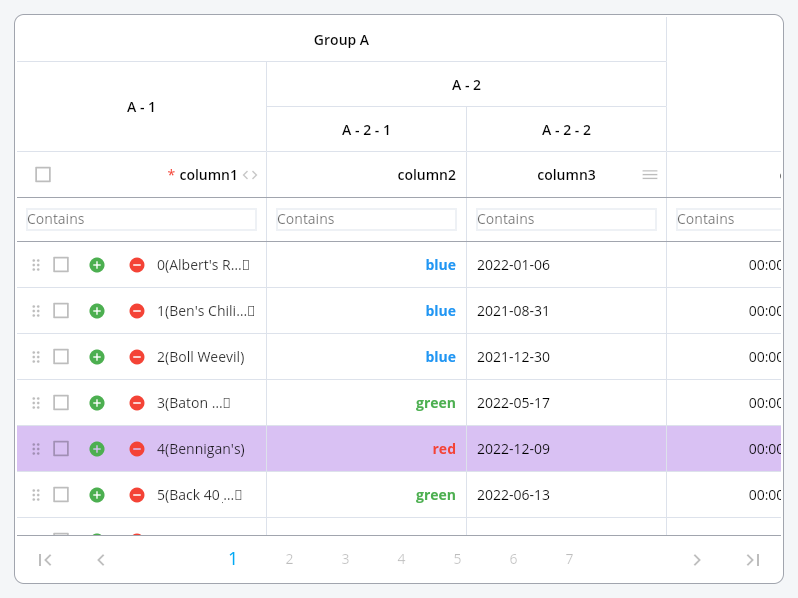
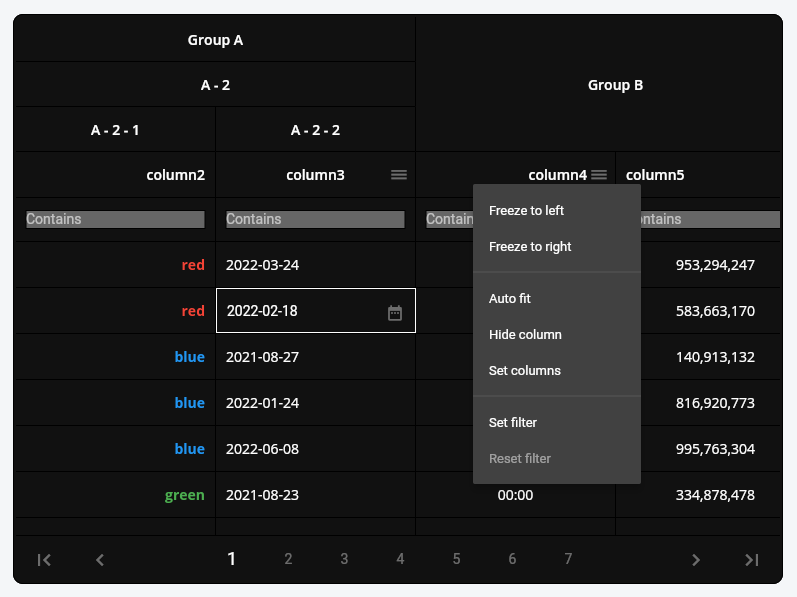
Group columns by desired depth.
Grid can be expressed in dark mode or a combination of desired colors. Also, freeze the column, move it by dragging, or adjust the size.
Example
Generate the data to be used in the grid.
List <PlutoColumn > columns = [
PlutoColumn (
title: 'text column' ,
field: 'text_field' ,
type: PlutoColumnType .text (),
),
PlutoColumn (
title: 'number column' ,
field: 'number_field' ,
type: PlutoColumnType .number (),
),
PlutoColumn (
title: 'select column' ,
field: 'select_field' ,
type: PlutoColumnType .select (['item1' , 'item2' , 'item3' ]),
),
PlutoColumn (
title: 'date column' ,
field: 'date_field' ,
type: PlutoColumnType .date (),
),
PlutoColumn (
title: 'time column' ,
field: 'time_field' ,
type: PlutoColumnType .time (),
),
];
List <PlutoRow > rows = [
PlutoRow (
cells: {
'text_field' : PlutoCell (value: 'Text cell value1' ),
'number_field' : PlutoCell (value: 2020 ),
'select_field' : PlutoCell (value: 'item1' ),
'date_field' : PlutoCell (value: '2020-08-06' ),
'time_field' : PlutoCell (value: '12:30' ),
},
),
PlutoRow (
cells: {
'text_field' : PlutoCell (value: 'Text cell value2' ),
'number_field' : PlutoCell (value: 2021 ),
'select_field' : PlutoCell (value: 'item2' ),
'date_field' : PlutoCell (value: '2020-08-07' ),
'time_field' : PlutoCell (value: '18:45' ),
},
),
PlutoRow (
cells: {
'text_field' : PlutoCell (value: 'Text cell value3' ),
'number_field' : PlutoCell (value: 2022 ),
'select_field' : PlutoCell (value: 'item3' ),
'date_field' : PlutoCell (value: '2020-08-08' ),
'time_field' : PlutoCell (value: '23:59' ),
},
),
];
Create a grid with the data created above.
@override
Widget build (BuildContext context) {
return Scaffold (
appBar: AppBar (
title: const Text ('PlutoGrid Demo' ),
),
body: Container (
padding: const EdgeInsets .all (30 ),
child: PlutoGrid (
columns: columns,
rows: rows,
onChanged: (PlutoGridOnChangedEvent event) {
print (event);
},
onLoaded: (PlutoGridOnLoadedEvent event) {
print (event);
}
),
),
);
}
Flutter version compatible
Flutter
PlutoGrid
3.38.0 or higher
8.1.0 or higher
3.19.0 or higher
8.0.0 or higher
3.10.0 or higher
7.0.0 or higher
3.7.0 or higher
6.0.0 or higher
3.3.0 or higher
5.0.6 or higher
3.0.0 or higher
3.0.0-0.pre or higher
2.5.0 or higher
2.5.0 or higher
For other versions, contact the issue
Related packages
develop packages that make it easy to develop admin pages or CMS with Flutter.
Donate to this project
Jetbrains provides a free license