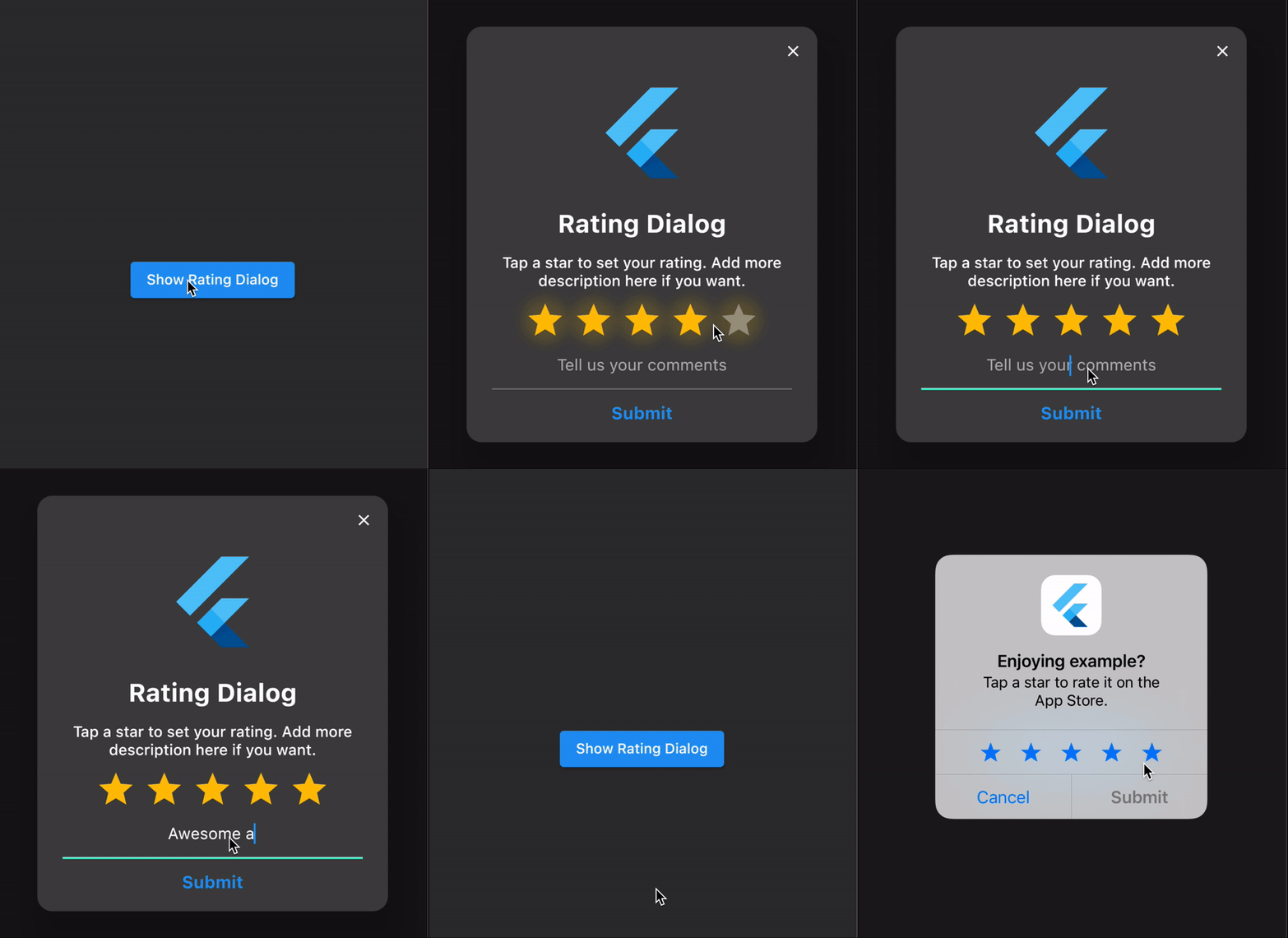
We use the flutter's showDialog function to show our Rating Dialog
final _dialog = RatingDialog(
initialRating: 1.0,
// your app's name?
title: Text(
'Rating Dialog',
textAlign: TextAlign.center,
style: constTextStyle(
fontSize: 25,
fontWeight: FontWeight.bold,
),
),
// encourage your user to leave a high rating?
message: Text(
'Tap a star to set your rating. Add more description here if you want.',
textAlign: TextAlign.center,
style: constTextStyle(fontSize: 15),
),
// your app's logo?
image: constFlutterLogo(size: 100),
submitButtonText: 'Submit',
commentHint: 'Set your custom comment hint',
onCancelled: () => print('cancelled'),
onSubmitted: (response) {
print('rating: ${response.rating}, comment: ${response.comment}');
// TODO: add your own logicif (response.rating < 3.0) {
// send their comments to your email or anywhere you wish// ask the user to contact you instead of leaving a bad review
} else {
_rateAndReviewApp();
}
},
);
// show the dialogshowDialog(
context: context,
barrierDismissible: true, // set to false if you want to force a rating
builder: (context) => _dialog,
);
Example
See the example application source
for a complete sample app using the rating_dialog package.
Issues and feedback
Please file issues
to send feedback or report a bug. Thank you!