搜尋套件、儲存庫與 APP 分類

套件詳情v0.1.1

sbp

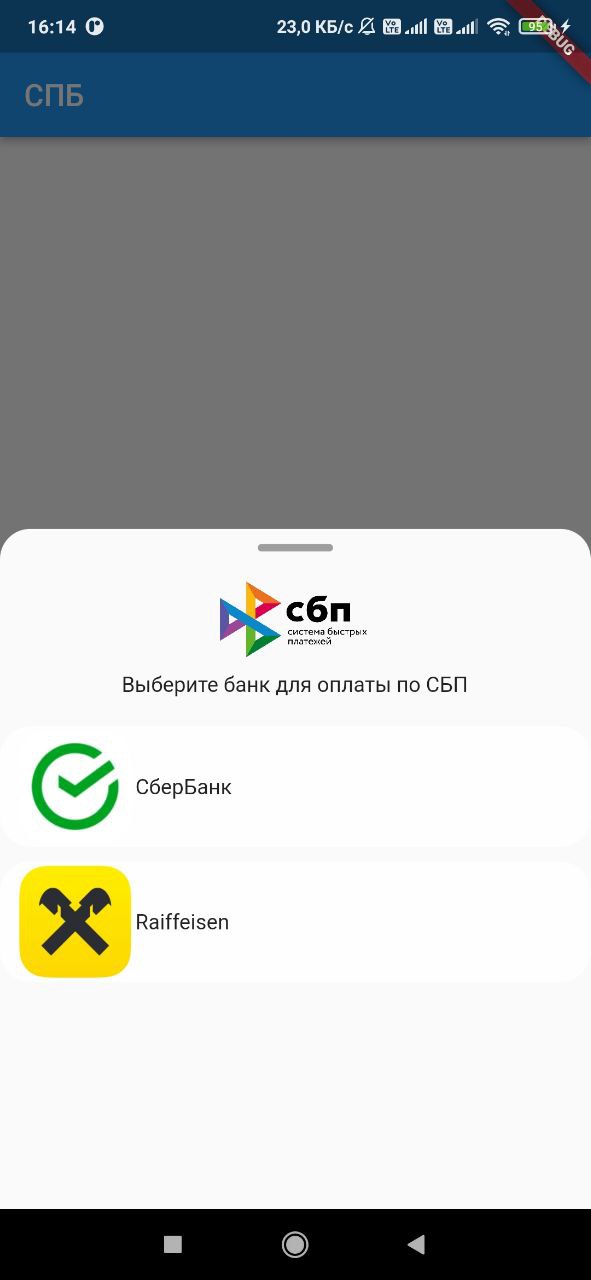
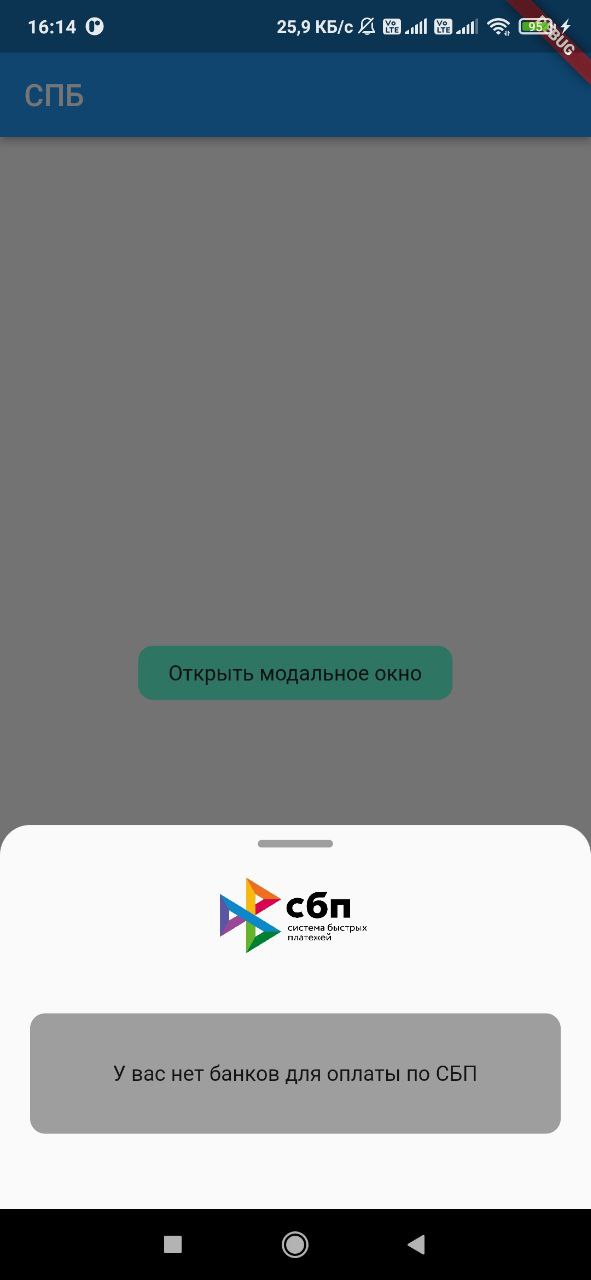
Flutter 插件,可取得使用者裝置上安裝之銀行清單,以及啟動類似 https://qr.nspk.ru/... 的 SBP 付款連結。

AndroidiOS
近 30 天下載
114
喜歡數
27
Pub 分數
140

安裝套件

flutter pub add sbp

套件介紹

根據套件公開資料產生的選型評估,僅供參考。

sbp 包是 Flutter 插件,可實現與俄羅斯快速支付系統(SBP)的整合。它允許開發者檢測使用者裝置上安裝的銀行應用,並直接從應用程式中啟動 SBP 支付連結,例如來自 qr.nspk.ru 的連結。這使得在 Flutter 應用程式中實現無縫、即時的銀行轉帳成為可能。該插件支援 Android 和 iOS 平台,確保廣泛的相容性。透過利用現有的銀行應用,該插件簡化了支付處理流程,無需使用者輸入卡片資訊。

適用情境

  • 電子商務應用中的即時銀行轉帳
  • 將SBP支付整合到行動錢包
  • 啟用基於二維碼的支付
  • 支援數位服務訂閱
  • 促進點對點資金轉帳

主要特色

  • 偵測已安裝的 SBP 相容銀行
  • 透過深度連結啟動SBP付款連結
  • 支援 Android 與 iOS 平台
  • 使用標準的基於QR碼的付款URL
  • 提供用於支付啟動的簡單 API

適合對象

  • 俄羅斯市場支付解決方案
  • 需要即時銀行轉帳的應用
  • 開發金融或零售應用的開發者
  • 使用基於二維碼支付的項目
  • 面向啟用了 SBP 的用戶的 Flutter 應用

使用建議

  • 需要使用者裝置上的SBP相容銀行
  • 僅限支援 SBP 的地區(例如俄羅斯)
  • 取決於外部銀行應用程式的可用性
  • 可能需要額外處理以進行連結驗證
  • 不適用於非SBP支付系統

原始 README

以下為關聯原始碼儲存庫的 README 原文快照,最新內容請造訪原始碼儲存庫。

sbp

Flutter plugin, with which you can get a list of banks installed on the device user, as well as launch a link to pay for the SBP of the form https://qr.nspk.ru/.../

Adding dependencies

To use the plugin, add it to the pubspec.yaml file.

Installing

Android

Starting with android 11 in AndroidManifest.xml, you need to specify applications that our application can see

 <queries>
  <array>
    <package android:name="ru.sberbankmobile" />
    <package android:name="ru.gazprombank.android.mobilebank.app" />
    <package android:name="ru.letobank.Prometheus" />
    ...
    <package android:name="logo.com.mbanking" />
    <package android:name="com.openbank" />
  </queries>
IOS

Add URL schemes to LSApplicationQueriesSchemes in Info.plist file: This list is needed in order to make it possible to open third-party installed applications on iOS. The list of banks supported by SBP can be obtained at c2bmembers.json.

 <key>LSApplicationQueriesSchemes</key>
  <array>
    <string>bank100000000000</string>
    <string>bank100000000001</string>
    ...
    <string>bank100000000999</string>
    <string>bank100000001000</string>
  </array>

Warning! Starting with iOS 15, the maximum number of the scheme list should not exceed 50.Detailed information can be obtained from this link

Description of functions with examples

To use sbp and get current information on supported banks, SBP needs to be raised own server, which will pull up new information on banks once in a while. Warning!If you use json, don't forget to change the links to images in the file /sbp/lib/data/c2bmembers_data.dart as they take a long time to load or not to load at all (IOS).

Links to current banks from the official website of the SBP

Or you can use the current json I added to the project on 17/07/2023:

  • IOS/Android: /sbp/lib/data/c2bmembers_data.dart
Android
Sbp.openAndroidBank(String url, String packageName)

We pass the url of the form ('https://qr.nspk.ru/...' deprecated) schema://qr.nspk.ru/.... and the packageName of the application in which you want to open the SBP

IOS
Sbp.openIOSBank(String url, String schema)

We pass the url of the form https://qr.nspk.ru/.../ and the schema of the application in which you want to open the SBP

IOS/Android
List<C2bmemberModel> informations = await Sbp.getInstalledBanks(
  C2bmembersModel.fromJson(c2bmembersData),
  useAndroidLocalIcons:false,
  useAndroidLocalNames:false,
)

getInstalledBanks contains fields such as:

  • C2bmembersModel - (/sbp/lib/models/c2bmembers_model.dart)
  • useAndroidLocalIcons - if you want to use native android application icons, then put true and use the bitmap variable to display the bank icon
  • useAndroidLocalNames - if you want to use the native name of the android application, then put true and use the localName variable to display the name of the bank
  • A variable is passed c2bmembersData (json /sbp/lib/data/c2bmembers_data.dart), which is parsed and returns a C2bmembersModel.

C2bmembersModel contains fields such as:

  • version - json version
  • c2bmembersModel - List C2bmemberModel installed applications
    • C2bmemberModel contains fields such as:
      • bankName - bank name
      • logoURL - link to picture
      • schema - application schema
      • packageName - application packageName
      • icon - icon app from assets
      • bitmap - bitmap app on device(only for Android)
      • localName - local name app on device(only for Android)
openBank(String url, C2bmemberModel c2bmemberModel)

We pass the url of the form https://qr.nspk.ru/.../ and the c2bmemberModel of the application in which you want to open the SBP

If you want to use local bank icons from assets , you need to include them in the project (see file /sbp/lib/data/c2bmembers_data.dart field icon):

flutter:
  assets:
    - packages/sbp/assets/sbp.png
    - packages/sbp/assets/...
    etc

所屬分類

原始碼儲存庫

使用此套件的專案

暫無相關資料。