sms_autofill
 Flutter plugin to provide SMS code autofill support.
For iOS, this package is not needed as the SMS autofill is provided by default, but not for Android, that's where this package is useful.
No permission to read SMS messages is asked to the user as there no need thanks to SMSRetriever API.
Usage
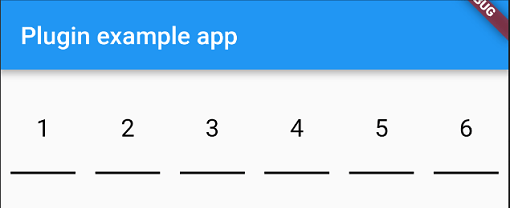
You have two widgets at your disposable for autofill an SMS code, PinFieldAutoFill and TextFieldPinAutoFill.
Just before you sent your phone number to the backend, you need to let the plugin know that it needs to listen for the SMS with the code.
To do that you need to do:
await SmsAutoFill().listenForCode();
This will listen for the SMS with the code during 5 minutes and when received, autofill the following widget.
PinFieldAutoFill
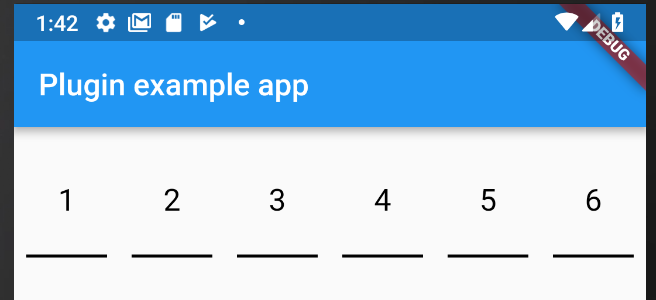
PinFieldAutoFill(
decoration:
currentCode:
onCodeSubmitted:
onCodeChanged:
codeLength:
),
TextFieldPinAutoFill
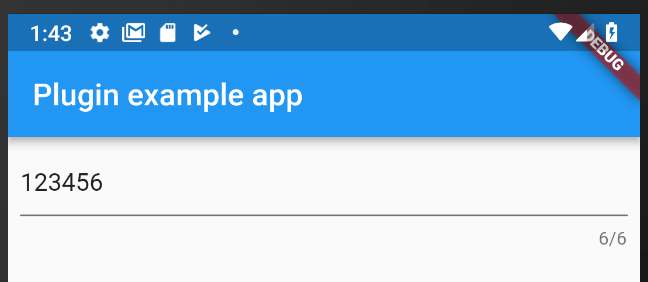
TextFieldPinAutoFill(
decoration:
currentCode:
onCodeSubmitted:
onCodeChanged:
codeLength:
),
Android SMS constraint
For the code to be receive, it need to follow some rules as describe here: https://developers.google.com/identity/sms-retriever/verify
- Be no longer than 140 bytes
- Contain a one-time code that the client sends back to your server to complete the verification flow
- End with an 11-character hash string that identifies your app
One example of SMS would be:
ExampleApp: Your code is 123456
FA+9qCX9VSu
Helper
PhoneFieldHint [Android only]
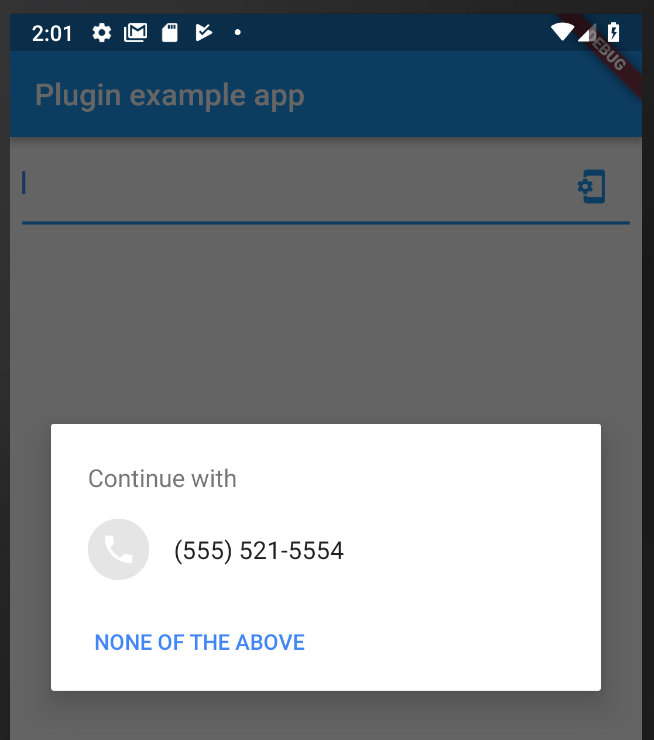
PhoneFieldHint is a widget that will allow you ask for system phone number and autofill the widget if a phone is choosen by the user.
Custom CodeAutoFill
If you want to create a custom widget that will autofill with the sms code, you can use the CodeAutoFill mixin that will offer you:
listenForCode() to listen for the SMS code from the native plugin when SMS is received, need to be called on your initState.cancel() to dispose the subscription of the SMS code from the native plugin, need to be called on your dispose.codeUpdated() called when the code is received, you can access the value with the field code.unregisterListener() to unregister the broadcast receiver, need to be called on your dispose.
App Signature
To get the app signature at runtime just call the getter getAppSignature on SmsAutoFill. You can also find the sample code in example app.