搜尋套件、儲存庫與 APP 分類

syncfusion_flutter_pdfviewer 封面
套件詳情v35.1.43

syncfusion_flutter_pdfviewer

Flutter PDF 查看器庫用於順暢且高效地顯示 PDF 文件。

AndroidiOSWebmacOSWindowsLinux
近 30 天下載
24.3萬
喜歡數
1150
Pub 分數
140

安裝套件

flutter pub add syncfusion_flutter_pdfviewer

套件介紹

根據套件公開資料產生的選型評估,僅供參考。

Syncfusion Flutter PDF Viewer 是一個功能完整的庫,可在多個平台的 Flutter 應用中無縫顯示 PDF 文件。它提供高效渲染、流暢導航以及縮放、平移和文字選擇等互動功能。該套件支援多種 PDF 功能,例如頁面導航、搜尋與註解,非常適合文件密集型應用。此套件以效能為設計核心,確保在 Android、iOS、Web、macOS、Windows 及 Linux 上快速載入並實現回應式互動。可透過 pub.dev 輕鬆整合,並提供廣泛的自訂選項。

適用情境

  • 在移動和網頁應用中顯示PDF
  • 文件審查與標註
  • 電子學習平台
  • 數位文件系統
  • 基於PDF的報告工具

主要特色

  • 高性能PDF渲染
  • 縮放和平移支援
  • 文字搜尋與選擇
  • 頁面導航
  • 跨平台相容性
  • 可自定義的使用者介面

適合對象

  • 開發以文件為中心的應用程式之開發者
  • 教育或企業軟體
  • 需要 PDF 標註的應用程式
  • 多平台PDF檢視器
  • 需要可靠PDF顯示的使用者

使用建議

  • 需要額外設定才能使用進階功能
  • 由於捆綁的資源,可能會增加應用大小
  • 僅限檢視;不適用於PDF建立
  • 最適合只讀PDF場景
  • 依賴於 Syncfusion 的授權模式

原始 README

以下為關聯原始碼儲存庫的 README 原文快照,最新內容請造訪原始碼儲存庫。

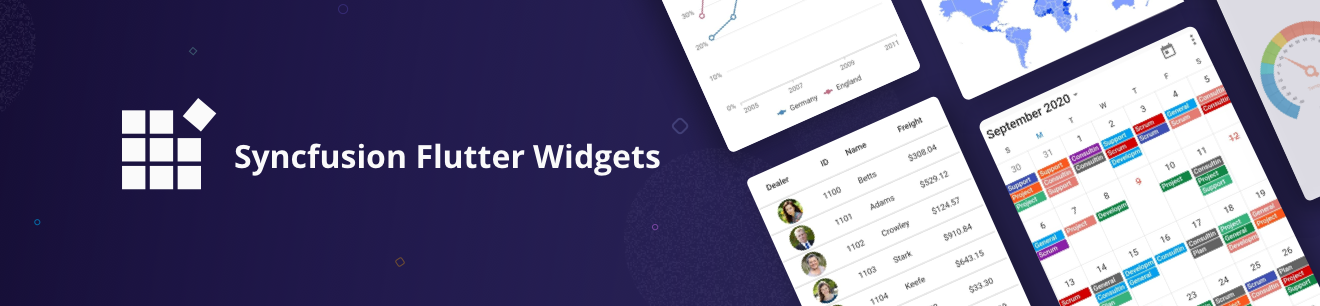
Syncfusion Flutter Widgets

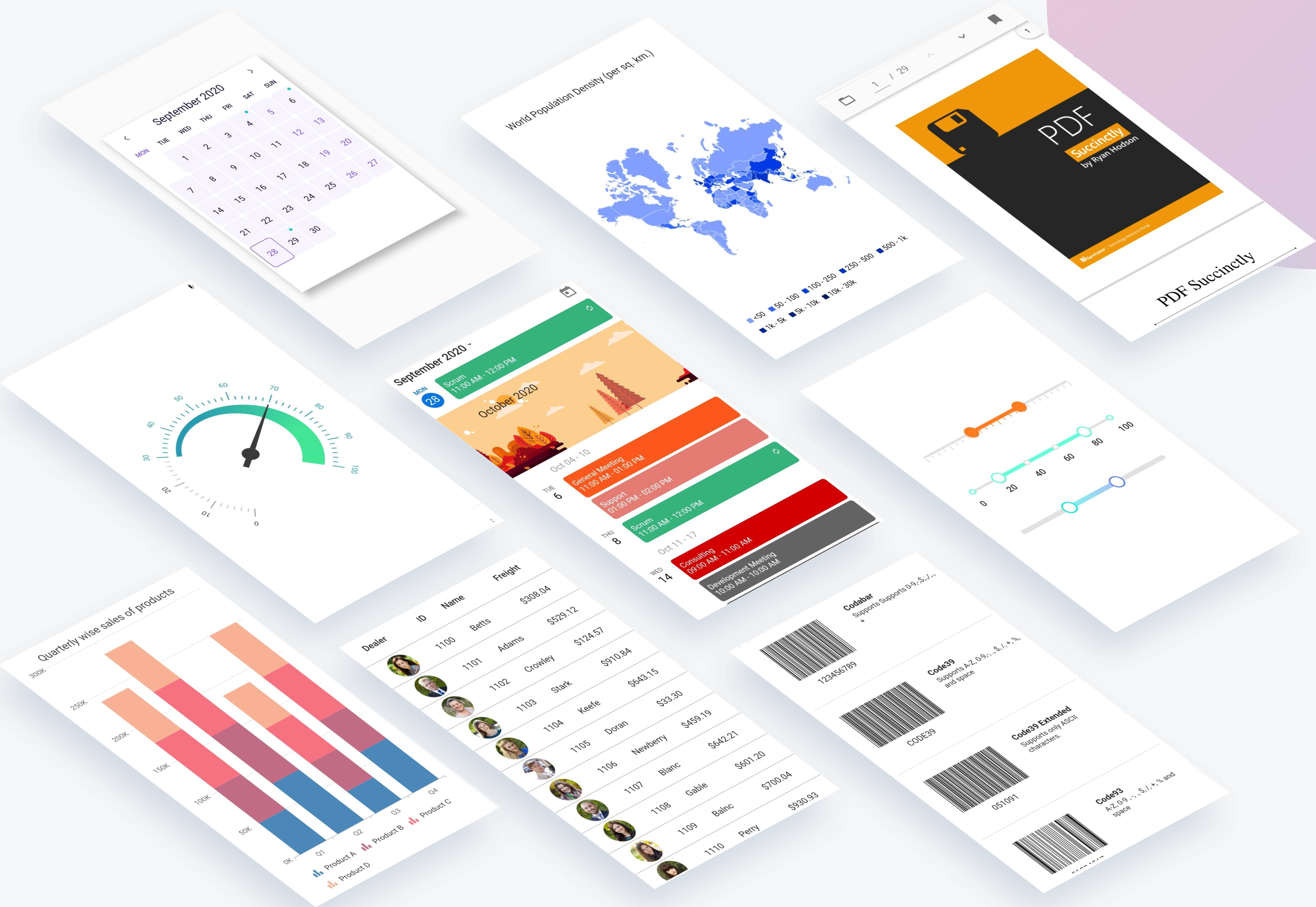
Syncfusion Flutter widgets libraries include high-quality UI widgets and file-format packages to help you create rich, high-quality applications for iOS, Android, and web from a single code base. Please find the supported platforms for our Flutter widgets.

Disclaimer: This is a commercial package. To use our packages, you need to have either the Syncfusion Commercial License or Syncfusion Community license. For more details, please check the LICENSE file.

Table of contents

Repository structure

This repository holds the source code of all the Syncfusion Flutter widgets and libraries. Source code of the widget, a working example, read me, changelog, etc., files are available in the packages directory.

Also, you can view the samples code from this repository.

Packages

Package/Plugin Available widgets/libraries Pub Points Popularity Likes
syncfusion_flutter_chat
  • SfChat
pub package pub points popularity likes
syncfusion_flutter_charts
  • SfCartesianChart
  • SfCircularChart
  • SfPyramidChart
  • SfFunnelChart
pub package pub points popularity likes
syncfusion_flutter_calendar
  • SfCalendar
pub package pub points popularity likes
syncfusion_flutter_datagrid
  • SfDataGrid
pub package pub points popularity likes
syncfusion_flutter_pdfviewer
  • SfPdfViewer
pub package pub points popularity likes
syncfusion_flutter_pdf
  • PDF library
pub package pub points popularity likes
syncfusion_flutter_xlsio
  • XlsIO library
pub package pub points popularity likes
syncfusion_flutter_datepicker
  • SfDateRangePicker
pub package pub points popularity likes
syncfusion_flutter_maps
  • SfMaps
pub package pub points popularity likes
syncfusion_flutter_gauges
  • SfRadialGauge
pub package pub points popularity likes
syncfusion_flutter_sliders
  • SfSlider
  • SfRangeSlider
  • SfRangeSelector
pub package pub points popularity likes
syncfusion_flutter_signaturepad
  • SfSignaturePad
pub package pub points popularity likes
syncfusion_flutter_barcodes
  • SfBarcodeGenerator
pub package pub points popularity likes
syncfusion_officechart
  • Office chart library
pub package pub points popularity likes
syncfusion_officecore This package is a dependecy package for Office chart library. pub package pub points popularity likes
syncfusion_flutter_core This package is a dependecy package for all the Syncfusion Flutter widgets and libraries. pub package pub points popularity likes
syncfusion_localizations This package contains localized text for 77 cultures for all the applicable Syncfusion Flutter Widgets. pub package pub points popularity likes

How to use

Referring packages source in your application

All the packages available in the packages folder can be referred in your application by following the below steps.

Step 1

Clone the flutter-widgets repository into your machine.

Step 2

Refer the required package in your application's pubspec.yaml file by mentioning its local path. For example, here we have referred the charts package.

syncfusion_flutter_charts:
    path: D:/flutter-widgets/packages/syncfusion_flutter_charts

Step 3

Run the following command to get the required packages.

$ flutter pub get

Step 4

Run your application using the following commands:

Windows & Linux

Run code: Ctrl + F5

Run with debugging: F5 or Run > Start Debugging

Stop debugging: Shift + F5

Restart debugging: Ctrl + Shift + F5

MacOS

Run code: Cmd + F5

Run with debugging: F5 or Run > Start Debugging

Stop debugging: Shift + Cmd + F5

Restart debugging: Cmd + Shift + F5

Web (VS Code in the Browser)

Run code: Ctrl + F5

Run with debugging: F5 or Run > Start Debugging

Running the available example

All the packages available in the packages folder has an example and it can be run by following the below steps.

Step 1

Clone the flutter-widgets repository into your machine.

Step 2

Open the example folder available in packages in an IDE. The below path is for reference.

..\flutter-widgets\packages\syncfusion_flutter_charts\example

Step 3

Run the following command to get the required packages.

$ flutter pub get

Note: In the example, packages are referred from the local folder which is available in this repository. If you wish, you can also refer the packages from pub.

Step 4

Run your application either using F5 or Run > Start Debugging.

Get the demo application

Explore the full capabilities of our Flutter widgets on your device by installing our sample browser applications from the below app stores, and view samples code in GitHub.

Useful links

Take a look at the following to learn more about Syncfusion Flutter widgets:

Support and feedback

  • For any other queries, reach our Syncfusion support team or post the queries through the Community forums and submit a feature request or a bug through our Feedback portal.
  • To renew the subscription, click renew or contact our sales team at salessupport@syncfusion.com | Toll Free: 1-888-9 DOTNET.

About Syncfusion

Founded in 2001 and headquartered in Research Triangle Park, N.C., Syncfusion has more than 20,000 customers and more than 1 million users, including large financial institutions, Fortune 500 companies, and global IT consultancies.

Today we provide 1,000+ controls and frameworks for web (ASP.NET Core, ASP.NET MVC, ASP.NET WebForms, JavaScript, Angular, React, Vue, and Blazor, mobile (Xamarin, Flutter, UWP, and JavaScript), and desktop development (WinForms, WPF, and UWP). We provide ready-to deploy enterprise software for dashboards, reports, data integration, and big data processing. Many customers have saved millions in licensing fees by deploying our software.

所屬分類

依賴

依賴清單 16 項

原始碼儲存庫

使用此套件的專案