搜尋套件、儲存庫與 APP 分類

time_chart 封面
套件詳情v0.5.5

time_chart

一個可捲動的時間圖表,適用於 Flutter。目前支援繁體中文、韓語。

近 30 天下載
141
喜歡數
76
Pub 分數
50

安裝套件

flutter pub add time_chart

套件介紹

根據套件公開資料產生的選型評估,僅供參考。

time_chart 是一個 Flutter 套件,提供可捲動的時間圖表,用於視覺化時間資料。它支援多種語言,目前包含英文與韓文,讓更廣泛的使用者能夠使用。設計上注重平滑捲動與即時渲染,讓開發者能輕鬆顯示時間序列資料。此套件可無縫整合至 Flutter 應用程式中,非常適合儀表板、分析介面,或任何需要時間軸視覺化的應用。其輕量級特性確保即使面對大量資料也能維持高效能。

適用情境

  • 在儀表板中顯示時間序列數據
  • 可視化使用者隨時間的活動
  • 即時應用中的追蹤指標
  • 建立互動式時間軸
  • 監控系統效能日誌

主要特色

  • 時間資料的可捲動介面
  • 支援英文與韓文本地化
  • 輕量級且高效能的渲染
  • 輕鬆整合至Flutter應用
  • 適用於各種螢幕尺寸的響應式設計

適合對象

  • 行動應用程式中的資料視覺化
  • 分析儀表板
  • 基於時間的監控工具
  • 多語言應用程式
  • 尋求簡單時間圖表的開發者

使用建議

  • 僅限水平捲動
  • 除了 en 和 ko 之外,沒有對其他語言的內建支援
  • 需要手動處理資料更新
  • 未針對極大資料集進行優化
  • 無內建的工具提示或註解

原始 README

以下為關聯原始碼儲存庫的 README 原文快照,最新內容請造訪原始碼儲存庫。

time_chart

pub package

An amazing time chart in Flutter.

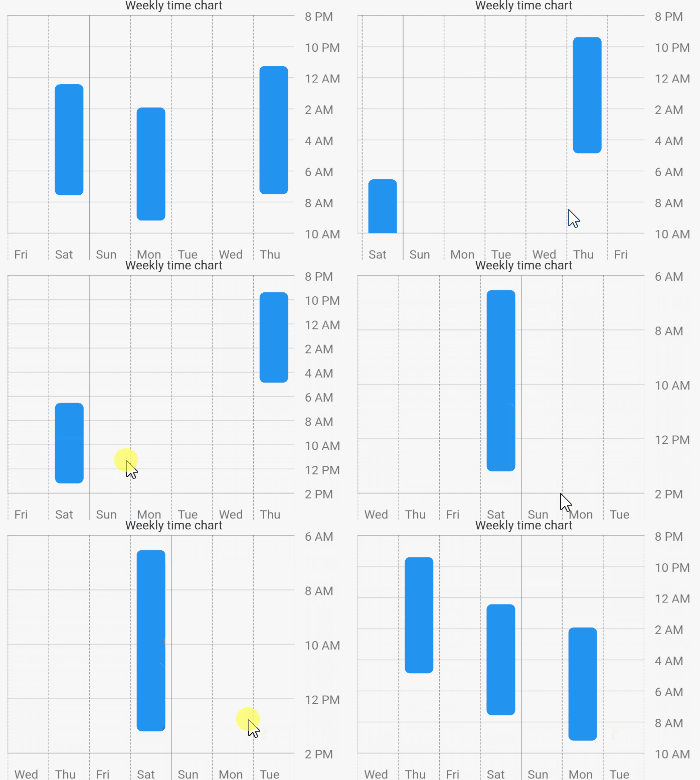
How the animation works?

The animation is created by determining the top hour and the bottom hour. The top hour denotes the most top hour displayed at the current scroll position, while the bottom hour represents its opposite. When scrolling occurs, the animation is triggered by comparing the previous top hour and bottom hour with the top hour and bottom hour after scrolling.

Chart Types
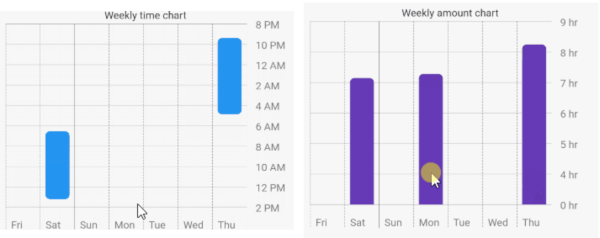
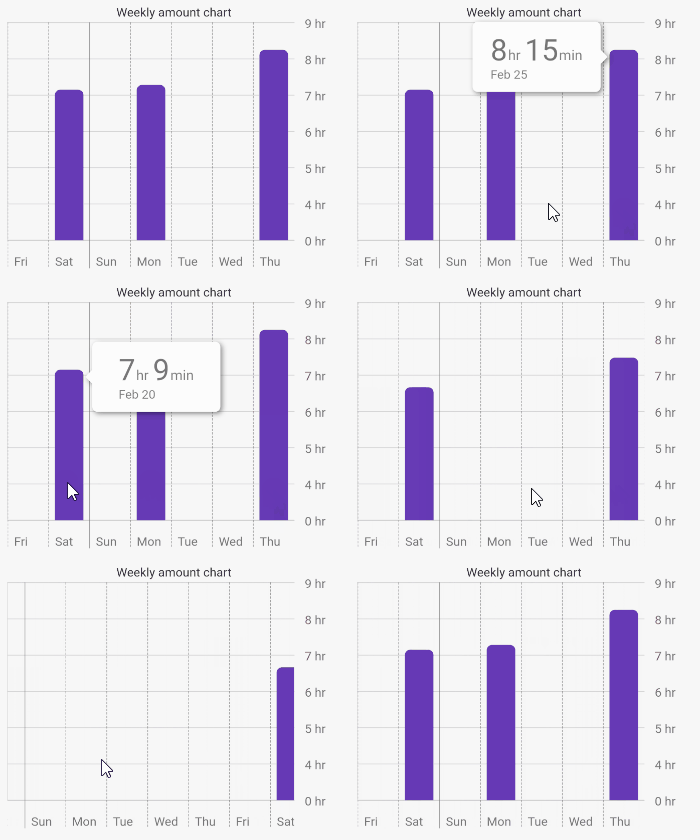
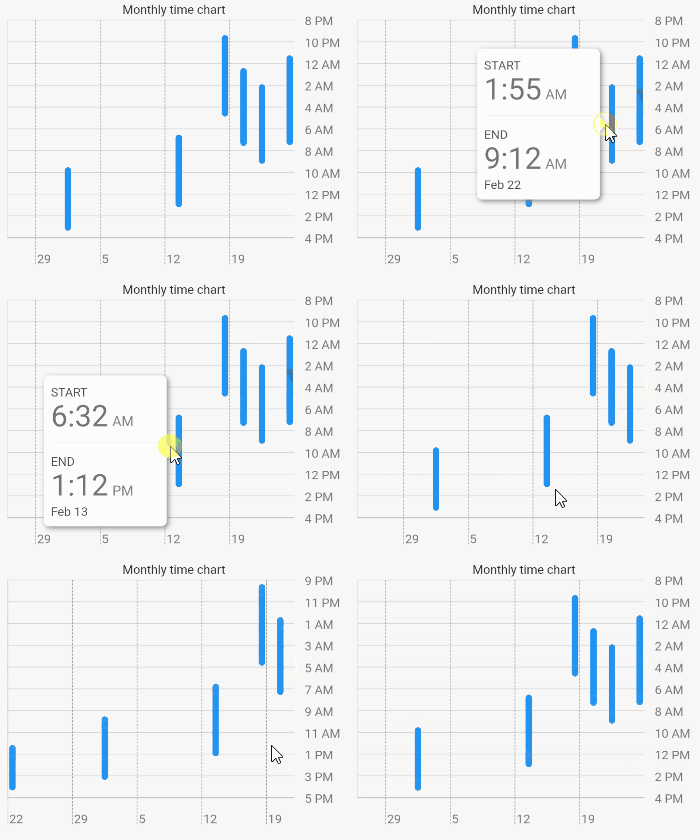
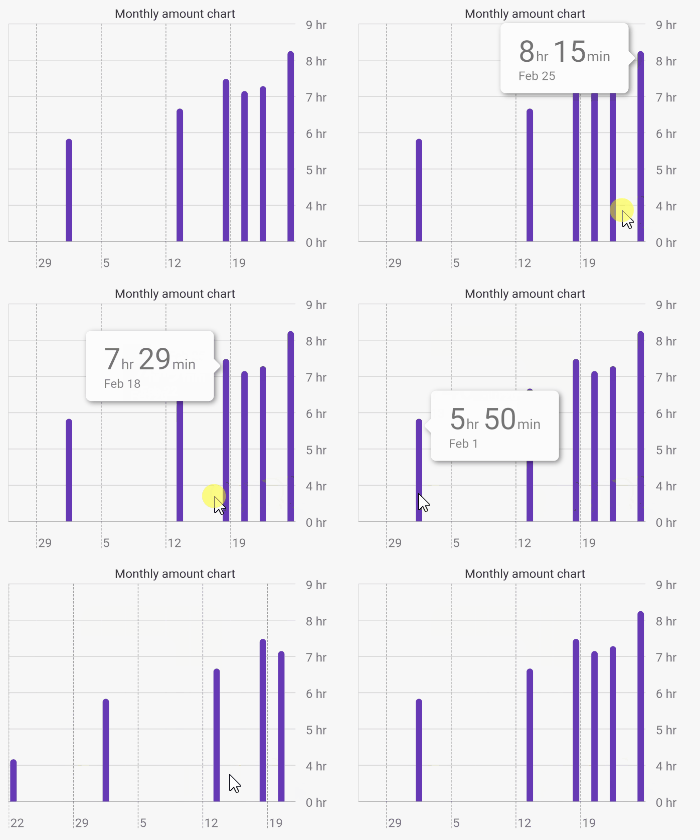
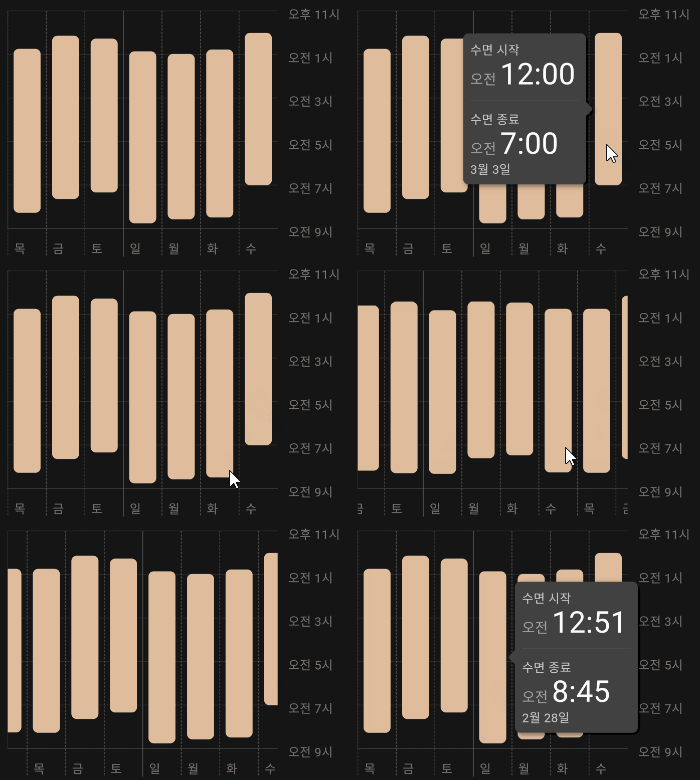
TimeChart AmountChart

Getting Started

1 - Depend on it

Add it to your package's pubspec.yaml file

dependencies:
  time_chart: ^0.5.4
2 - Install it

Install packages from the command line

flutter packages get
3 - Usage

Just input your DateTimeRange list to data: argument. The list must be sorted. First data is latest, last data is oldest.

Example

import 'package:flutter/material.dart';
import 'package:time_chart/time_chart.dart';

void main() => runApp(MyApp());

class MyApp extends StatelessWidget {

  // Data must be sorted.
  final data = [
    DateTimeRange(
      start: DateTime(2021,2,24,23,15),
      end: DateTime(2021,2,25,7,30),
    ),
    DateTimeRange(
      start: DateTime(2021,2,22,1,55),
      end: DateTime(2021,2,22,9,12),
    ),
    DateTimeRange(
      start: DateTime(2021,2,20,0,25),
      end: DateTime(2021,2,20,7,34),
    ),
    DateTimeRange(
      start: DateTime(2021,2,17,21,23),
      end: DateTime(2021,2,18,4,52),
    ),
    DateTimeRange(
      start: DateTime(2021,2,13,6,32),
      end: DateTime(2021,2,13,13,12),
    ),
    DateTimeRange(
      start: DateTime(2021,2,1,9,32),
      end: DateTime(2021,2,1,15,22),
    ),
    DateTimeRange(
      start: DateTime(2021,1,22,12,10),
      end: DateTime(2021,1,22,16,20),
    ),
  ];

  @override
  Widget build(BuildContext context) {
    final sizedBox = const SizedBox(height: 16);

    return MaterialApp(
      home: Scaffold(
        appBar: AppBar(title: const Text('Time chart example app')),
        body: SingleChildScrollView(
          child: Padding(
            padding: const EdgeInsets.all(16.0),
            child: Column(
              children: [
                const Text('Weekly time chart'),
                TimeChart(
                  data: data,
                  viewMode: ViewMode.weekly,
                ),
                sizedBox,
                const Text('Monthly time chart'),
                TimeChart(
                  data: data,
                  viewMode: ViewMode.monthly,
                ),
                sizedBox,
                const Text('Weekly amount chart'),
                TimeChart(
                  data: data,
                  chartType: ChartType.amount,
                  viewMode: ViewMode.weekly,
                  barColor: Colors.deepPurple,
                ),
                sizedBox,
                const Text('Monthly amount chart'),
                TimeChart(
                  data: data,
                  chartType: ChartType.amount,
                  viewMode: ViewMode.monthly,
                  barColor: Colors.deepPurple,
                ),
              ],
            ),
          ),
        ),
      ),
    );
  }
}

Supported languages

English Korean

You can also use korean language by Internationalizing Flutter apps.

所屬分類

依賴

依賴清單 4 項

原始碼儲存庫

使用此套件的專案

暫無相關資料。