搜尋套件、儲存庫與 APP 分類

vs_story_designer 封面
套件詳情v2.2.1

vs_story_designer

這是一個以Instagram故事創建器風格打造的套件,可用於創建包含圖片、文字和手指繪圖的圖像。

AndroidiOS
近 30 天下載
164
喜歡數
46
Pub 分數
140

安裝套件

flutter pub add vs_story_designer

套件介紹

根據套件公開資料產生的選型評估,僅供參考。

vs_story_designer 是一個 Flutter 套件,讓使用者能創建具有互動元素(如圖片、文字疊加和手繪草圖)的 Instagram 風格故事。此套件適用於 Android 與 iOS,提供簡單介面,可在應用程式內直接組合視覺豐富的內容。該套件支援編輯、儲存與壓縮多媒體輸出,非常適合社交媒體整合。其設計重點在於易用性與即時創作。

適用情境

  • 建立社群媒體故事
  • 設計自定義圖像疊加
  • 添加手寫註釋
  • 將故事創作整合到應用中
  • 分享用戶生成的內容
  • 為移動應用建構創意工具

主要特色

  • 圖像和文本疊加
  • 即時手指繪圖
  • 多平台支援(Android 與 iOS)
  • 輕鬆匯出和壓縮
  • 簡單的整合API
  • 互動故事創作

適合對象

  • 社交媒體應用開發者
  • 創意工具建構者
  • 移動應用設計師
  • 內容創作者
  • 教育類應用程式開發者
  • 面向使用者的設計介面

使用建議

  • 需要圖像存取權限
  • 僅限基本繪圖工具
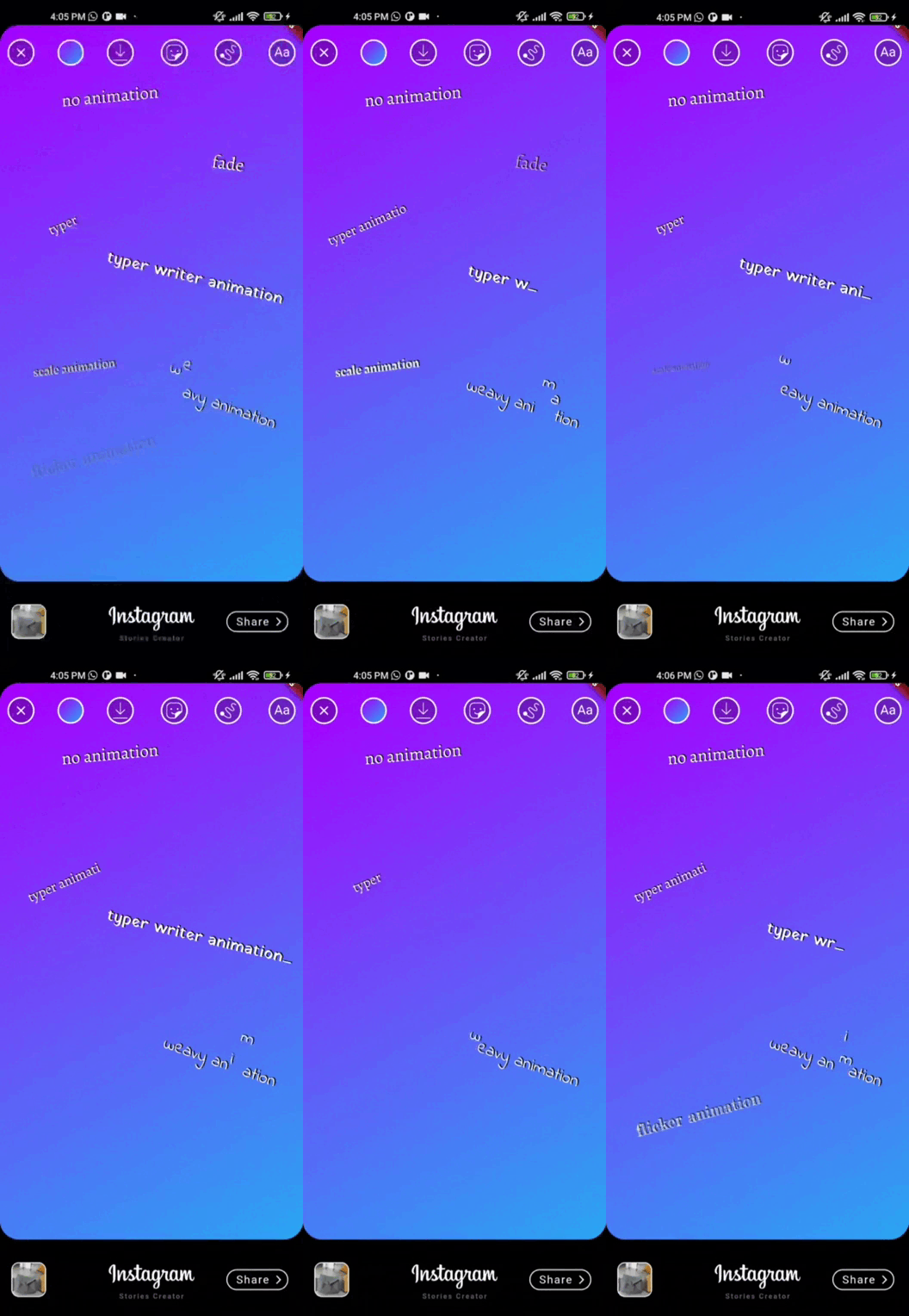
  • 無高級動畫支援
  • 依賴外部依賴項
  • 可能需要針對複雜版面進行客製化
  • 最適合簡單到中等複雜度的設計

原始 README

以下為關聯原始碼儲存庫的 README 原文快照,最新內容請造訪原始碼儲存庫。

vs_story_designer 2.2.1

flutter story designer

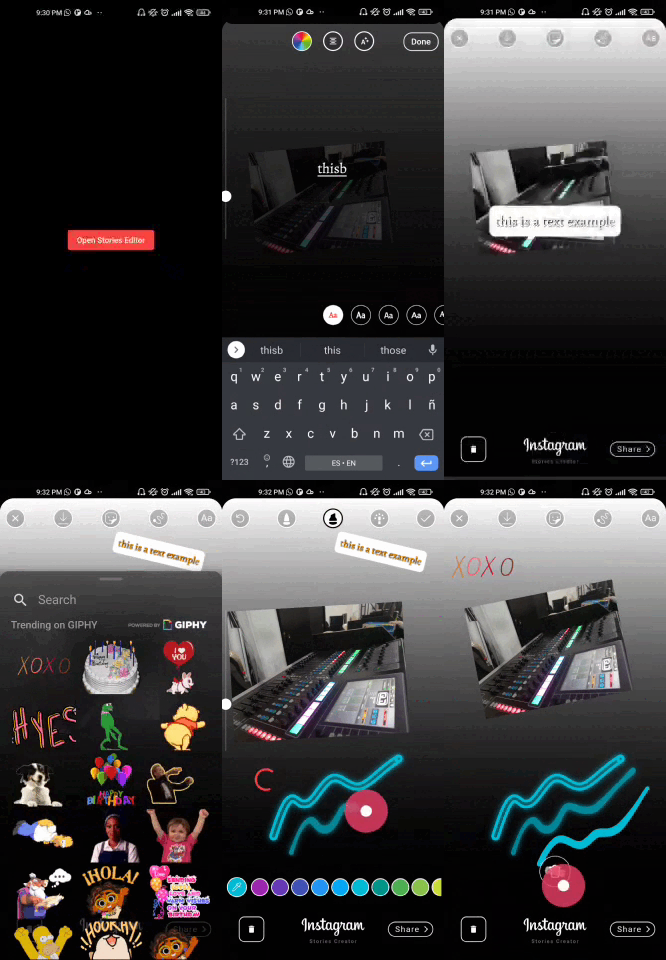
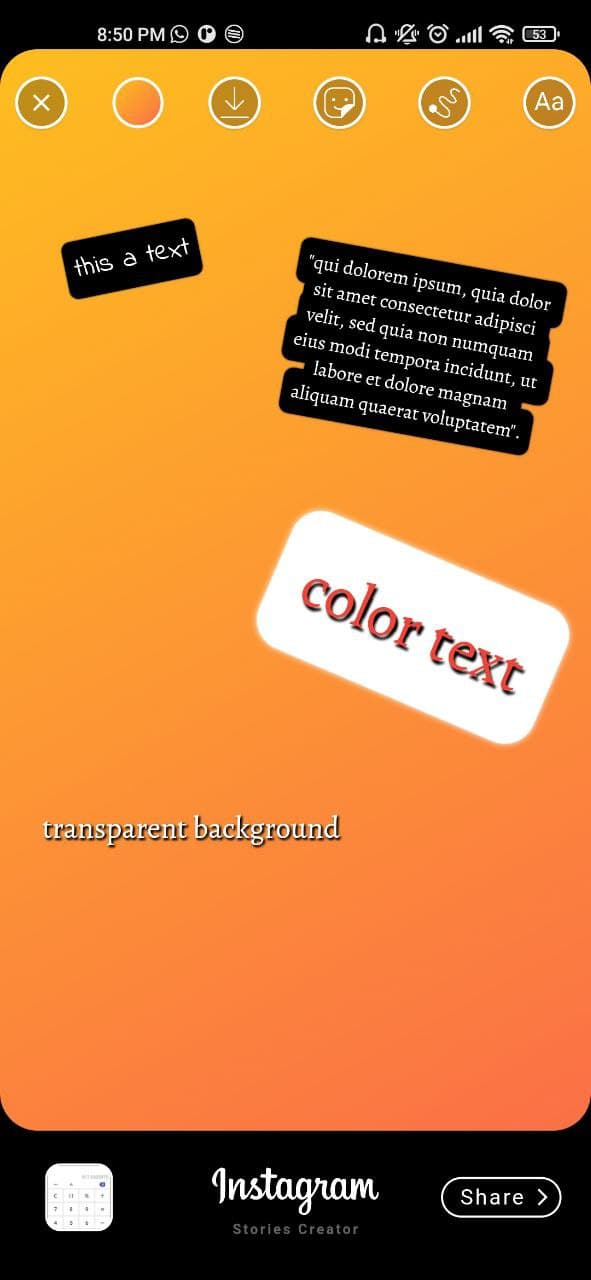
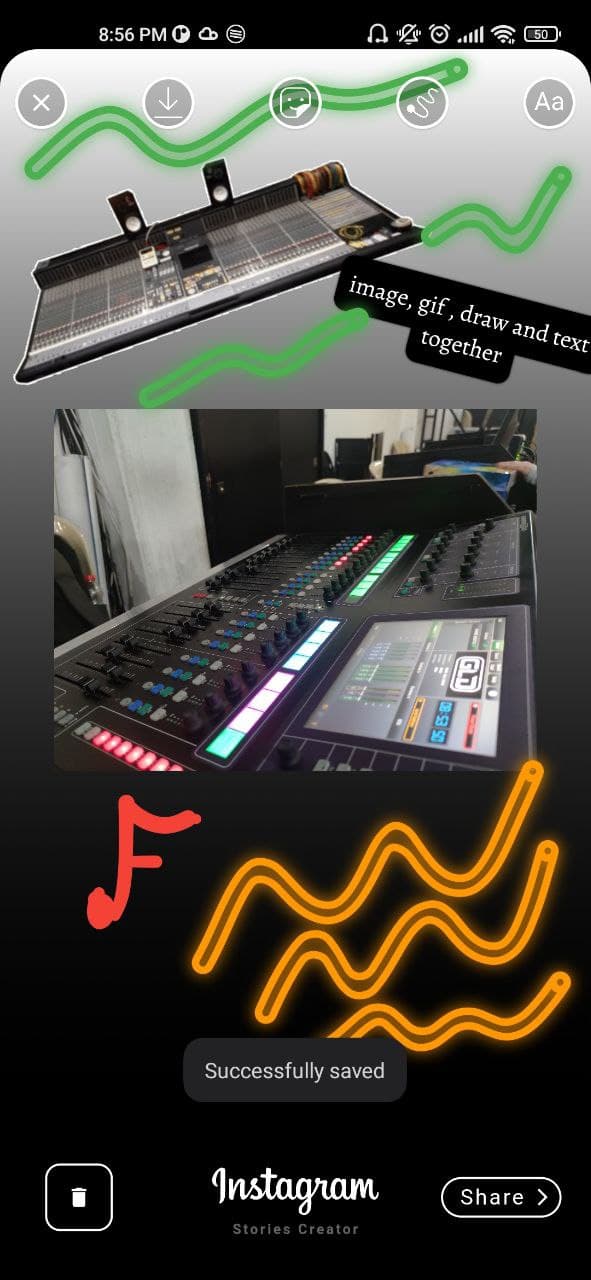
This is a package created in the style of the instagram story creator, with which you can create images with images, texts, finger drawing. They can be exported as an image to the gallery or shared directly to social networks.

Features

[✔️] Draggable image

[✔️] Draggable text

[✔️] Gradient container background

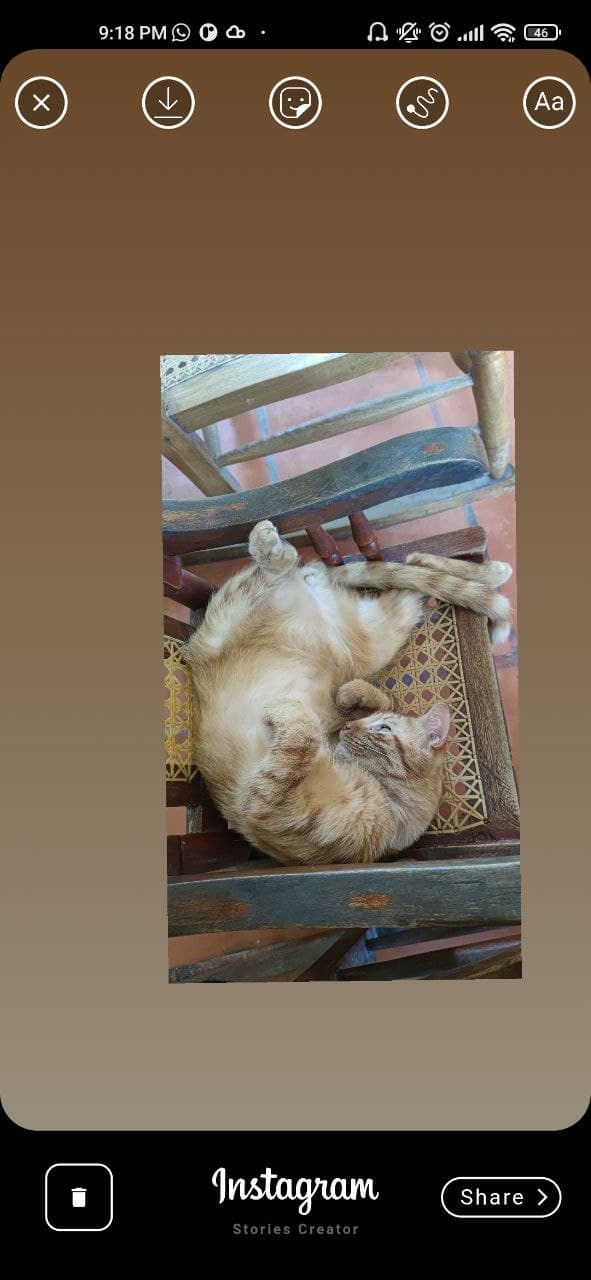
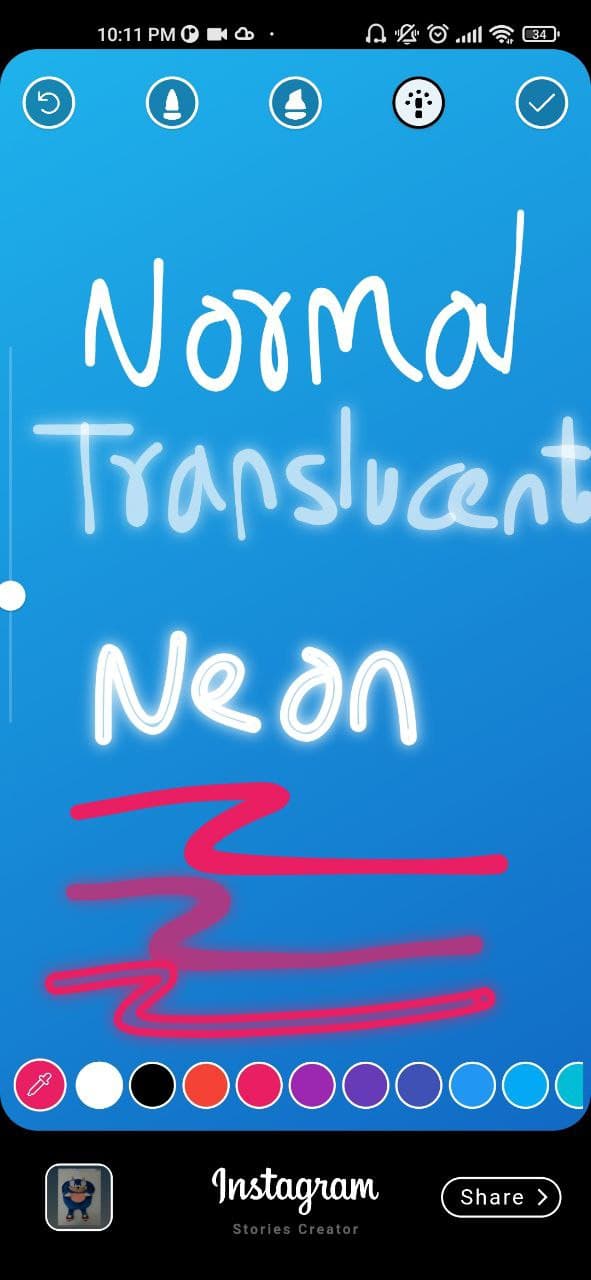
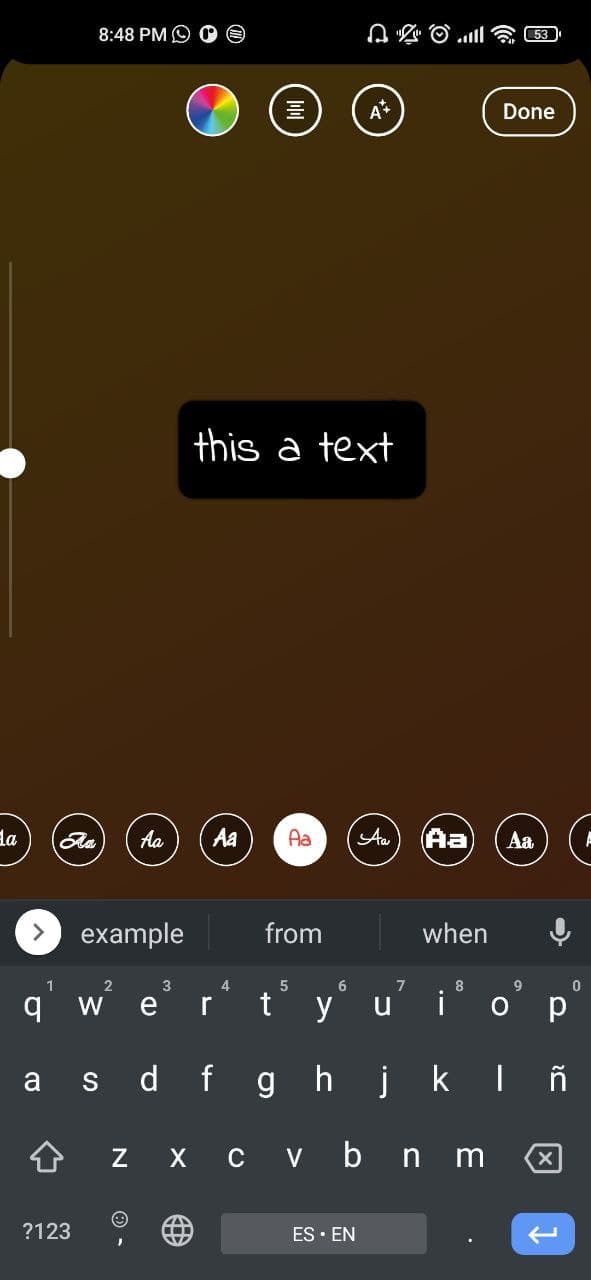
[✔️] Finger painting (normal/translucent/neon)

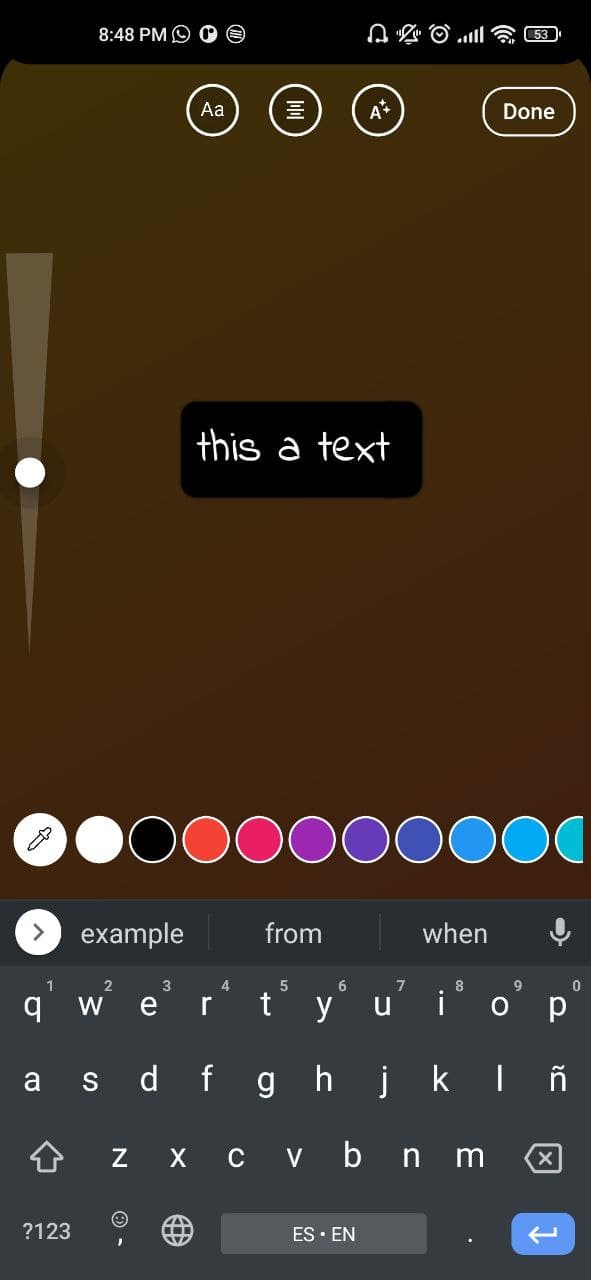
[✔️] Custom colors, gradients and Google font families

[✔️] Media Picker (vs_media_picker)

[✔️] Save draft as image

[✔️] Get draft local path uri

Demo

If you don't see the images go to the github repository and by the way give me a star :D

showcase gif showcase gif

Installation

This package has been tested in Android and ios, some features works on flutter web

Add vs_story_designer: 2.2.1 to your pubspec.yaml dependencies and then import it.

import 'package:vs_story_designer/vs_story_designer.dart';

How to use

  1. Android

    add uses-permission AndroidManifest.xml file

     <uses-permission android:name="android.permission.READ_EXTERNAL_STORAGE" />
     <uses-permission android:name="android.permission.WRITE_EXTERNAL_STORAGE"
         android:maxSdkVersion="31" />
     <uses-permission android:name="android.permission.INTERNET" />
     <uses-permission android:name="android.permission.VIBRATE"/>
     <!-- Permission is required if you are targeting android 33 and above -->
     <uses-permission android:name="android.permission.READ_MEDIA_IMAGES"/>
     <uses-permission android:name="android.permission.READ_MEDIA_VIDEO"/>
     <uses-permission android:name="android.permission.READ_MEDIA_AUDIO"/>
    
    ios

    add this config to your config.plist

    <key>NSPhotoLibraryUsageDescription</key>
    <string>Privacy - Photo Library Usage Description</string>
    <key>NSMotionUsageDescription</key>
    <string>Motion usage description</string>
    <key>NSPhotoLibraryAddUsageDescription</key>
    <string>NSPhotoLibraryAddUsageDescription</string>
    
  2. Create a VSStoryDesigner() widget with the follow params:

VSStoryDesigner(
    giphyKey: '[YOUR GIPHY API KEY]', /// (String), //disabled feature for now
    onDone: (String uri){
      /// uri is the local path of final render Uint8List
      /// here your code
    },
    mediaPath: mediaPath // OPTIONAL, pass path of media, image to use inside the package by default.
    themeType: ThemeType.dark, // OPTIONAL, DEFAULT ThemeType.dark
    centerText : "Start Designing" //mandatory param, this text will appear in center of story designer
    colorList: [] /// (List<Color>[]) optional param 
    gradientColors: [] /// (List<List<Color>>[]) optional param 
    middleBottomWidget: Container() /// (Widget) optional param, you can add your own logo or text in the bottom tool
    fontFamilyList: [] /// (List<FontType>) optional param
    isCustomFontList: '' /// (bool) if you use a own font list set value to "true"
    onDoneButtonStyle: Container() /// (Widget) optional param, you can create your own button style
    onBackPress: /// (Future<bool>) optional param, here you can add yor own style dialog
    editorBackgroundColor: /// (Color) optional param, you can define your own background editor color
    galleryThumbnailQuality: /// (int = 200) optional param, you can set the gallery thumbnail quality (higher is better but reduce the performance)
);

Example

import 'package:flutter/material.dart';
import 'package:provider/provider.dart';
import 'package:share_plus/share_plus.dart';
import 'package:vs_story_designer/vs_story_designer.dart';

void main() {
  runApp(const MyApp());
}

class MyApp extends StatelessWidget {
  const MyApp({Key? key}) : super(key: key);
  
  @override
  Widget build(BuildContext context) {
    return MaterialApp(
      title: 'Flutter Story Designer Demo',
      theme: ThemeData(
        primarySwatch: Colors.blue,
      ),
      home: const Example(),
    );
  }
}

class Example extends StatefulWidget {
  const Example({Key? key}) : super(key: key);


  @override
  State<Example> createState() => _ExampleState();
}

class _ExampleState extends State<Example> {

  @override
  Widget build(BuildContext context) {
    return Scaffold(
        backgroundColor: Colors.black,
        resizeToAvoidBottomInset: false,
        body: Center(
          child: ElevatedButton(
            onPressed: (){
              Navigator.push(context, MaterialPageRoute(builder: (context) => VSStoryDesigner(
                centerText: "Start Your Design",
                // fontFamilyList: const [
                //   FontType.abrilFatface,
                //   FontType.alegreya,
                //   FontType.typewriter
                // ],
                onDone: (uri){
                  debugPrint(uri);
                  Share.shareFiles([uri]);
                },
              ))
              );
            },
            child: const Text('Open Story Designer'),
          ),
        )
    );
  }
}

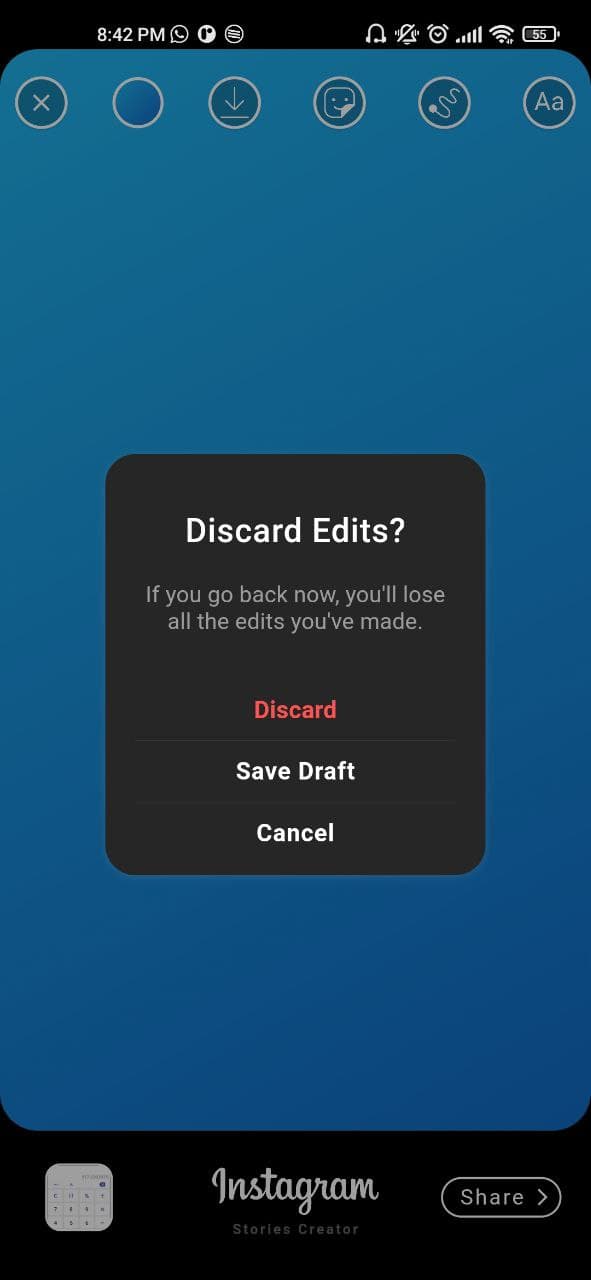
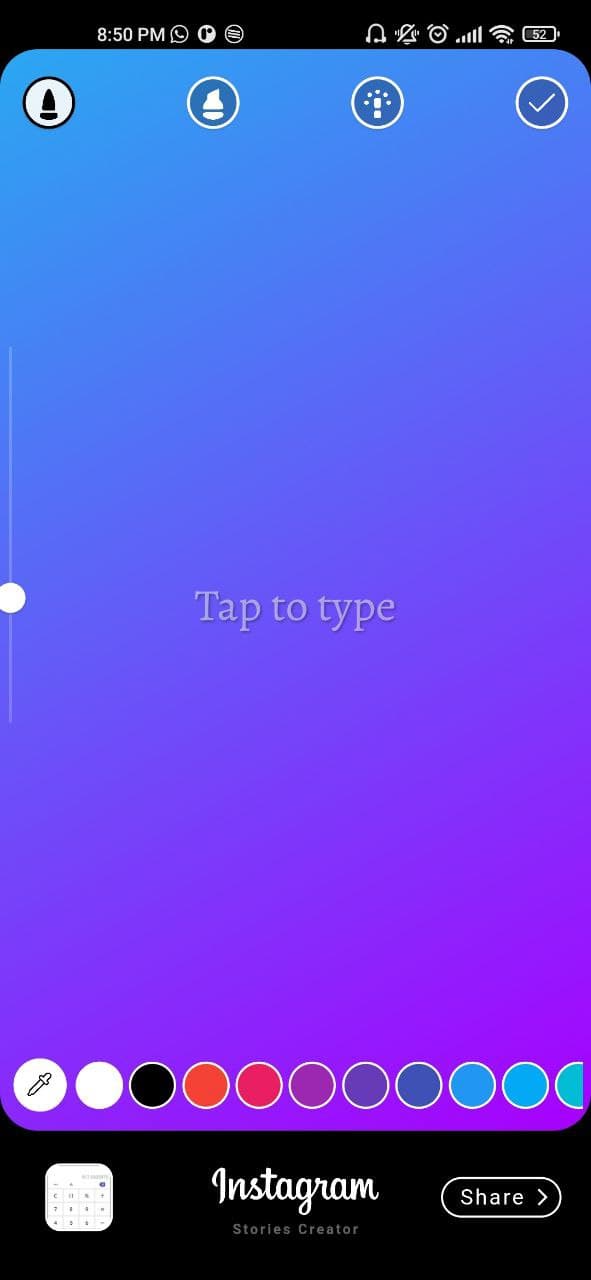
ScreenShots

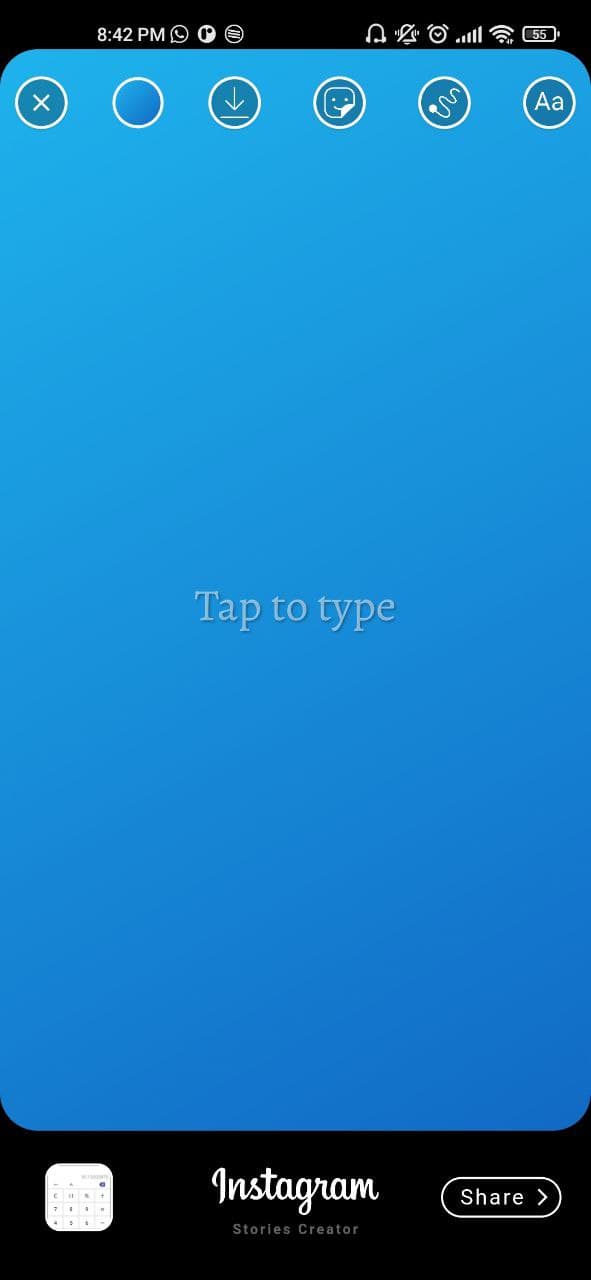
initial view

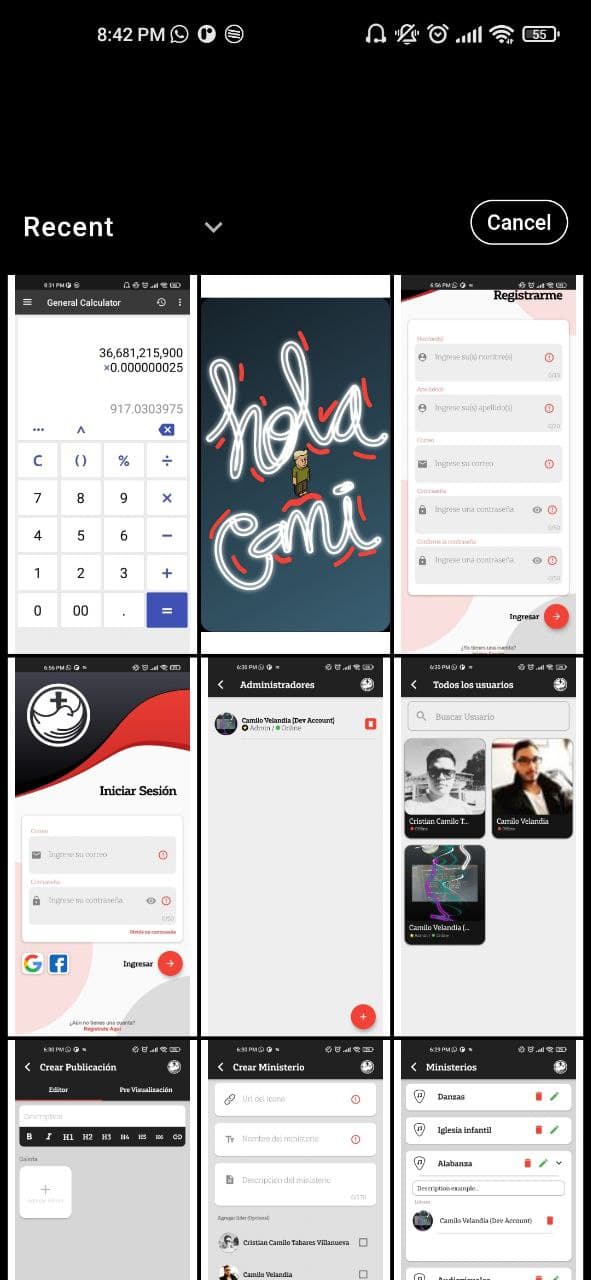
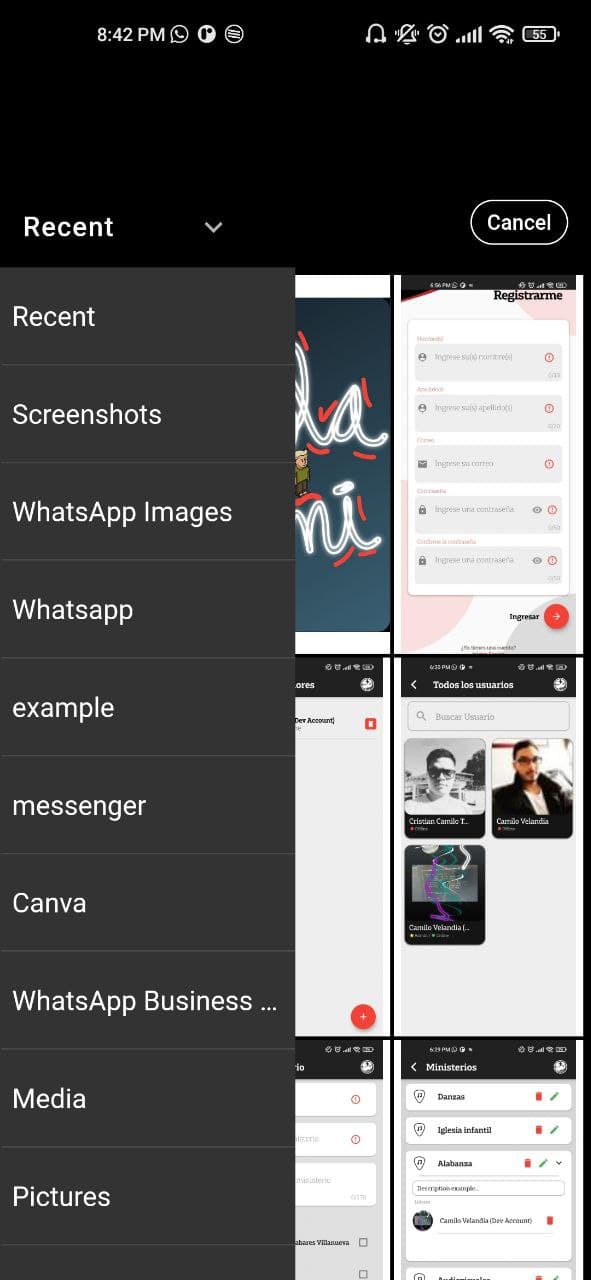
Custom image picker made with Photo_manager package

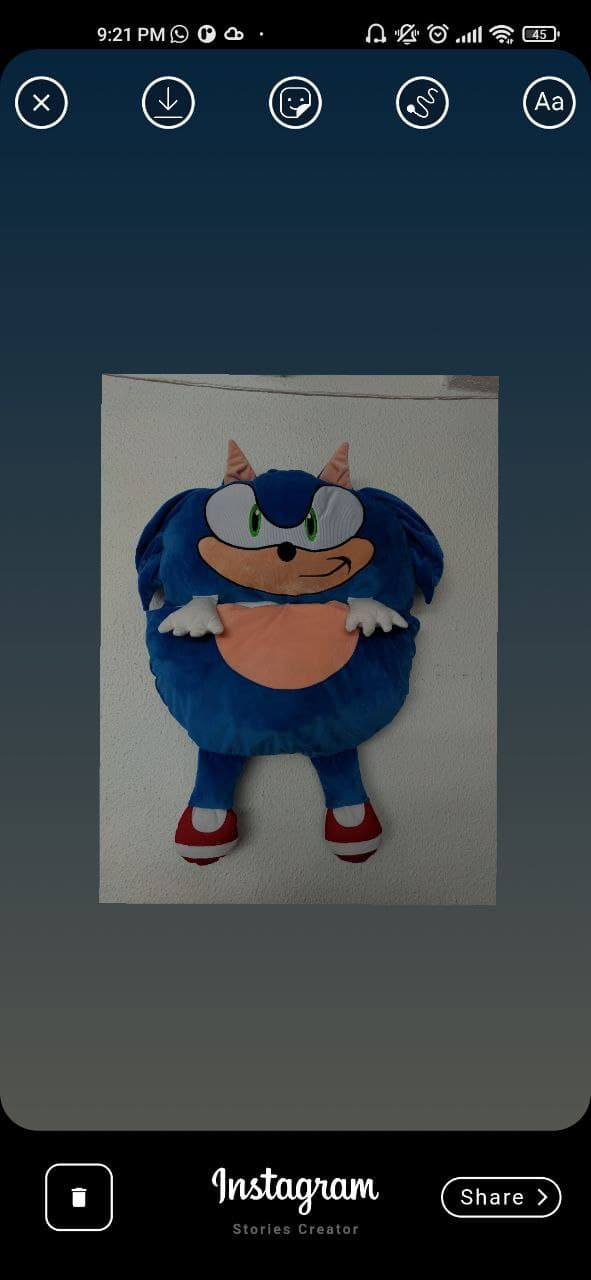
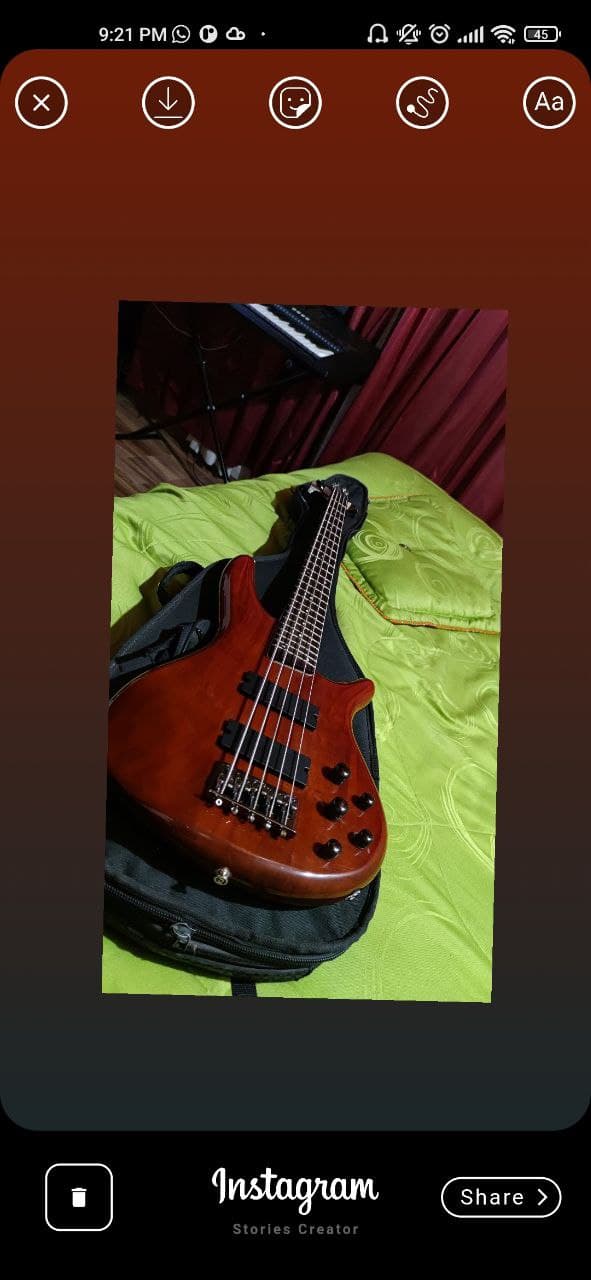
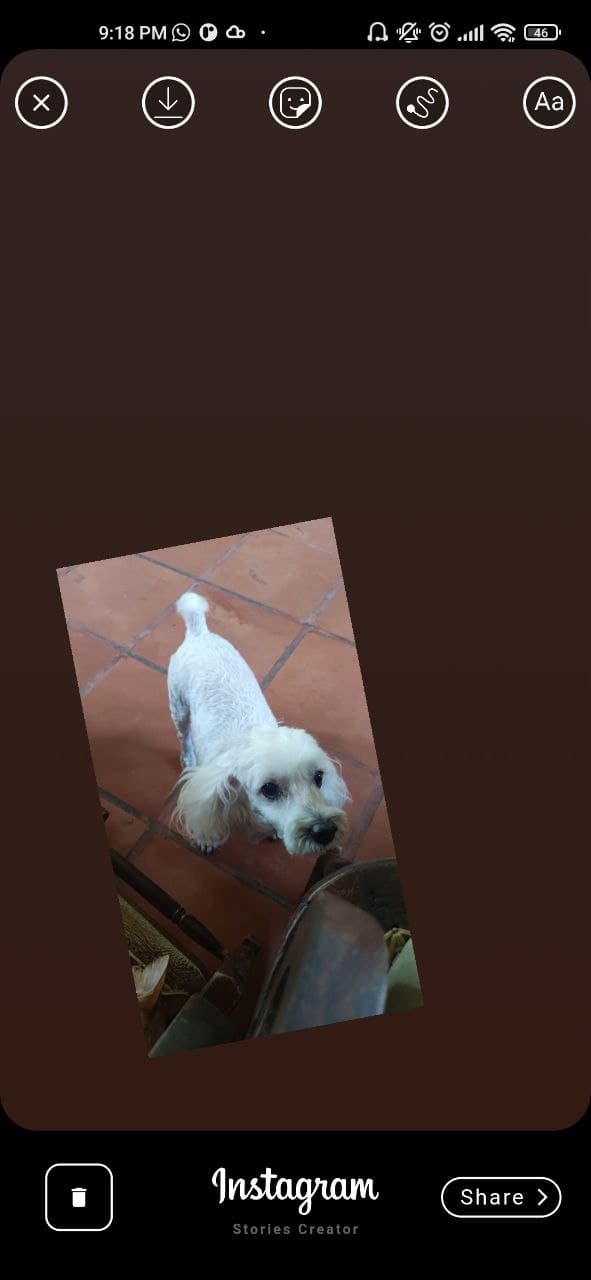
Gradient background taking image color pixel

Exit Dialog

Custom finger Drawing made with perfect_freehand package

Text Editor

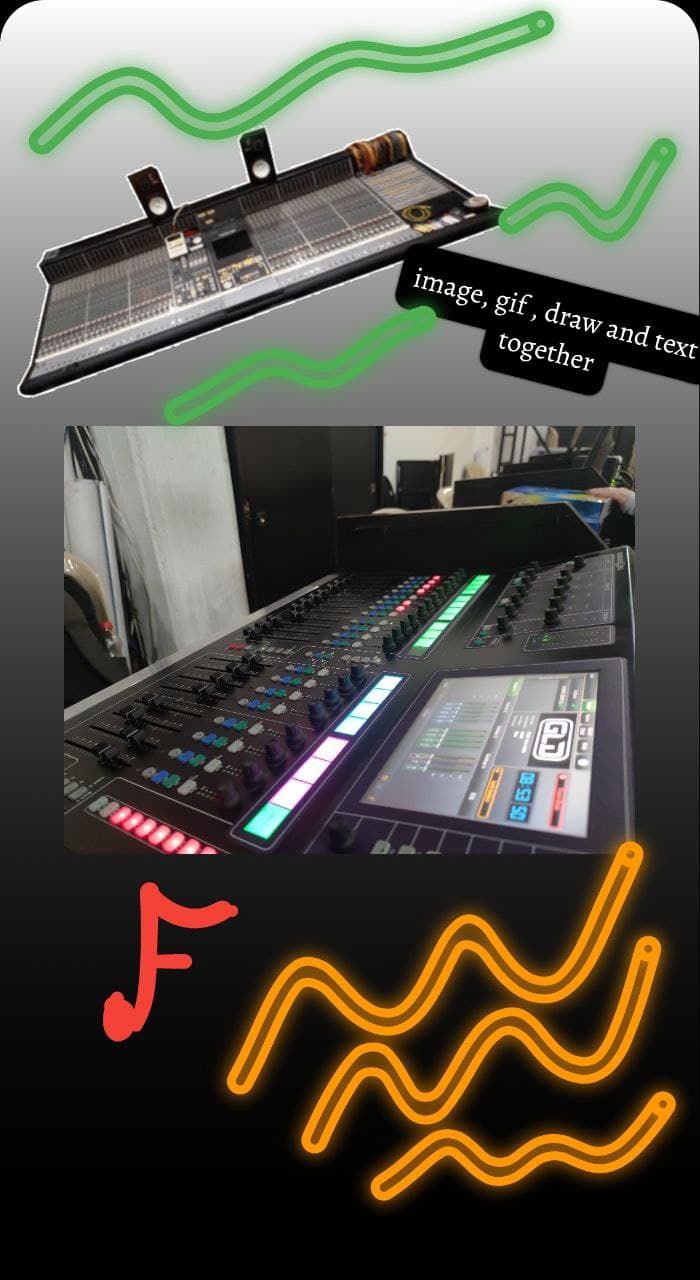
All features together

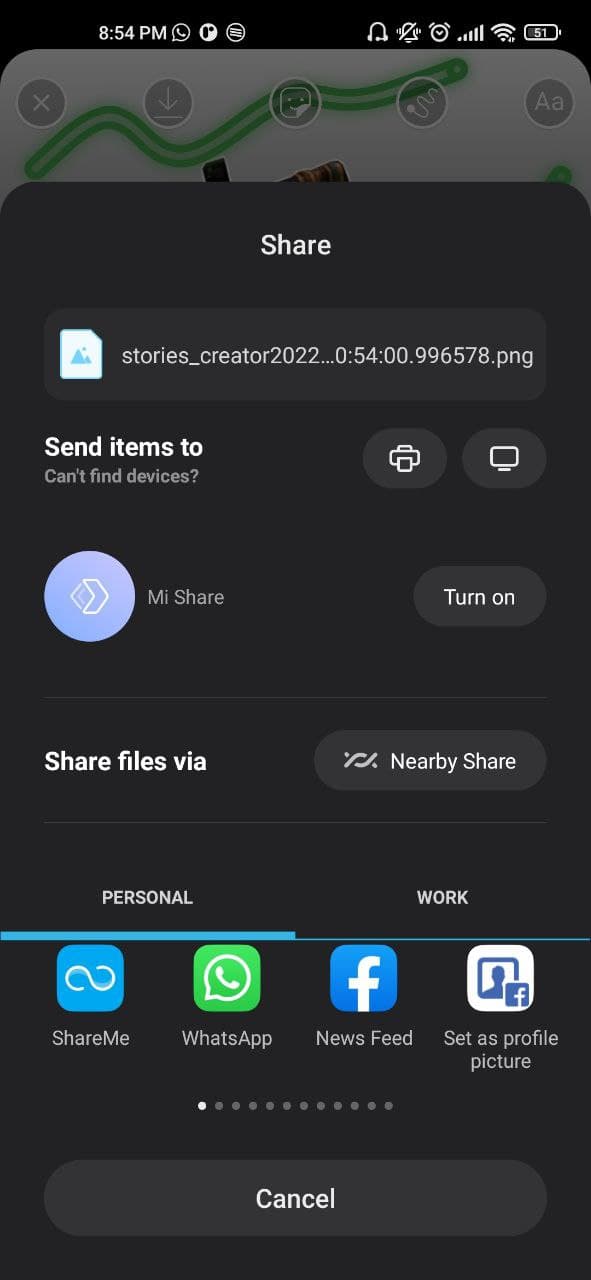
Share to social networks made with share_plus package

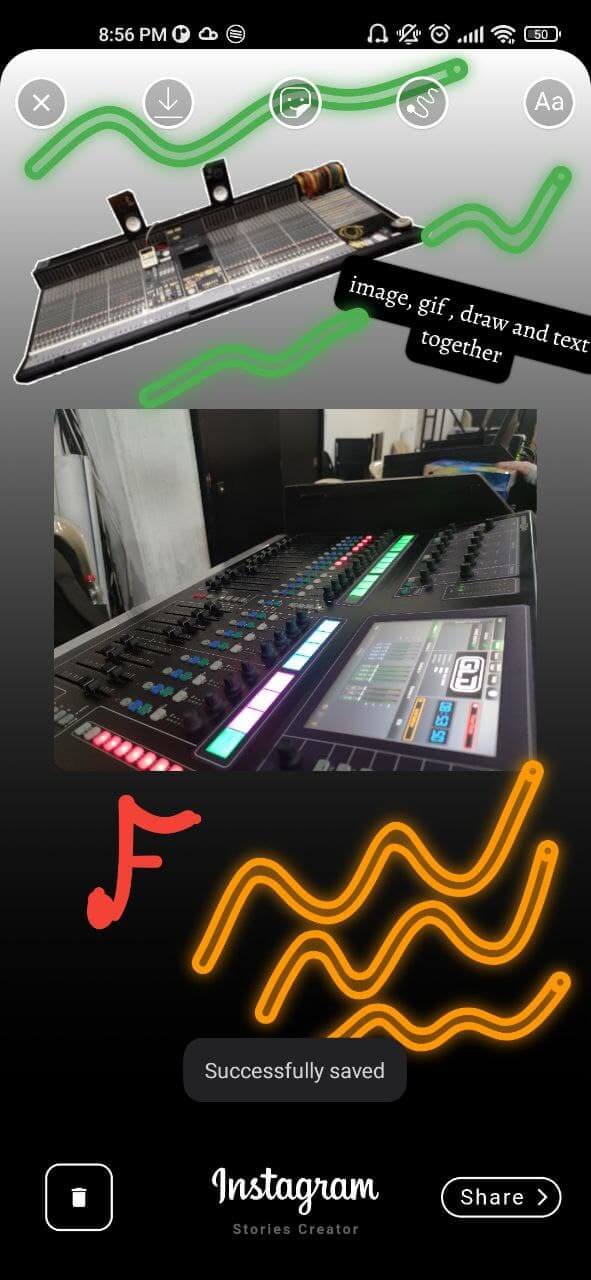
Saved image

所屬分類

依賴

依賴清單 12 項

原始碼儲存庫

使用此套件的專案

暫無相關資料。