
v3.0.0
screenshot
Flutter Screenshot Package (Runtime). Capture any Widget as an image.
1.6KLikes 556K30-day downloads140Pub points
AndroidiOSWebmacOSWindowsLinux
An Android App for saving your loyalty cards, purely FOSS, free, no Google or 3rd party services. Try it now!📱

Flutter Screenshot Package (Runtime). Capture any Widget as an image.
Hive Community Edition - A spiritual continuation of Hive v2
Extension for Hive. Makes it easier to use Hive in Flutter apps.
Extension for Hive. Automatically generates TypeAdapters to store any class.
 v2.0.4
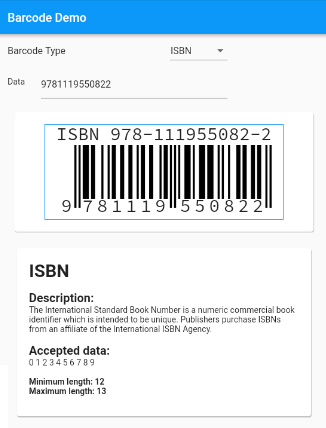
Barcode generation widget for Flutter with support for standard barcodes.
A Plugin for controlling screen brightness with application life cycle reset implemented
 v1.2.0
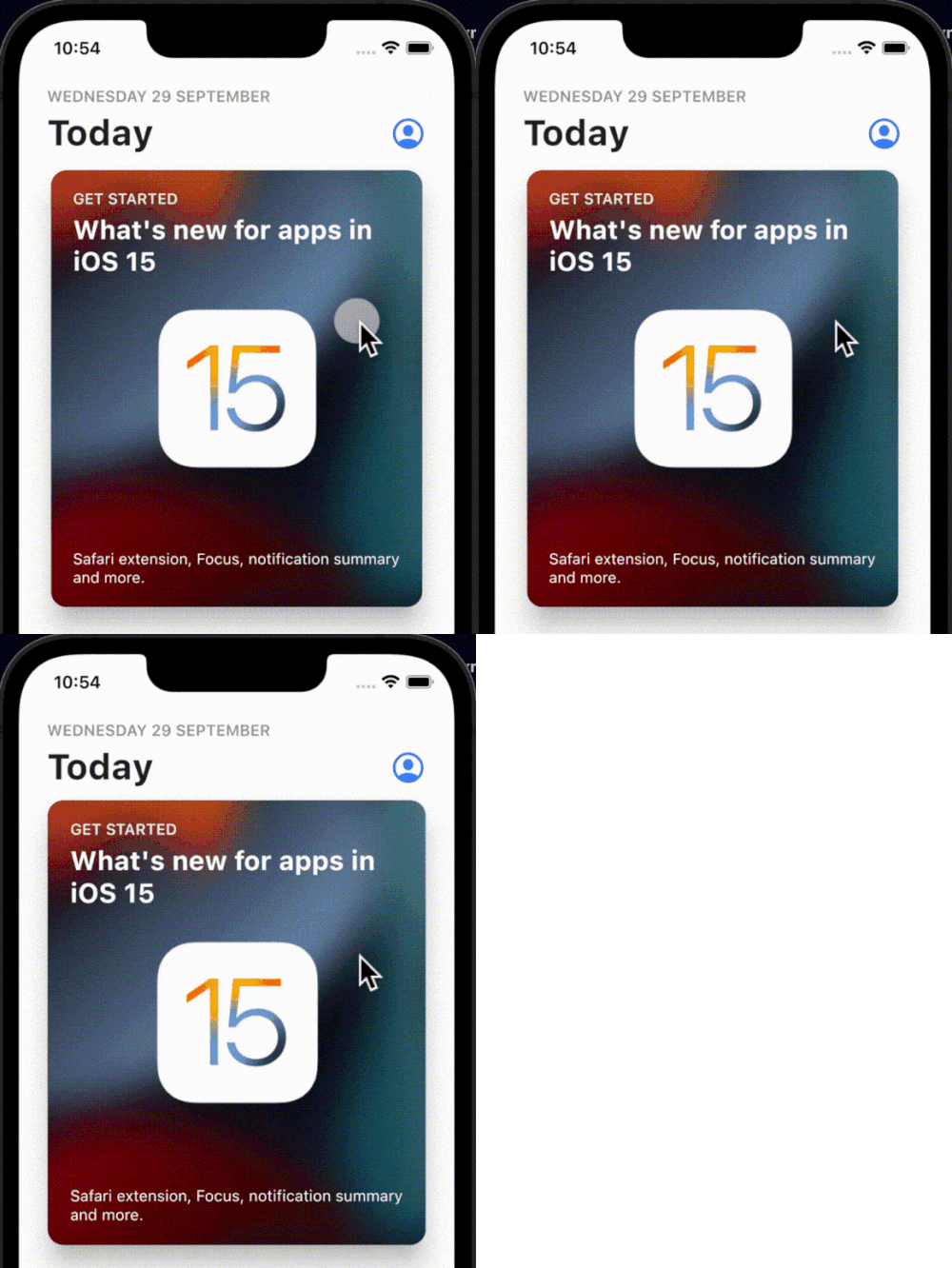
A simple, interactive and customizable on-tap bounce animation that can be wrapped on any widgets that you like.
A multi-format 1D/2D barcode image processing library implemented in Dart. This is a port of the Android library.
A Flutter plugin for haptic feedback. While it utilizes standard iOS haptics, it aims to emulate these same haptic patterns on Android for a consistent experience across platforms.
 v1.3.2
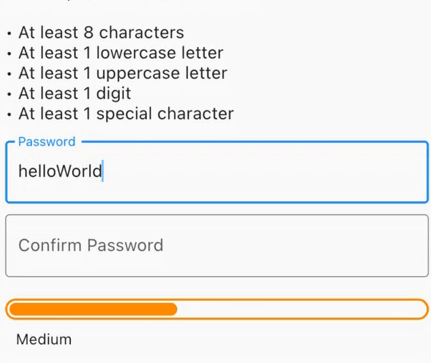
Generate secure passwords, check for exposed passwords, get visual feedback for strength or get form validation with a minimum password strength required.
 v2.3.0
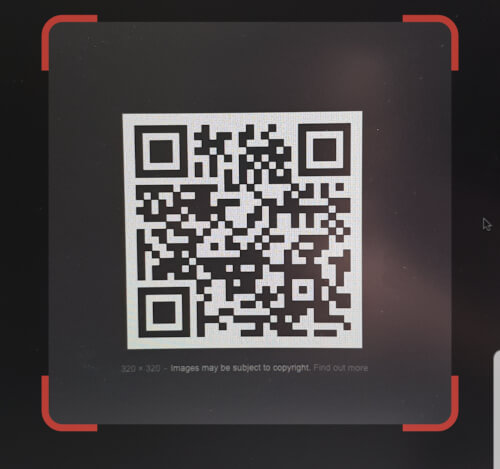
QR code scanner that can be embedded inside flutter. It uses zxing in Android and AVFoundation in iOS.
 v2.2.8
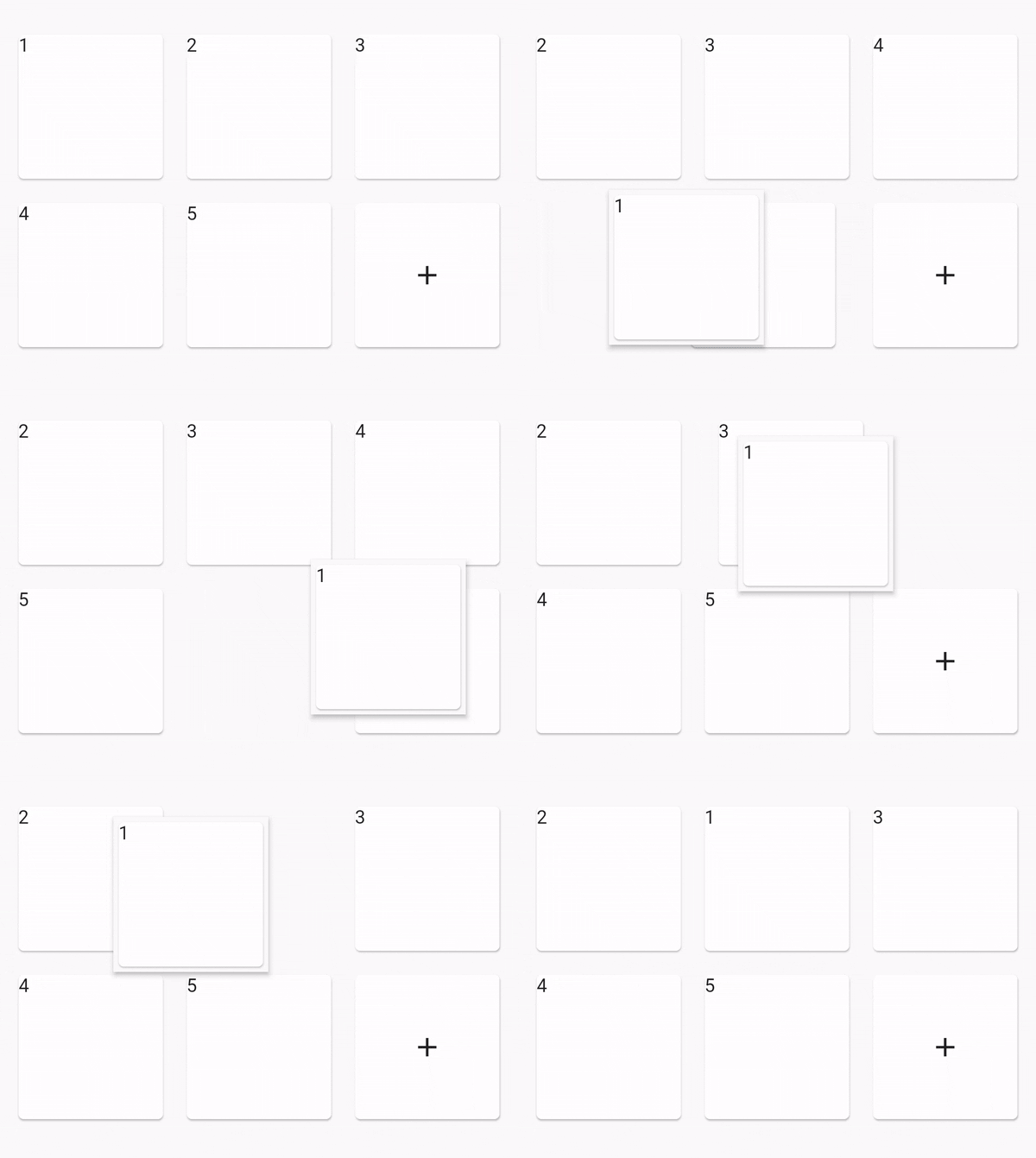
Reorderable Grid View
^4.0.9^2.0.4^0.12.0+1^1.0.2^2.1.0^12.0.0-beta.7{"sdk":"flutter"}^1.2.0^1.1.0^0.14.4^4.0.3>=9.0.0 <10.0.0^0.6.4+3>=2.19.3 <3.0.0>=2.3.4 <3.0.0^1.4.0^4.9.1^1.2.2^2.3.0^1.0.0^10.1.0^1.3.2>=1.9.1 <2.0.9^2.1.6^12.0.3^2.1.2^1.1.0^1.8.1^2.2.8^2.1.11^3.0.0^6.3.2>=4.0.0 <5.0.0^0.2.4^2.4.6^2.2.0{"sdk":"flutter"}{"sdk":"flutter"}^1.11.1^6.0.0^1.0.0^2.1.3^2.1.8English project snapshot. Visit GitHub for the latest content.
Lightweight digital wallet to securely scan, store, and manage loyalty cards offline.
More info here
OR
[!NOTE] F-Droid releases might not be in sync with those from GitHub.
Currently, the app uses these permissions (+ why are they needed) :
Contact me for more info :). If your phone does not have issues with the app, you can add your device into the Tests file.
git clone the repository,cd cardabase-app into it,flutter pub get to download the dependencies,flutter build apk in Terminal (you can add --split-per-abi if you want to get multiple versions).[!NOTE] Signing of the app is ON. You need a singature key and a key.properties in the /cardabase-app/android folder or else the build will fail. You can change THIS LINE to debug to sign it with a debug key.
Used versions:
Note: Java and Gradle versions must be compatible with each other. See this Compatibility Matrix.
You may need to:
android/gradle.properties, add a line org.gradle.java.home="C:\\path\\to\\the\\jdk", where you have to specify your path, (<- in case of multiple/no versions or JAVA_HOME environment variable not specified)android\gradle\wrapper\gradle-wrapper.properties, last line "distributionUrl" (change the "X.X" or "X.X.X" number). (<- in case of different Gradle installation)