Package selection guidance compiled from public package information, community data, and project usage.
A Flutter package for embedding QR code scanning functionality into apps, leveraging native libraries: zxing on Android and AVFoundation on iOS. It supports real-time scanning with smooth integration across Android, iOS, and Web platforms. Designed for developers seeking reliable, performant QR scanning without complex setup. The package is maintained by vespr.xyz and available via pub.dev.
Use cases
In-app QR code scanning for payments
User authentication via QR codes
Product information retrieval
Event ticket validation
Data sharing between devices
Inventory management
Key features
Native performance on Android and iOS
Cross-platform support (Android, iOS, Web)
Simple integration with Flutter widgets
Real-time scanning capabilities
Lightweight and efficient
Open-source with public repository
Suitable for
Mobile app developers
Payment and fintech applications
Event and ticketing platforms
Retail and inventory systems
Apps requiring secure data exchange
Considerations
Web support may have limited camera access
Requires camera permissions on mobile
Performance depends on device hardware
May need additional configuration for web deployment
Limited customization of scan interface
Original README
Original README snapshot from the linked source repository. Visit the repository for the latest content.
⚠️ If you are starting a new project, or your project requires new features or long-term stability, use an actively maintained alternative such as mobile_scanner.
⚠️ Maintenance-only fork (no new features)
This package is a maintenance-only fork of the original qr_code_scanner package.
Its sole purpose is to keep existing projects compiling and running on newer versions of Flutter, the Android Gradle Plugin, and related tooling after the upstream package became unmaintained. It exists to allow existing users to postpone migration, not to provide an actively developed QR scanning solution.
New feature PRs will be rejected.
This includes (but is not limited to):
New functionality
Feature extensions
API changes or expansions
Behavior changes beyond minimal fixes required for compatibility
If you need additional functionality, this package is not the right choice.
Scope and limitations
I maintain only the Flutter-facing code in this repository.
iOS: Native AVFoundation (Swift Package Manager and CocoaPods supported)
The original qr_code_scanner package used MTBBarcodeScanner on iOS, which has been archived and unmaintained since 2021. This fork replaced it with a native AVFoundation implementation to enable Swift Package Manager support and remove the only third-party iOS dependency.
The Android native library (zxing) is outdated and unmaintained. There are known issues and limitations in that native package that will not be fixed here.
As a result:
Native-level bugs should be expected.
This package is not a good foundation for adding or extending features.
Only minimal fixes required to keep the package usable on current Flutter toolchains will be considered.
Projects that require new functionality, reliability, or long-term maintenance of both Flutter and native code should migrate to a fully maintained alternative such as mobile_scanner.
QR Code Scanner Plus
A QR code scanner for iOS, Android, and Web that embeds platform views in Flutter.
This description is retained for historical context only and does not imply ongoing feature development.
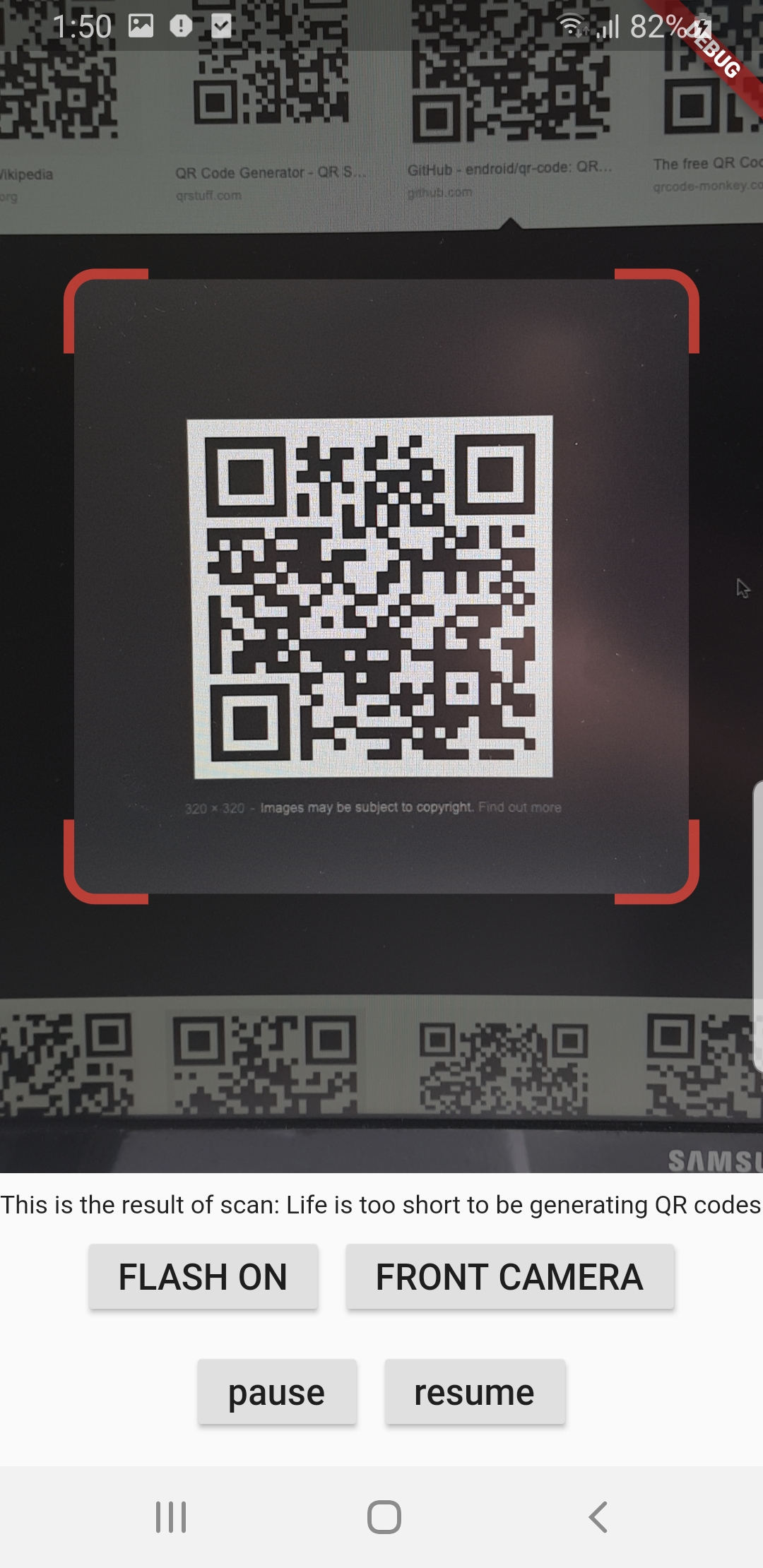
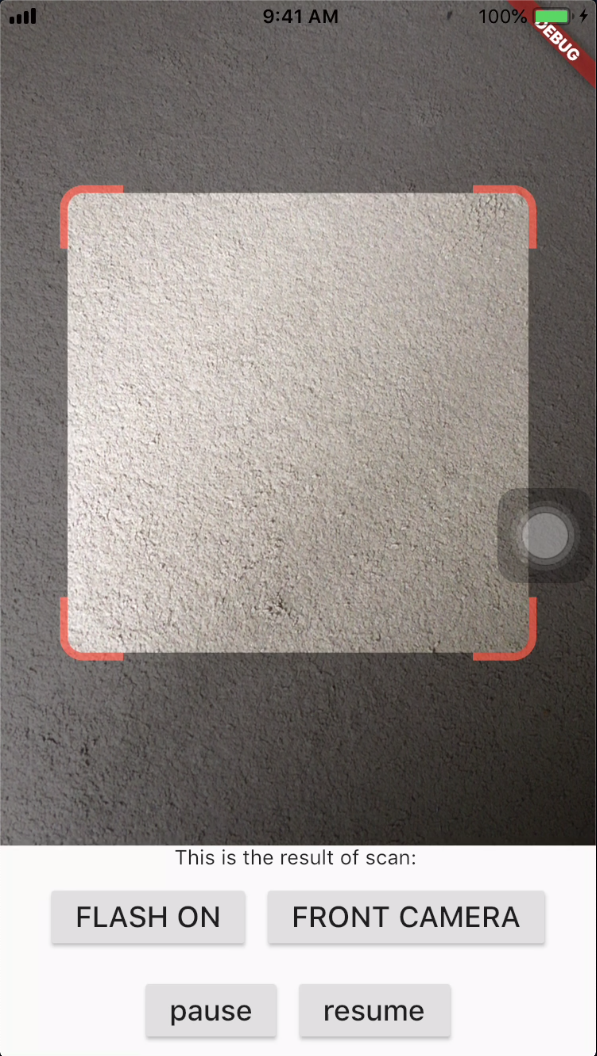
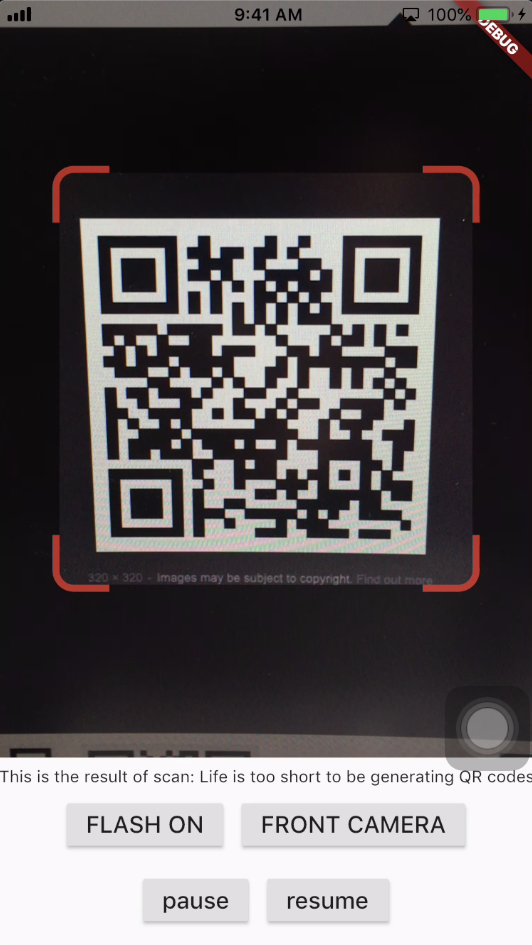
Screenshots
Android
iOS
Get Scanned QR Code
When a QR code is recognized, the text identified will be set in 'result' of type Barcode, which contains the output text as property 'code' of type String and scanned code type as property 'format' which is an enum BarcodeFormat, defined in the library.
class_QRViewExampleStateextendsState<QRViewExample> {
finalGlobalKey qrKey = GlobalKey(debugLabel: 'QR');
Barcode? result;
QRViewController? controller;
// In order to get hot reload to work we need to pause the camera if the platform// is android, or resume the camera if the platform is iOS.@overridevoidreassemble() {
super.reassemble();
if (Platform.isAndroid) {
controller!.pauseCamera();
} elseif (Platform.isIOS) {
controller!.resumeCamera();
}
}
@overrideWidgetbuild(BuildContext context) {
returnScaffold(
body: Column(
children: <Widget>[
Expanded(
flex: 5,
child: QRView(
key: qrKey,
onQRViewCreated: _onQRViewCreated,
),
),
Expanded(
flex: 1,
child: Center(
child: (result != null)
? Text(
'Barcode Type: ${describeEnum(result!.format)} Data: ${result!.code}')
: Text('Scan a code'),
),
)
],
),
);
}
void_onQRViewCreated(QRViewController controller) {
this.controller = controller;
controller.scannedDataStream.listen((scanData) {
setState(() {
result = scanData;
});
});
}
}
Android Integration
In order to use this plugin, please make sure to add the Camera permissions in android/app/src/main/AndroidManifest.xml
In order to use this plugin, add the following to your Info.plist file:
<key>NSCameraUsageDescription</key>
<string>This app needs camera access to scan QR codes</string>
UIScene lifecycle
The iOS plugin supports both the UIScene lifecycle and the legacy application
lifecycle. No plugin-specific SceneDelegate or camera lifecycle changes are
required.
The host app must still adopt UIScene; updating this package alone does not
migrate your app. Follow Flutter's UIScene migration guide
to configure UIApplicationSceneManifest in Info.plist and register plugins in
didInitializeImplicitFlutterEngine using engineBridge.pluginRegistry.
The example AppDelegate and
example Info.plist already use this setup.
Please note: on web, only QR codes are supported. Other barcodes and 2D codes cannot be scanned.
Web support is in very early stage. Features such as flash, pause or resume are not implemented. Moreover, the camera
preview does not respect the surrounding constraints. This is not at last due to Flutter's early state of platform views
on web.