v6.1.5+1
provider
A wrapper around InheritedWidget to make them easier to use and more reusable.
11KLikes 1.2M30-day downloads150Pub points
AndroidiOSWebmacOSWindowsLinux
The cutest instant messenger in the [matrix]

English project snapshot. Visit GitHub for the latest content.
FluffyChat is an open source, nonprofit and cute [matrix] client written in Flutter. The goal of the app is to create an easy to use instant messenger which is open source and accessible for everyone.



Please visit the website for installation instructions:
FluffyChat supports configuration via MDM on Android&iOS (since v2.10.0) and via a config.json file on web. You can see the populated configuration for MDM on Android in this file under /android/app/src/main/res/xml/app_restrictions.xml.
An example configuration can be found in the config.sample.json file.
git clone https://github.com/krille-chan/fluffychat.git
cd fluffychat
./scripts/add-firebase-messaging.sh
flutter runflutter build apkcfgutil) enabled1 if you want the IPA to be deployed to connected devices after building, otherwise unset./scripts/build-ios.sh./scripts/prepare-web.sh # To install Vodozemac
flutter build web --release
config.json at the same path as fluffychat.
An example can be found at config.sample.json. All values there are optional.
Please only the values, you really need. If you e.g. only want
to change the default homeserver, then only modify the defaultHomeserver key.sudo apt install libjsoncpp1 libsecret-1-dev libsecret-1-0 librhash0 libwebkit2gtk-4.0-dev lld
flutter build linux --release
flutter build windows --release
flutter build macos --release
You need to have docker installed locally! Run the preparation script before every test run:
./scripts/prepare_integration_test.sh
Then run all tests with:
flutter test integration_test/mobile_test.dart
Fabiyamada is a graphics designer and has made the fluffychat logo and the banner. Big thanks for her great designs.
Also thanks to all translators and testers! With your help, fluffychat is now available in more than 12 languages.
The Matrix Foundation for making and maintaining the emoji translations used for emoji verification, licensed Apache 2.0
Special thanks to MTRNord, Sorunome and Advocatux.
A wrapper around InheritedWidget to make them easier to use and more reusable.
An abstraction to allow working with files across multiple platforms.
Flutter plugin for opening and saving files, or selecting directories, using native file selection UI.
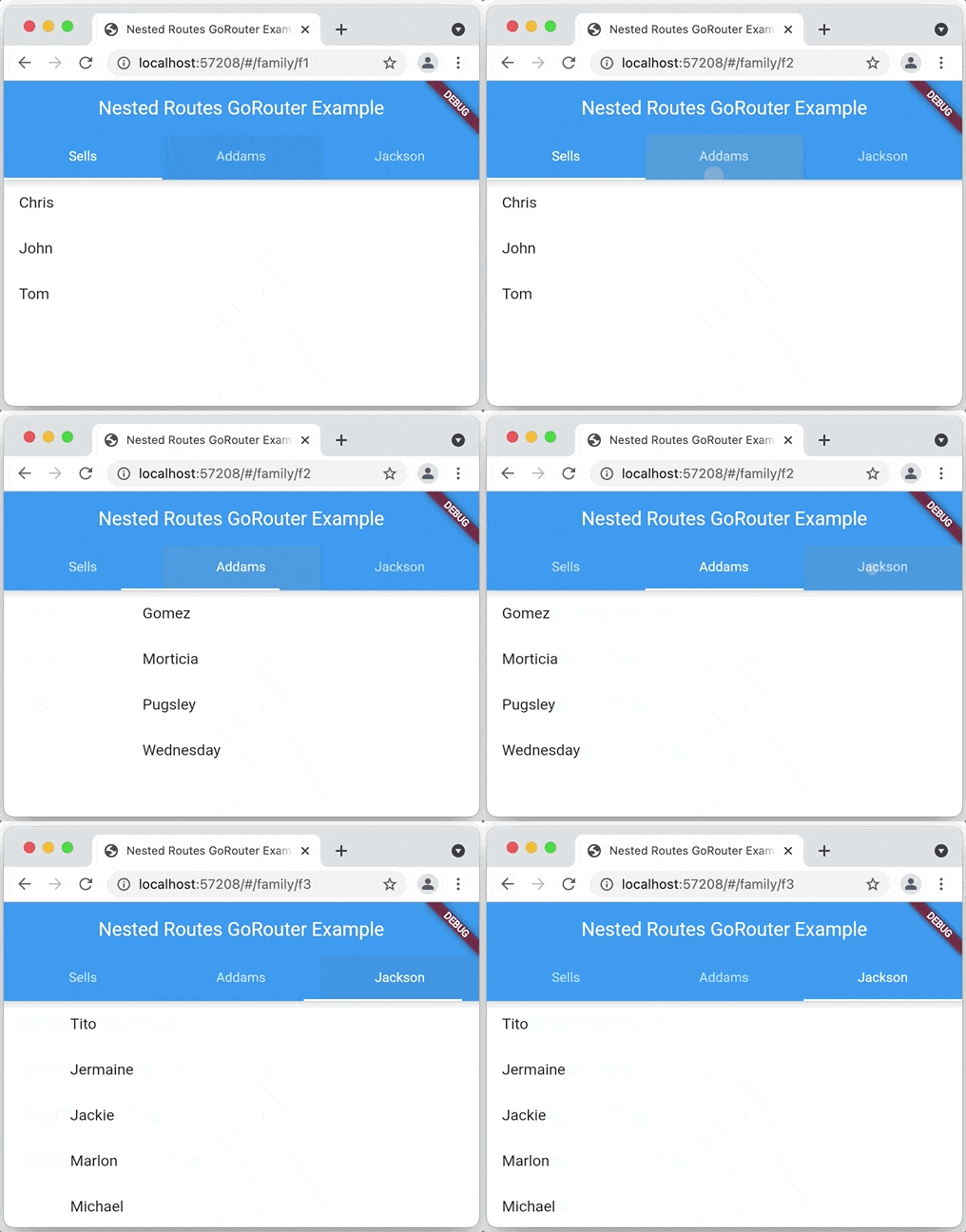
A declarative router for Flutter based on Navigation 2 supporting deep linking, data-driven routes and more
Flutter plugin for selecting images from the Android and iOS image library, and taking new pictures with the camera.
Flutter plugin for displaying inline video with other Flutter widgets on Android, iOS, macOS and web.
Flutter WebRTC plugin for iOS/Android/Desktop/Web, based on GoogleWebRTC.
sqflite ffi based implementation, for desktop and units tests.
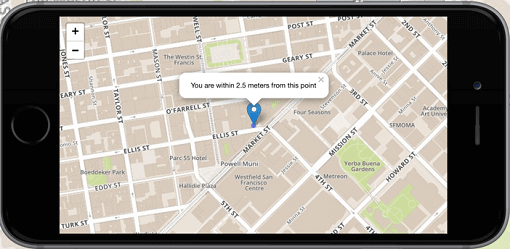
Flutter's №1 non-commercially aimed map client: it's easy-to-use, versatile, vendor-free, fully cross-platform, and 100% pure-Flutter
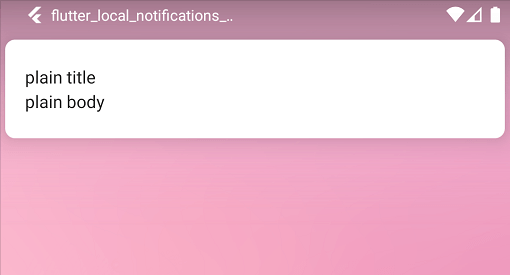
A cross platform plugin for displaying and scheduling local notifications for Flutter applications with the ability to customise for each platform.
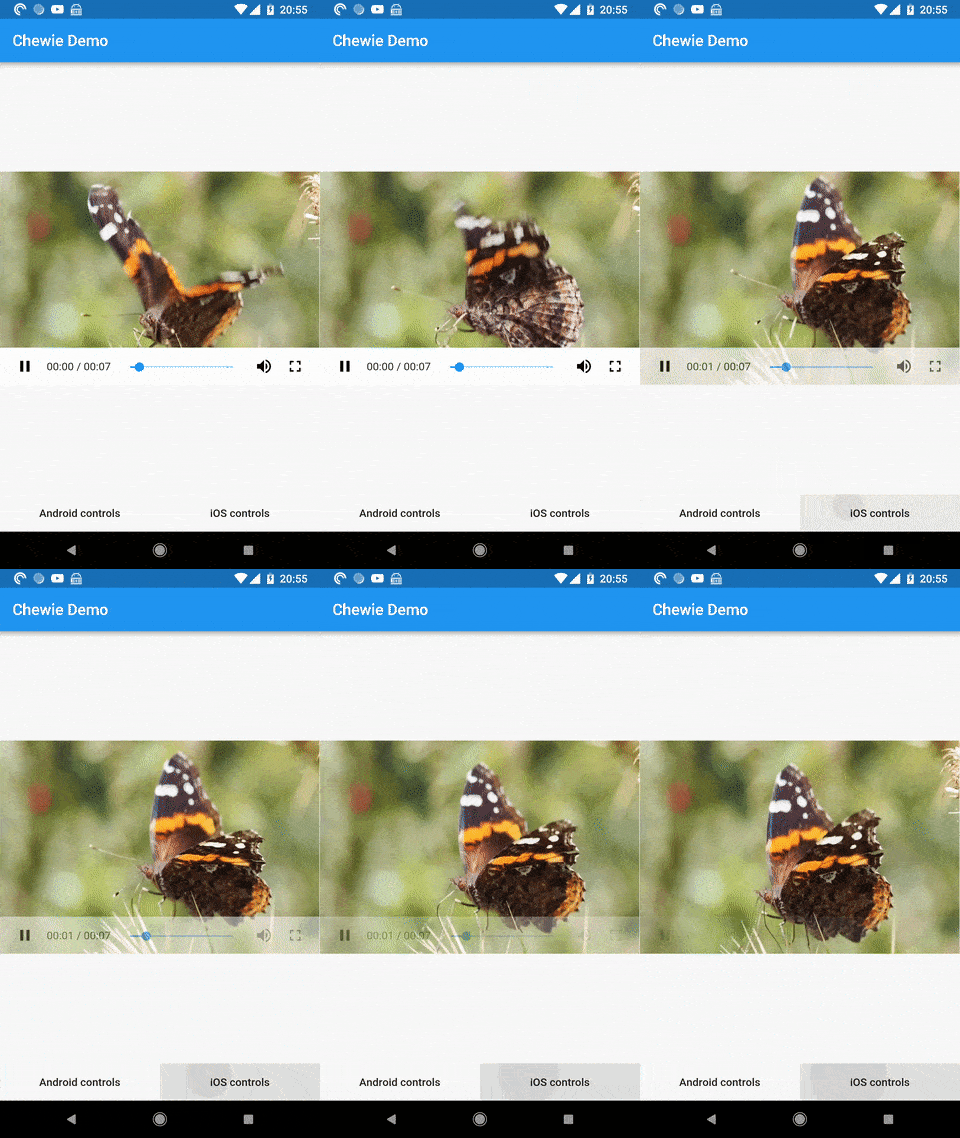
A video player for Flutter with Cupertino and Material play controls
Customize Flutter's default white native splash screen with background color and splash image. Supports dark mode, full screen, and more.
Dependency list 85 items
^4.2.0^2.13.1^3.2.0^1.2.1^1.15.0^1.18.0^1.0.17^0.3.51.1.0^0.8.4^13.2.0^2.1.0^4.5.4^12.0.0^1.1.0{"sdk":"flutter"}^3.1.5^11.0.3^6.0.0^22.3.1{"sdk":"flutter"}^8.3.2^2.0.0^11.1.1^2.0.0^0.8.1^5.1.0^1.6.2+hotfix.3^14.0.3^18.0.1^0.4.2^0.7.0^0.15.7^1.6.0^4.10.1^1.2.30.20.3^0.10.6^2.1.0^0.10.1^1.9.1^2.12.0^3.0.2^3.5.1^1.2.01.2.0{"git":{"url":"https://github.com/famedly/matrix-dart-sdk.git","ref":"krille/refactor-device-keys-list-storing"}}^1.2.1^1.0.9^2.1.0^0.5.0^0.1.4^10.2.0^1.9.5^0.5.0^1.9.0^2.1.6^2.6.0^3.6.0^6.0.2^1.0.0^2.3.0^1.0.0^1.8.1^7.1.1^3.0.1^13.3.0^2.5.5^2.0.0^2.5.13^2.4.3^0.3.0^6.2.0^0.2.0^2.3.0^6.3.2^4.6.0^2.14.0^1.8.0^4.3.0^0.14.4^6.0.0{"sdk":"flutter"}{"sdk":"flutter"}^1.6.2Start with your use case, compare repository activity, and check the original project before adopting it.
“A repository is the most basic element of GitHub.”
GitHub Docs — About repositories ↗