v3.0.0
flutter_html
A Flutter widget for rendering static HTML and CSS as Flutter widgets.
2.2KLikes 852K30-day downloads90Pub points
AndroidiOSWebmacOSWindowsLinux
DailyAL - MyAnimeList Client

English project snapshot. Visit GitHub for the latest content.



Note: The app has been delisted from the Google Play Store. Please use GitHub Releases or F-Droid to download the app.
Explore the extensive MyAnimeList database to discover your favorite anime and manga. Engage in forums with millions of discussions at your fingertips. Access detailed reviews and receive numerous recommendations for all anime and manga on MyAnimeList.
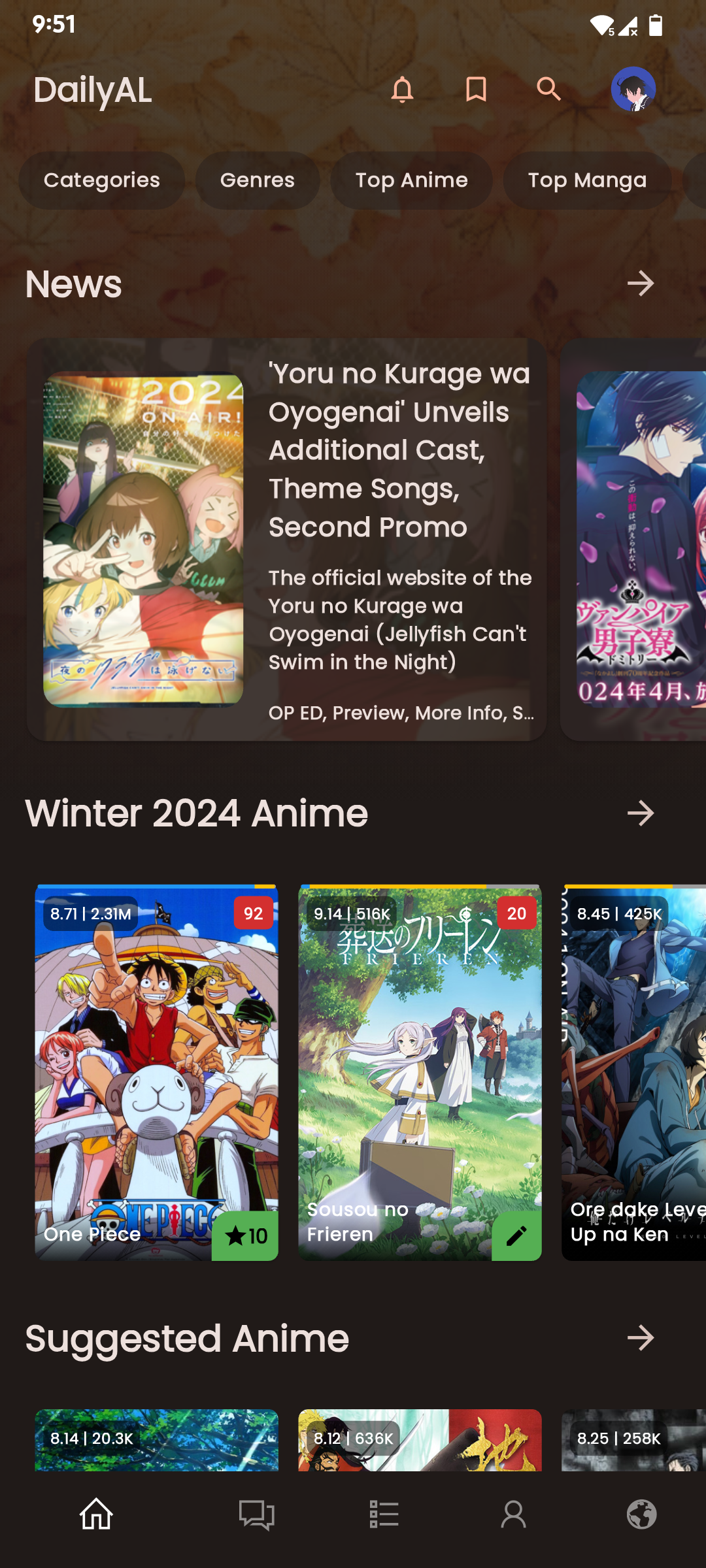
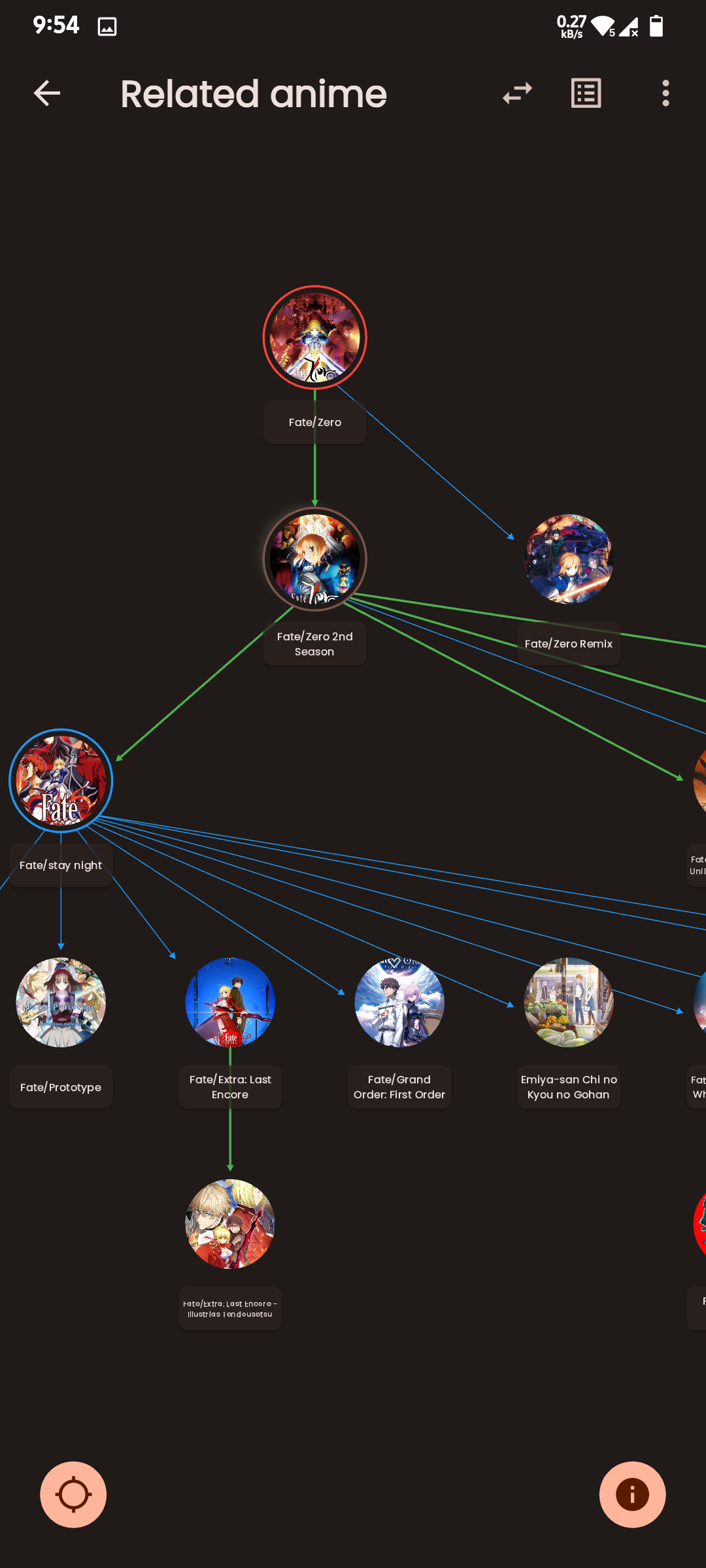
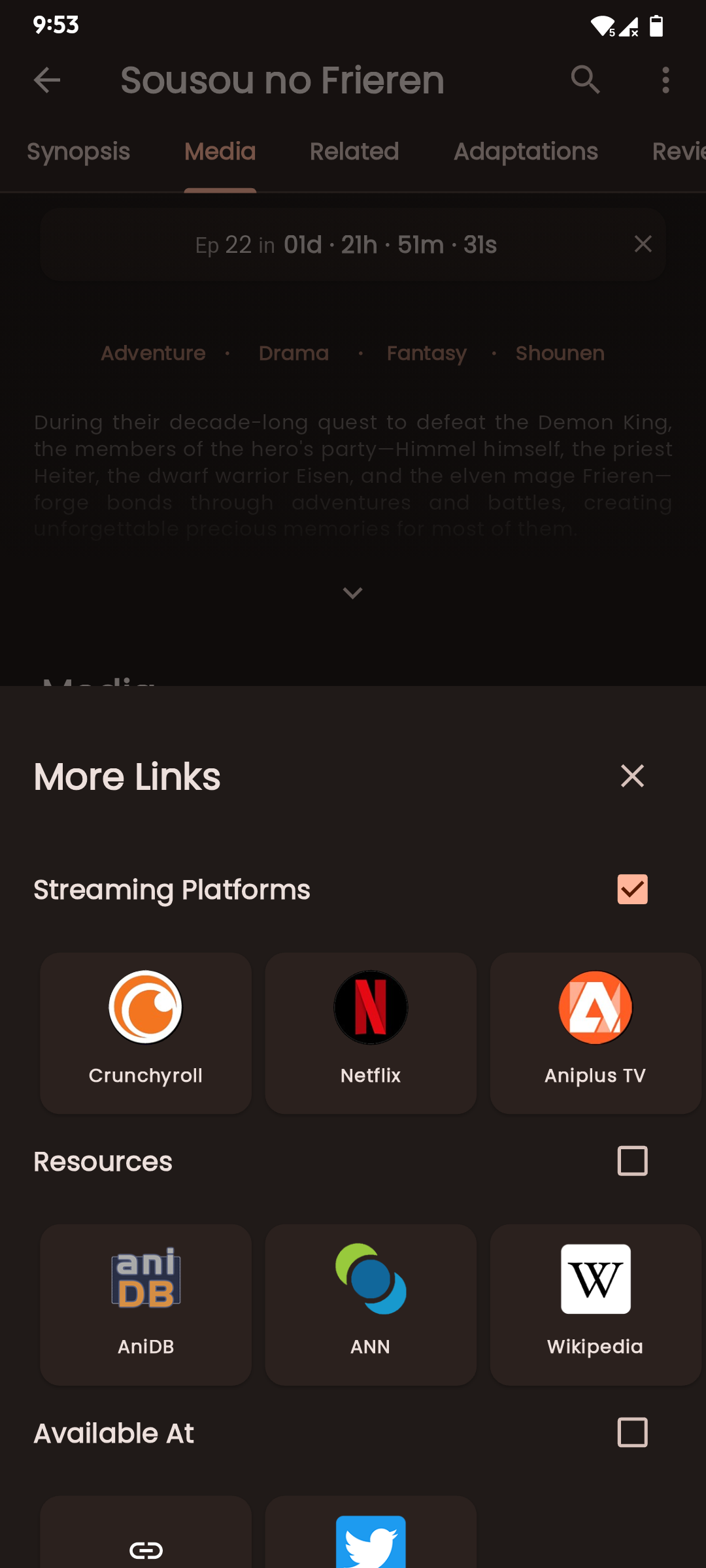
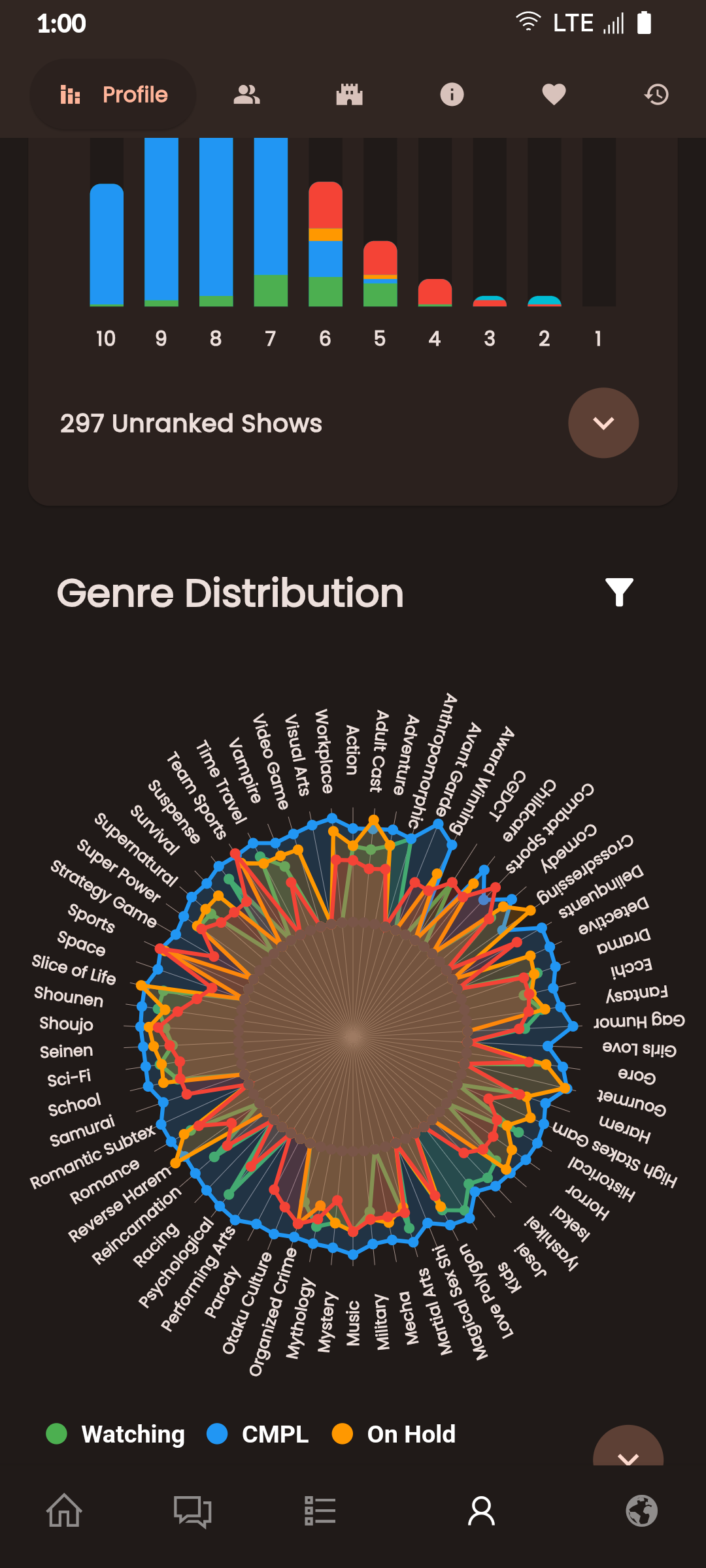
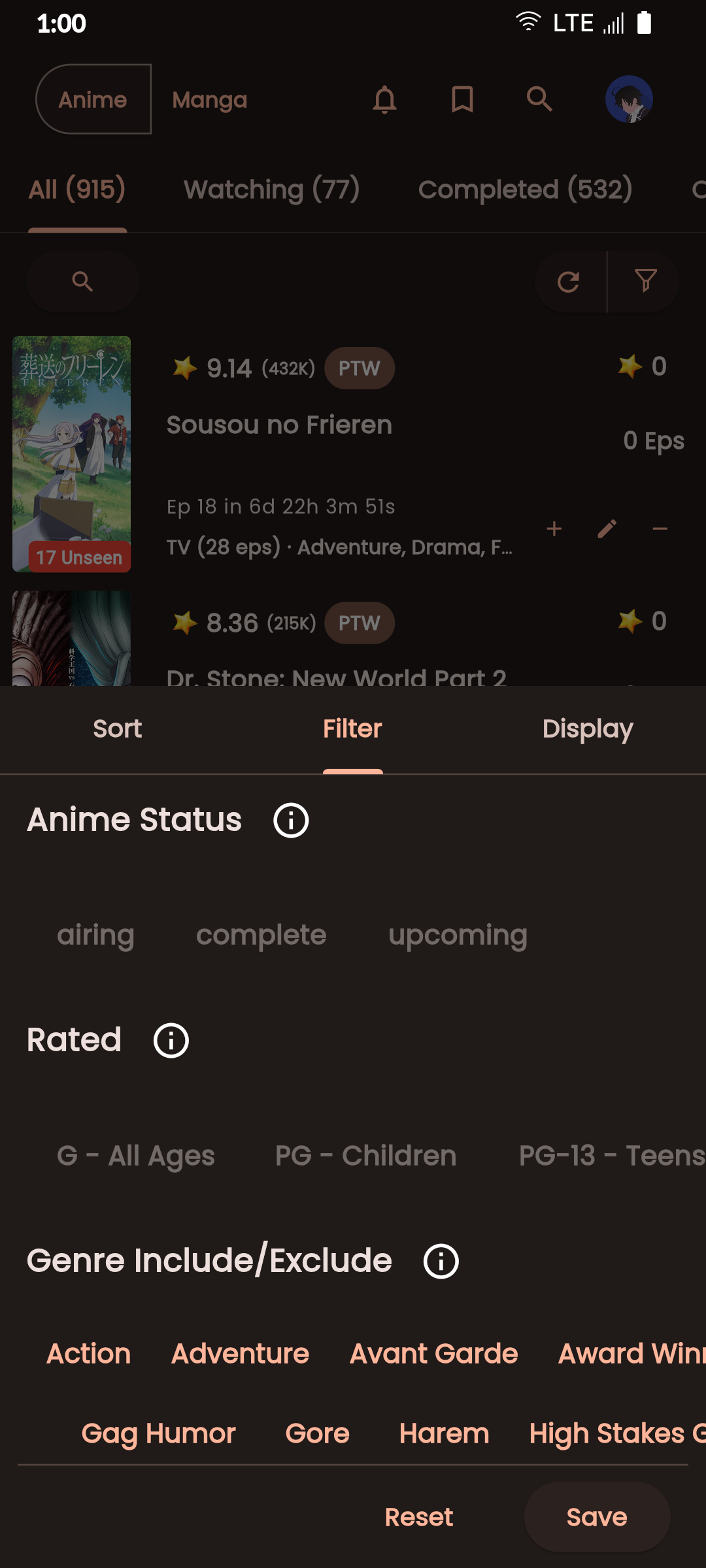
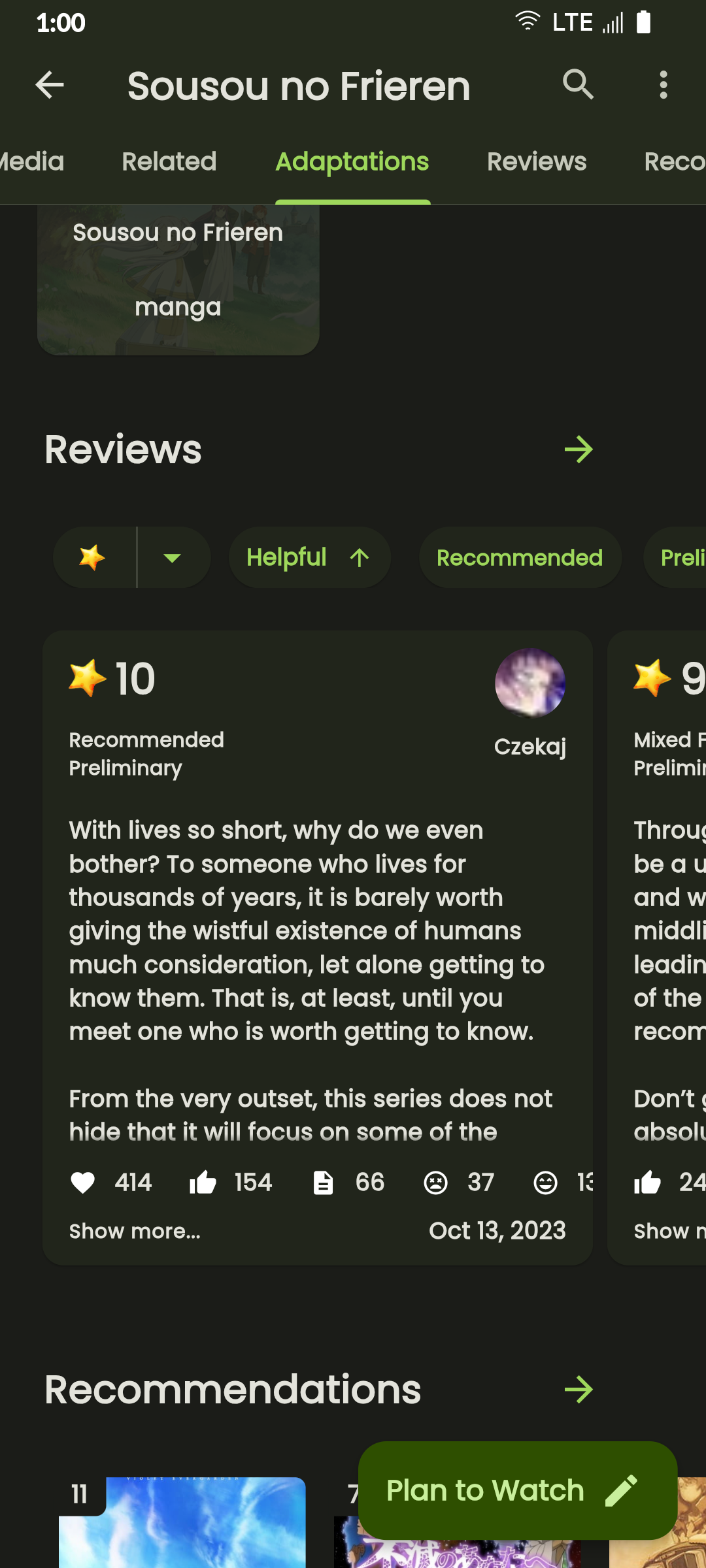
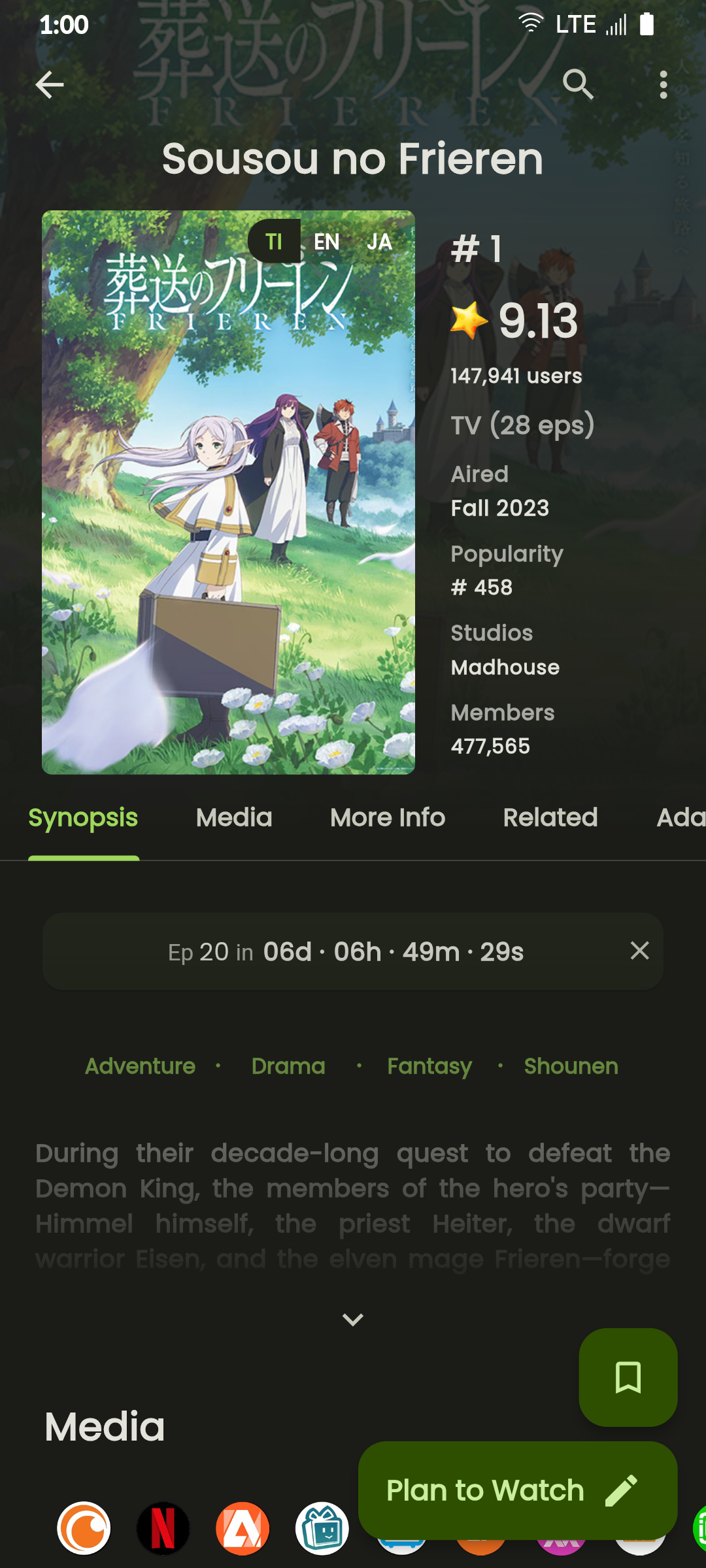
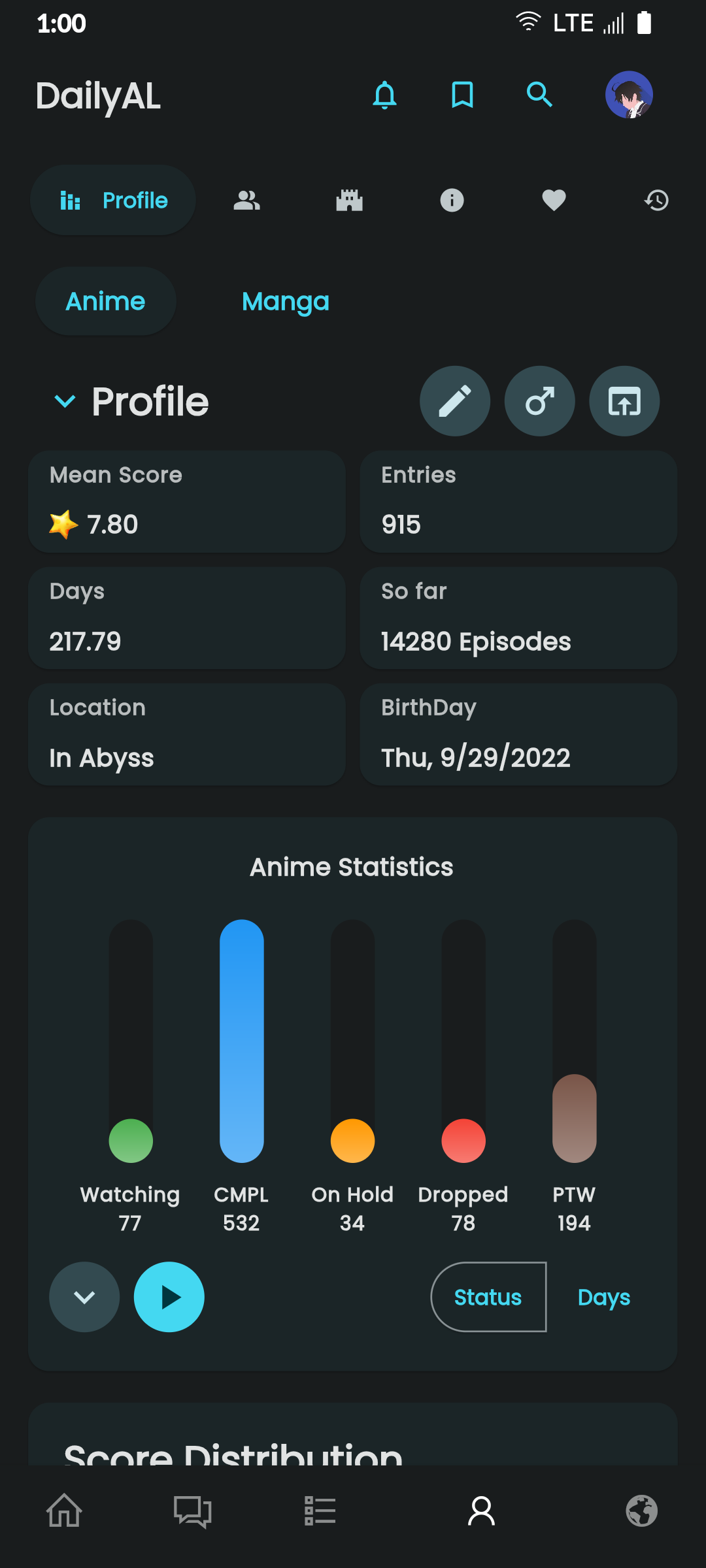
Discover Seasonal Anime, Top Upcoming Anime, Most Popular Anime, Anime Ranking Lists, All-time Favorites, and more.
Access Anime/Manga Synopses, Related and Recommended content.
Read Detailed Anime reviews and view Anime/Manga Statistics.
Choose from 4 distinct Dark Themes: Spring, Summer, Fall, and Winter.
Customize the Bottom Navigation bar and adjust cache update frequency.
Perform advanced searches directly from the search bar using "@" and "#" with ease.
Experience faster search loading times with caching mechanisms.
Quickly Edit/Update your Anime/Manga List.
Sort your list by Title, List Score, Start Date, and Updated Date.
git clonedal-code.code-workspace to open the project in VSCodeupdate_gradle.sh to make the gradle files ready for developmentflutter pub get to install dependenciesflutter run or F5 in VSCodeintl generate to generate localization filesbuild runner to generate necessary filespython translate to generate translation filesA Flutter widget for rendering static HTML and CSS as Flutter widgets.
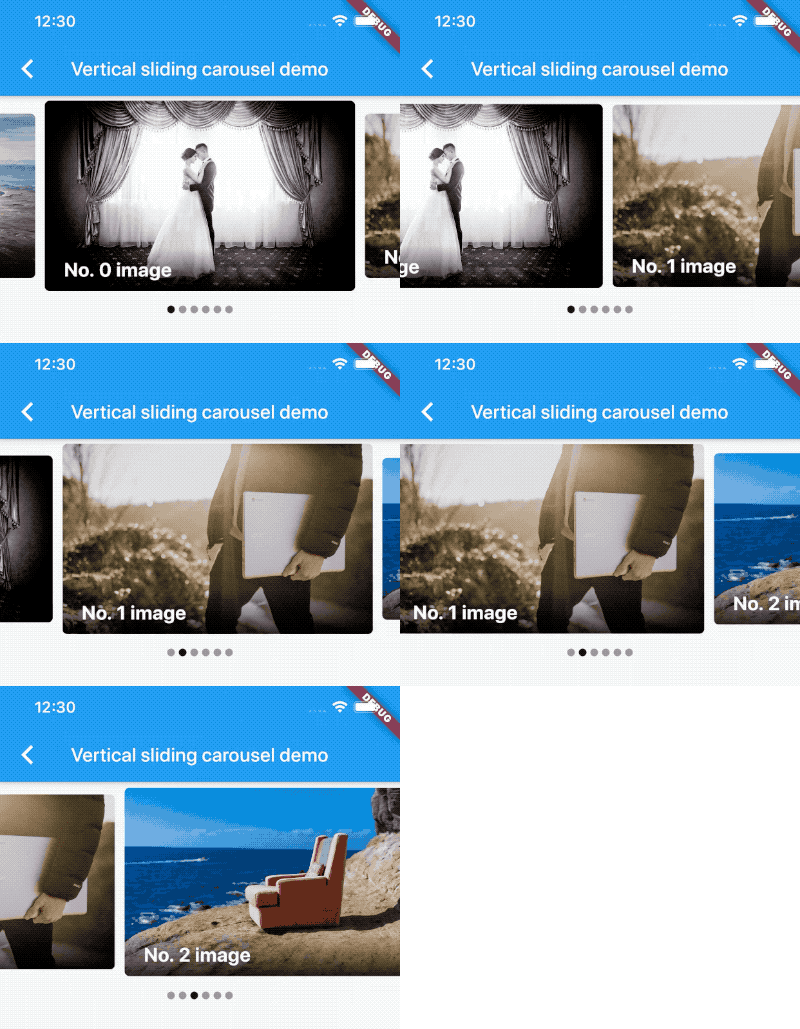
A carousel slider widget, support infinite scroll and custom child widget.
A list with helper methods to programmatically scroll to an item.
A widget that detects the visibility of its child and notifies a callback.
Lazily load and display pages of items as the user scrolls down your screen.
Scroll to a specific child of any scrollable widget in Flutter
Utility for wrapping an asynchronous function in automatic retry logic with exponential back-off, useful when making requests over network.
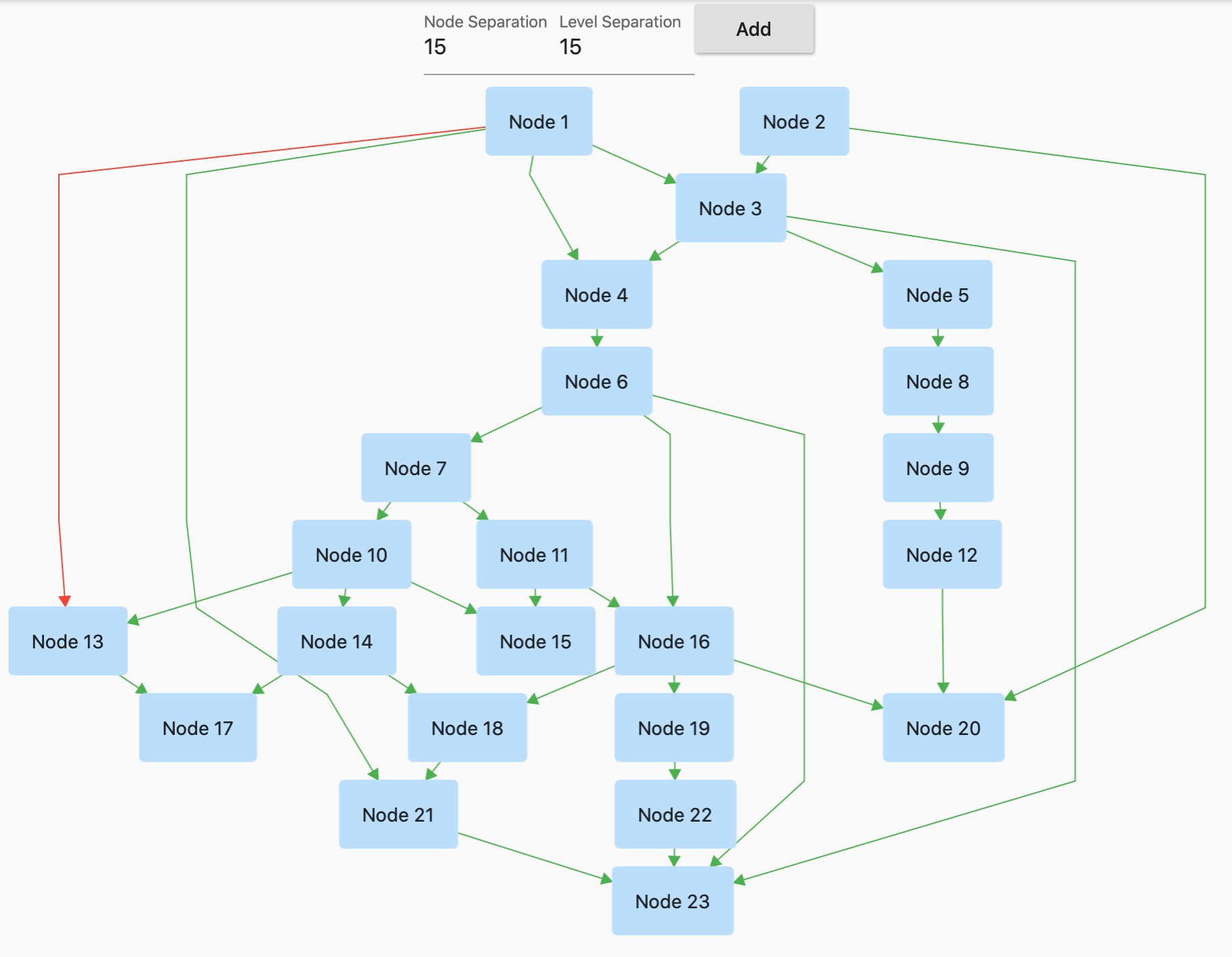
GraphView is used to display data in graph structures. It can display Tree layout, Directed and Layered graph. Useful for Family Tree, Hierarchy View.
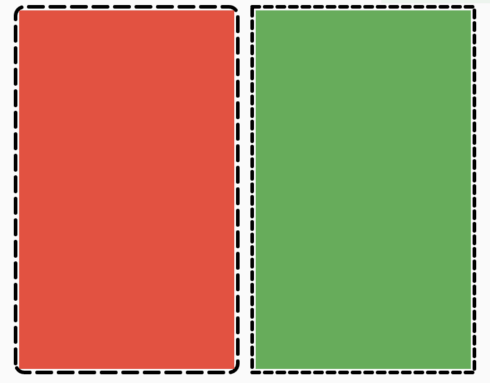
A flutter package to let users easily add a dotted border around any widget.
This plugin allows Flutter desktop apps to defines system tray.
Immutable collections based on the SDK collections. Each SDK collection class is split into a new immutable collection class and a corresponding mutable builder class.
Easily configure any flutter application with global variables using a `.env` file.
Dependency list 61 items
{"sdk":"flutter"}^1.2.2^6.1.2^2.3.2^0.5.1^0.5.2^3.4.1^9.2.2^6.3.0^5.0.0^3.0.0^0.20.0^9.0.0^6.0.5^5.0.0^0.15.0^2.0.0^0.3.8^0.68.0^3.0.0-beta.2^3.0.1^10.0.2^5.1.0^20.1.0^0.10.0^2.1.0^3.5.1^1.0.1^1.1.2^4.0.0^2.1.0^3.1.2^3.0.0^0.4.0+2^0.15.0^5.6.0^4.0.0^2.0.3^1.7.0^10.1.2^5.1.0{"path":"./dal-api"}{"path":"./dal-api/dal_commons"}{"sdk":"flutter"}^1.0.0^1.1.1^1.18.0^8.1.2^11.3.1^2.1.4^9.0.0^2.1.1^1.2.0^0.7.0{"git":{"url":"https://github.com/JICA98/add_2_calendar.git"}}{"sdk":"flutter"}^4.0.1^6.7.1^2.1.7^2.8.4^3.16.13Start with your use case, compare repository activity, and check the original project before adopting it.
“A repository is the most basic element of GitHub.”
GitHub Docs — About repositories ↗