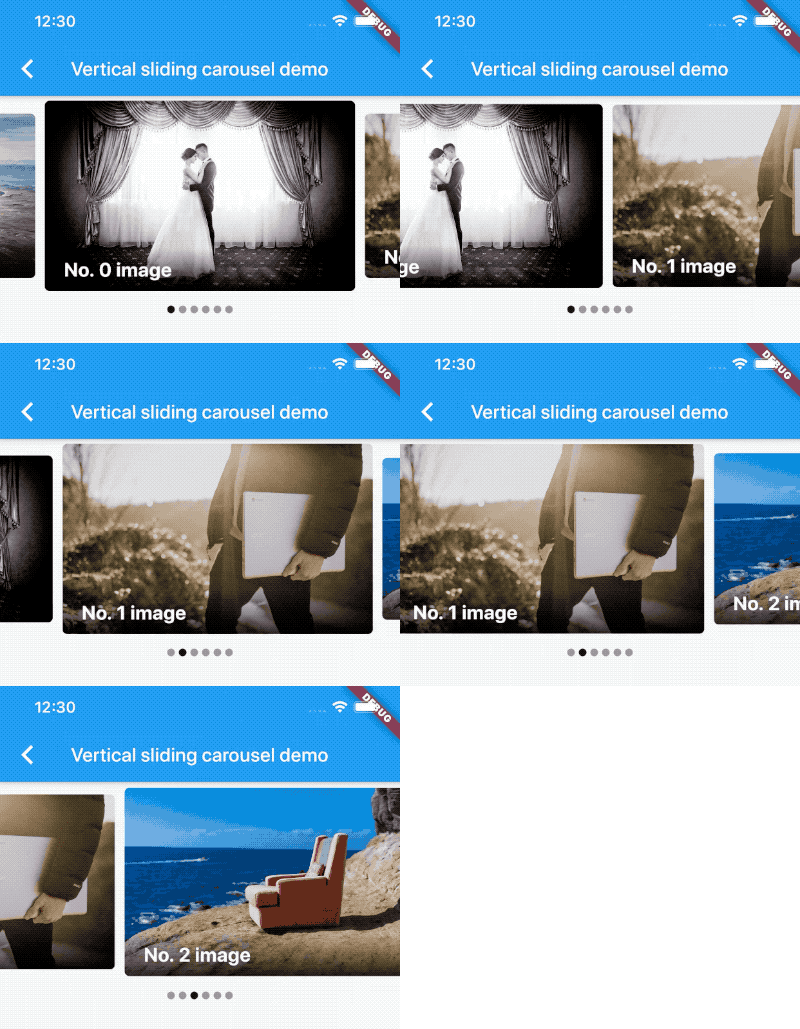
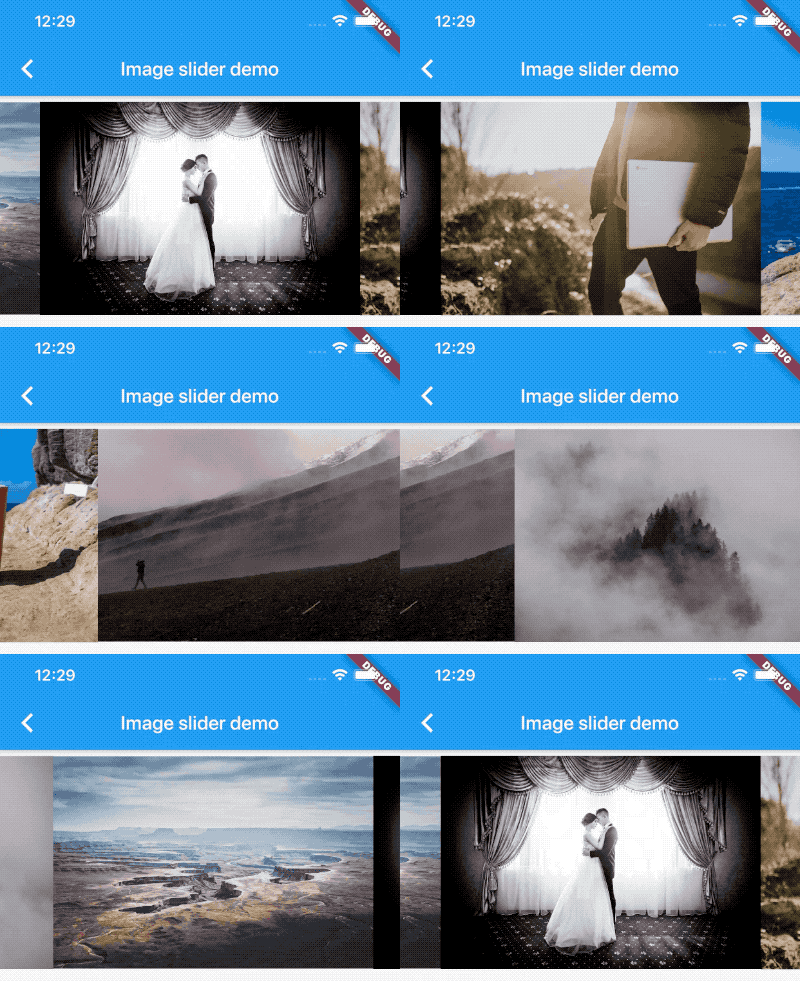
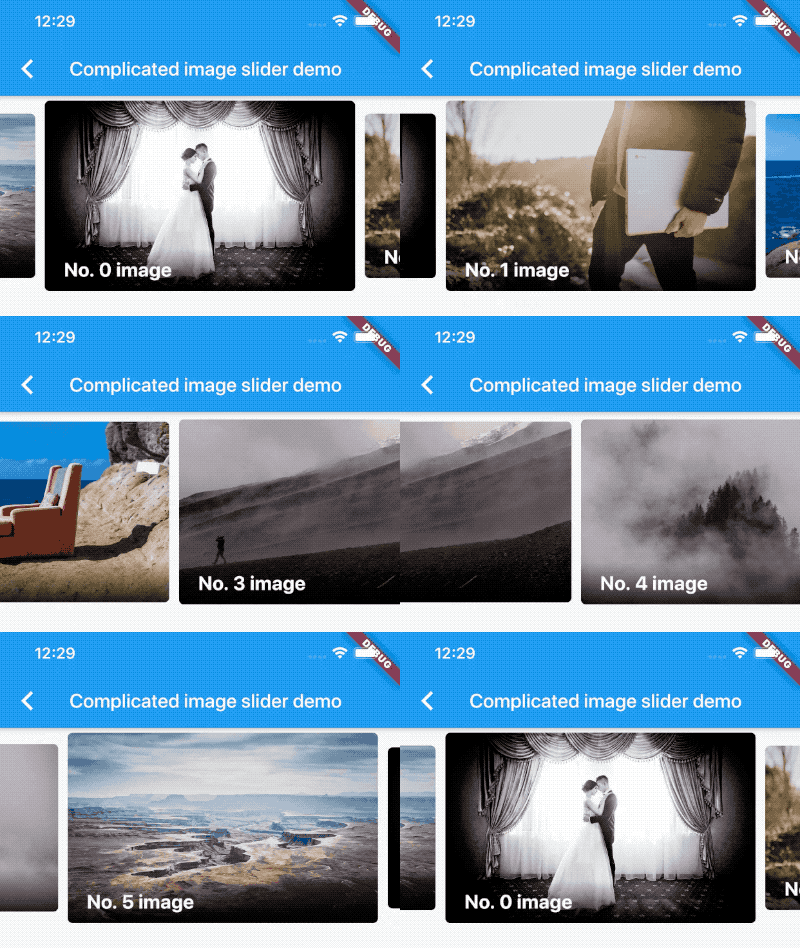
Package selection guidance compiled from public package information, community data, and project usage.
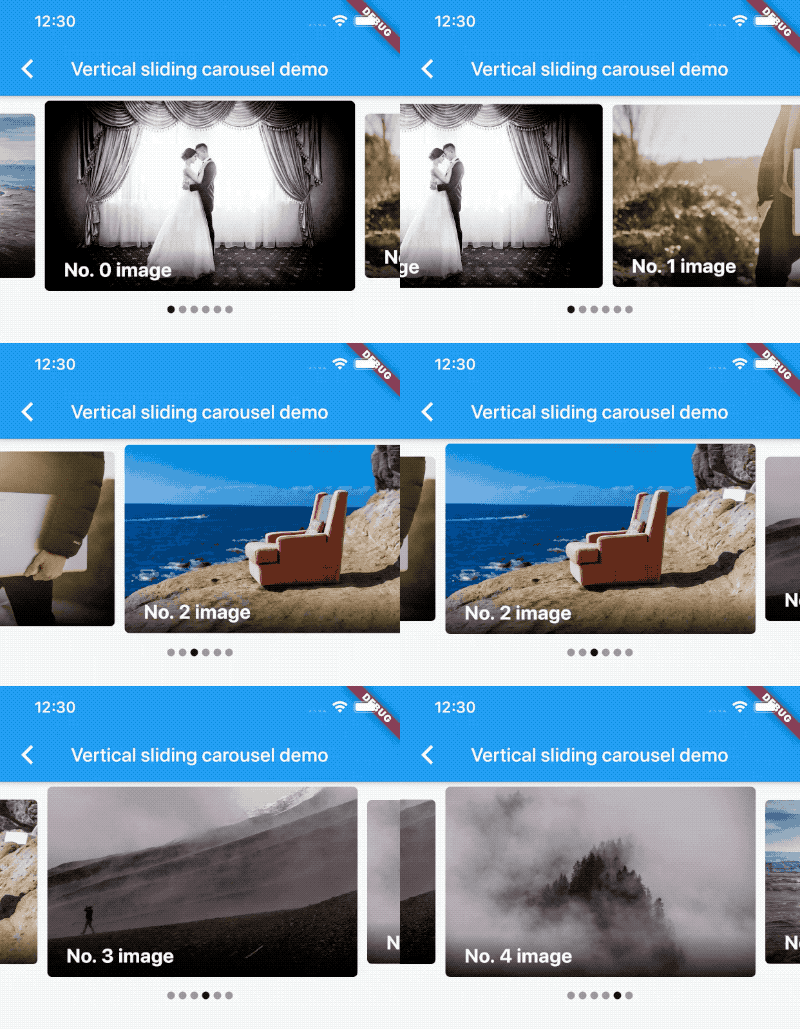
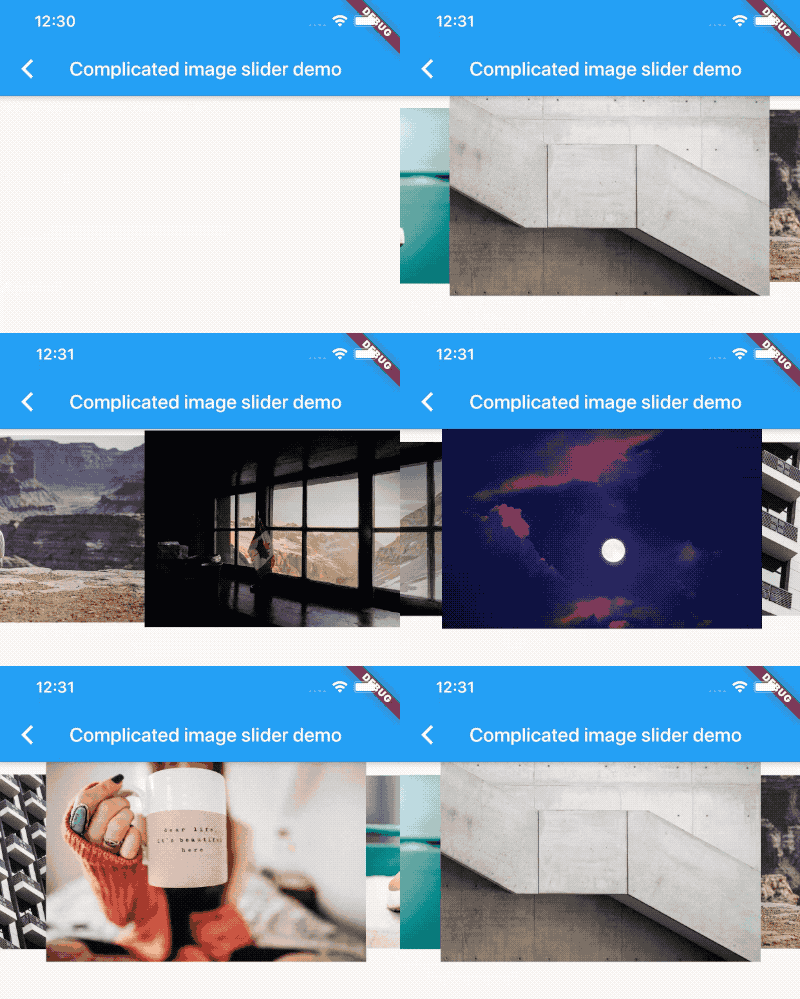
A Flutter package that provides a customizable carousel slider widget, enabling infinite scrolling and support for custom child widgets. Ideal for displaying images, cards, or any content in a swipeable, horizontal layout. The slider offers smooth animations, automatic play, and responsive design across multiple platforms. It is lightweight and easy to integrate into existing Flutter projects. Perfect for showcasing featured items, product galleries, or promotional content in a visually engaging way.
Use cases
Displaying image galleries
Showcasing product highlights
Creating onboarding screens
Presenting promotional content
Building interactive sliders
Supporting infinite scrollable lists
Key features
Infinite scroll support
Customizable child widgets
Smooth animations
Auto-play functionality
Responsive design
Cross-platform compatibility
Suitable for
E-commerce apps
Travel or portfolio websites
Onboarding experiences
Content-rich mobile apps
Interactive UI components
Projects requiring swipeable carousels
Considerations
May require optimization for large datasets
Performance impact with complex children
Needs careful handling of auto-play timing
Limited built-in pagination controls
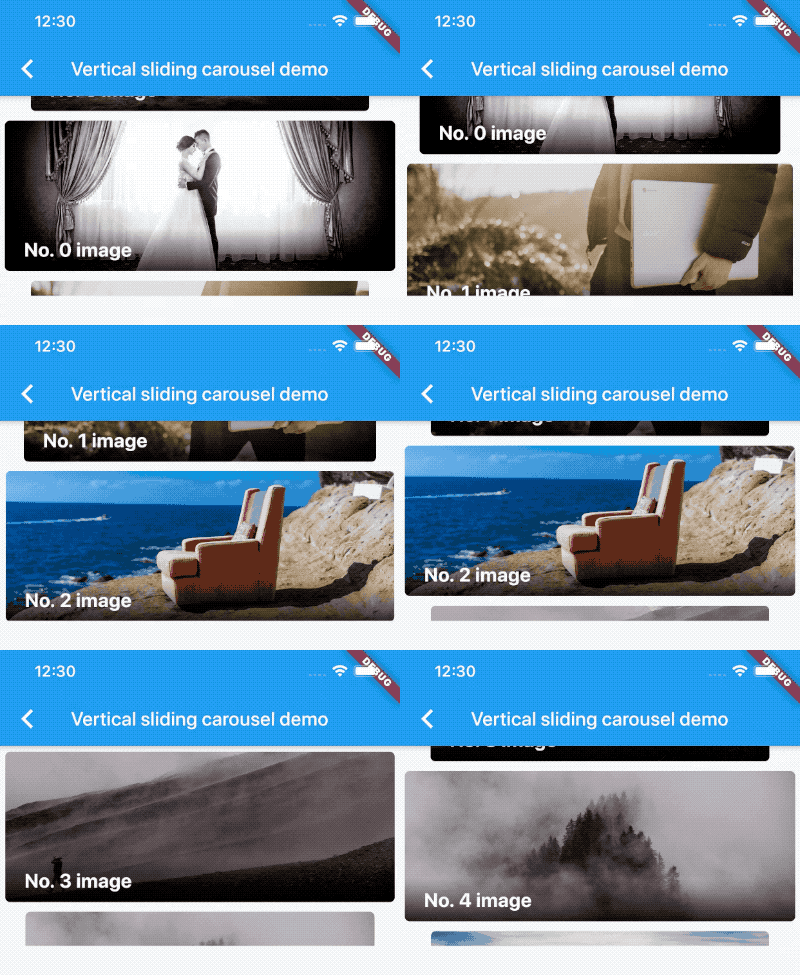
Not ideal for vertical scrolling
Requires proper state management
Original README
Original README snapshot from the linked source repository. Visit the repository for the latest content.
Since v2.0.0, you'll need to pass the options to CarouselOptions. For each option's usage you can refer to carousel_options.dart.
If you pass the height parameter, the aspectRatio parameter will be ignored.
Build item widgets on demand
This method will save memory by building items once it becomes necessary. This way they won't be built if they're not currently meant to be visible on screen.
It can be used to build different child item widgets related to content or by item index.
CarouselSlider.builder(
  itemCount: 15,
  itemBuilder: (BuildContext context, int itemIndex, int pageViewIndex) =>
    Container(
      child: Text(itemIndex.toString()),
    ),
)
Carousel controller
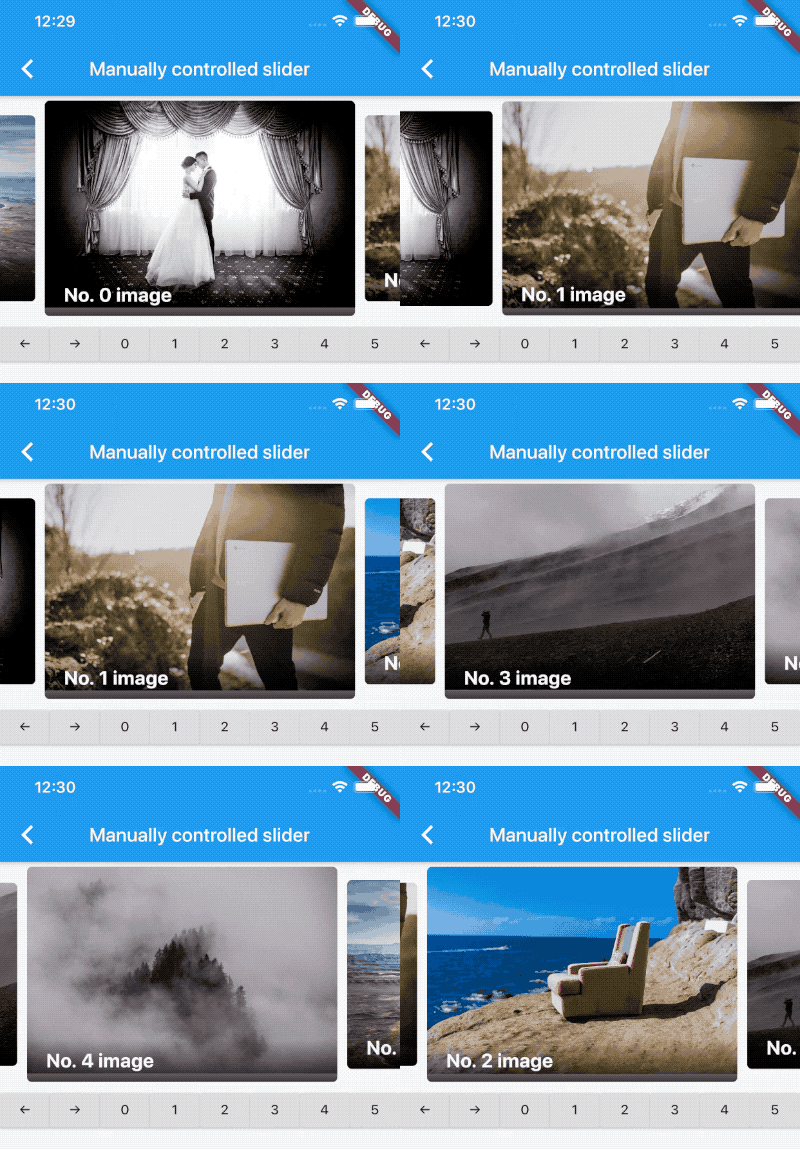
In order to manually control the pageview's position, you can create your own CarouselSliderController, and pass it to CarouselSlider. Then you can use the CarouselSliderController instance to manipulate the position.