v9.2.1
bloc
A predictable state management library that helps implement the BLoC (Business Logic Component) design pattern.
3.2KLikes 2.3M30-day downloads160Pub points
AndroidiOSWebmacOSWindowsLinux
A material theme editor and generator for Flutter to configure and preview the overall visual theme of your material app.

English project snapshot. Visit GitHub for the latest content.



A material theme editor and generator for Flutter to configure and preview the overall visual theme of your material app.

Appainter is developed and built with Flutter, and is available for both Web and Desktop.
For Web, you can access it through here.
For Mac, Windows and Linux, you can be download it from here.
See USAGE.md for instructions on how to use the generated theme.
Fork and clone the repository, then install the dependencies:
flutter pub get
Run the following to launch the code generation:
flutter pub run build_runner build --delete-conflicting-outputs
Start the app:
flutter run
A predictable state management library that helps implement the BLoC (Business Logic Component) design pattern.
A testing library which makes it easy to test blocs. Built to be used with the bloc state management package.
Flutter plugin for Google Analytics for Firebase, an app measurement solution that provides insight on app usage and user engagement on Android and iOS.
Flutter plugin for Firebase Auth, enabling authentication using passwords, phone numbers and identity providers like Google, Facebook and Twitter.
Flutter plugin for Firebase Core, enabling connecting to multiple Firebase apps.
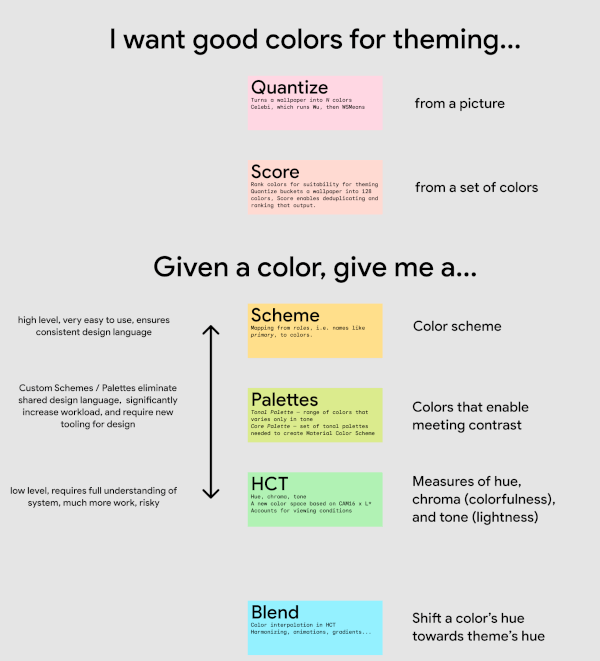
Algorithms and utilities that power the Material Design 3 color system, including choosing theme colors from images and creating tones of colors; all in a new color space.
Sentry SDK for Flutter. This package aims to support different Flutter targets by relying on the many platforms supported by Sentry with native SDKs.
A Dart mock library which simplifies mocking with null safety support and no manual mocks or code generation.
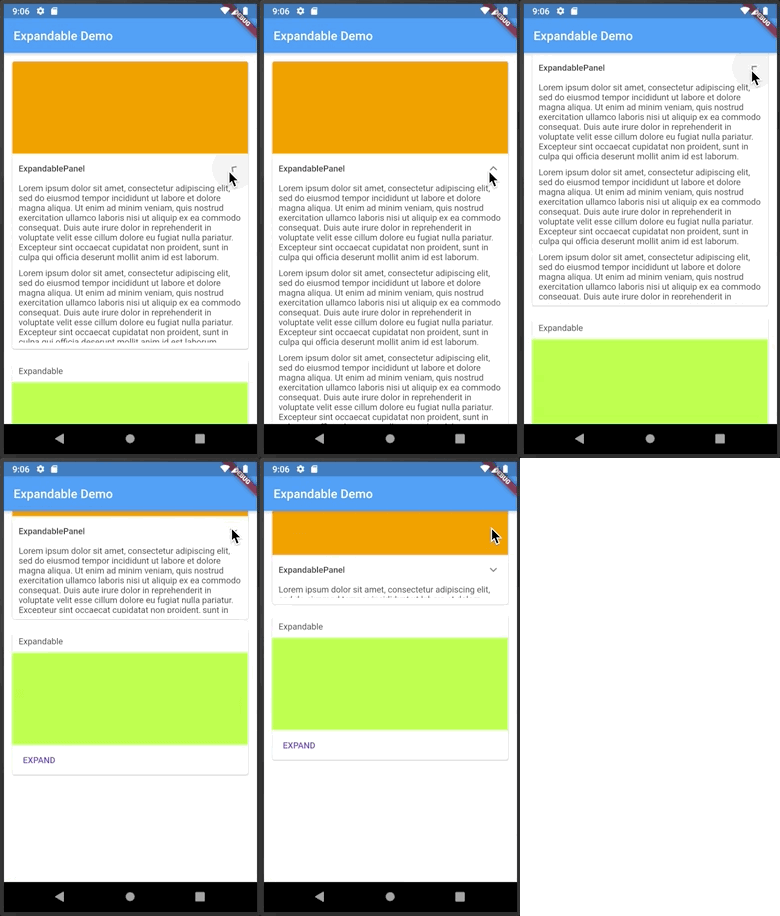
A Flutter widget that can be expanded or collapsed by clicking on a header or an icon.
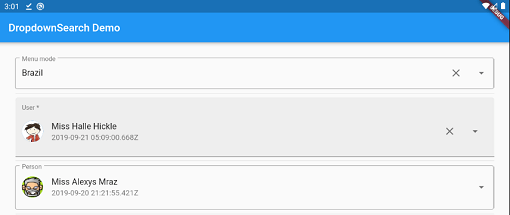
Simple, reactive and highly customizable Flutter Dropdown with a lot of features (search, popups platform, async/sync,...) with multi mode like menu, dialog, bottomSheet and etc.
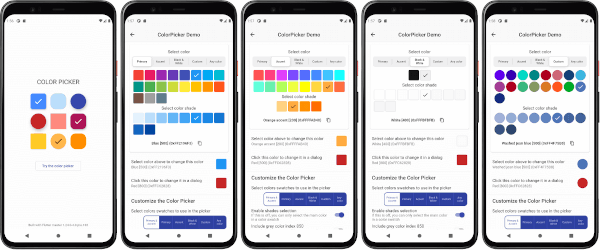
A customizable Flutter primary, accent and custom color picker. Includes an optional HSV wheel color picker.
A 'dart:html' that works in all platforms, including Flutter and server-side. Eases cross-platform development and HTML / XML processing.
Dependency list 45 items
{"path":"packages/annotations"}9.2.0^1.17.27.1.01.0.92.6.15.9.26.0.22.2.12.0.85.0.110.3.1012.2.06.3.04.6.03.8.0{"sdk":"flutter"}9.1.10.7.78.0.20.20.29.0.3^0.11.17.0.72964.5.0+12.1.52.0.00.1.49.16.02.5.42.3.02.3.16.3.20.5.1{"path":"packages/builder"}10.0.02.7.17.1.06.0.0{"sdk":"flutter"}{"sdk":"flutter"}1.0.42.1.22.0.03.2.1Start with your use case, compare repository activity, and check the original project before adopting it.
“A repository is the most basic element of GitHub.”
GitHub Docs — About repositories ↗