v14.0.1
firebase_storage
适用于 Firebase Cloud Storage 的 Flutter 插件,这是一项功能强大、简单且成本效益高的对象存储服务,适用于 Android 和 iOS。
1760喜欢 89.2万近 30 天下载140Pub 分数
AndroidiOSWebmacOSWindows
一个简单的笔记应用,带有 Markdown 编辑器,使用 Flutter 和 Firebase 构建

以下为英文项目原文快照,最新内容请访问 GitHub。
This project is a starting point for a Flutter application. A few resources to get you started if this is your first Flutter project:
Notat is a simple note-taking app with a markdown editor and clean interface, it features:


firebase_messaging: ^12.0.1
uuid: ^3.0.6
flutter_staggered_grid_view: ^0.6.2
auto_size_text: ^3.0.0
tab_indicator_styler: ^2.0.0
flutter_quill: ^5.4.1
loading_animation_widget: ^1.2.0+2
google_fonts: ^3.0.1
animated_text_kit: ^4.2.2
lottie: ^1.4.1
custom_timer: ^0.1.2
jiffy: ^5.0.0
focused_menu: ^1.0.5
flutter_riverpod: ^1.0.4
connectivity_plus: ^2.3.9
flutter_launcher_icons: ^0.9.2
flutter_native_splash: ^2.0.1+1
firebase_storage: ^10.3.4
cloud_firestore: ^3.4.2
firebase_auth: ^3.6.1
firebase_core: ^1.20.0
https://github.com/Dev-Salem/notat.git
Notat isn't available on the app store yet, but you can try it by installing the apk from here
You can contribute by reporting bugs, suggesting improvements, and/or by helping out in code.
适用于 Firebase Cloud Storage 的 Flutter 插件,这是一项功能强大、简单且成本效益高的对象存储服务,适用于 Android 和 iOS。
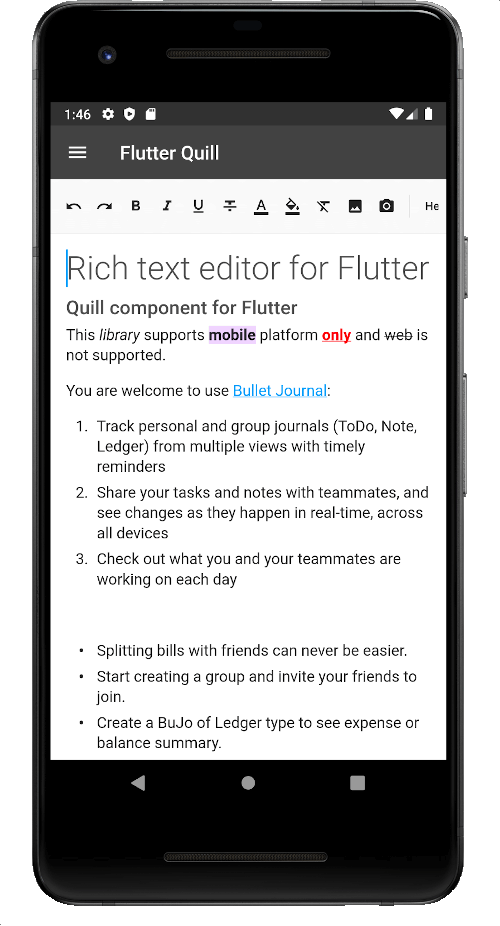
一个为 Android、iOS、Web 和桌面平台构建的富文本编辑器。它是 Flutter 的 WYSIWYG 编辑器和 Quill 组件。
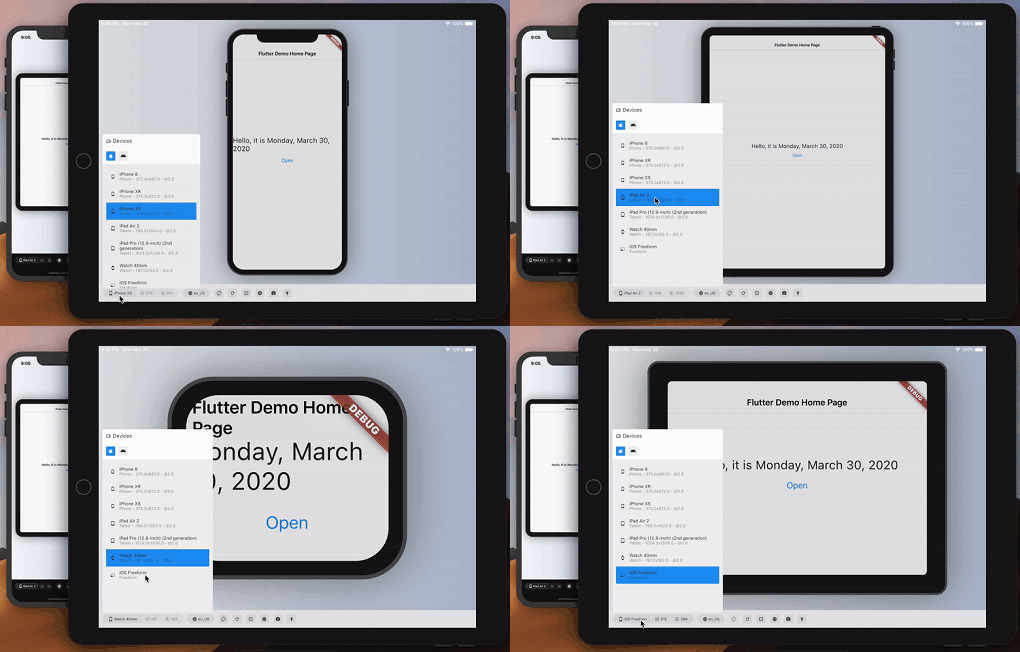
大致预览您的 Flutter 应用在另一台设备上的外观和性能。
一个包含一系列酷炫且美观的文字动画的 Flutter 包项目。
在 Flutter 中原生渲染 After Effects 动画。此包是 Lottie 播放器的纯 Dart 实现。
Jiffy 是一个用于解析、操作、查询和格式化日期时间的 Flutter(Android、IOS 和 Web)日期时间包
这是一个易于实现的包,用于在 Flutter 应用程序中添加聚焦长按菜单。
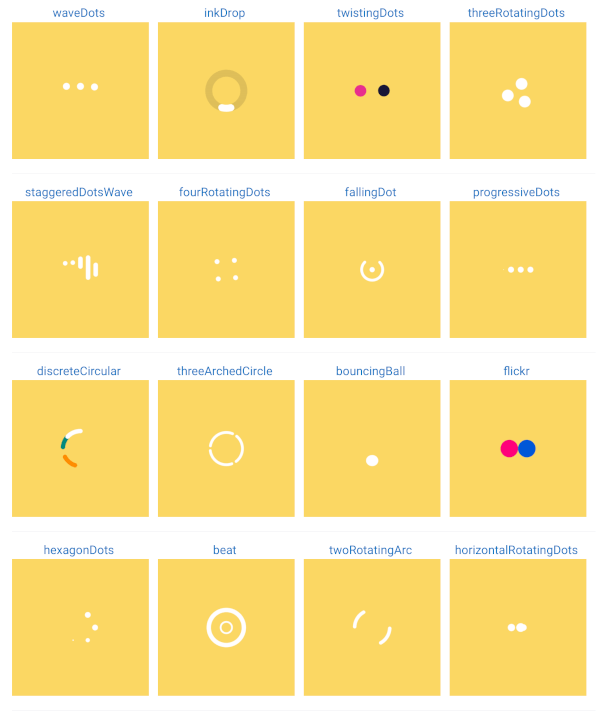
加载动画或加载旋转图标或加载器。用于在应用程序处于加载状态或某些操作需要不确定时间处理时显示加载动画。
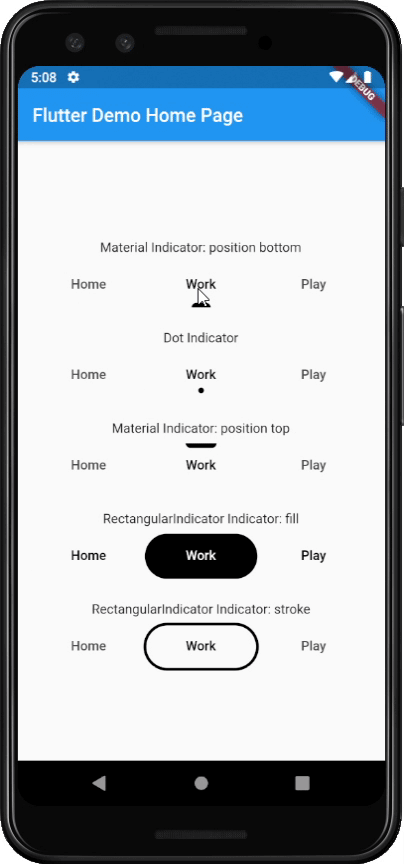
直接将美观且流行的标签指示器添加到您的默认 Flutter TabBar 中
一个用于创建可自定义计时器的 Flutter 包,支持控制器。
依赖清单 25 项
{"sdk":"flutter"}^10.3.4^3.4.2^3.6.1^1.20.0^1.0.2^12.0.1^3.0.6^0.6.2^3.0.0^2.0.0^5.4.1^1.2.0+2^3.0.1^4.2.2^1.4.1^0.1.2^5.0.0^1.0.5^1.0.4^2.3.9^1.1.0{"sdk":"flutter"}^0.9.2^2.0.1+1先按使用场景筛选,再比较项目活跃情况,最后到原始仓库核对使用要求。
“A repository is the most basic element of GitHub.”
GitHub Docs — About repositories ↗