搜索插件、代码仓与 APP 分类

GitHub 代码仓dominikmuellr/trudido

Trudido

简单任务。安全笔记。欧洲制造。

Trudido 项目封面
星标
258
复刻
14
最近推送(UTC)
2026年7月8日
项目状态
未归档

原始 README

以下为英文项目原文快照,最新内容请访问 GitHub。

App Icon

Simple tasks. Secure notes. Made in Europe.

Last Commit Stars Open Issues Downloads License

Get it on F-Droid Get it on Obtainium Get it on Google Play

Love Trudido? Support its development

Ko-fi   Liberapay

Official Sources

The links above are the only trusted sources of Trudido. Any other websites or listings are not affiliated with me or this project.

📍 Table of Contents

📋 Task Management

  • Smart task creation: title, notes, due date & time, and priority
  • Organize tasks into folders (with colors/icons)
  • Recurring tasks: daily/weekly/monthly + custom patterns (e.g. every 2 weeks, specific weekdays) with optional end date
  • Multi-day tasks (start date → due date)
  • Reminders with multiple reminder times (native Android scheduling)
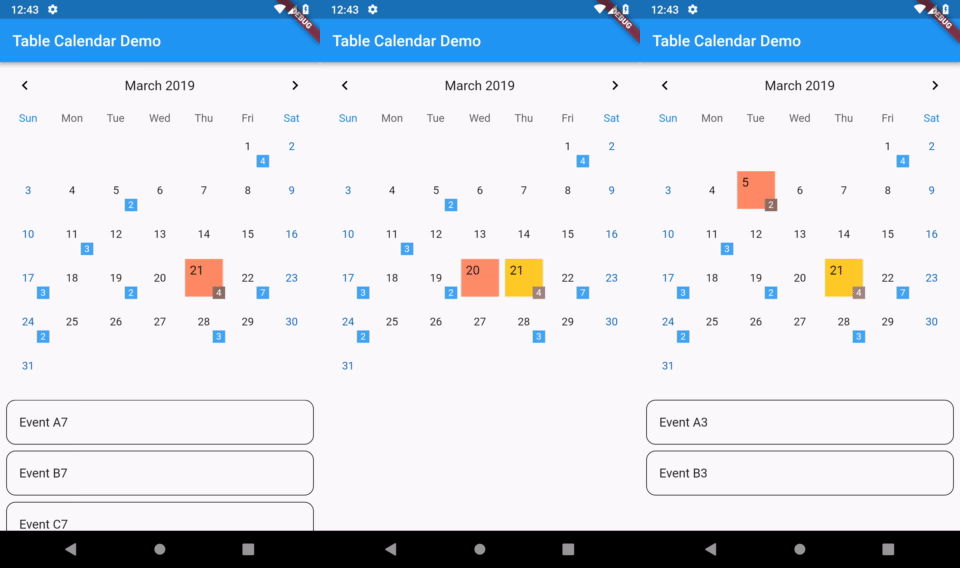
  • Multiple views: list + calendar (month / 2 weeks / week / day)
  • Advanced filtering, sorting, and search
  • Quick actions: swipe actions, multi-select, and batch operations
  • Progress insights: completion stats + streak tracking

📝 Notes

  • Markdown notes with live preview + formatting helpers
  • Rich-text editor (WYSIWYG) with support for media (images / audio / video)
  • Pin important notes, move notes between folders, and manage note collections
  • Export notes (e.g. PDF / Markdown)

🔐 Vault (Encrypted Notes)

  • Lock note folders as an AES-256 encrypted Vault
  • Secure access with password/PIN and optional biometric unlock
  • Vault content stays local and encrypted on-device

🗂️ Folder Templates

  • Built-in templates to instantly create task folders with pre-filled workflows
  • Create your own templates (or generate one from an existing folder)
  • Template suggestions when creating a new folder

💾 Backup & Data Ownership

  • Export/import full app data (JSON)
  • Export everything to a single PDF (tasks + notes)
  • Import/export notes as Markdown
  • Automatic backups on a schedule (Android) + restore from auto backups

📅 Calendar Sync

  • Optional sync with your device calendars (import and/or export)
  • Calendar diagnostics and per-calendar selection

🎨 Design & Customization

  • Material 3 interface
  • Dynamic color (Material You, Android 12+)
  • Light/Dark modes + custom accent themes
  • Compact density + high-contrast option
  • UI preferences like swipe behavior, FAB position, and layout tweaks

🔒 Privacy

  • 100% offline by default — your data stays on your device
  • No tracking, ads, or analytics
  • Full control over your data with import/export and backups
  • Lock the whole app with PIN and optional biometric unlock
Your tasks and notes stay with you.

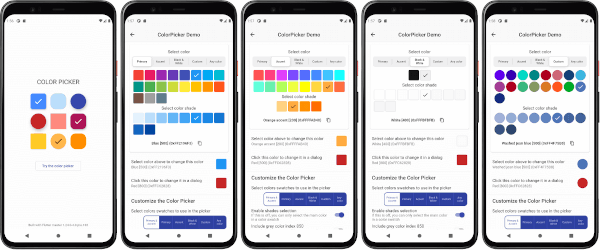
📸 Screenshots


🧩 License

Licensed under the GNU General Public License v3.0 (GPL-3.0).
You are free to use, modify, and distribute this software under the same license.
See the LICENSE file for details.

💬 Contributing

Pull requests are welcome.
For major changes, please open an issue first to discuss what you’d like to modify.

Dominik GitHub avatar
GitHub 作者

Dominik ↗

Spain
语言DartKotlinPython

分类

依赖Flutter组件

使用的依赖

依赖清单 41 项

App 分类

如何选择适合项目的代码仓?

先按使用场景筛选,再比较项目活跃情况,最后到原始仓库核对使用要求。

  1. 通过仓库名、作者或描述搜索,再按技术分类缩小范围。
  2. 结合星标、复刻与最近推送比较项目;星标反映社区关注,不代表质量保证。
  3. 使用前在 GitHub 核对 README、许可证与 Issues。

来源与维护

“A repository is the most basic element of GitHub.”

GitHub Docs — About repositories ↗