
 v11.6.0
flutter_quill
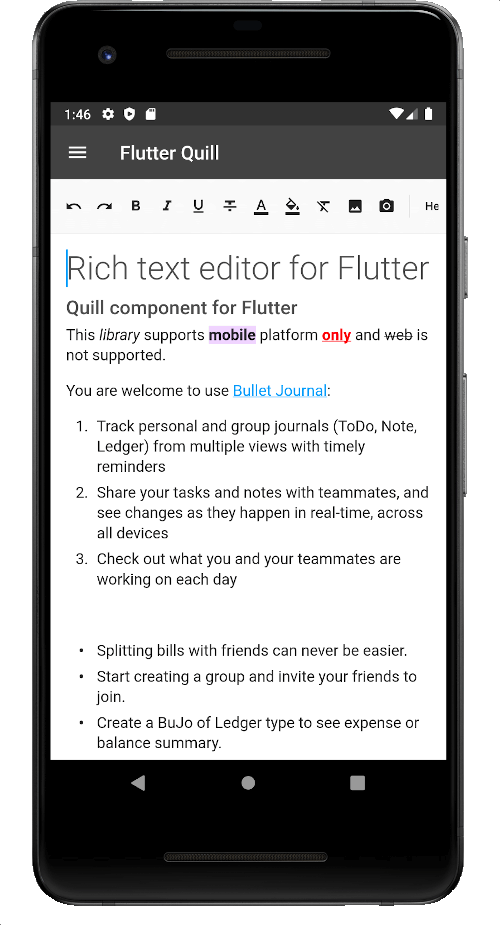
一个为 Android、iOS、Web 和桌面平台构建的富文本编辑器。它是 Flutter 的 WYSIWYG 编辑器和 Quill 组件。
2160喜欢 32万近 30 天下载150Pub 分数
AndroidiOSmacOSWindowsLinux
Virlow Flutter 录音机是一款开源的 Flutter 应用程序,可对录制的音频进行转录,同时还包含摘要(TL;DR)和速记笔记。它还包含一个富文本编辑器,允许您编辑转录内容并添加任何额外的笔记。
 v11.6.0
一个为 Android、iOS、Web 和桌面平台构建的富文本编辑器。它是 Flutter 的 WYSIWYG 编辑器和 Quill 组件。
 v3.0.0
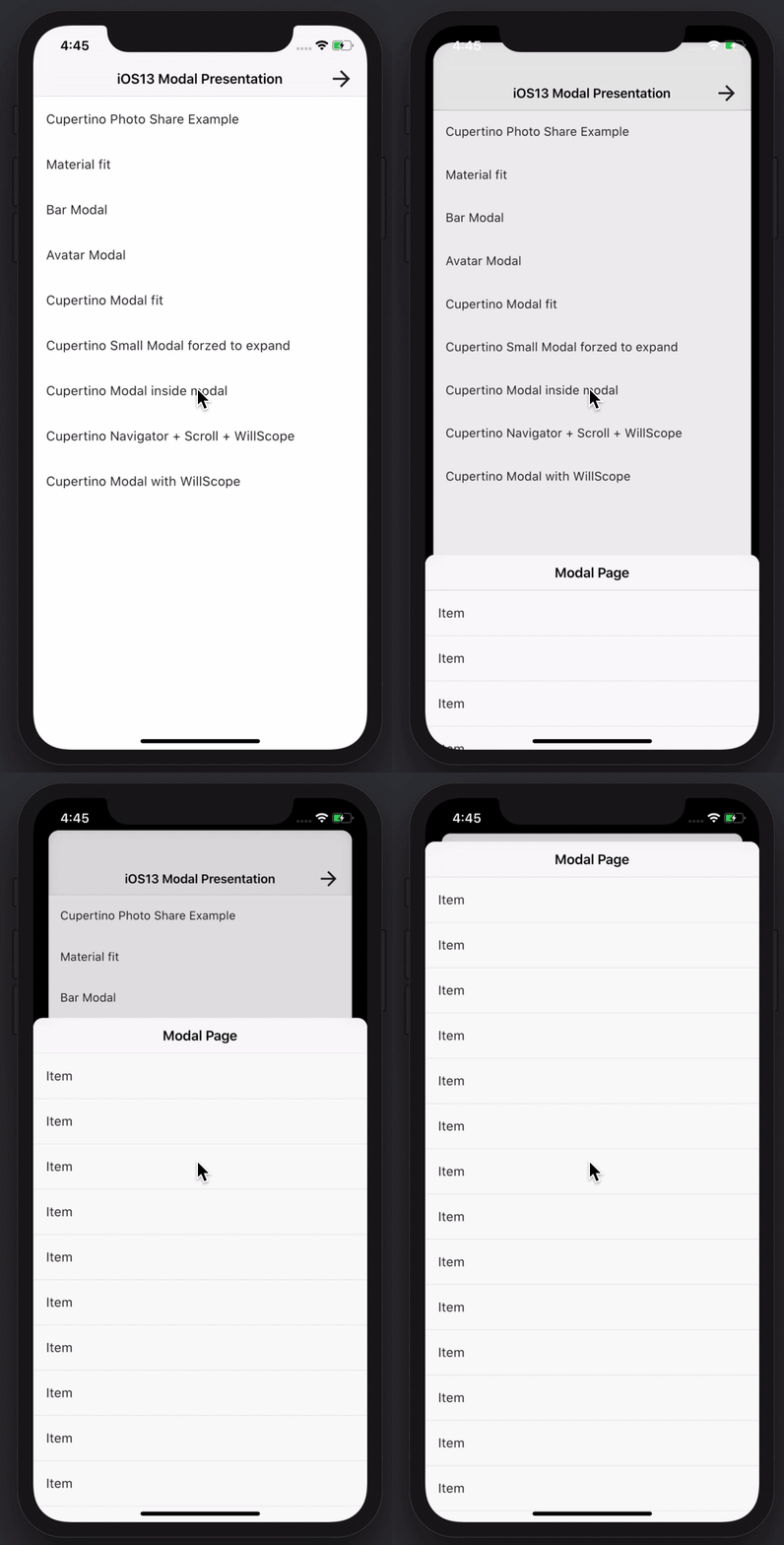
创建令人惊叹且功能强大的模态底部弹窗。支持 Material、Cupertino iOS 13 风格,或自定义样式
支持 GraphQL 和 REST 操作的 Amplify Flutter API 类别插件。
使用 AWS Cognito 提供程序的 Amplify Flutter Auth 类别插件。
Amplify Auth 类别的预构建登录和注册体验
AWS Amplify 库的顶级 Flutter 包。
 v9.30.0
一个完整的音频播放和录制API。Tau家族成员。音频播放器,音频录音机。为乌克兰祈祷。
 v6.0.0
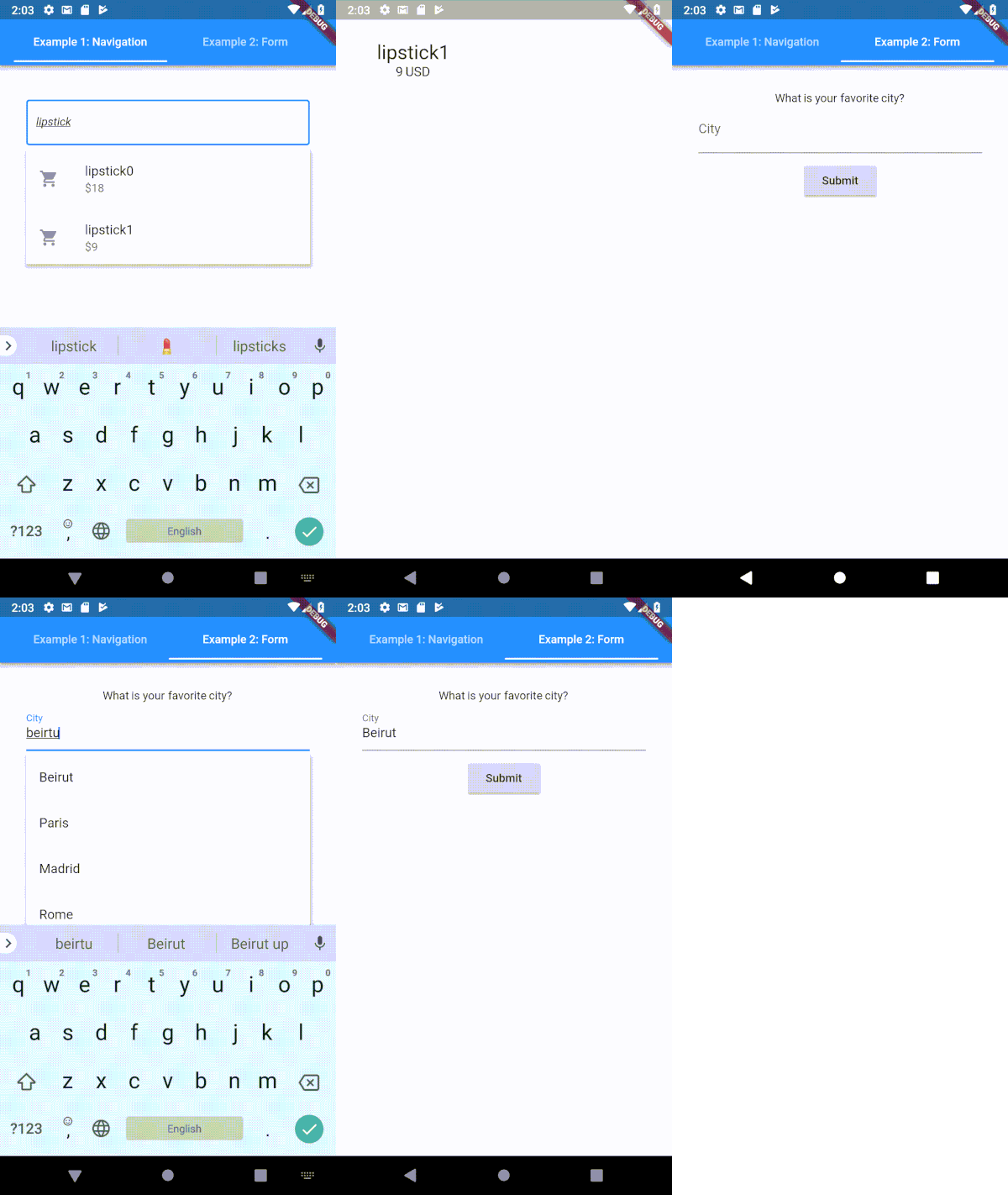
一个高度可定制的 Flutter 类型提示(自动完成)文本输入字段
适用于 web、flutter、dartvm 的 socket.io-client 的 Dartlang 版本
 v6.0.0
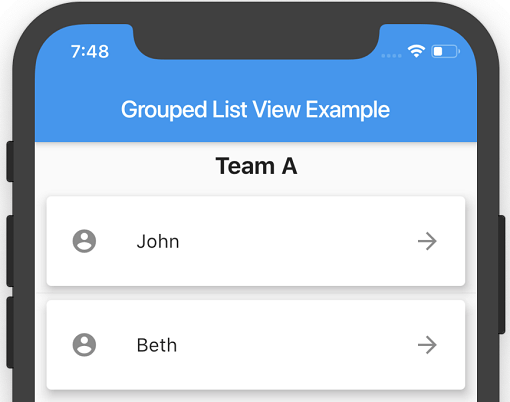
一个 Flutter ListView,其中列表项可以分组为多个部分。
 v6.0.0
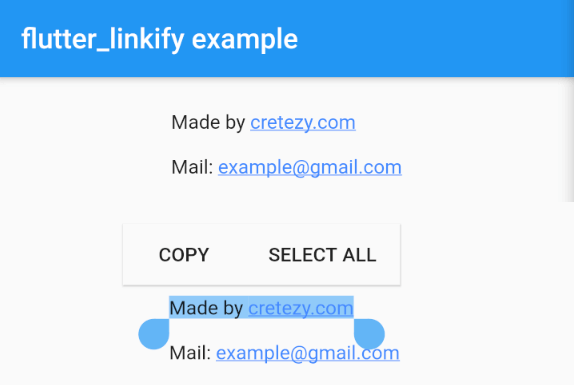
将文本中的 URL 和电子邮件转换为 Flutter 中的可点击内联链接。
 v3.5.0
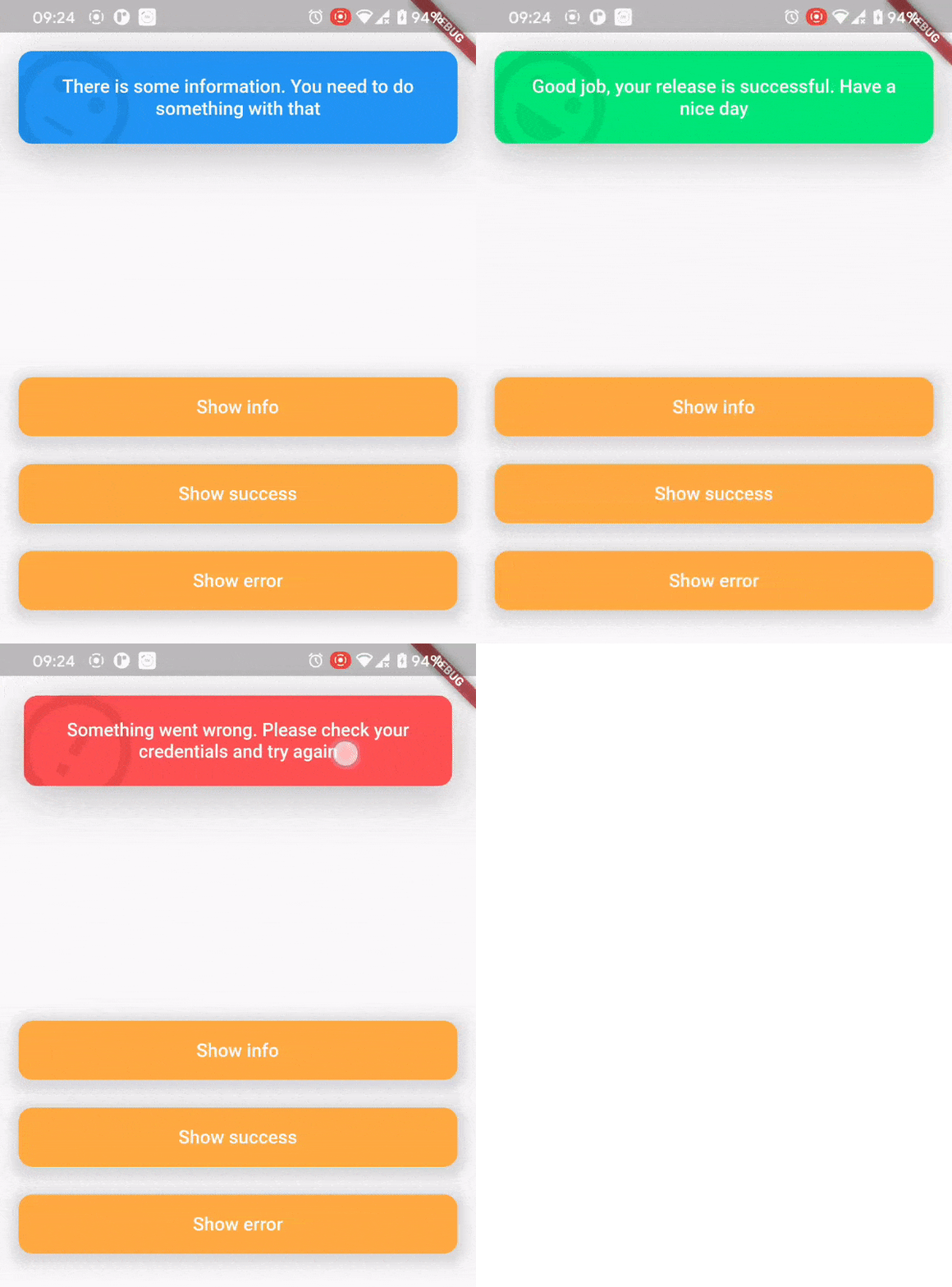
顶部消息栏包旨在以美观便捷的方式向用户告知发生了什么。
依赖清单 30 项
^0.1.6+1{"sdk":"flutter"}^1.0.4^5.0.2^2.0.0^5.0.3^2.0.0^9.2.13^4.0.0^5.1.1^2.2.1^1.1.0^0.13.4^0.17.0^0.9.21^2.0.1^9.2.0^2.0.0-beta.4-nullsafety.0^1.1.1^6.1.2^3.0.6^0.27.3{"git":{"url":"https://github.com/virlow-voice/flutter-sound-stream"}}^0.6.0^0.6.0^0.2.0^0.6.0^2.1.0{"sdk":"flutter"}^2.0.1以下为英文项目原文快照,最新内容请访问 GitHub。
Version 2.2.0-beta
The Virlow Flutter Recorder is an open-source Flutter application that can transcribe recorded audio, plus it includes TL;DR and Short Hand Notes for your transcription. It also consists of a rich text editor that allows you to edit the transcription plus add any additional notes you require.
https://raw.githubusercontent.com/virlow-voice/virlow-flutter-recorder/HEAD/virlow.gif
The Virlow Flutter Recorder leverages the Virlow Speech-to-Text API for transcription as well as TL;DR and Short Hand Notes. The Virlow API can automatically convert audio/video files and live audio streams to text with Virlow’s Speech-to-Text APIs. Powered by cutting edge AI models.
Find instructions for setting up your development machine with the Flutter framework on Flutter’s Get started page. The specific steps vary by platform
This project uses the Virlow Speech-to-Text API. You will need to register and generate an API key to use this within your own project.
To run your project, you’ll need to use one of the following options:
Clone this repository.
Update the assets/cfg/app_settings.json with your Virlow API key.
Run flutter pub get.
In VS Code select a platform — for example, the Pixel mobile emulator — and wait while the emulator launches.
Once the emulator is ready, build and run by pressing F5, by selecting Debug ▸ Start Debugging from the menu or by clicking the triangular Play icon in the top right.