搜索插件、代码仓与 APP 分类

top_snackbar_flutter 封面
插件详情v3.5.0

top_snackbar_flutter

顶部消息栏包旨在以美观便捷的方式向用户告知发生了什么。

AndroidiOSWebmacOSWindowsLinux
近 30 天下载
4.7万
喜欢数
531
Pub 分数
160

安装插件

flutter pub add top_snackbar_flutter

插件介绍

基于插件公开信息、社区数据与项目使用情况整理的选型参考。

Top Snackbar Flutter 是一个通知包,旨在在屏幕顶部提供简洁、用户友好的反馈消息。它提供了一种简单且可自定义的方式,向用户告知操作、状态或事件,而不会干扰他们的工作流程。该包设计时注重集成的便捷性,支持 Android、iOS、Web、macOS、Windows 和 Linux 多个平台。该包通过提供流畅的动画和跨设备的一致性样式来提升用户体验。非常适合需要即时、非侵入式反馈的应用。

适合场景

  • 显示操作确认
  • 显示错误或成功消息
  • 提供实时状态更新
  • 增强交互过程中的用户反馈
  • 通知用户后台进程结果

主要特点

  • 顶部对齐的通知
  • 可自定义的外观和持续时间
  • 跨平台兼容性
  • 流畅的动画
  • 简单 API 集成
  • 支持深色模式

适合对象

  • 移动和网络应用
  • 需要即时用户反馈的应用程序
  • 寻求轻量级通知解决方案的开发者
  • 强调干净的用户界面/用户体验设计的项目
  • 使用 Flutter 进行多平台部署的团队

使用建议

  • 仅限顶部定位的snackbar
  • 不支持复杂布局的内置支持
  • 需要手动处理取消时机
  • 最适合简短消息
  • 可能需要额外的样式以保持品牌一致性

原始 README

以下为关联源码仓库的 README 原文快照,最新内容请访问源码仓库。

SWUbanner

Made in lanars.com.

pub package

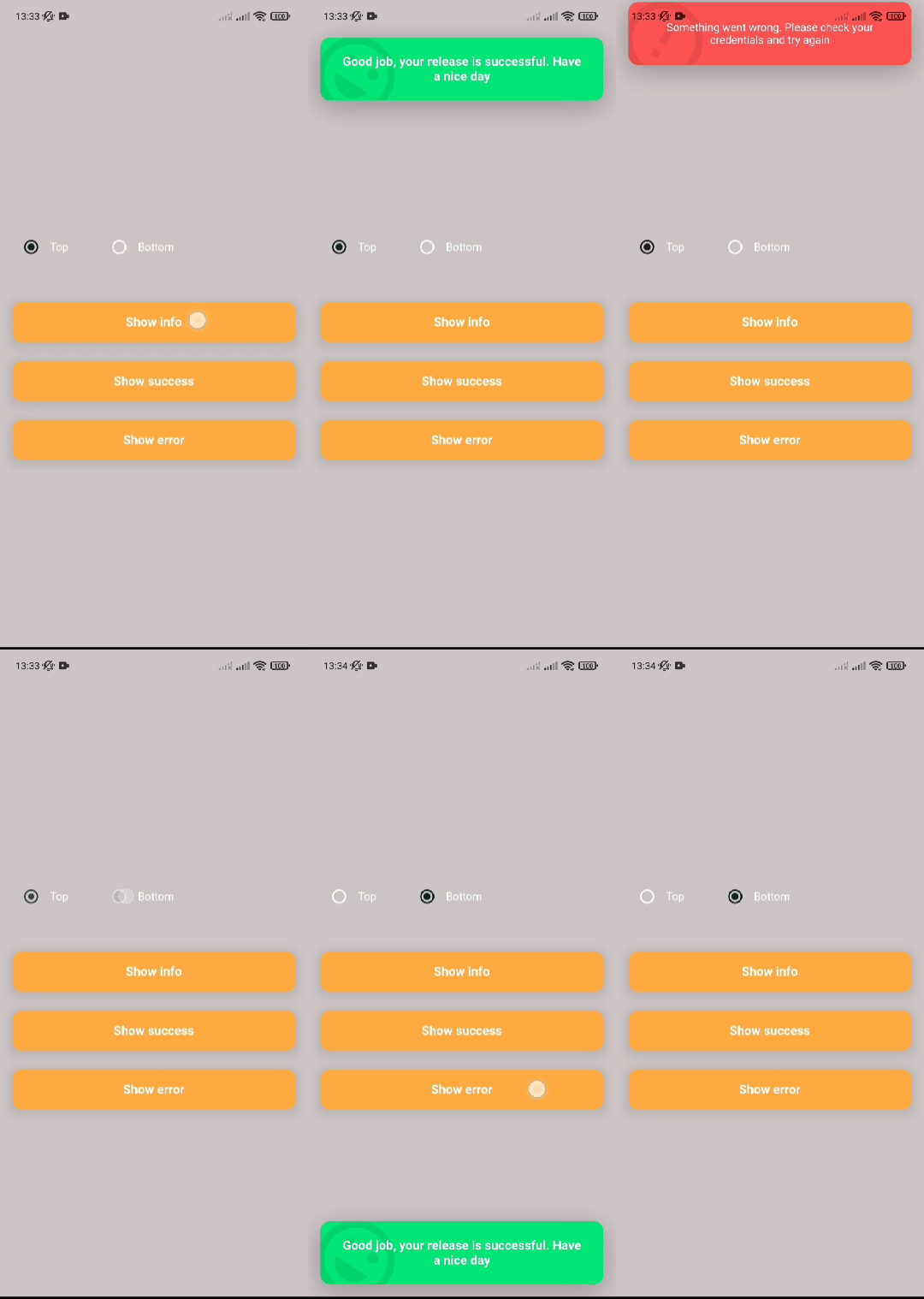
If you need to show the user some information in a nice way, you can use this package. The API is as simple as API for regular Material method showDialog. If you need to use your own widget to display, you can pass it into showTopSnackBar function.

Getting Started

In order to show a CustomSnackBar you need to call a showTopSnackBar function. You can pass there any widget you want but we have a CustomSnackBar for example.

showTopSnackBar(
    Overlay.of(context),
    CustomSnackBar.success(
      message:
          "Good job, your release is successful. Have a nice day",
    ),
);
showTopSnackBar(
    Overlay.of(context),
    CustomSnackBar.info(
      message:
          "There is some information. You need to do something with that",
    ),
);
showTopSnackBar(
    Overlay.of(context),
    CustomSnackBar.error(
      message:
          "Something went wrong. Please check your credentials and try again",
    ),
);

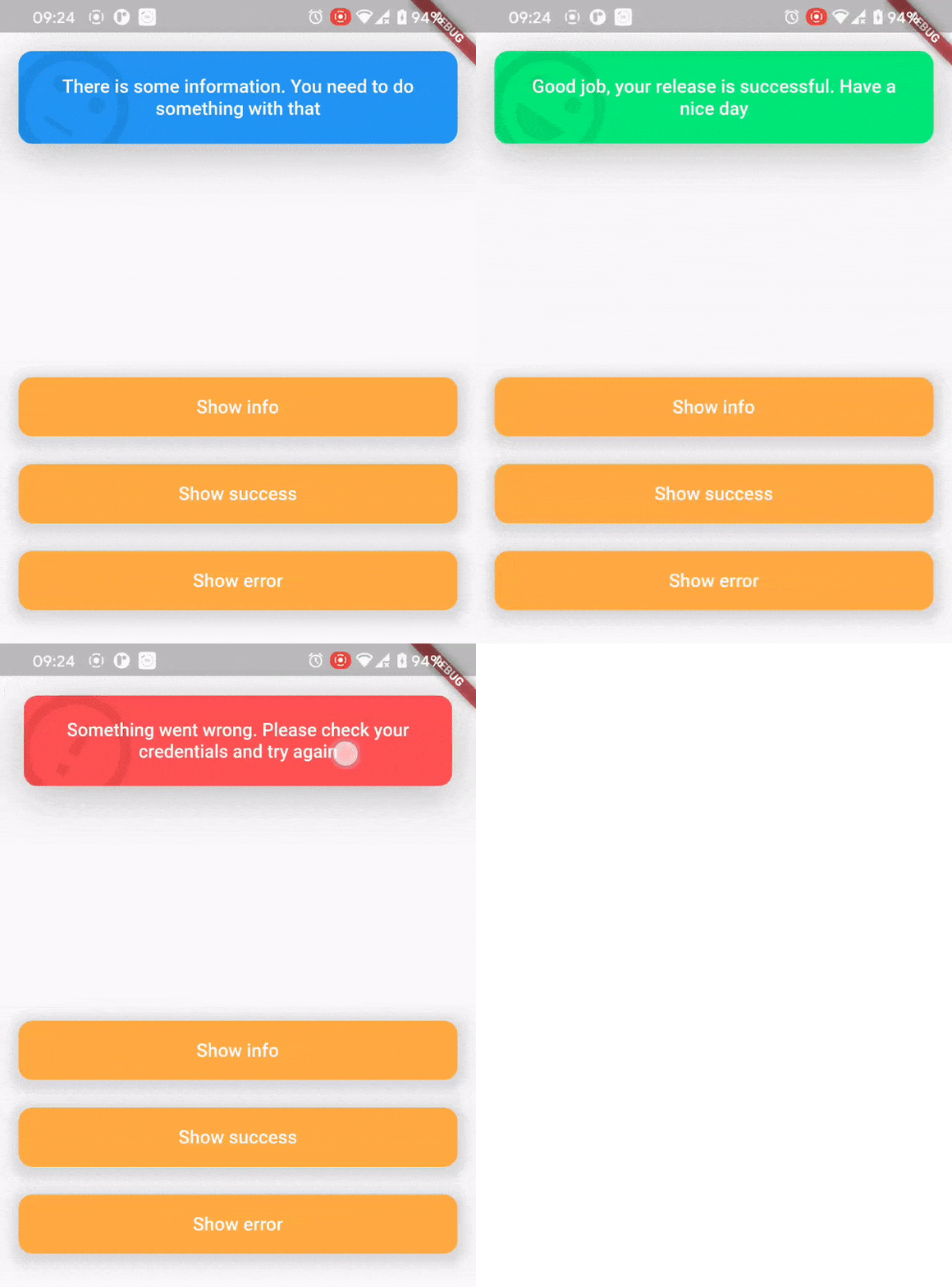
Persistent snackbar

There is a usage example demo example/main.dart

AnimationController localAnimationController;
TapBounceContainer(
    onTap: () {
        showTopSnackBar(
            Overlay.of(context),
            CustomSnackBar.info(
              message: "Persistent SnackBar",
            ),
            persistent: true,
            onAnimationControllerInit: (controller) =>
              localAnimationController = controller,
        );
    },
    child: buildButton(context, "Show persistent SnackBar"),
),
TapBounceContainer(
    onTap: () => localAnimationController.reverse(),
    child: buildButton(context, "Dismiss"),
),

所属分类

依赖

依赖清单 1 项

源码仓库

使用此插件的项目