Function which returns an Widget which defines the item. * indexedItemBuilder provides the current index as well. * interdependentItemBuilder provides the previous and next items as well. * groupItemBuilder provides information if the item is the first or last element inside a group. indexedItemBuilder is preferred over interdependentItemBuilder and interdependentItemBuilder is preferred overitemBuilder.
yes, either of them
-
groupSeparatorBuilder / groupHeaderBuilder
Function which returns a Widget which defines the group headers. While groupSeparatorBuilder gets the groupBy-value as parameter groupHeaderBuilder gets the whole element. If both are defined groupHeaderBuilder is preferred
yes, either of them
-
groupStickyHeaderBuilder
Function which returns a Widget which defines the sticky group header, when useStickyGroupSeparators is true. If not defined groupSeparatorBuilder or groupHeaderBuilder will be used as described above.
no
-
useStickyGroupSeparators
When set to true the group header of the current visible group will stick on top
no
false
floatingHeader
Whether the sticky group header float over the list or occupy it's own space
no
false
stickyHeaderBackgroundColor
Defines the background color of the sticky header. Will only be used if useStickyGroupSeparators is used
no
Color(0xffF7F7F7)
separator
A Widget which defines a separator between items inside a group
no
no separator
groupComparator
Can be used to define a custom sorting for the groups. Otherwise the natural sorting order is used
no
-
itemComparator
Can be used to define a custom sorting for the elements inside each group. Otherwise the natural sorting order is used
no
-
order
Change to GroupedListOrder.DESC to reverse the group sorting
no
GroupedListOrder.ASC
footer
Widget at the bottom of the list
no
-
Also the fields from ListView.builder can be used.
Highlight - SilverGroupedList
Now supporting a grouped list based on a silver list. Just use SilverGroupedListView instead of GroupedListView. An example can be found under example/lib/example_silver.
Note that some options of the GroupedListView are currently not available in SilverGroupedListView.
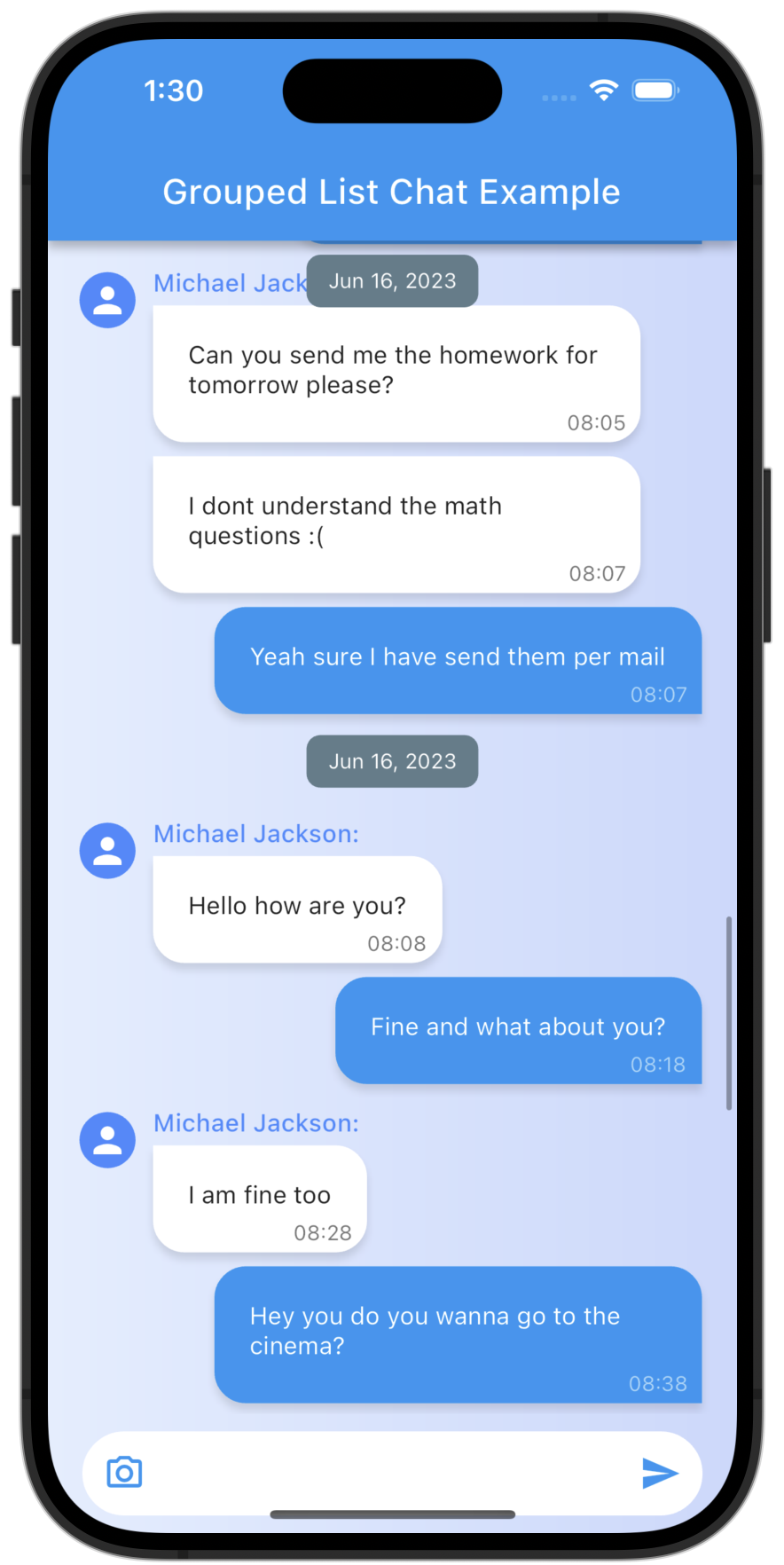
Highlight - Chat Dialog
Easy creation of chat dialogs.
Just set the option reverse to true and order to GroupedListOrder.DESC. A full example can be found in the examples.
The list will be scrolled to the end in the initial state and therefore scrolling will be against redeaing direction.
My other packages :
For easy creation of chat-like dialogs:
Check out my other package StickyGroupedList, which is based on the scrollable_positioned_list.