
v2.19.0
google_maps_flutter
iOS および Android アプリケーションに Google マップを統合するための Flutter プラグイン。
4630いいね 114万30日間ダウンロード150Pub ポイント
AndroidiOSWeb
グループと場所を共有するためのFlutterアプリケーション。(開発中)

iOS および Android アプリケーションに Google マップを統合するための Flutter プラグイン。
Flutter向けのGraphQLクライアントで、現代的なGraphQLクライアントのすべての機能を1つの使いやすいパッケージにまとめています。
AutoRoute は宣言型のルーティングソリューションであり、ナビゲーションに必要なすべてのものが自動的に生成されます。
 v2.0.0+1
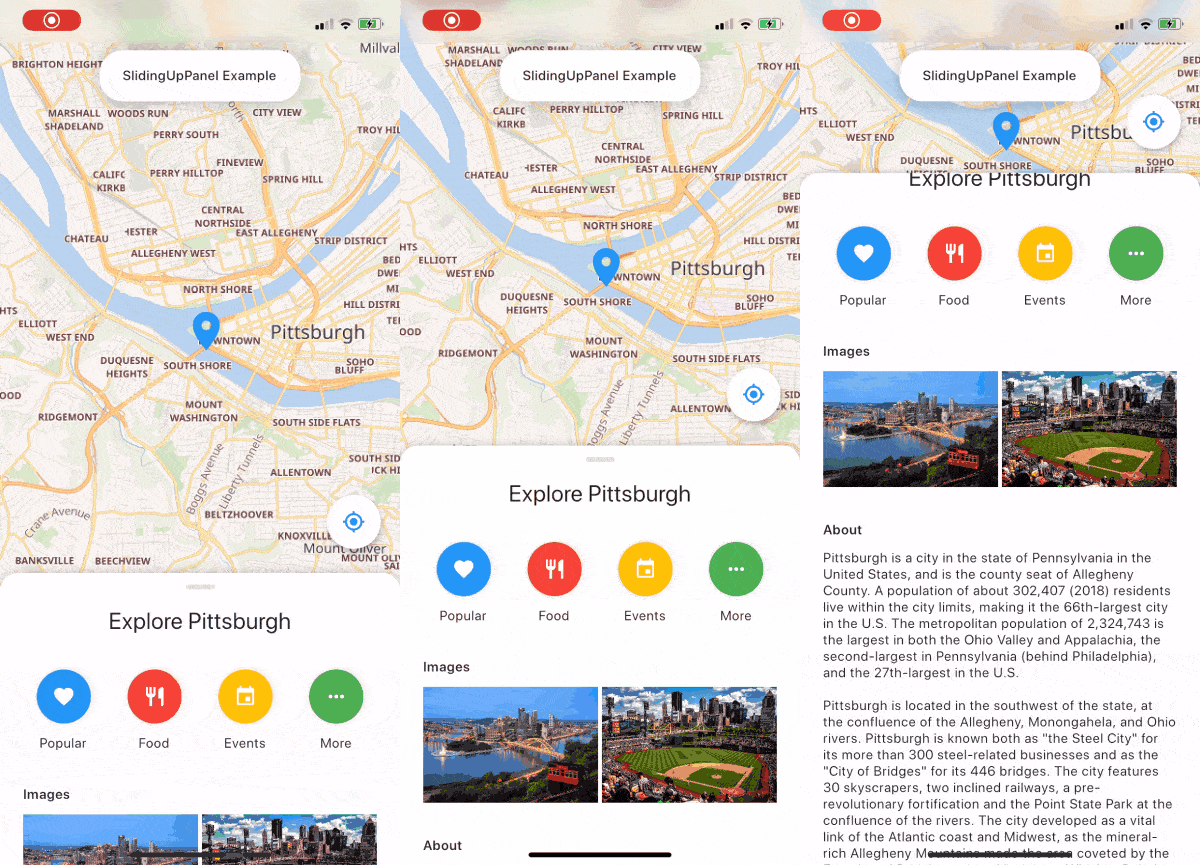
SlidingUpPanel を実装するのをはるかに簡単にするドラッグ可能な Flutter ウィジェットです!
Flutter用のジオロケーションプラグイン。このプラグインは、汎用的な位置情報(GPSなど)機能を、クロスプラットフォーム(iOS、Android)で利用できるAPIを提供します。
 v10.0.2
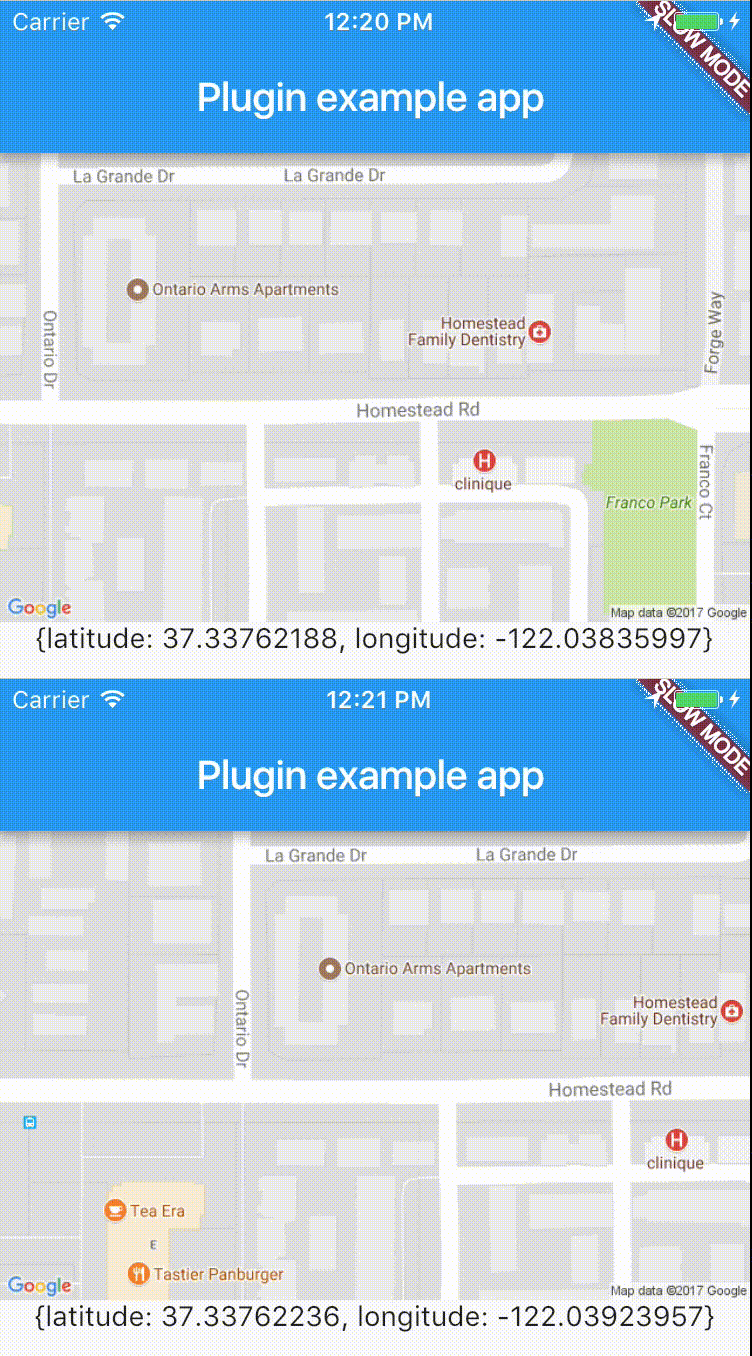
リアルタイムでデバイスの位置に簡単にアクセスできるクロスプラットフォーム用プラグイン。
 v7.0.0
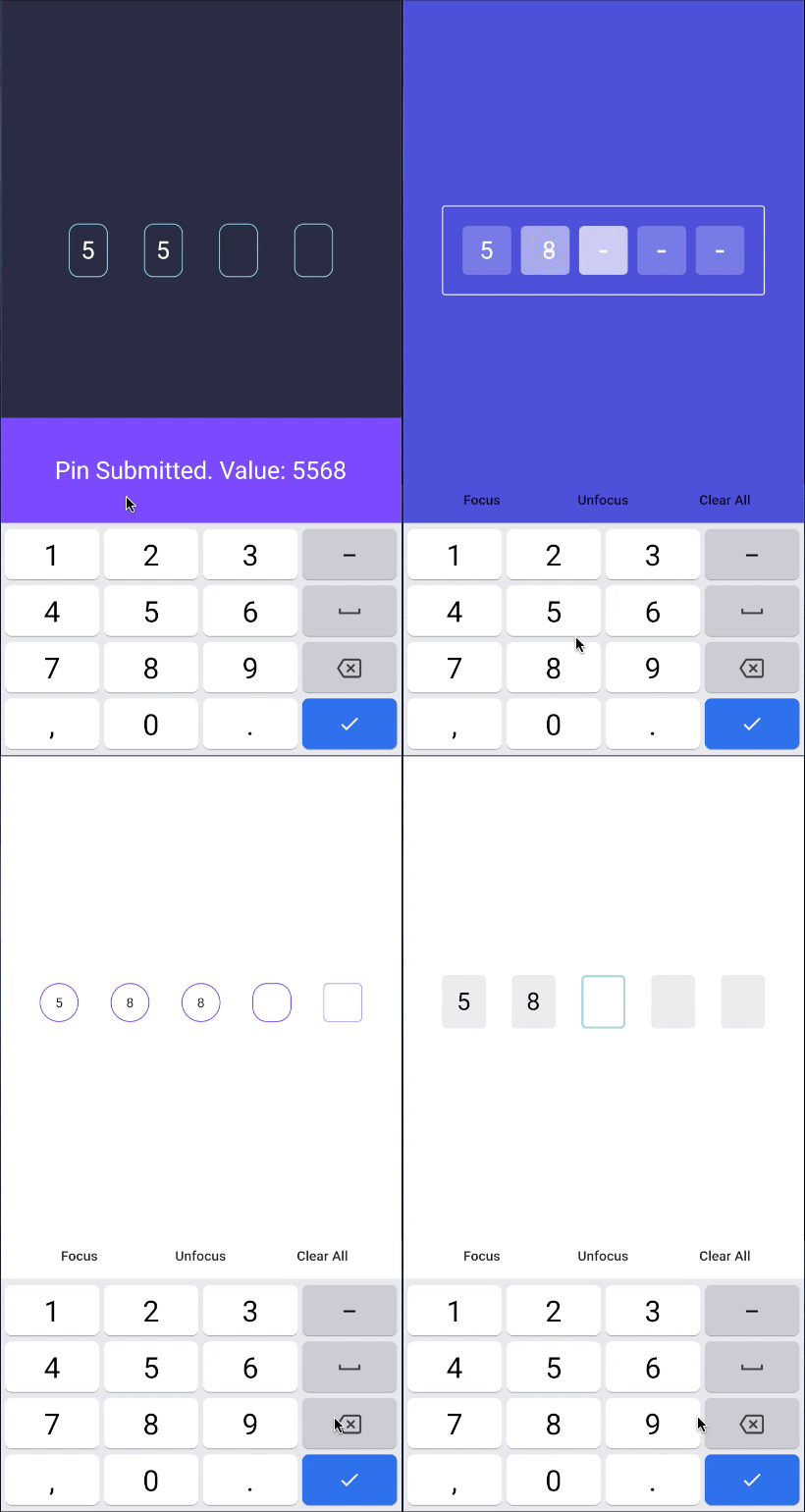
PINコード入力(OTP)テキストフィールド、iOS SMSオートフィル、Android SMSオートフィルワンタイムコード、パスワード、パスコード、キャプチャ、セキュリティ、クーポン、Wowcher、2FA、二段階認証
オーバーレイ用のプロバイダーサポート、トーストおよび内部通知を簡単に構築
 v3.1.0
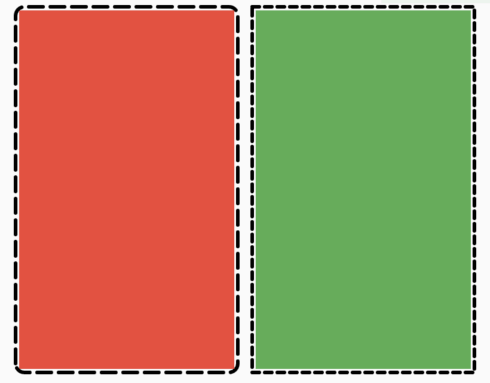
任意のウィジェットに点線ボーダーを簡単に追加できるFlutterパッケージです。
iOS、Android、Web、OpenHarmony での振動 API を処理するためのプラグインです。
Column や Row などの Flex ウィジェット、またはスクロールビュー内に簡単にギャップを追加するための Flutter ウィジェット。
1つのコマンドでアプリのパッケージ名を変更します。AndroidManifest、build.gradle、MainActivity ファイルを更新し、MainActivity ファイルを新しいディレクトリ構造に自動的に移動します。
any^1.0.5^2.1.0^1.1.1{"sdk":"flutter"}^3.2.0^2.0.2^4.1.0^17.2.1+1^1.0.0^5.2.0^8.2.4any4.1.4^7.6.4^2.5.3^2.2.3^0.17.0^7.0.0—^0.5.1^2.1.0^2.0.4^6.1.1^0.27.7^9.0.0^2.0.7^3.3.1^3.0.1^2.0.0+1^0.5.1^0.8.0^0.0.2any^3.0.1—^8.1.1^8.1.4^8.1.5^2.4.1{"git":{"url":"https://github.com/letsar/flutter_slidable.git","ref":"master"}}^5.1.2^0.13.6^5.0.0^1.9.0—^6.2.1^1.5.0^2.1.0^3.0.0^2.1.2^0.13.1{"sdk":"flutter"}^2.5.2^1.16.5—^4.9.0^6.8.0以下は英語原文のスナップショットです。最新版は GitHub をご覧ください。
https://ccextractor-beacon-docs.netlify.app/
The source code of documentation can be found here: https://github.com/CCExtractor/Beacon-Documentation
This project is a flutter build native interface to ease the group travelling (or hiking). By using this, the group leader would be able to share his location with the entire crew, and in case if someone loses contact with the group, he can quickly get in the right place by following the beacon.
You can test Beacon in your own development environment. This section shows you how:
You'll need to set up the IDE and mobile device emulator, or any mobile testing device on your local system.
Flutter Environment: You'll need to have the following installed:
Ensure you are testing the app using Flutter version 3.0.1 and above.
For checking flutter version:
flutter --version in terminalIf your version is not upto date, follow these steps to upgrade:
flutter channel stable to switch to the channel having stable version of flutter updatesflutter upgrade to get the latest flutter versionDevelopment Environment: For setting up the development environment, follow the steps given below.
git clone https://github.com/<username>/beacon.gitcd into beaconflutter doctorflutter pub getflutter runFor help getting started with Flutter, view our online documentation, which offers tutorials, samples, guidance on mobile development, and a full API reference.
This project follows Clean architecture with following structure:
beacon/
├── lib/
│   ├── config/                         # Configuration files
│   ├── core/                           # Core application logic
│   ├── data/
│   │   ├── datasources/
│   │   │   ├── local/                  # Local data sources
│   │   │   └── remote/                 # Remote data sources
│   │   ├── models/                     # Data models
│   │   └── repositories/               # Data repositories
│   ├── domain/
│   │   ├── entities/                   # Domain entities
│   │   ├── repositories/               # Domain repositories
│   │   └── usecases/                   # Domain use cases
│   ├── presentation/
│   │   ├── auth/
│   │   │   ├── cubit/                  # Authentication Cubit
│   │   │   ├── widget/                 # Authentication widgets
│   │   │   └── screen/                 # Authentication screens
│   │   ├── home/
│   │   │   ├── cubit/                  # Home Cubit
│   │   │   ├── widget/                 # Home widgets
│   │   │   └── screen/                 # Home screens
│   │   ├── group/
│   │   │   ├── cubit/                  # Group Cubit
│   │   │   ├── widget/                 # Group widgets
│   │   │   └── screen/                 # Group screens
│   │   ├── hike/
│   │   │   ├── cubit/                  # Hike Cubit
│   │   │   ├── widget/                 # Hike widgets
│   │   │   └── screen/                 # Hike screens
│   │   ├── widgets/                    # Shared widgets used across all presentation folders
│   │   └── splash_screen.dart          # Initial screen displayed while loading
├── main.dart                           # App entry point
├── theme/                              # Theme configurations
├── locator.dart                        # Dependency injection setup (using get_it)
├── router.dart                         # App navigation routes
https://raw.githubusercontent.com/CCExtractor/beacon/HEAD/screenshots/1.jpg https://raw.githubusercontent.com/CCExtractor/beacon/HEAD/screenshots/2.jpg https://raw.githubusercontent.com/CCExtractor/beacon/HEAD/screenshots/3.jpg https://raw.githubusercontent.com/CCExtractor/beacon/HEAD/screenshots/4.jpg
https://raw.githubusercontent.com/CCExtractor/beacon/HEAD/screenshots/5.png https://raw.githubusercontent.com/CCExtractor/beacon/HEAD/screenshots/6.png https://raw.githubusercontent.com/CCExtractor/beacon/HEAD/screenshots/7.png https://raw.githubusercontent.com/CCExtractor/beacon/HEAD/screenshots/8.png
https://raw.githubusercontent.com/CCExtractor/beacon/HEAD/screenshots/9.png https://raw.githubusercontent.com/CCExtractor/beacon/HEAD/screenshots/10.png
Whether you have some feauture requests/ideas, code improvements, refactoring, performance improvements, help is always Welcome. The more is done, better it gets.
If you found any bugs, consider opening an issue.
To know the details about features implemented till Google Summer of Code'21 and future todo's please visit this blog
We would love to hear from you! You may join gsoc-beacon channel of CCExtractor community through slack: