v3.0.2
flare_flutter
Flutter用のベクターデザインとランタイムアニメーション。
738いいね 1.4万30日間ダウンロード40Pub ポイント
プラットフォーム情報なし
簡略化されたマニュアルページ、tldr.sh クライアント

以下は英語原文のスナップショットです。最新版は GitHub をご覧ください。



 |
 |
|---|
The tldr pages project is a collection of community-maintained help pages for command-line tools, that aims to be a simpler, more approachable complement to traditional man pages.
Maybe you are new to the command-line world? Or just a little rusty? Or perhaps you can't always remember the arguments to lsof, or tar?
It certainly doesn't help that the first option explained in man tar is:
-b blocksize
Specify the block size, in 512-byte records, for tape drive I/O.
This app is just that: an ever-growing collection of examples for the most common UNIX, Linux, macOS, SunOS and Windows command-line tools.
 |
 |
 |
 |
 |
|---|
flutter pub getflutter runCurrently open to all contributions. Hit those issue and PR buttons.
Code released under the MIT License.
Flutter用のベクターデザインとランタイムアニメーション。
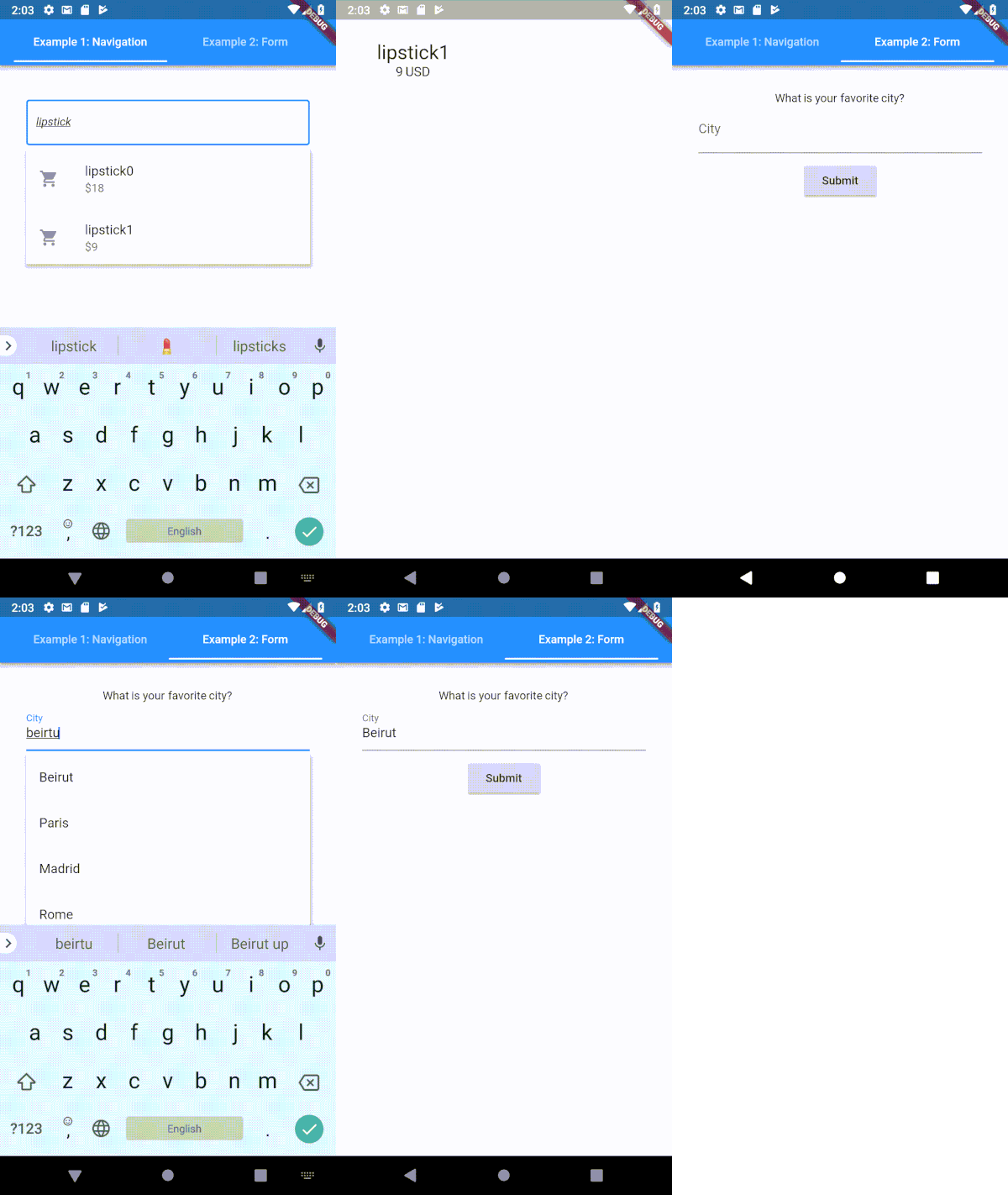
Flutter用に高度にカスタマイズ可能なタイプヘア(自動補完)テキスト入力フィールド
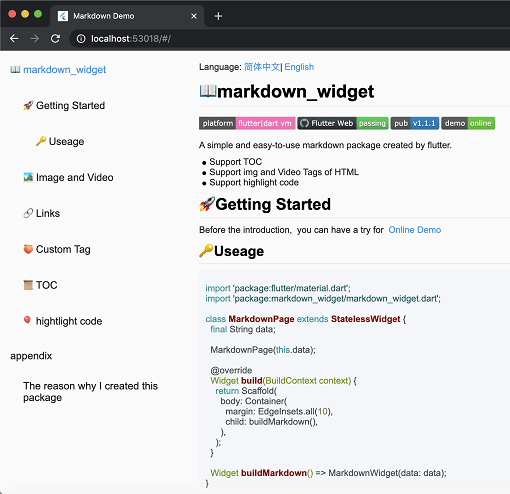
新しいマークダウンパッケージ。TOC機能、コードの強調表示をサポートし、すべてのプラットフォームに対応しています。
タブインジケーターにバブル風のエフェクトを追加するためのFlutterライブラリです。
Dartのインポートを自動的に整理する
Dart用のプラグ可能な、モック可能なファイルシステム抽象。ローカルファイルシステムアクセスに加えて、メモリ内ファイルシステム、レコード・リプレイファイルシステム、およびchrootファイルシステムもサポートしています。
非同期検索の大部分を自動化する SearchBar ウィジェットです。
依存関係一覧 23 件
^3.3.7^0.1.6^2.0.5^7.0.0^2.0.2^3.0.2{"sdk":"flutter"}^8.1.3^4.6.2^5.1.0^2.2.3^1.1.0^1.1.0^0.18.1{"git":"https://github.com/asjqkkkk/markdown_widget"}^2.1.0^6.1.12^2.4.6^0.13.1^2.3.2{"sdk":"flutter"}^2.0.1^4.6.0用途で絞り込み、開発状況を比較し、採用前に元のリポジトリで要件を確認しましょう。
“A repository is the most basic element of GitHub.”
GitHub Docs — About repositories ↗