v3.0.0
screenshot
Flutter 스크린샷 패키지(런타임). 어떤 위젯도 이미지로 캡처합니다.
1.6천좋아요 60.4만30일 다운로드140Pub 점수
AndroidiOSWebmacOSWindowsLinux
로열티 카드를 저장할 수 있는 안드로이드 앱, 완전한 오픈소스, 무료이며 구글이나 제3자 서비스 없음. 지금 바로 사용해 보세요! 📱

아래는 영문 원문 스냅샷입니다. 최신 내용은 GitHub에서 확인하세요.
Lightweight digital wallet to securely scan, store, and manage loyalty cards offline.


More info here


OR

[!NOTE] F-Droid releases might not be in sync with those from GitHub.
Currently, the app uses these permissions (+ why are they needed) :


Contact me for more info :). If your phone does not have issues with the app, you can add your device into the Tests file.
git clone the repository,cd cardabase-app into it,flutter pub get to download the dependencies,flutter build apk in Terminal (you can add --split-per-abi if you want to get multiple versions).[!NOTE] Signing of the app is ON. You need a singature key and a key.properties in the /cardabase-app/android folder or else the build will fail. You can change THIS LINE to debug to sign it with a debug key.
Used versions:
Note: Java and Gradle versions must be compatible with each other. See this Compatibility Matrix.
You may need to:
android/gradle.properties, add a line org.gradle.java.home="C:\\path\\to\\the\\jdk", where you have to specify your path, (<- in case of multiple/no versions or JAVA_HOME environment variable not specified)android\gradle\wrapper\gradle-wrapper.properties, last line "distributionUrl" (change the "X.X" or "X.X.X" number). (<- in case of different Gradle installation)


Flutter 스크린샷 패키지(런타임). 어떤 위젯도 이미지로 캡처합니다.
Hive 커뮤니티 에디션 - Hive v2 의 정신적 계승
Hive용 확장입니다. Flutter 앱에서 Hive를 사용하는 것을 더 쉽게 만듭니다.
Hive용 확장입니다. 어떤 클래스도 저장하기 위해 TypeAdapters를 자동으로 생성합니다.
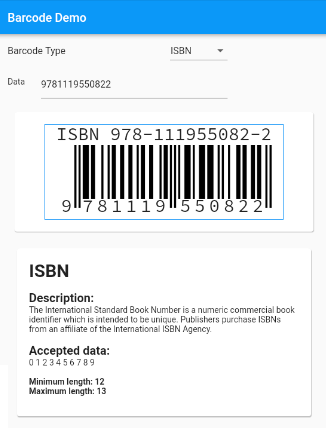
표준 바코드를 지원하는 Flutter용 바코드 생성 위젯입니다.
애플리케이션 라이프사이클 리셋 기능을 구현한 화면 밝기 조절용 플러그인
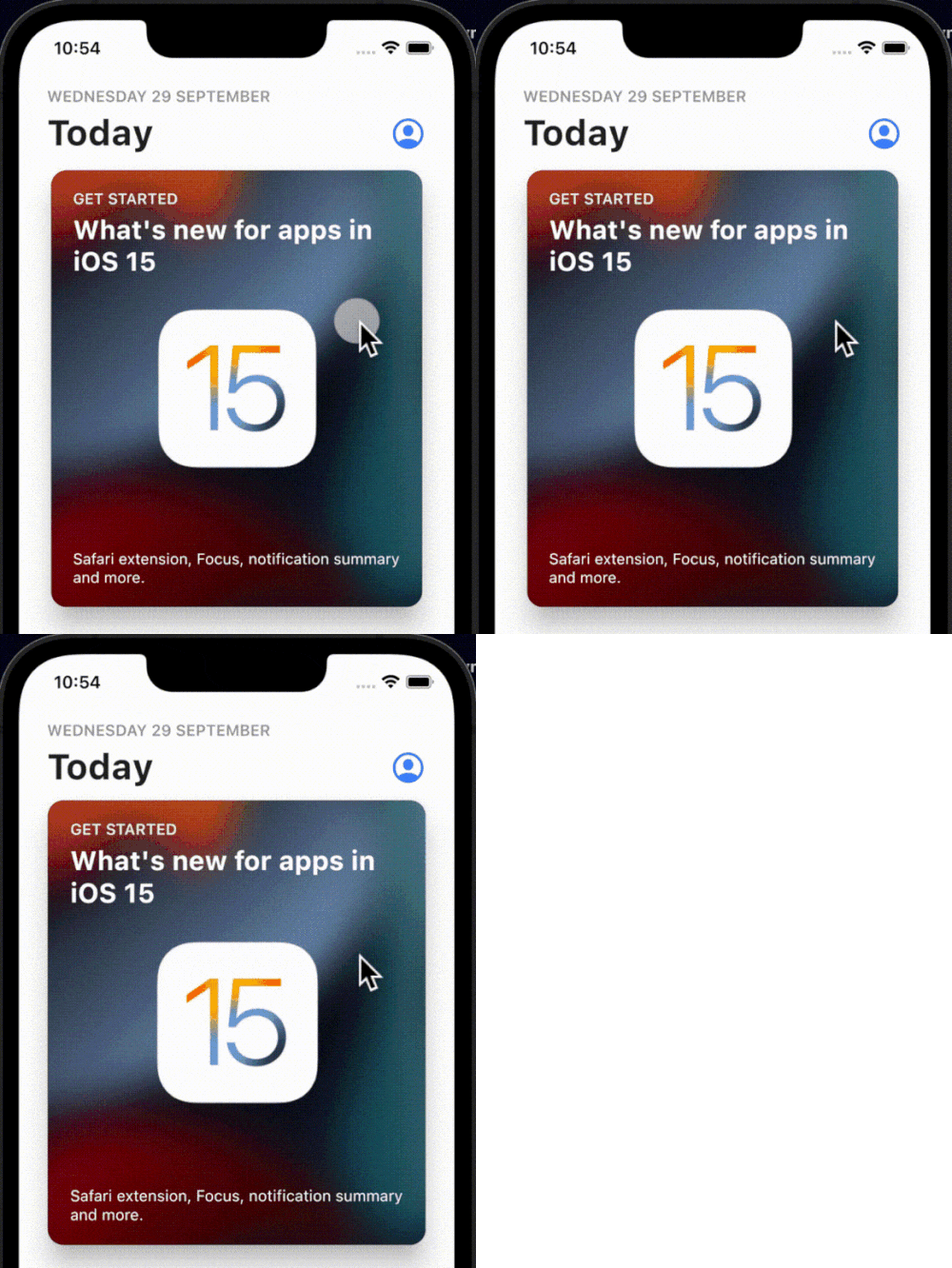
간단하고 상호작용 가능하며 사용자 정의 가능한 탭 바운스 애니메이션으로 원하는 위젯에 래핑할 수 있습니다.
Dart로 구현된 다중 형식의 1차원/2차원 바코드 이미지 처리 라이브러리입니다. 이는 안드로이드 라이브러리의 포트입니다.
하프틱 피드백을 위한 플러터 플러그인입니다. 표준 iOS 하프틱을 사용하지만, 안드로이드에서도 동일한 하프틱 패턴을 에뮬레이션하여 플랫폼 간 일관된 경험을 제공하고자 합니다.
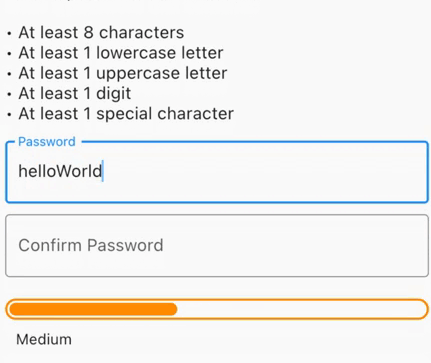
보안 비밀번호 생성, 노출된 비밀번호 확인, 강도에 대한 시각적 피드백 또는 최소 비밀번호 강도가 필요한 폼 검증을 수행합니다.
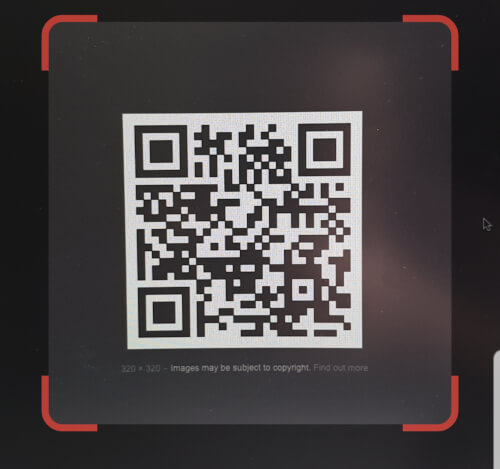
Flutter 내부에 삽입할 수 있는 QR 코드 스캐너입니다. 안드로이드에서는 zxing을, iOS에서는 AVFoundation을 사용합니다.
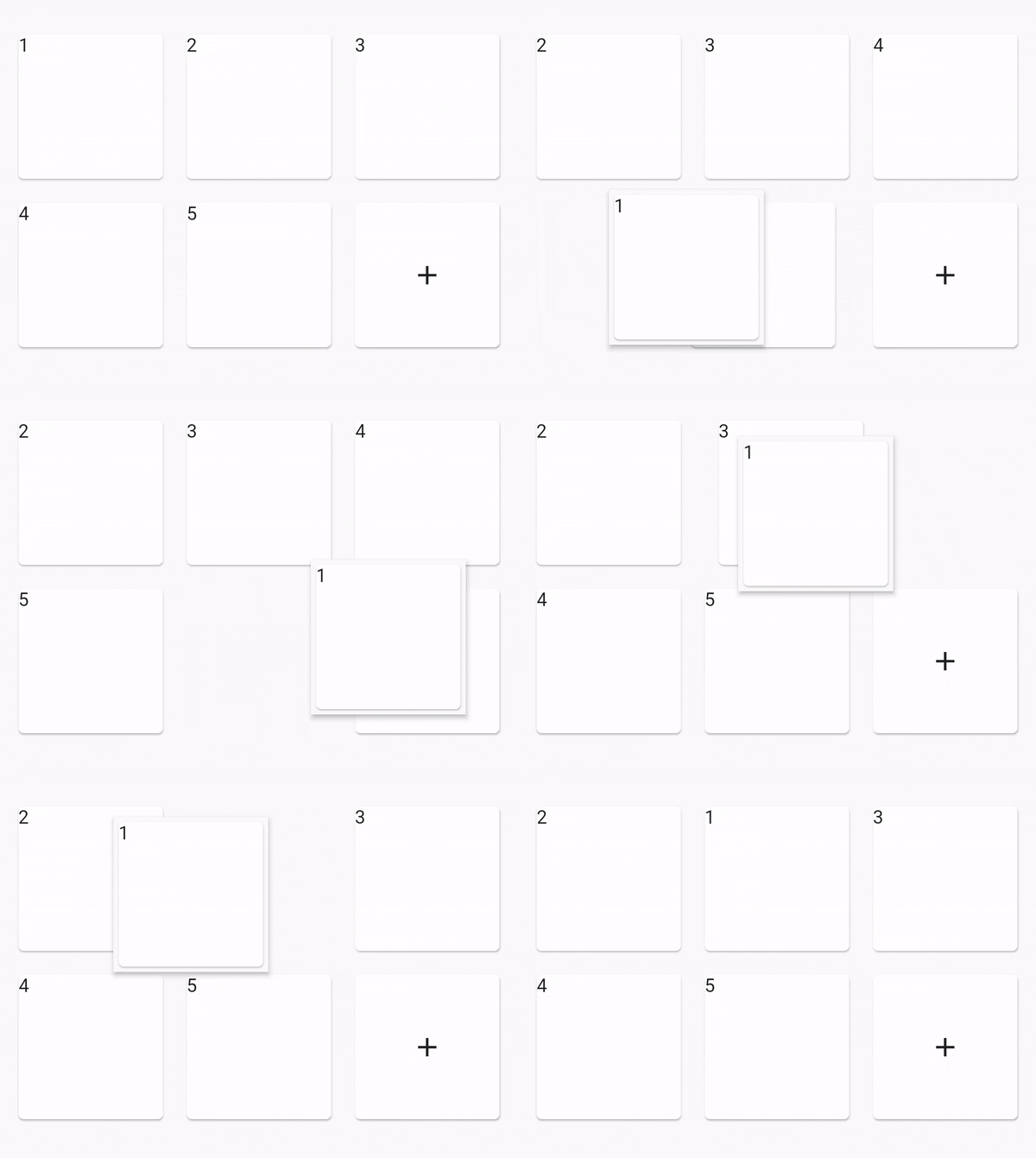
재정렬 가능한 그리드 뷰
의존성 목록 43 개
^4.0.9^2.0.4^0.12.0+1^1.0.2^2.1.0^12.0.0-beta.7{"sdk":"flutter"}^1.2.0^1.1.0^0.14.4^4.0.3>=9.0.0 <10.0.0^0.6.4+3>=2.19.3 <3.0.0>=2.3.4 <3.0.0^1.4.0^4.9.1^1.2.2^2.3.0^1.0.0^10.1.0^1.3.2>=1.9.1 <2.0.9^2.1.6^12.0.3^2.1.2^1.1.0^1.8.1^2.2.8^2.1.11^3.0.0^6.3.2>=4.0.0 <5.0.0^0.2.4^2.4.6^2.2.0{"sdk":"flutter"}{"sdk":"flutter"}^1.11.1^6.0.0^1.0.0^2.1.3^2.1.8사용 목적에 따라 검색하고 개발 활동을 비교한 뒤 원본 저장소에서 요구 사항을 확인하세요.
“A repository is the most basic element of GitHub.”
GitHub Docs — About repositories ↗