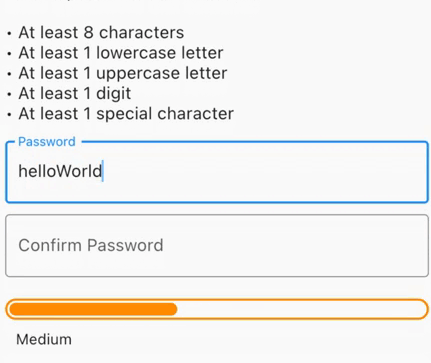
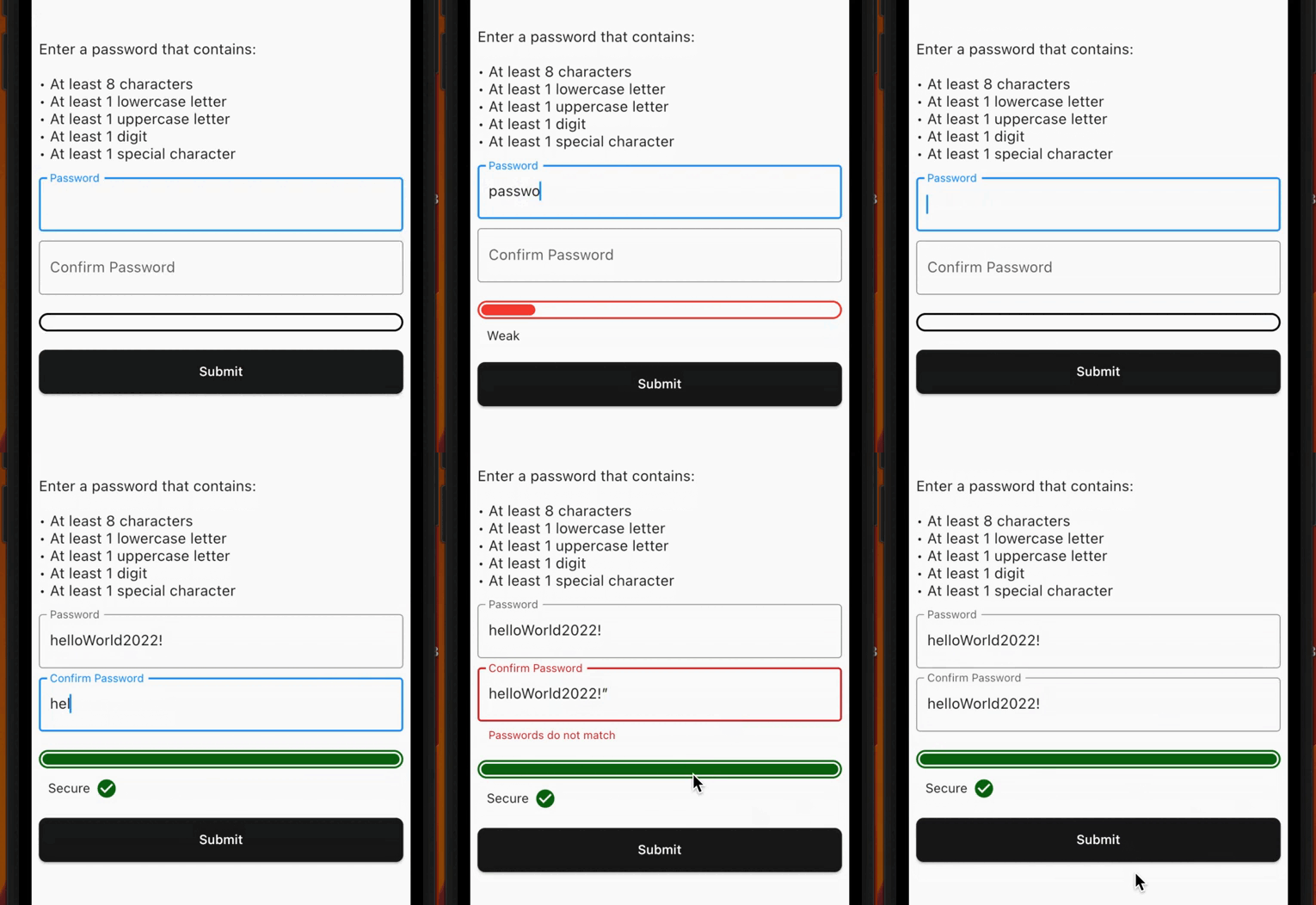
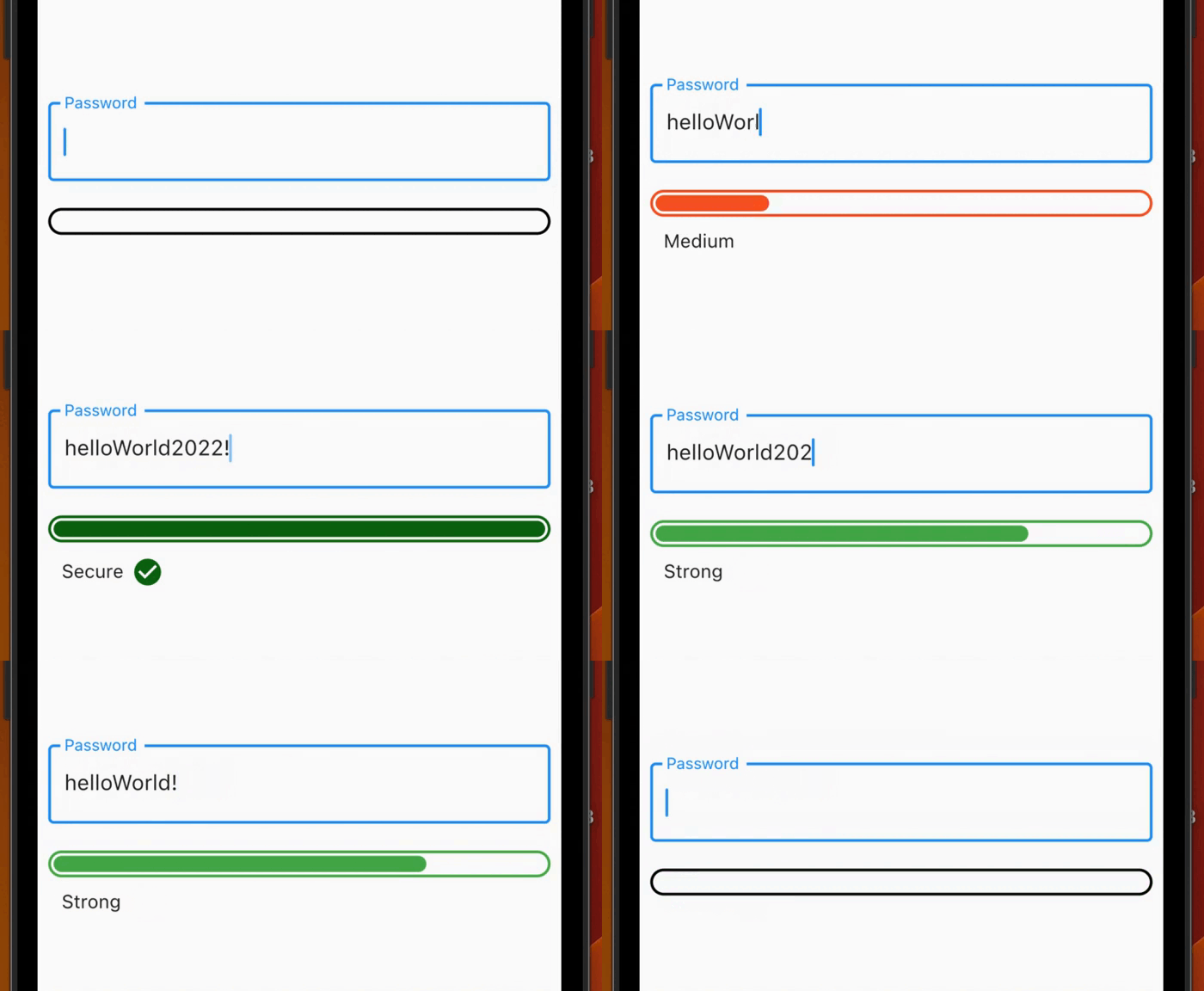
보안 비밀번호를 생성하고 강도를 검증하며 데이터 유출 사고에 노출되었는지 확인하는 데 도움이 되는 플러터 패키지입니다. 비밀번호 강도에 대한 실시간 시각적 피드백을 제공하며 사용자 정의 가능한 최소 강도 요구 사항을 갖춘 폼 검증을 지원합니다. 강력한 인증 기능이 필요한 애플리케이션에 적합하며, 여러 플랫폼의 비밀번호 입력 필드에 원활하게 통합됩니다.
사용 사례
최소 강도를 가진 폼 검증
실시간 비밀번호 강도 피드백
노출된 암호 확인
보안 비밀번호 생성
인증 흐름 개선
크로스 플랫폼 비밀번호 필드
주요 기능
시각적 강도 지표
노출된 암호 감지
사용자 정의 가능한 강도 임계값
비밀번호 생성 유틸리티
양식 검증기와의 통합
다중 플랫폼 지원
적합한 대상
인증 화면
사용자 등록 양식
보안 중심 앱
비밀번호 관리 도구
보안을 우선시하는 개발 팀
비밀번호 정책 준수를 요구하는 앱
고려 사항
누출 검사에 인터넷 연결이 필요합니다
앱 크기가 약간 증가할 수 있습니다
노출 조회를 위해 외부 API에 의존합니다
오프라인 전용 환경에는 적합하지 않습니다
실시간 검증 중 성능에 미치는 영향
API 실패에 대한 적절한 오류 처리가 필요합니다
원본 README
연결된 소스 저장소의 README 원문 스냅샷입니다. 최신 내용은 저장소에서 확인하세요.
password_strength_checker
Generate secure passwords, check for exposed passwords, get visual feedback for password strength or get form validation with a minimum password strength required.
Check the strength of the password in a visual way, with an animation when the strength changes according to the settings given by the user.
Use it also inside a Form to get form validation!
Features
Check for exposed common password using the commonDictionary, a map with 10,000 leaked passwords!
Use the PasswordStrengthChecker to have a visual feedback.
Use the PasswordStrengthFormChecker to have a built-in TextFormField inside the widget and get form validation using a minimumStrengthRequired.
Use the PasswordGenerator class to generate a secure random password based on the input configurations (PasswordGeneratorConfiguration).
Create your custom strength to create your own rules or use the PasswordStrength default enum (see Custom Strength).
Demo
Getting started
PasswordStrengthChecker
You can use the PasswordStrengthChecker to only have a visual feedback, for example:
final passNotifier = ValueNotifier<PasswordStrength?>(null);
// ...PasswordStrengthChecker(
strength: passNotifier,
),
You can use the PasswordStrengthFormChecker to have a built-in TextFormField inside the widget and get form validation using a minimumStrengthRequired. For example:
You can use the default PasswordStrength enum to set the strength of the password, or you can create your own enum that implements PasswordStrengthItem and use it. For example:
enumCustomPassStrengthimplementsPasswordStrengthItem {
weak,
medium,
strong;
@overrideColorget statusColor => switch (this) {
CustomPassStrength.weak => Colors.red,
CustomPassStrength.medium => Colors.orange,
CustomPassStrength.strong => Colors.green,
};
@overrideWidget? get statusWidget => switch (this) {
CustomPassStrength.weak => constText('Weak'),
CustomPassStrength.medium => constText('Medium'),
CustomPassStrength.strong => constText('Strong'),
};
@overridedoubleget widthPerc => switch (this) {
CustomPassStrength.weak => 0.15,
CustomPassStrength.medium => 0.4,
CustomPassStrength.strong => 0.75,
};
staticCustomPassStrength? calculate({requiredString text}) {
// Implement your custom logic hereif (text.isEmpty) {
returnnull;
}
// Use the [commonDictionary] to see if a password// is in 10,000 common exposed password list.if (commonDictionary[text] == true) {
returnCustomPassStrength.weak;
}
if (text.length < 6) {
returnCustomPassStrength.weak;
} elseif (text.length < 10) {
returnCustomPassStrength.medium;
} else {
returnCustomPassStrength.strong;
}
}
}
Contribution
The project is open source and you can contribute to it here -> repository link