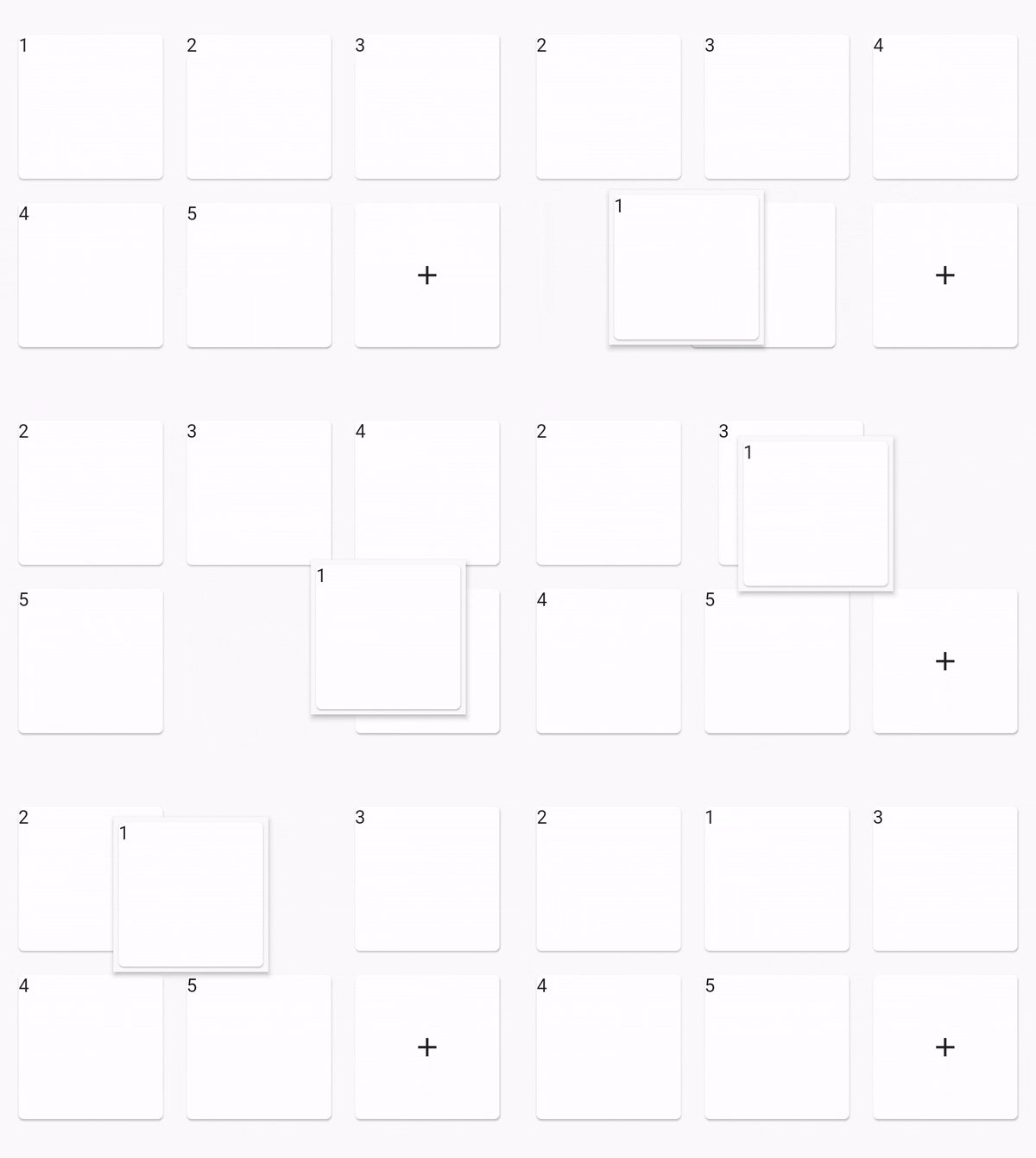
연결된 소스 저장소의 README 원문 스냅샷입니다. 최신 내용은 저장소에서 확인하세요.
ReorderableGridView
Idea from official ReorderableListView
Usage:
dependencies:
  reorderable_grid_view: ^2.2.9-alpha.4
Example
class _MyHomePageState extends State <MyHomePage > final data = [1 , 2 , 3 , 4 , 5 ];
@override
Widget build (BuildContext context) {
Widget buildItem (String text) {
return Card (
key: ValueKey (text),
child: Text (text),
);
}
return Scaffold (
appBar: AppBar (
title: Text (widget.title),
),
body: Center (
child: ReorderableGridView .count (
crossAxisSpacing: 10 ,
mainAxisSpacing: 10 ,
crossAxisCount: 3 ,
children: this .data.map ((e) => buildItem ("$e " )).toList (),
onReorder: (oldIndex, newIndex) {
setState (() {
final element = data.removeAt (oldIndex);
data.insert (newIndex, element);
});
},
footer: [
Card (
child: Center (
child: Icon (Icons .add),
),
),
],
),
),
);
}
}
Options
option
desc
dragWidgetBuilderV2the drag widget builder
restrictDragScoperestrict drag scope to ReorderableGridView, not drag over the scree, default is false
dragStartDelaythe longPress time
scrollDirectionthe scroll direction, default is Axis.vertical, supports Axis.horizontal
scrollSpeedControllercontrol how speed when scroll down when drag out of viewport
OnDropIndexChangethe drop position changed, void (index, oldIndex), oldIndex = nil if is drag start.
dragWidgetBuilderV2Normaly you can do like this:
dragWidgetBuilderV2: DragWidgetBuilderV2(
isScreenshotDragWidget: false ,
builder: (index, child, screenshot) {
return child;
}
)
child is you dragging widget.
And if you dragging widget has some state, the callback's child can't access the state. So you can do a screenshot like this.
dragWidgetBuilderV2: DragWidgetBuilderV2 (
isScreenshotDragWidget: true ,
builder: (index, child, screenshot) {
return Image (screenshot);
}
)
Constructors
ReorderableGridView.builderReorderableGridView.countReorderableSliverGridView.count
custom reorderable
You can use ReorderableWrapperWidget to custom your reorderable.
Use ReorderableWrapperWidget as root. and it's descendants is ReorderableItemView[] list
ReorderableWrapperWidget(child: SomeCollection(children: ReorderableItemView))
Important
the placeholderBuilder is not right when the list is very long, is not fixable for now. please see issue 47
can drag out of scope in ReorderableSliverGridView, please see issue 52
TODO
fix placeholderBuilder is not right when the list is very long
Other link project
If this project is not fit your meet, you can try those other projects