
Zest
📝 작업 관리 애플리케이션

- 스타
- 484
- 포크
- 59
- 최근 푸시(UTC)
- 2026. 9. 8.
- 프로젝트 상태
- 활성
원본 README
아래는 영문 원문 스냅샷입니다. 최신 내용은 GitHub에서 확인하세요.

📝 Zest
A beautiful, feature-rich task management application built with Flutter


Tired of task chaos? Zest keeps you in control with powerful organization, advanced statistics, and beautiful design. 📱📅✅
🌍 Available in 16 languages • 🎨 Material You & AMOLED • 📊 365-day heatmap • 🔔 Smart reminders
✨ Features
🎯 Powerful Task Management
- Color-coded categories • Hierarchical subtasks with parent/child relationships • Priority levels (high, medium, low, none)
- Tags system for flexible organization • Sort by name, date, priority, or randomly • Archive completed categories
- Pin important todos • Drag-to-reorder • Calendar view for task overview
📊 Advanced Statistics
- 365-day productivity heatmap • Completion streaks tracking
- Weekly and hourly completion charts • Visual productivity insights
- Beautiful data visualization with fl_chart
🔔 Smart Notifications
- Timezone-aware scheduled reminders • Actionable notifications with "Mark as Done" and "Snooze" buttons
- Configurable snooze duration (5–60 minutes) • Background notification handling
- Automatic timezone detection
💾 Backup & Data Management
- Manual backup and restore with GZip compression
- Automatic backups (daily, weekly, monthly) with configurable retention
- Selectable backup directory (Storage Access Framework support)
- Full data deletion option
🎨 Beautiful Design
- Material You dynamic theming (wallpaper colors) • Pure AMOLED black theme
- Light/Dark/System modes • Edge-to-edge display • Google Fonts (Ubuntu)
- Smooth animations • Responsive layouts for all screen sizes
🚀 Platform Integration
- Home screen quick actions (New Category, New Todo, All Todos, Calendar, Statistics)
- Screen privacy protection (prevent screenshots/recording)
- Optimal display mode selection (high refresh rate support)
- Haptic feedback • Portrait-only orientation
🌍 Extensive Localization
- 16 languages including: English, Русский, 中文 (简体/繁體), العربية, فارسی, Español, Français, Deutsch, Italiano, Türkçe, Tiếng Việt, 한국어, Português, Polski
🧮 Customization Options
- Custom category colors with color picker • Sorting preferences per category
- Theme mode selection • Language preferences
📸 Screenshots
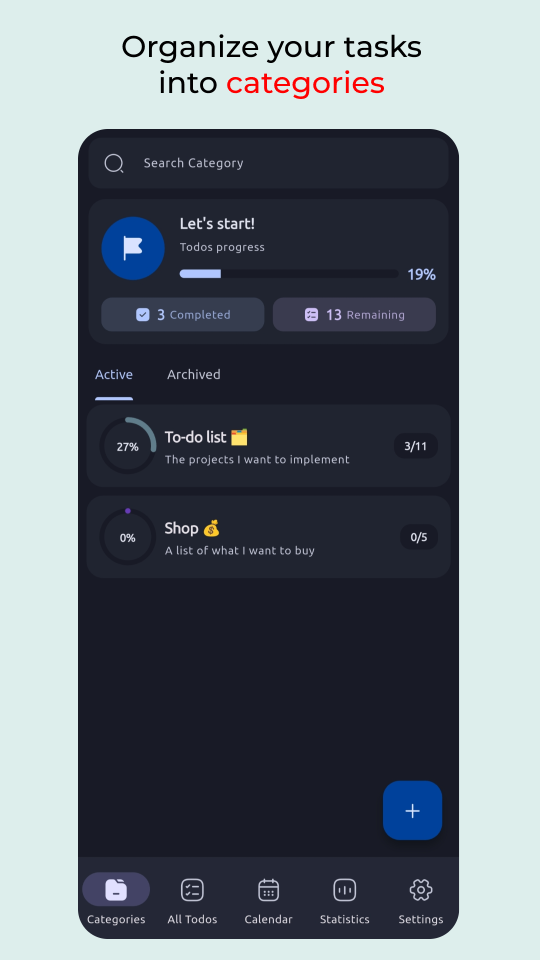
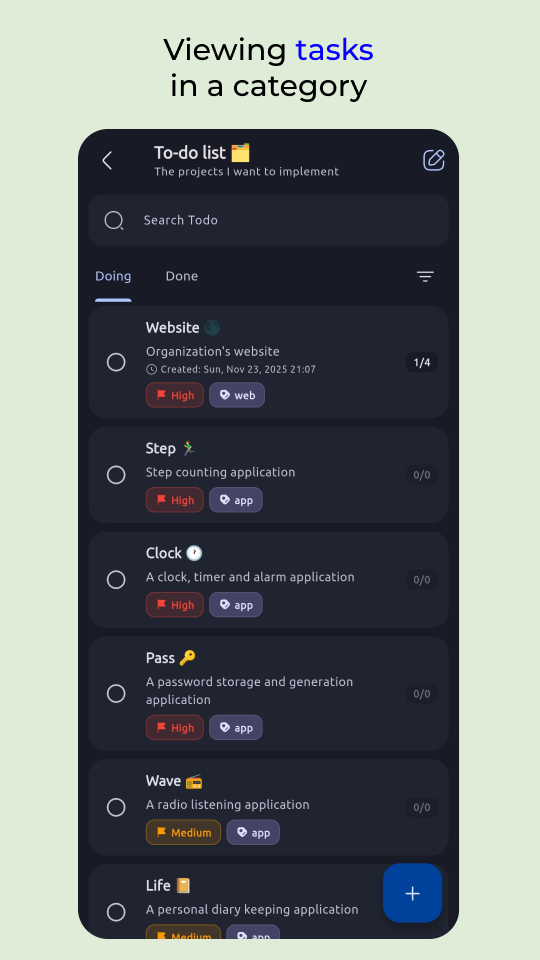
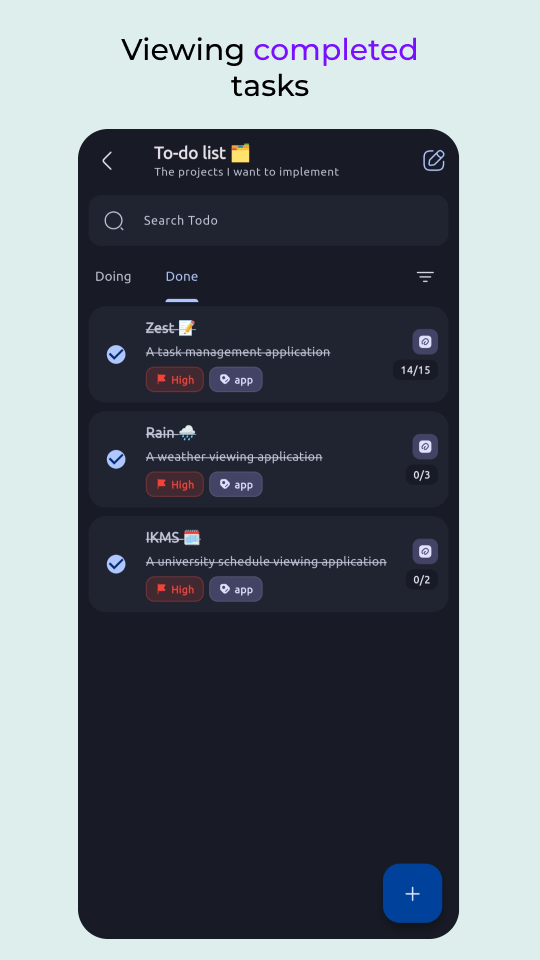
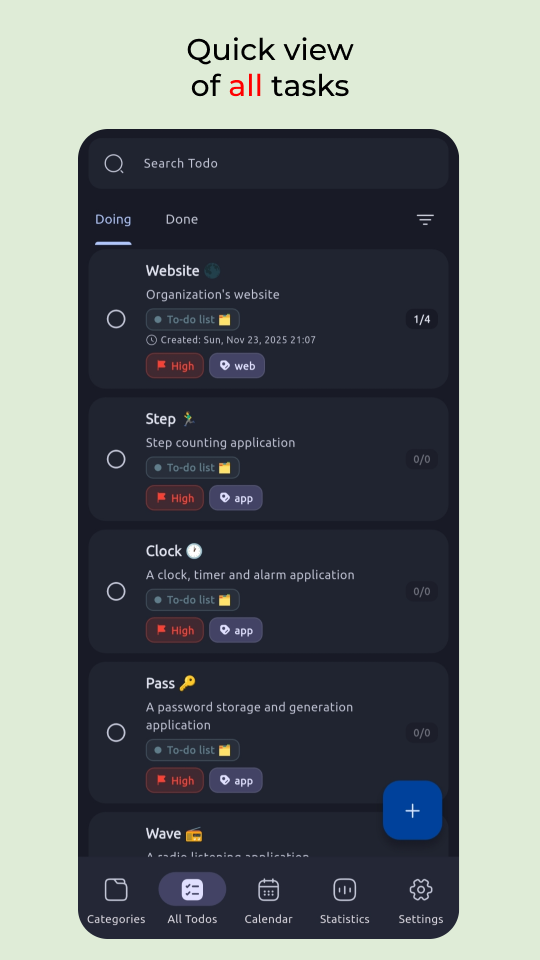
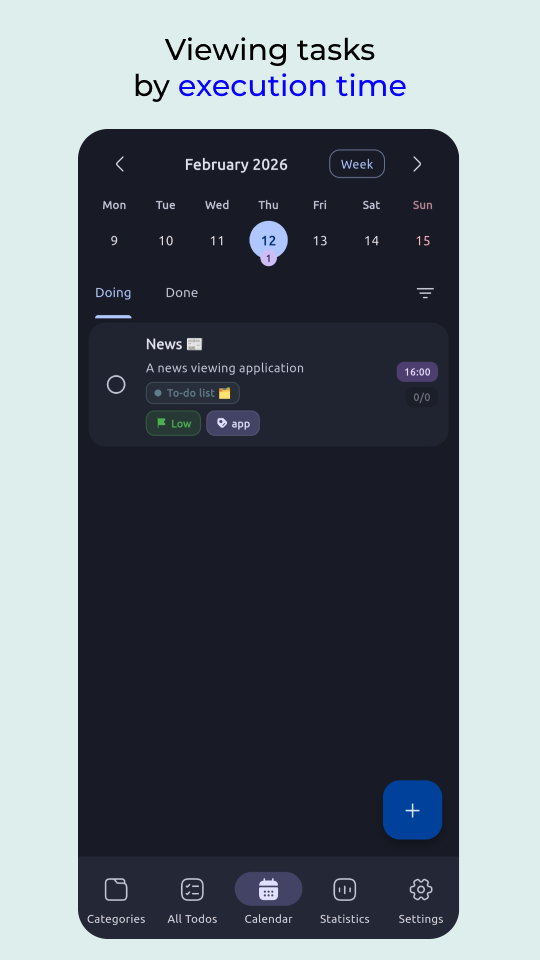
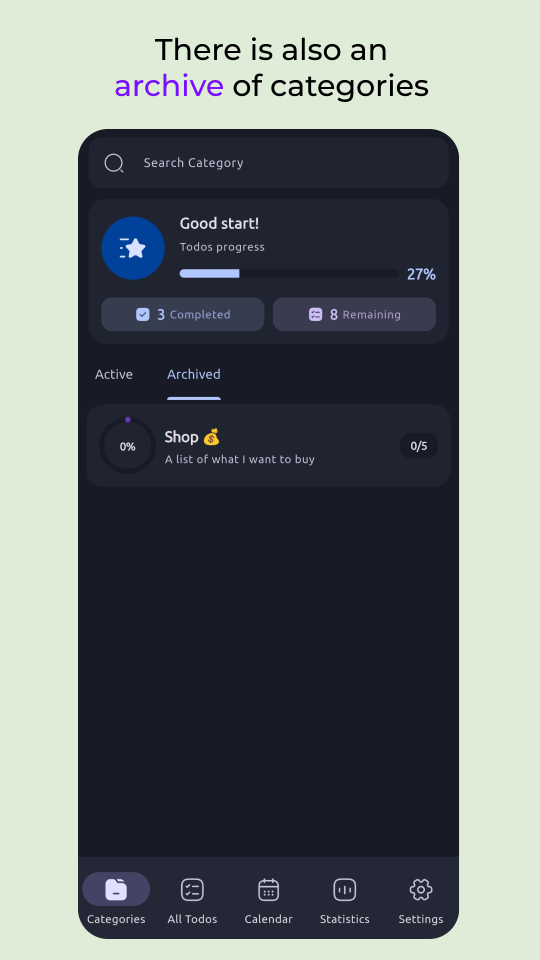
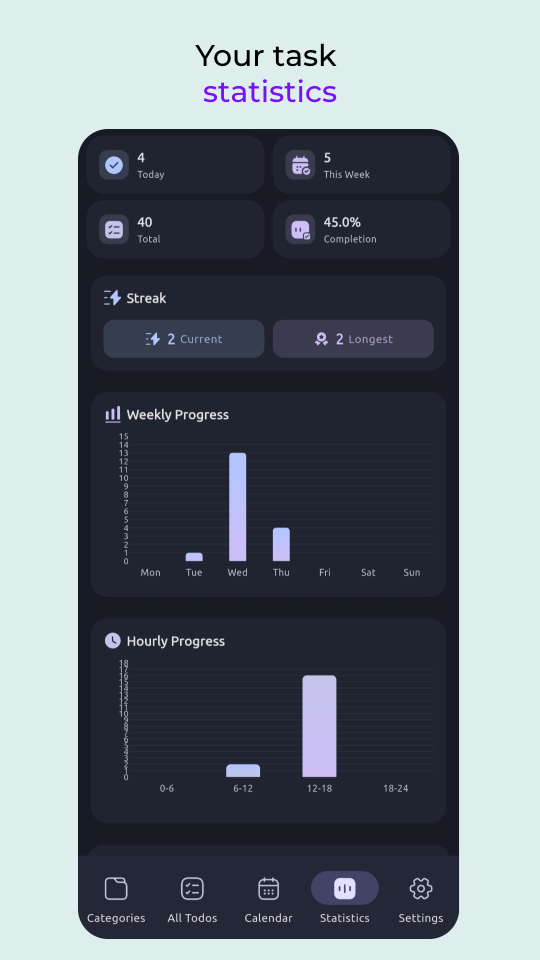
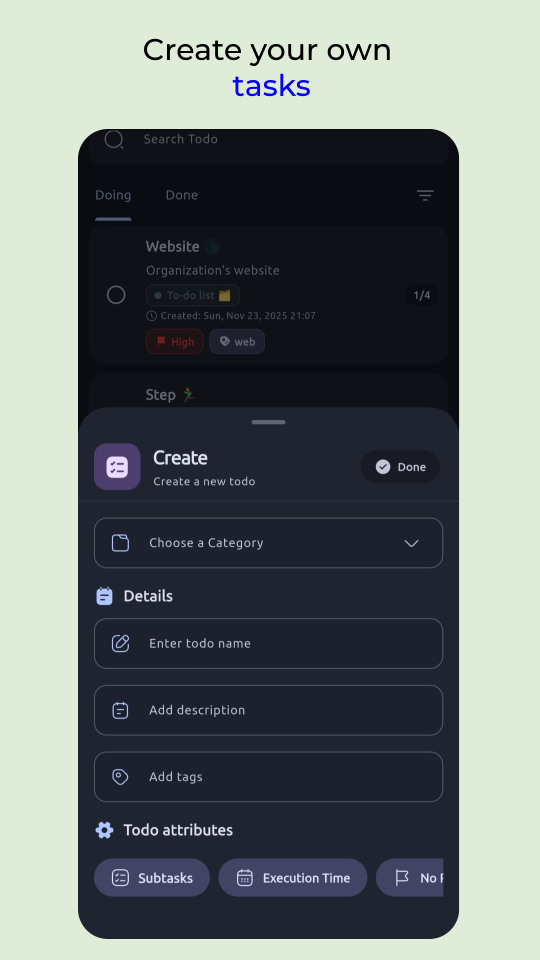
📥 Download
Android


Other Platforms
Get the latest APK or builds for other platforms from the Releases Section.
🛠️ Building from Source
Prerequisites
- Flutter SDK 3.41.7 or higher
- Dart SDK 3.11.5 or higher
- Android Studio / Xcode for platform-specific builds
Steps
# Clone the repository
git clone https://github.com/darkmoonight/Zest.git
cd Zest

# Install dependencies
flutter pub get

# Generate code (for Isar database schemas)
dart run build_runner build

# Run the app
flutter run

# Build for production
flutter build apk --release        # Android APK
flutter build appbundle --release  # Android App Bundle (Play Store)
flutter build ios --release        # iOS
Code Generation
The project uses code generation for:
- Isar - Database schemas and queries
After modifying files with @collection annotations, run:
dart run build_runner build --delete-conflicting-outputs
---🤝 Contributing
We welcome contributions! Please see CONTRIBUTING.md for guidelines.
💰 Support the Project
If Zest has become an indispensable part of your daily routine, consider supporting development:

📃 License
This project is licensed under the MIT License.
👨💻 Contributors
Thanks to all our amazing contributors!
Made with ❤️ using Flutter

DARK NIGHT ↗
분류
사용 중인 의존성
의존성 목록 38 개
- flutter
{"sdk":"flutter"} - flutter_localizations
{"sdk":"flutter"} - get
^4.7.3 - gap
^3.0.1 - path
^1.9.1 - intl
^0.20.2 - archive
^4.0.7 - timezone
^0.11.0 - flag_secure
^2.0.2 - quick_actions
^1.1.0 - restart_app
^1.8.3 - reorderables
^0.6.0 - google_fonts
^8.1.0 - url_launcher
^6.3.2 - iconsax_plus
^1.0.0 - display_mode
^0.0.2 - dynamic_color
^1.8.1 - path_provider
^2.1.6 - file_selector
^1.1.0 - table_calendar
^3.2.0 - flutter_timezone
^5.1.0 - device_info_plus
^13.1.0 - package_info_plus
^10.1.0 - flex_color_picker
^3.8.0 - omni_datetime_picker
^2.3.2 - line_awesome_flutter
^3.0.1 - sleek_circular_slider
^2.1.0 - flutter_local_notifications
^22.0.1 - isar_community
^3.3.2 - isar_community_flutter_libs
^3.3.2 - flutter_heatmap_calendar
^1.0.5 - fl_chart
^1.2.0 - flutter_test개발 의존성
{"sdk":"flutter"} - build_runner개발 의존성
^2.15.0 - flutter_lints개발 의존성
^6.0.0 - flutter_native_splash개발 의존성
^2.4.8 - flutter_launcher_icons개발 의존성
^0.14.4 - isar_community_generator개발 의존성
^3.3.2
순위
프로젝트에 맞는 저장소를 선택하려면?
사용 목적에 따라 검색하고 개발 활동을 비교한 뒤 원본 저장소에서 요구 사항을 확인하세요.
- 이름, 작성자 또는 설명으로 검색하고 기술 주제로 범위를 좁힙니다.
- 스타, 포크, 최근 푸시를 함께 비교하세요. 스타는 관심의 지표이며 품질을 보장하지 않습니다.
- 사용하기 전에 GitHub에서 README, 라이선스, Issues를 확인하세요.
출처 및 관리
“A repository is the most basic element of GitHub.”
GitHub Docs — About repositories ↗