연결된 소스 저장소의 README 원문 스냅샷입니다. 최신 내용은 저장소에서 확인하세요.
Omni DateTime Picker
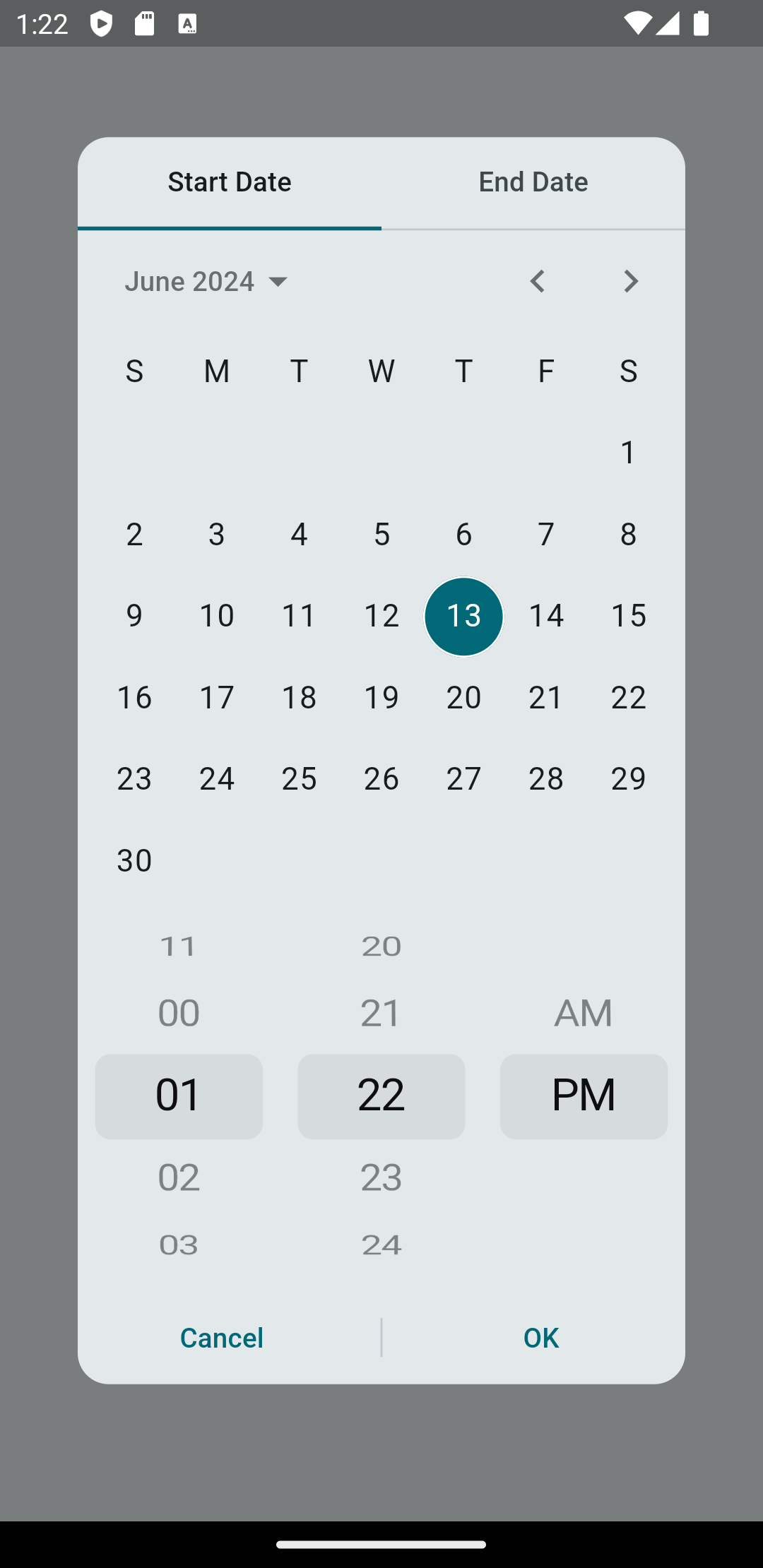
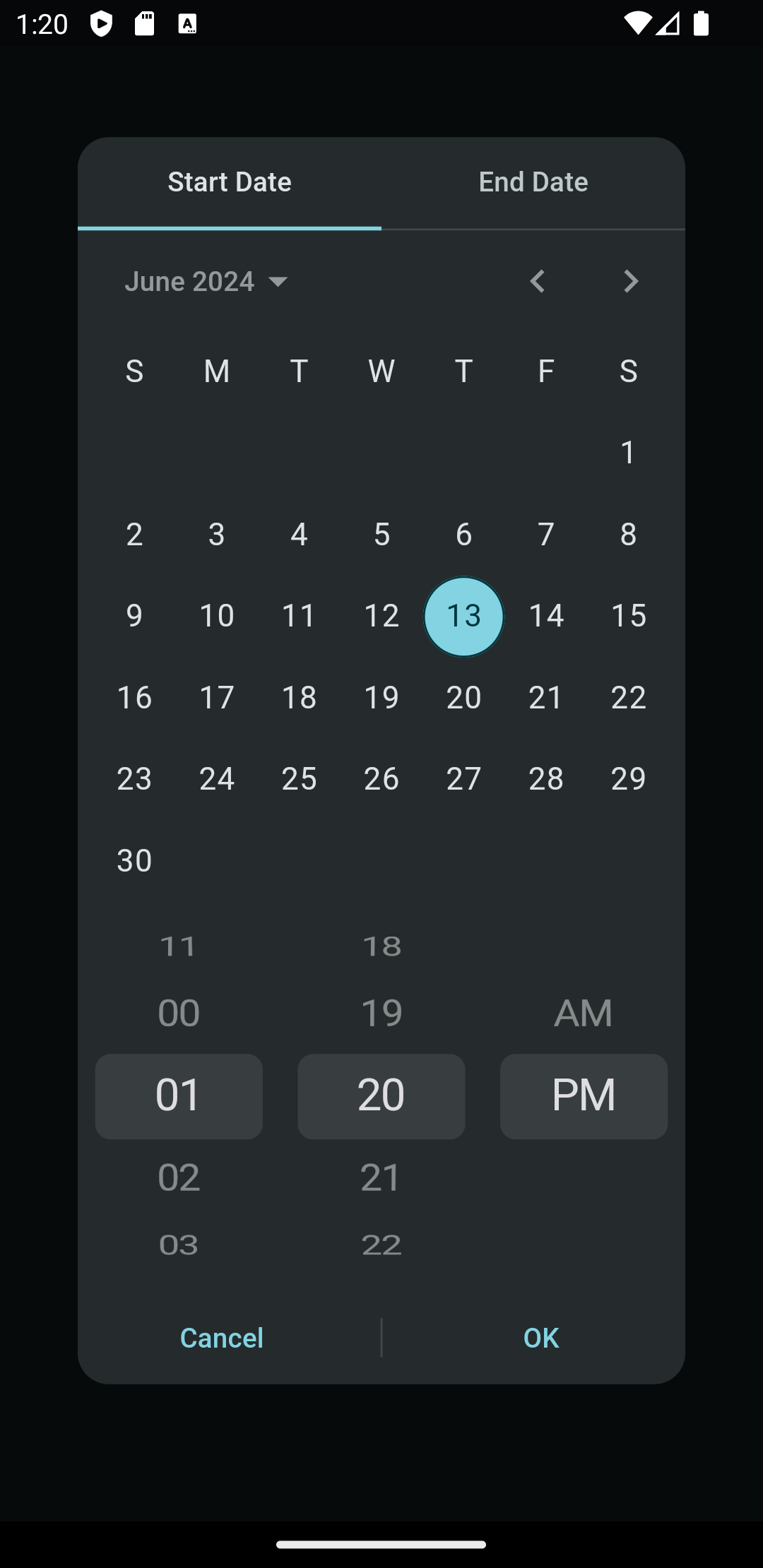
A DateTime picker that lets user select a date and the time, with start & end as a range.
Screenshots
Getting started
Add this to your package's pubspec.yaml file and run flutter pub get:
dependencies:
  omni_datetime_picker: ^2.3.2
Now in your Dart code, you can use:
import 'package:omni_datetime_picker/omni_datetime_picker.dart' ;
Usage
Simple usage:
OmniDateTimePicker
DateTime ? dateTime = await showOmniDateTimePicker (context: context);
OmniDateTimeRangePicker
List <DateTime >? dateTimeList = await showOmniDateTimeRangePicker (context: context);
Custom properties:
OmniDateTimePicker
DateTime ? dateTime = await showOmniDateTimePicker (
context: context,
initialDate: DateTime .now (),
firstDate:
DateTime (1600 ).subtract (const Duration (days: 3652 )),
lastDate: DateTime .now ().add (
const Duration (days: 3652 ),
),
is24HourMode: false ,
isShowSeconds: false ,
minutesInterval: 1 ,
secondsInterval: 1 ,
isForce2Digits: false ,
borderRadius: const BorderRadius .all (Radius .circular (16 )),
constraints: const BoxConstraints (
maxWidth: 350 ,
maxHeight: 650 ,
),
transitionBuilder: (context, anim1, anim2, child) {
return FadeTransition (
opacity: anim1.drive (
Tween (
begin: 0 ,
end: 1 ,
),
),
child: child,
);
},
transitionDuration: const Duration (milliseconds: 200 ),
barrierDismissible: true ,
barrierColor: const Color (0x80000000 ),
selectableDayPredicate: (dateTime) {
if (dateTime == DateTime (2023 , 2 , 25 )) {
return false ;
} else {
return true ;
}
},
type: OmniDateTimePickerType .dateAndTime,
title: Text ('Select Date & Time' ),
titleSeparator: Divider (),
separator: SizedBox (height: 16 ),
padding: EdgeInsets .all (16 ),
insetPadding: EdgeInsets .symmetric (horizontal: 40 , vertical: 24 ),
theme: ThemeData .light (),
actionsBuilder: (context, confirmCallback, cancelCallback) {
return Row (
mainAxisAlignment: MainAxisAlignment .spaceEvenly,
children: [
TextButton (
onPressed: cancelCallback,
child: Text ('Cancel' ),
),
ElevatedButton (
onPressed: confirmCallback,
child: Text ('Confirm' ),
),
],
);
},
);
OmniDateTimeRangePicker
List <DateTime >? dateTimeList =
await showOmniDateTimeRangePicker (
context: context,
startInitialDate: DateTime .now (),
startFirstDate:
DateTime (1600 ).subtract (const Duration (days: 3652 )),
startLastDate: DateTime .now ().add (
const Duration (days: 3652 ),
),
endInitialDate: DateTime .now (),
endFirstDate:
DateTime (1600 ).subtract (const Duration (days: 3652 )),
endLastDate: DateTime .now ().add (
const Duration (days: 3652 ),
),
is24HourMode: false ,
isShowSeconds: false ,
minutesInterval: 1 ,
secondsInterval: 1 ,
isForce2Digits: false ,
isForceEndDateAfterStartDate: true ,
onStartDateAfterEndDateError: () {
print ('Start date cannot be after end date!' );
},
borderRadius: const BorderRadius .all (Radius .circular (16 )),
constraints: const BoxConstraints (
maxWidth: 350 ,
maxHeight: 650 ,
),
transitionBuilder: (context, anim1, anim2, child) {
return FadeTransition (
opacity: anim1.drive (
Tween (
begin: 0 ,
end: 1 ,
),
),
child: child,
);
},
transitionDuration: const Duration (milliseconds: 200 ),
barrierDismissible: true ,
barrierColor: Colors .black54,
startSelectableDayPredicate: (dateTime) {
if (dateTime == DateTime (2023 , 2 , 25 )) {
return false ;
} else {
return true ;
}
},
endSelectableDayPredicate: (dateTime) {
if (dateTime == DateTime (2023 , 2 , 26 )) {
return false ;
} else {
return true ;
}
},
type: OmniDateTimePickerType .dateAndTime,
title: Text ('Select Date & Time Range' ),
titleSeparator: Divider (),
startWidget: Text ('Start' ),
endWidget: Text ('End' ),
separator: SizedBox (height: 16 ),
defaultTab: DefaultTab .start,
padding: EdgeInsets .all (16 ),
insetPadding: EdgeInsets .symmetric (horizontal: 40 , vertical: 24 ),
theme: ThemeData .light (),
actionsBuilder: (context, confirmCallback, cancelCallback) {
return Row (
mainAxisAlignment: MainAxisAlignment .spaceEvenly,
children: [
TextButton (
onPressed: cancelCallback,
child: Text ('Cancel' ),
),
ElevatedButton (
onPressed: confirmCallback,
child: Text ('Confirm' ),
),
],
);
},
);
The returned value of showOmniDateTimeRangePicker() will be a List with two DateTime:
[startDateTime, endDateTime].
Usage with more flexibility
OmniDateTimePicker is now available for use directly as a widget instead of the prebuilt dialogs.